

 Automattic
Limited option to order Courses for "Course List" Block
Is your feature request related to a problem? Please describe
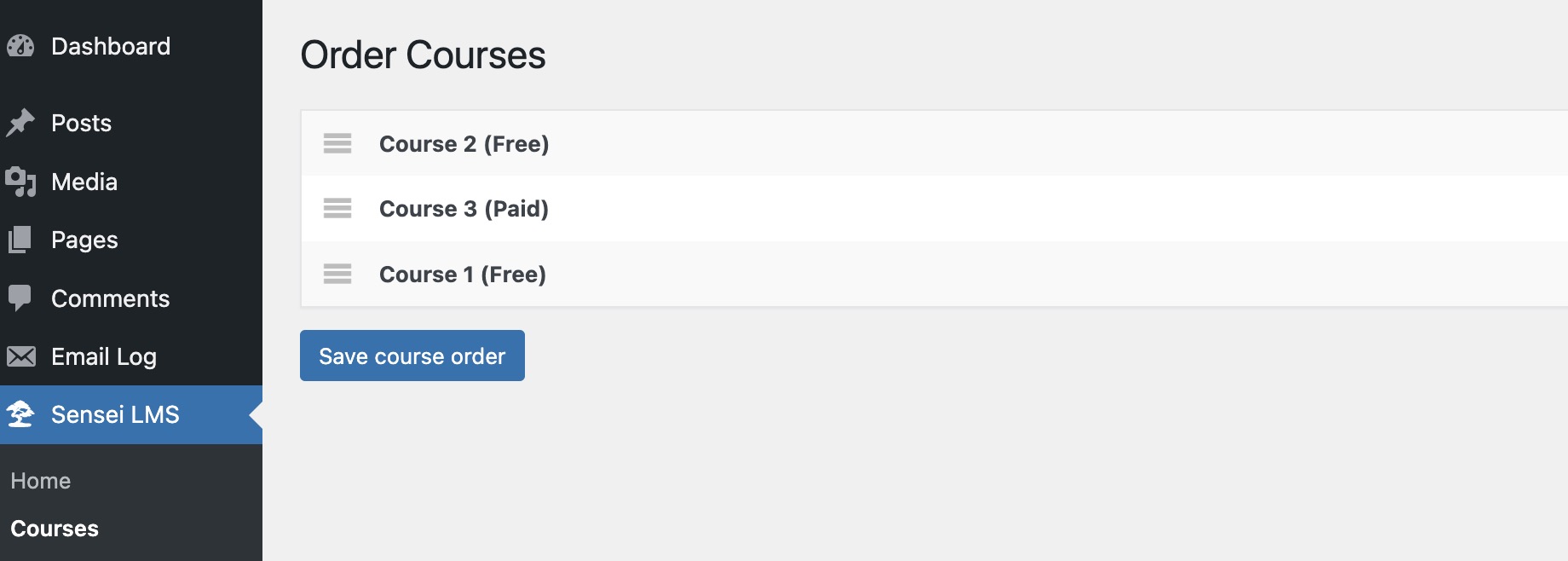
For the default "Courses" page added by Sensei, we have the option to order the course as we want using drag and drop option:
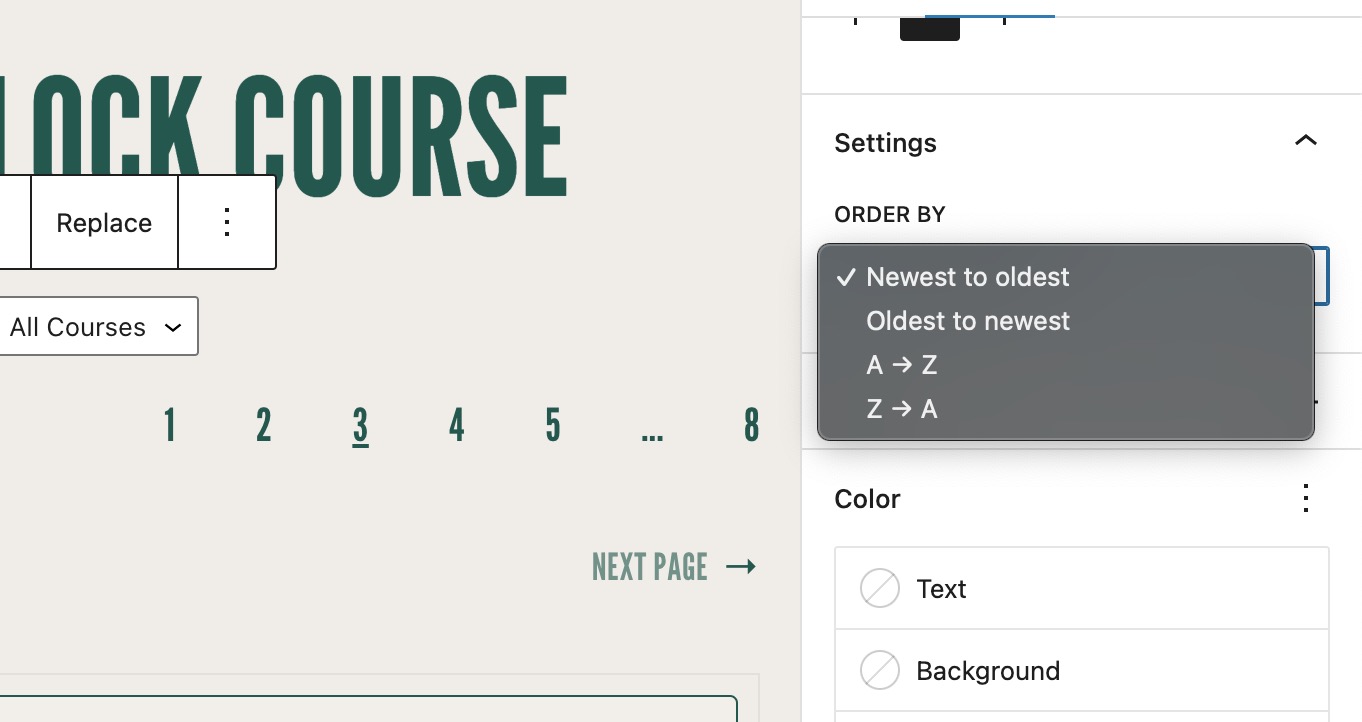
But for the "Course List" Block we have limited options:
Describe the solution you'd like
We can provide the same drag-and-drop option to arrange courses when using the "Course List" Block just like we do provide an option in the default "Courses" page added by Sensei.
Or if a user set a course order by going to Sensei LMS » Courses » Order Courses then we can use this same order for the "Course List" Block as well.
Reference to 6005076-zd-woothemes

Support References
This comment is automatically generated. Please do not edit it.
- [ ] 6005076-zen
![github-actions[bot] avatar](https://avatars.githubusercontent.com/in/15368?v=4 "Published by a pub.dev verified publisher")
I'll bump this. I need to be able to set the 'Course order' and then call the Courses in that order in the 'Course List' block settings. Thanks in advance.
