
sensei

sensei copied to clipboard
 Automattic
Blank layout option for new Course and Lesson layout.
Requested in 5643136 - zen
How can I disable this modal forms when I create course or lesson? I just need blank editor. I don’t use them.
It would be nice to add another option for a blank layout when creating a new course and lesson here:
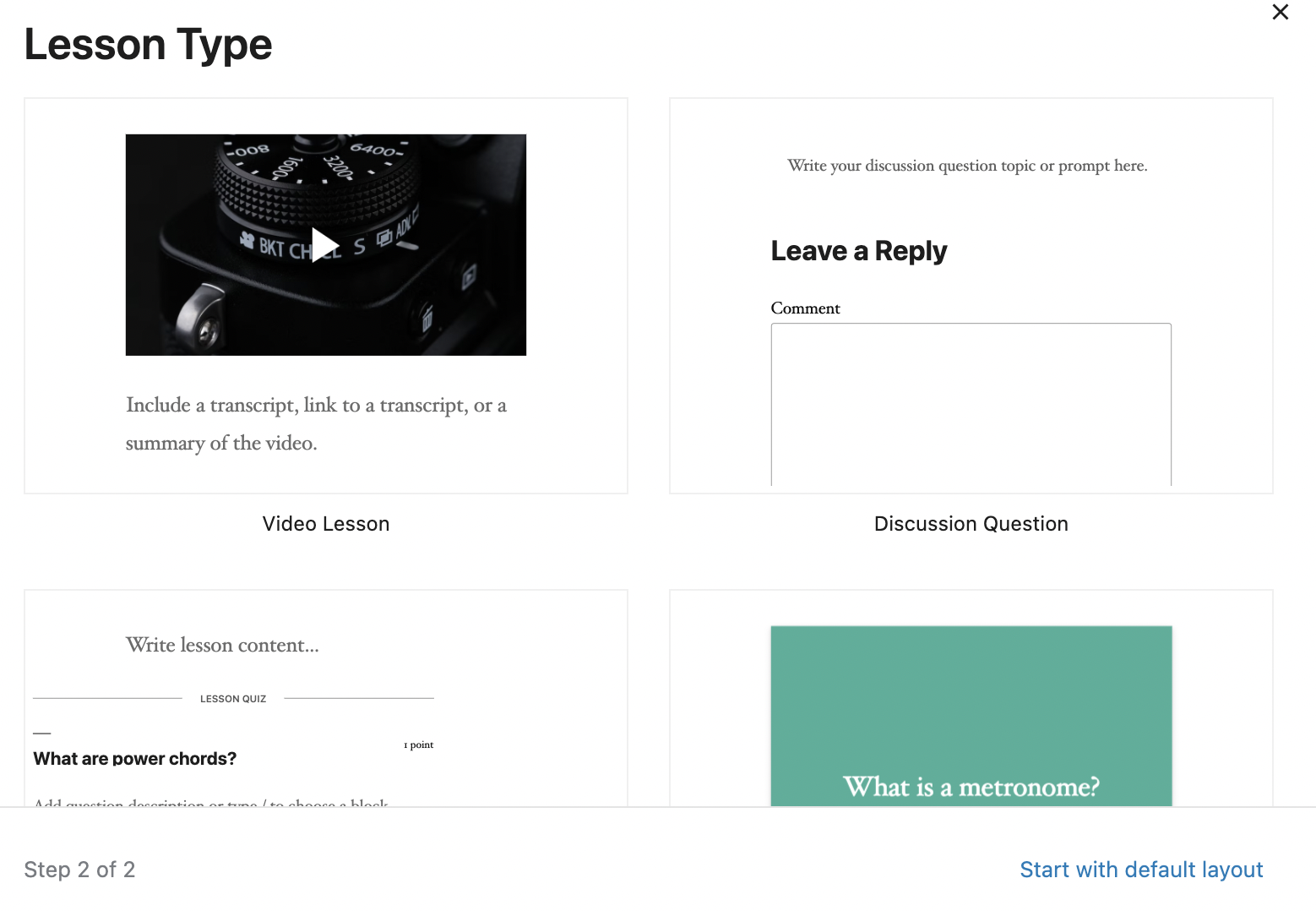
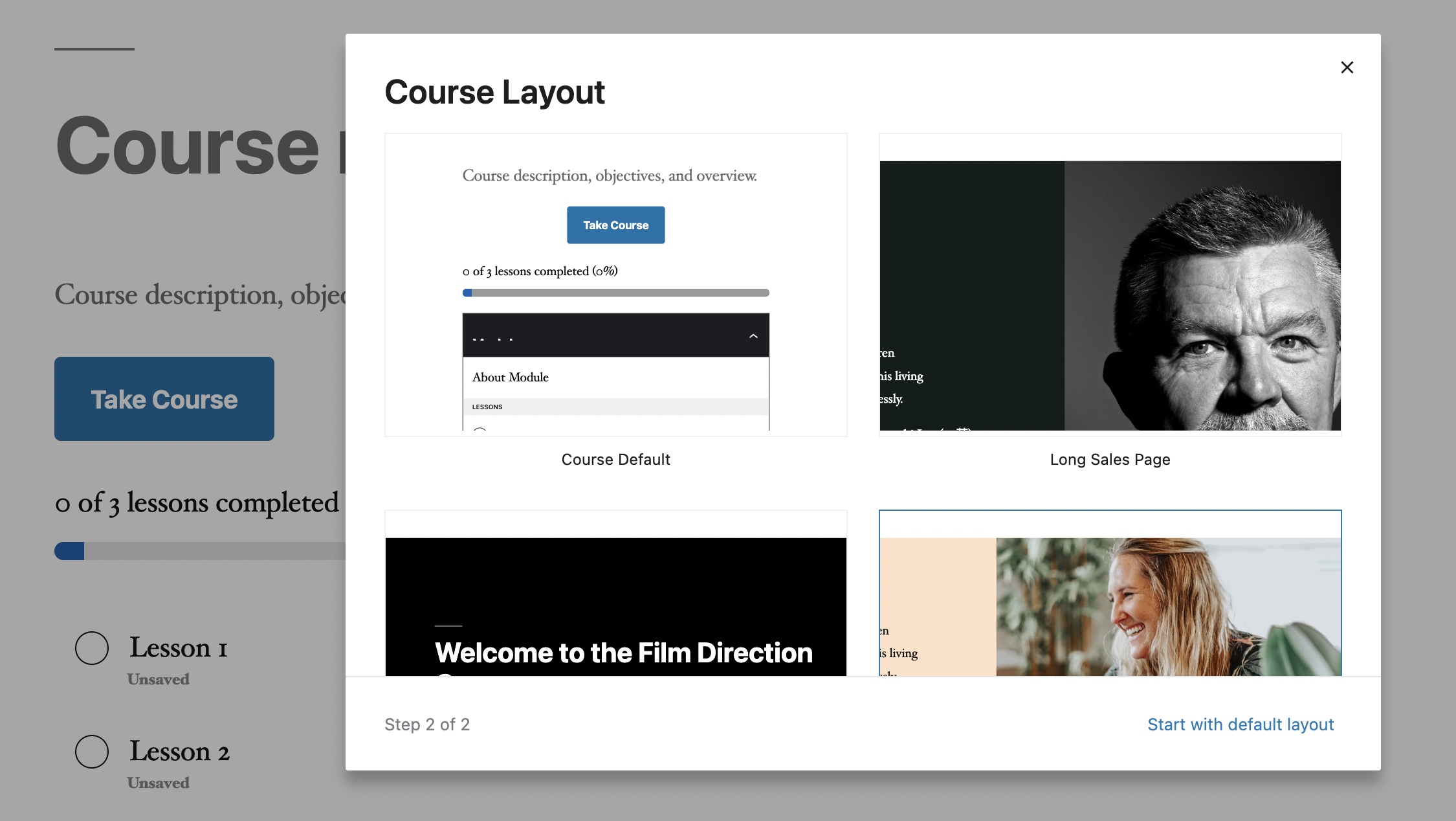

Also requested in 9775464-zd-a8c
A potential workaround is to create a new course using the Classic Editor plugin, and then switch back to the Block Editor to continue editing.

Support References
This comment is automatically generated. Please do not edit it.
- [ ] 9775464-zen
![github-actions[bot] avatar](https://avatars.githubusercontent.com/in/15368?v=4 "Published by a pub.dev verified publisher")