
sensei
 sensei copied to clipboard
Published
20 hours ago •
 Automattic
Automattic
Quizzes stopped working
When viewing a newly created quiz, you see PHP warnings and a There are no questions for this Quiz yet. Check back soon. message.
Steps to Reproduce
- Create a course.
- Create a lesson for the course.
- Add a quiz block to the lesson.
- Add a few questions.
- Publish the lesson and the course.
- Go to the lessons page and click the
View Quizbutton.
What I Expected
To see the quiz questions.
What Happened Instead
I see multiple PHP warnings and a There are no questions for this Quiz yet. Check back soon. message.
The warnings are:
Warning: array_rand(): Second argument has to be between 1 and the number of elements in the array in /srv/users/user2cbb06c9/apps/user2cbb06c9/public/wp-content/plugins/sensei-lms/includes/class-sensei-lesson.php on line 3618
PHP / WordPress / Sensei LMS version
PHP: 7.2 WordPress: 6.0.1 Sensei LMS: 4.6.1
Screenshot / Video
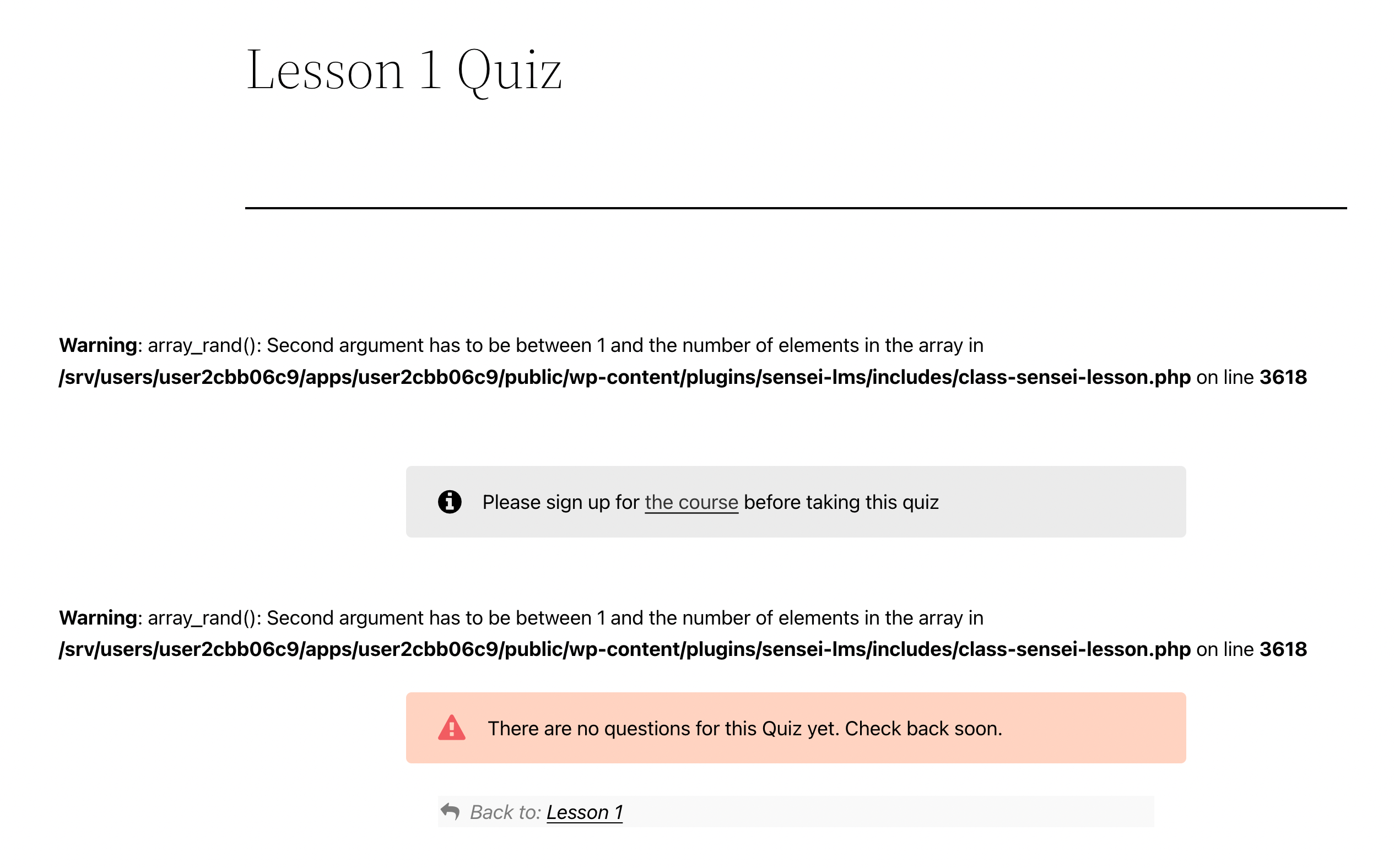
https://user-images.githubusercontent.com/1612178/184430231-3d67da73-2ecf-42b3-a2b2-59d77f11773a.mp4
Context / Source
https://wordpress.org/support/topic/warning-array_rand/ p1660333161000649-slack-C02P7FHLVR9
