sensei

sensei copied to clipboard
 Automattic
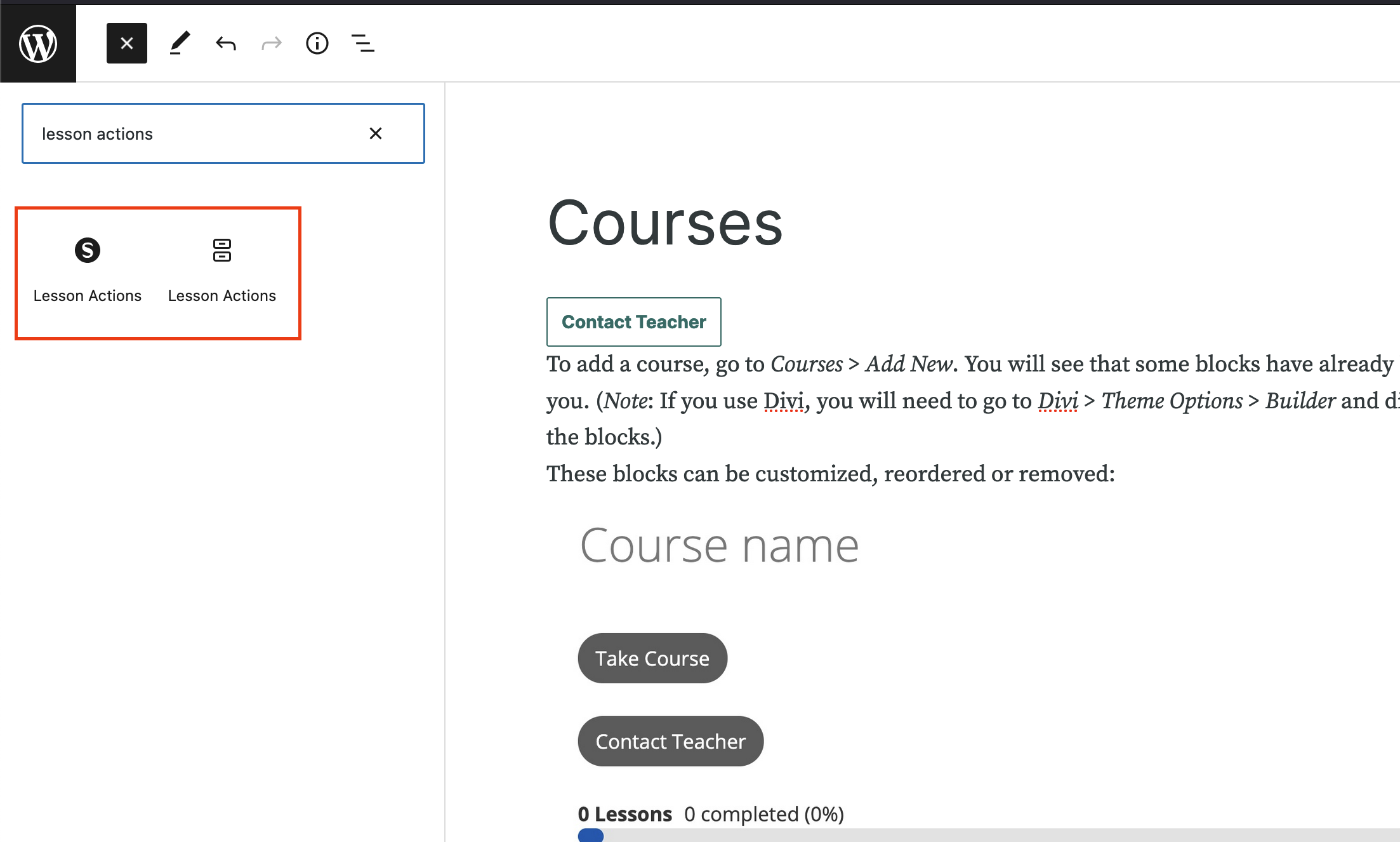
Two `Lesson Actions` blocks when Learning Mode is turned on.
Steps to Reproduce
- Turn on Learning Mode for a course.
- Edit a lesson for that course.
- Press "+" on top left of the editor to open a Block Inserter.
- Search for "Lesson Actions"
- See two "Lesson Actions" blocks.
What I Expected
There to be only one "Lesson Actions" block to use.
What Happened Instead
There are two "Lesson Actions" blocks and it's not clear what's the purpose of each of them.
PHP / WordPress / Sensei LMS version
PHP: 7.4 WordPress: 6.0 Sensei LMS:
Browser / OS version
Firefox 100 MacOS 12.4
Screenshot / Video