
sensei

sensei copied to clipboard
 Automattic
Quiz: Questions shown on the editor does not match questions rendered on the frontend.
Steps to Reproduce
- Create a user with
Teacherrole. - Login as a teacher
- Create a question and add it to category "A".
- Create a lesson with a quiz and add "Category Question(s)". Set the questions category to "A".
- Login as an administrator.
- Create a question and add it to category "A".
- Got to the lesson with a quiz created at step 3. Select the added Category Question(s) and increase the "Number of Questions" to 2 in the block settings. Save.
- Visit the quiz page.
What I Expected
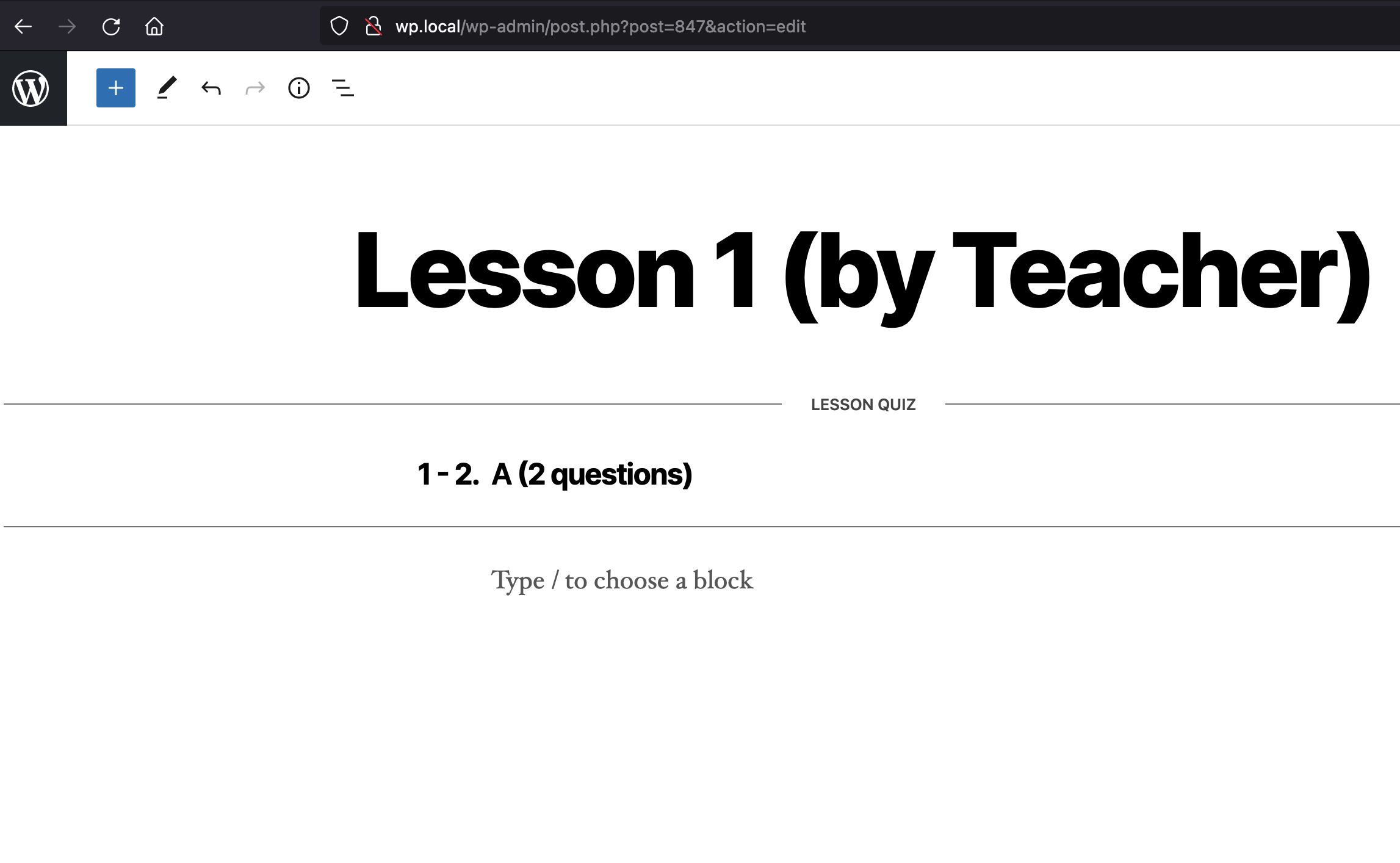
To see two questions as promised on the quiz editor.
What Happened Instead
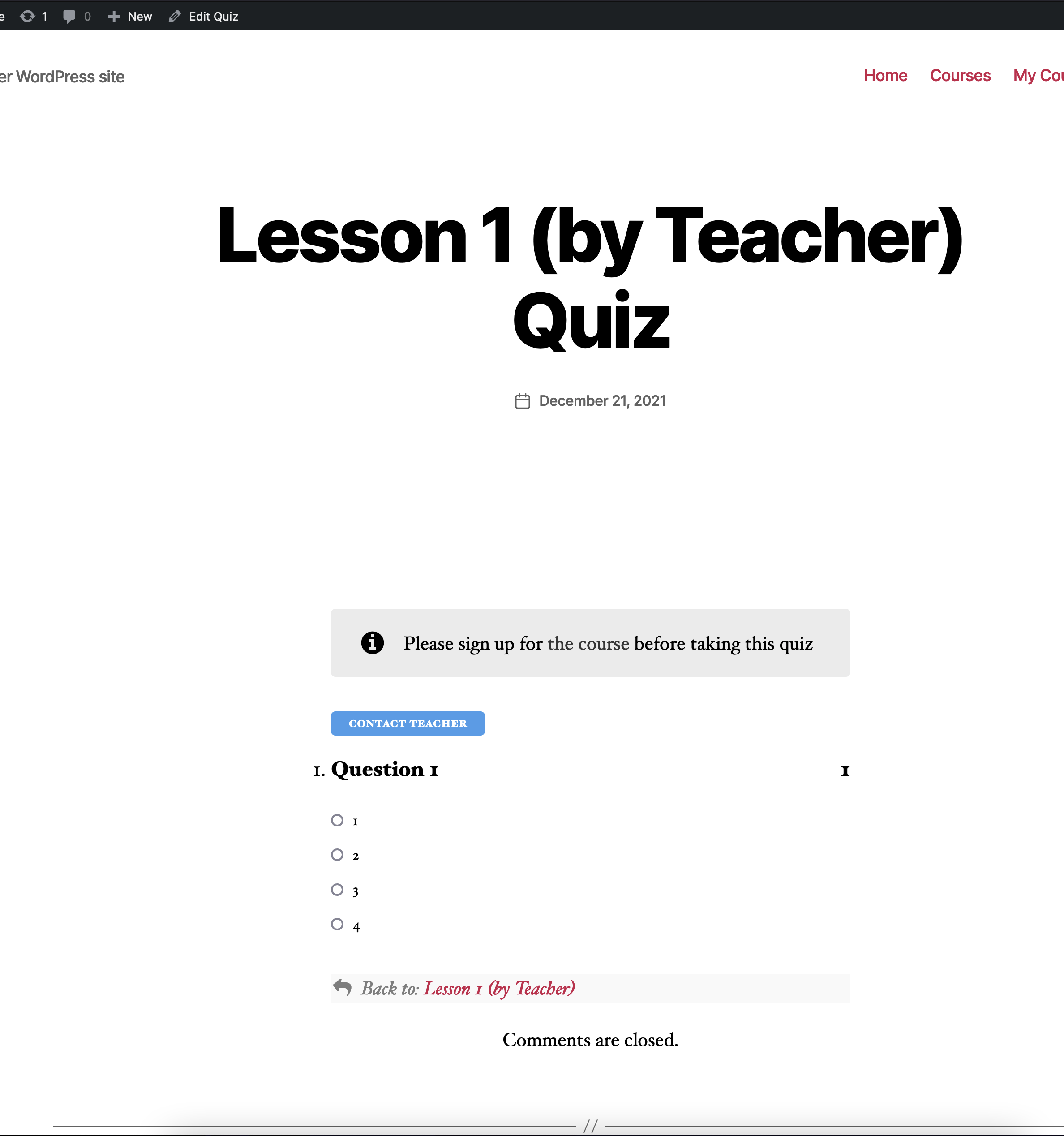
Seeing only one question.
PHP / WordPress / Sensei LMS version
PHP: 7.3.5 WordPress: 5.8.2 Sensei LMS: 3.14.0
Browser / OS version
Browser: Firefox 95.0.1 (64-bit OS: MacOS 11.6.2 (20G314)
Screenshot / Video
Editor
Frontend
Context / Source
- https://wordpress.org/support/topic/not-all-questions-displaying/
- This happens because Category Question(s) render only the questions owned by the original creator of the Quiz.

https://wordpress.org/support/topic/quiz-with-random-question-order-stuck-only-loads-part-of-the-questions/
