

 AutomaApp
how to handle the dialog popup on page load?
the page popup a dialog on onload, how to handle the dialog?
<html>
<body>
<script>
alert('error');
</script>
</body>
</html>

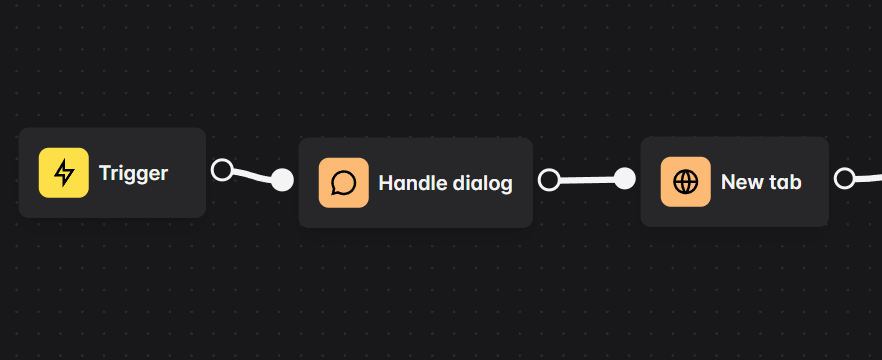

there is a Login button on the page, click the Login button, the form post to the page itself, and then popup up a alert dialog to show error message
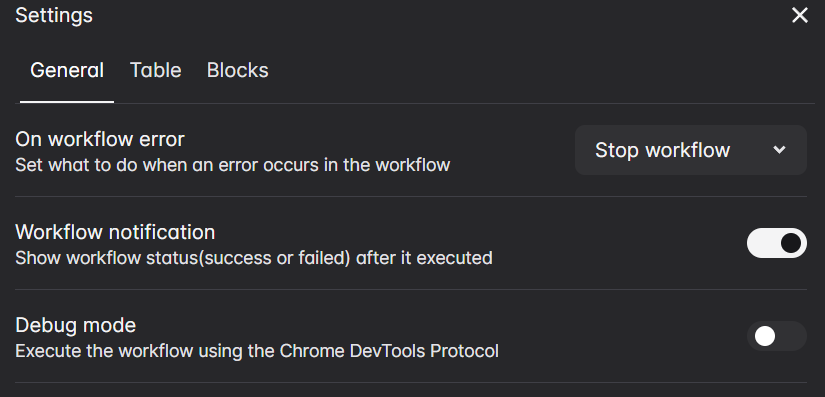
no effect, even enable "Debug mode", and add "Handle Dialog" before "New Tab" and "Click Element"
no effect, even enable "Debug mode", and add "Handle Dialog" before "New Tab" and "Click Element"
This might be a bug, I'll look into it
can we inject script and replace alert at dom loaded?
Yes, by using the javascript code block
const alertWindow = window.alert;
window.alert = () => {
  window.alert = alertWindow;
}

automaNextBlock();
but your code above seems run just once, it need to auto run when page reload after click element
Try this code
window.alert = () => {
  window.alert = true;
}
And in the javascript code block, enable the Execute every new tab
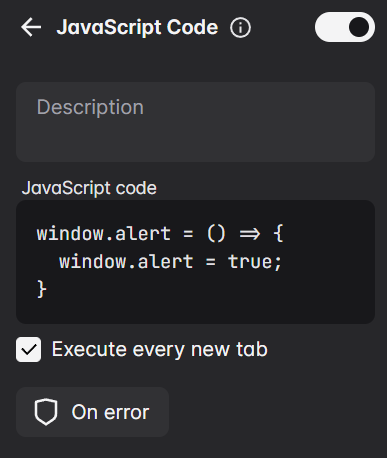
no effect, it seems that the alert() run before the code above
and i found these of Chrome DevTools Protocol,
Page.javascriptDialogClosed
Page.javascriptDialogOpening
Page.handleJavaScriptDialog
no effect, it seems that the
alert()run before the code aboveand i found these of
Chrome DevTools Protocol, Page.javascriptDialogClosed Page.javascriptDialogOpening Page.handleJavaScriptDialog
Automa is actually using that when the Debug mode is enabled,
https://github.com/AutomaApp/automa/blob/340b66baac2fe6bc151286acaacaca2438c94325/src/background/workflowEngine/blocksHandler/handlerHandleDialog.js#L46-L56
@Kholid060 I have the same issue, the "Handle dialog" doesn't work as expected with the next workflow:
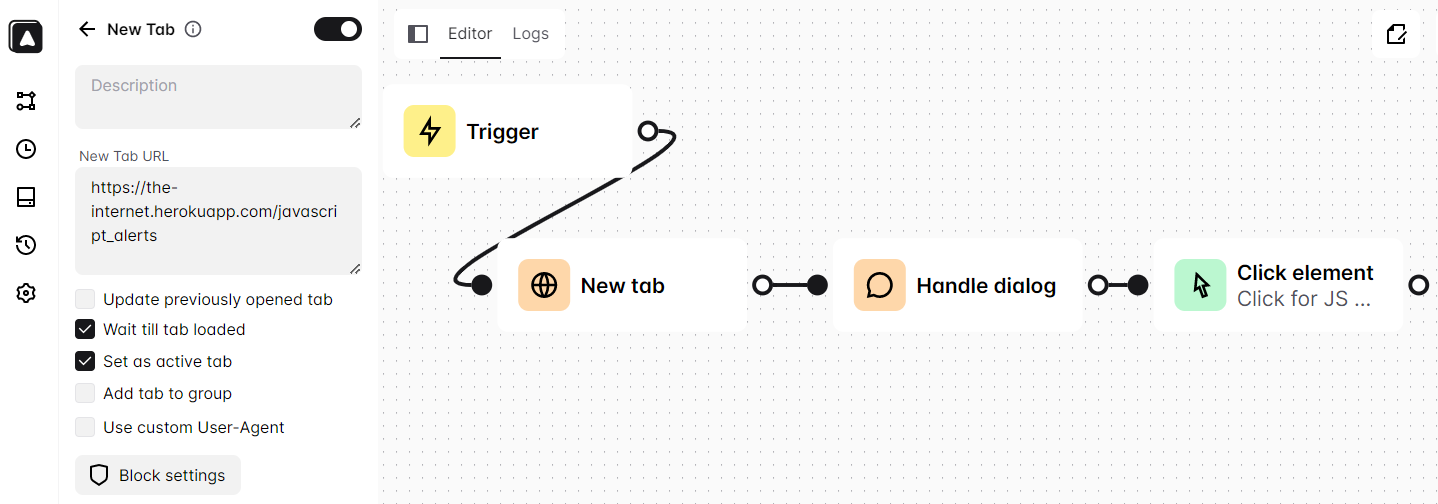
it is easy to reproduce here: https://the-internet.herokuapp.com/javascript_alerts
