

 AutomaApp
Can't edit workflows
How do I edit existing workflows? There's no clear way to edit a workflow after I've created one; in this case, by recording a series of browser interactions.

You can edit a workflow by clicking the Automa icon and clicking the workflow that you want to edit
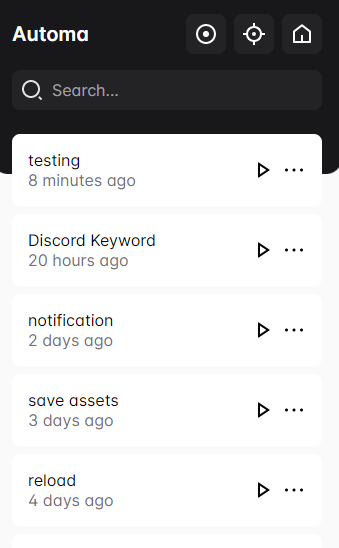
This will open the workflow editor where you can add, delete, or edit the blocks
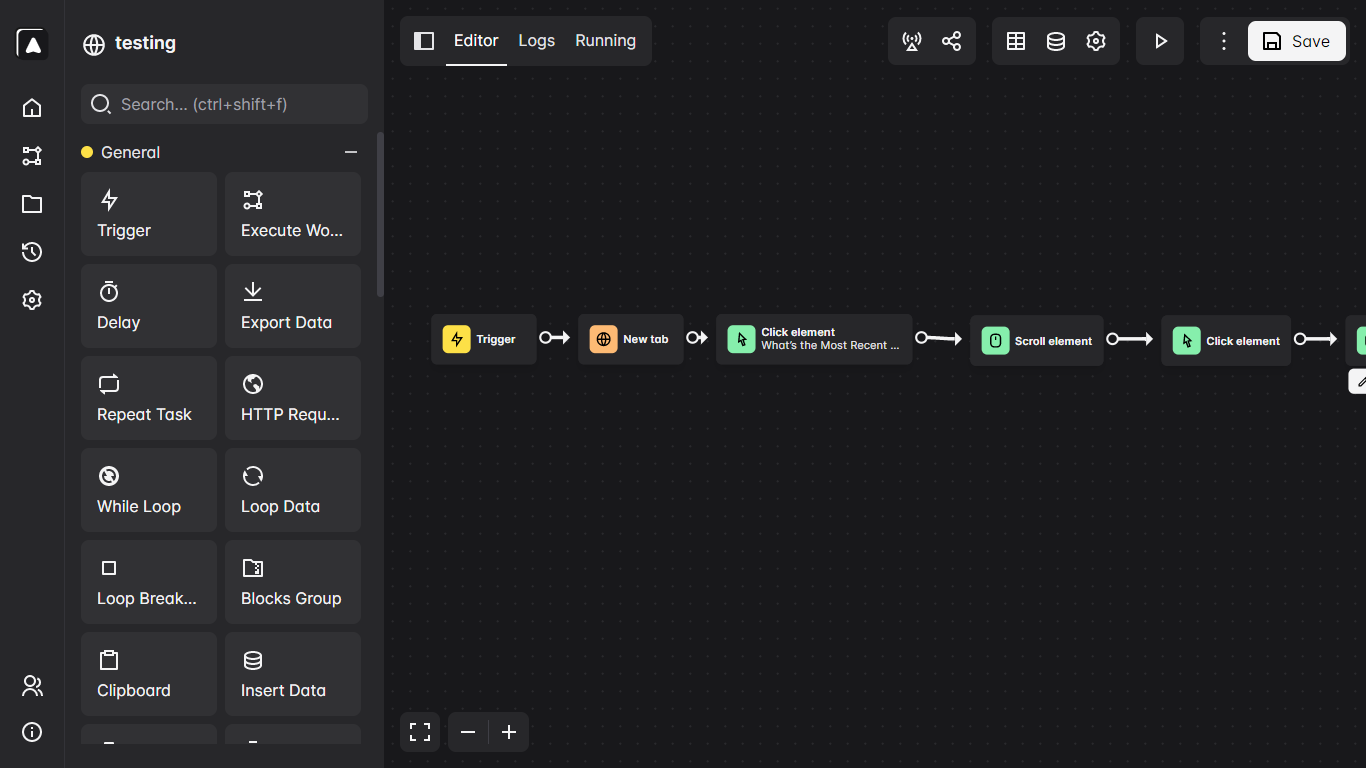

That's what I was doing, but it's not working. I tried Automa in an incognito window, just to see if some other plugin was interfering with it, but I got the same result.
Here's what I'm seeing—not sure how helpful it is. (I checked the console just in case there were errors, and I didn't see anything.)
Very much appreciate how responsive you are, by the way. This is an amazing tool, so I'd love to be able to use it—just a little difficult when I can't edit the workflows.
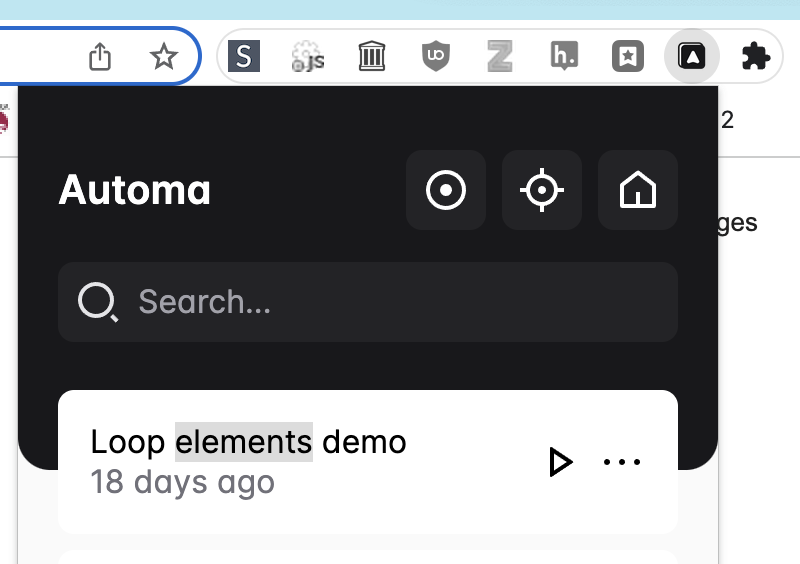
This happened to me today and it turned out that the workflow doesn't open when the Automa Button is hidden in the Extensions menu, once I pinned the extension it worked
