

 Autodesk
Manual Detail Adjustment for 2020
This is a rebase of my changes for 2018 onto 2020 which add a manual detail adjustment slider to the extension. I have tested these changes on a newly downloaded copy of Revit 2020 today.
The value of this added slider is that it allows for producing meshes with sufficient quality to 3D print without significant faceting. This is important to our use case for Revit in education as the students have a base level of knowledge in 3D modeling from building houses in Revit, a skillset which they also use for modeling parts to be 3D printed for their robots. Unfortunately, in addition to being ugly, parts printed from STLs exported using the Autodesk extension fit together poorly due to their being more like polygons than circles. This pull request's changes fix this because they allow the use of a higher quality mesh if desired.
The new UI defaults to the automatic quality setting as is currently used in the Autodesk version of the extension, and simply exposes a new knob for those who want to use it.
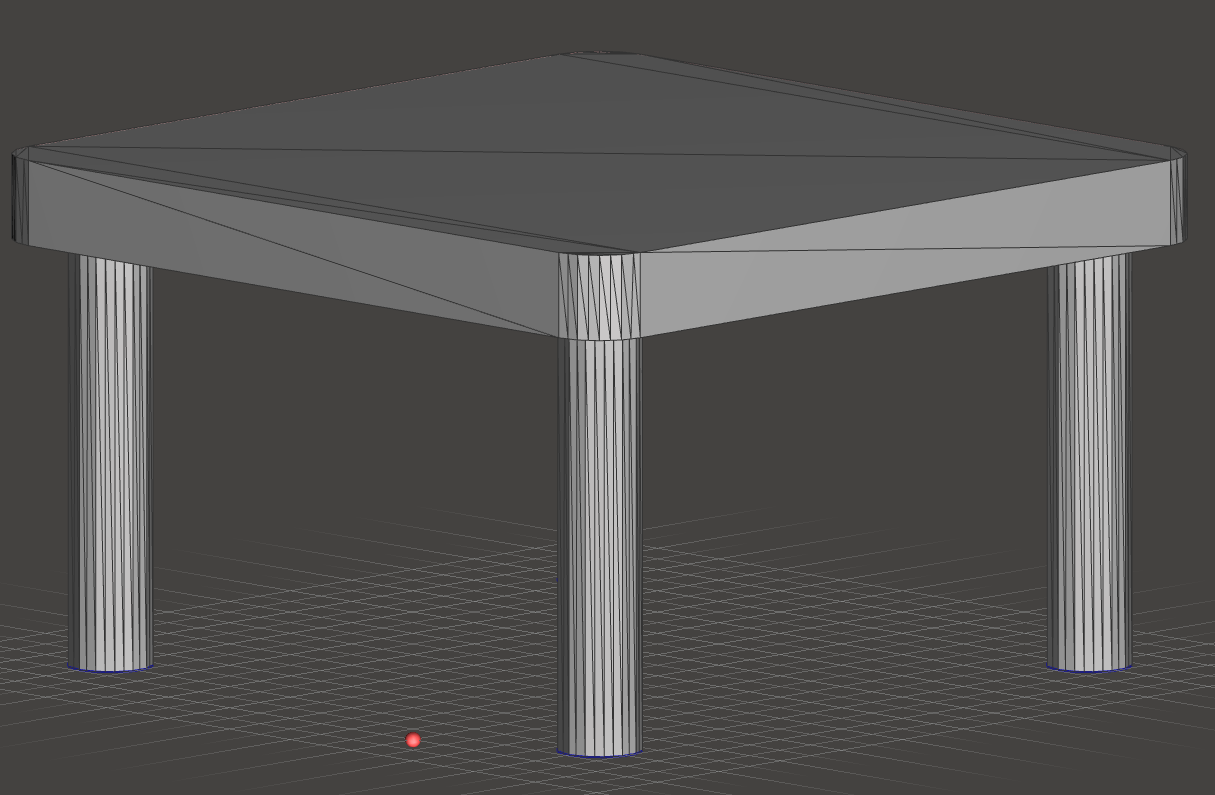
This is what is currently exported, which produces visible facets on curves on prints on consumer-grade 3D printers:
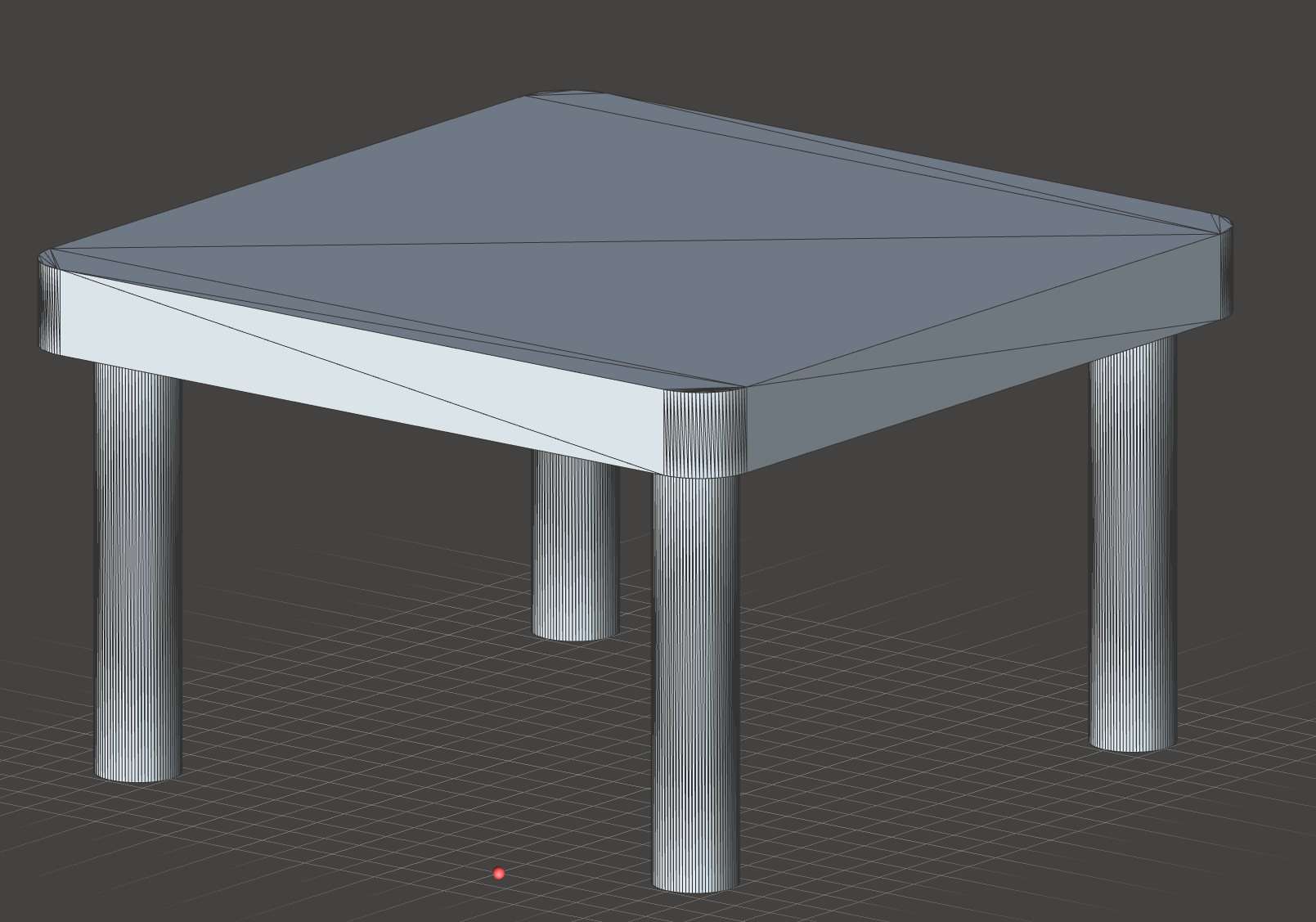
Compare this to the quality setting of approximately 96% using my changes:
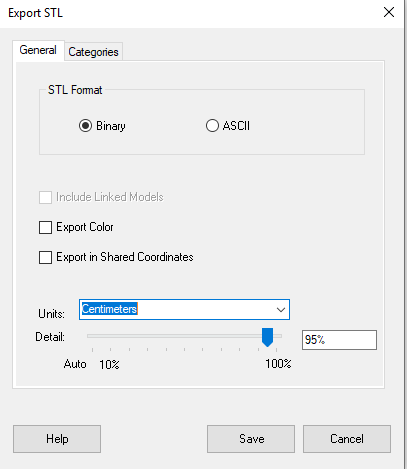
Here's the new UI:
I am fine with signing a CLA for these changes.
Hello, If anyone could help me... I don´t know how to install this into revit 2020. I´ve spent days looking for a solution, but the only thing I found is this, as the "official" app doesn´t seem to be on the autodesk app store.
I´ve read some add-ins use a dll archive but I can´t find it in this page.
Thank you in advance

Hi @titozgz. I actually wrote an automated installer :)
You can get it at https://github.com/lf-/revit-stl-extension/releases.
A word of warning though: I wrote this modification when I was in an education program where I used Revit every day, which I have since graduated from last year. Since I (and also the program I wrote it for as of recently) don't use Revit for mechanical parts anymore, I don't intend to update this change set past 2020 unless I can get explicit assurance that the changes will be merged.