

 Autodesk
RuntimeError: is not a deformer.
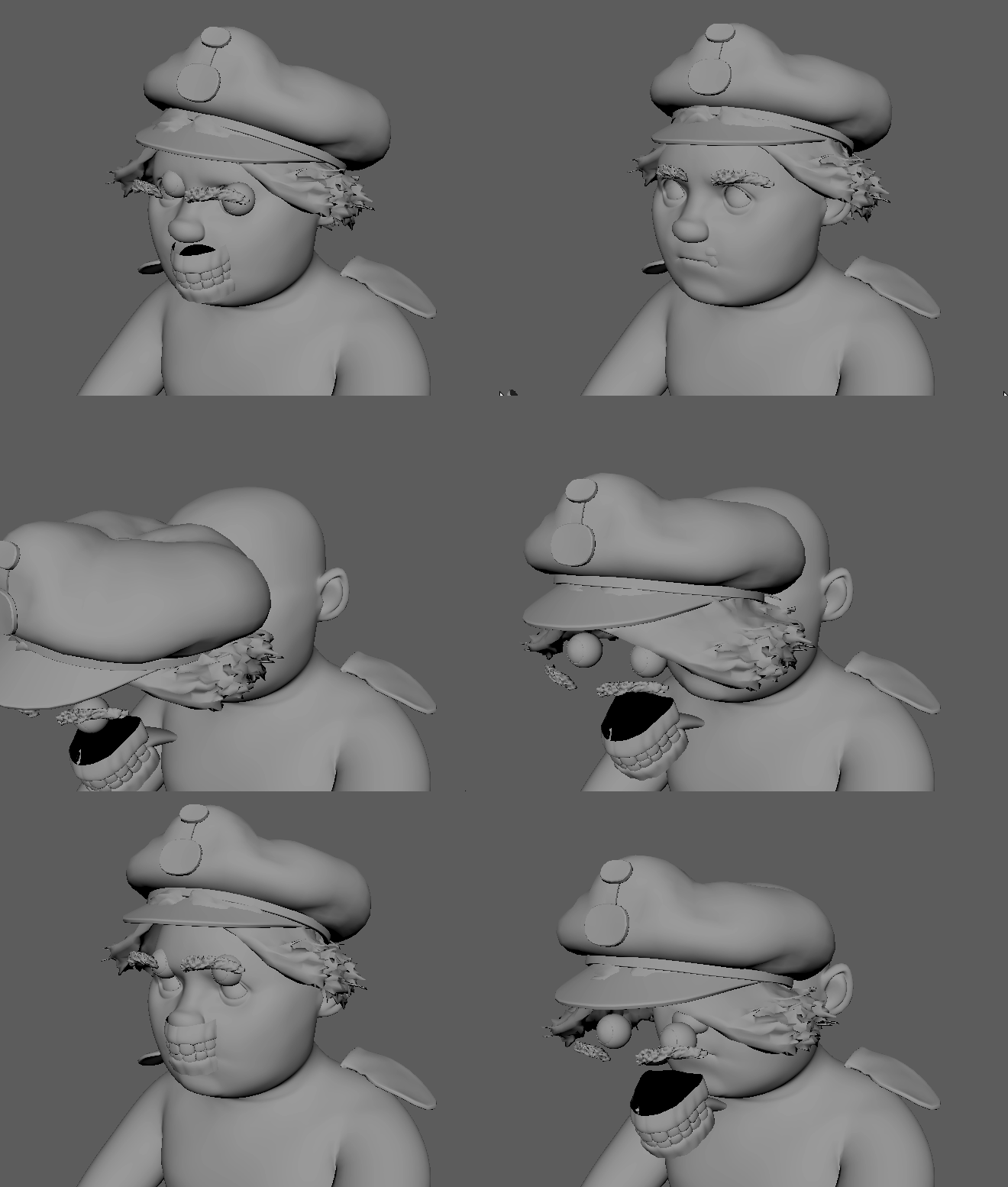
Describe the bug when i import animation from a usd file using useAsAnimationCache, i get the error inn the image below, and all object is missing animation, except for transform animation

Steps to reproduce Steps to reproduce the behavior:
- import an animated usdfile using this flags
- import pymel.all as pm pm.mayaUSDImport(f=usdFile, pp = primPath, useAsAnimationCache=True, readAnimData=True)
Expected behavior I expect the deformer to apply correctly to the objects in maya
Attachments
Transform anim only
Specs (if applicable):
- Windows 10
- Maya version 2022
- mayaUsd 0.12 and mayaUsd 0.11


Hi there
I've just run into this issue too. Any chance of it being looked at in the near future?
Regards

This issue is caused by the new component tags workflow. When enabled, it disables deformer sets which this feature relies on. The workaround is to open Preferences > Animation > Rigging and:
- disable "Use component tags for deformation component subsets"
- enable "Add tweak nodes on deformer creation"