
php-proxy
 php-proxy copied to clipboard
 Athlon1600
Youtube is broken after interface change
Recently, Youtube changed their website's layout. This broke compatability for PHP-Proxy. This is the current website you will get when you go to unblockvideos.com and load Youtube:
 Glype is having the same issue as well.
  There are no errors in the console, and I'm using Chrome version 60.0.3112.112.

YouTube load if I change the User Agent to "Mozilla/5.0 (Windows NT 6.1; WOW64) AppleWebKit/535.7 (KHTML, like Gecko) Chrome/16.0.912.36 Safari/535.7".
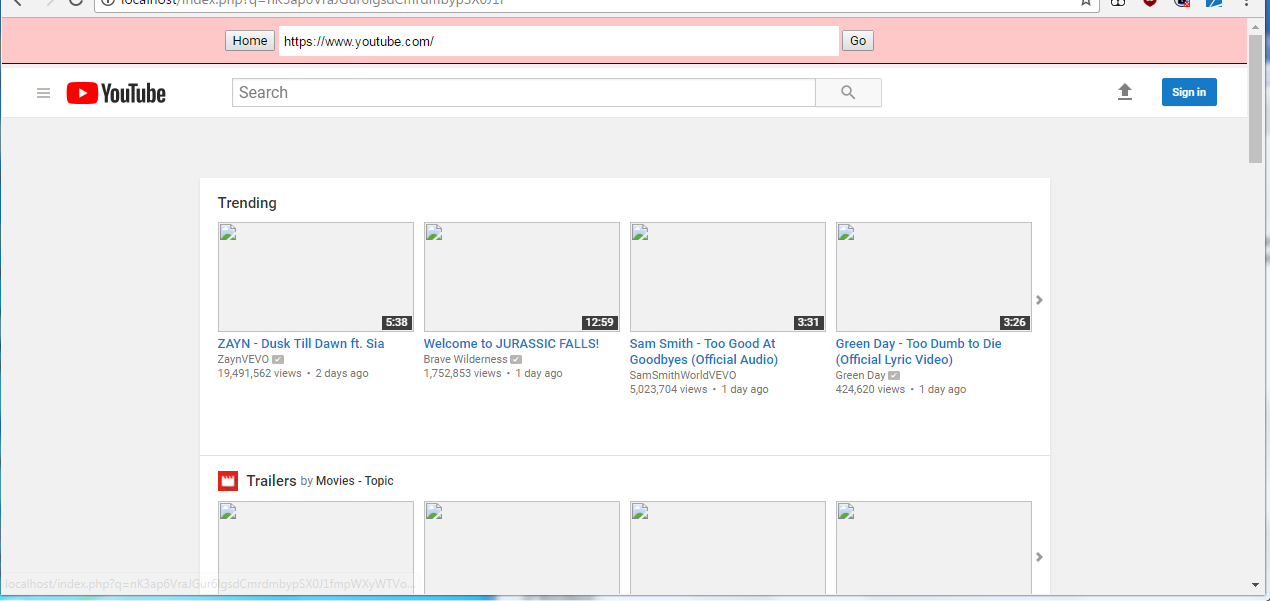


@JohnWang1023's solution would work as an "emergency fix" for now, but inevitably Youtube will drop its old layout and make the new one the default.
I've found that the new Youtube interface requires JavaScript to load its content, and the problem exists because php-proxy's default Youtube plugin blocks scripts on Youtube by default. I used the ScriptBlock chrome extension and turned it on to find the exact same HTML on Chrome.
Chrome browser in fullscreen: http://i.imgur.com/G5Xu1qy.png
https://chrome.google.com/webstore/detail/scriptblock/hcdjknjpbnhdoabbngpmfekaecnpajba/related
YouTube will also work if you add a new cookie with name 'PREF' and value 'f6=8'.
Managed to combine both of those solutions into one: https://github.com/Athlon1600/php-proxy-plugin-bundle/commit/b09920be6759728088893ed402545b1b57b65863
We are now pretending to be an old browser on windows XP and we're also sending that preference-setting cookie. Hopefully this will fool youtube for a while. Youtube is now working. Thank you both.
https://unblockvideos.com/
I have replace youtube plugin and youtube is starting to work but images are not displaying.
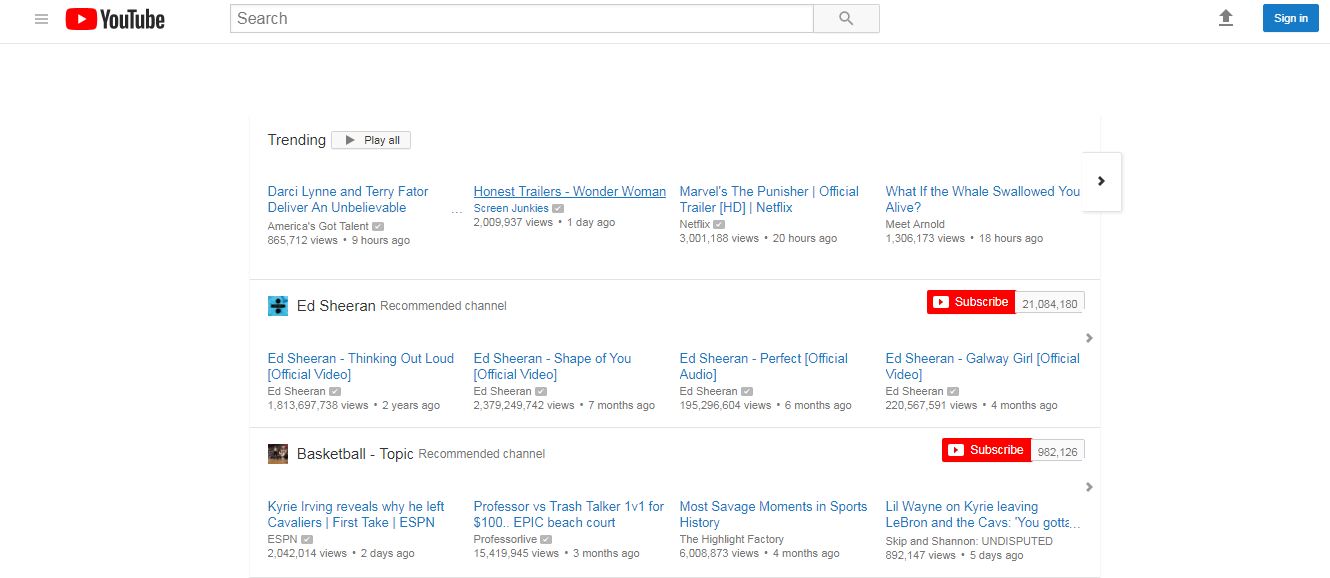

You must have did something wrong because youtube works just fine on https://unblockvideos.com/ which uses the same exact proxy script with this exact youtube plugin.
I just used your original and latest project and try in local host using different browsers.
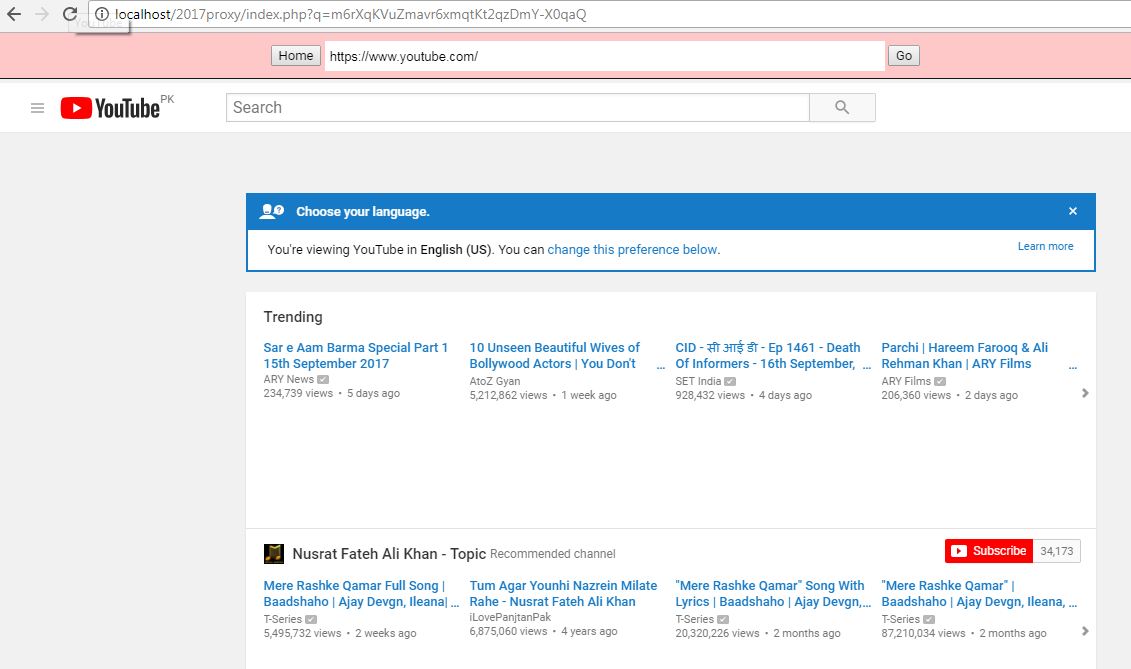
I think you also need to update php-proxy itself. At least just the src/Http/Request.php because that was changed recently:
https://github.com/Athlon1600/php-proxy/commit/42c7a5e999ea3999e3141263ade2fcd348146ce5
Hi, should this solution work on https://www.php-proxy.com/download/php-proxy.zip i.e. php-proxy or just php-proxy-app And the other plugins are they for both options? thanks, First down load! - all works but youtube.com

Hi, almost there - have worked out the youtube update is not in https://www.php-proxy.com/download/php-proxy.zip - and when I try to update the plugin and save it to the site the proxy stops working (not just youtube).
Would it be possible to update the download file? - or perhaps advise exactly where to put the new code in the plugin file? Thank you!
Try downloading it now:
https://www.php-proxy.com/download/php-proxy.zip
it's hosting and updated version of the script.
hey youtube works for me but i cant accept cookies on youtube can anyone please help me?
