
asteroid

asteroid copied to clipboard
 AsteroidOS
Switch battery percentage and locking icon
When a watch is locked, the icon to lock it is found on the screen above. On this screen,the locking icon is at the top, rather than on the bottom. The bottom of the topmost screen instead has a battery indicator.
Two benefits to be had by switching battery percentage for the locking icon.
- Locking icon is closer to the screen it is related to.
- Battery status/percentage is seen at the top, which is similar to phones.
(new layout)
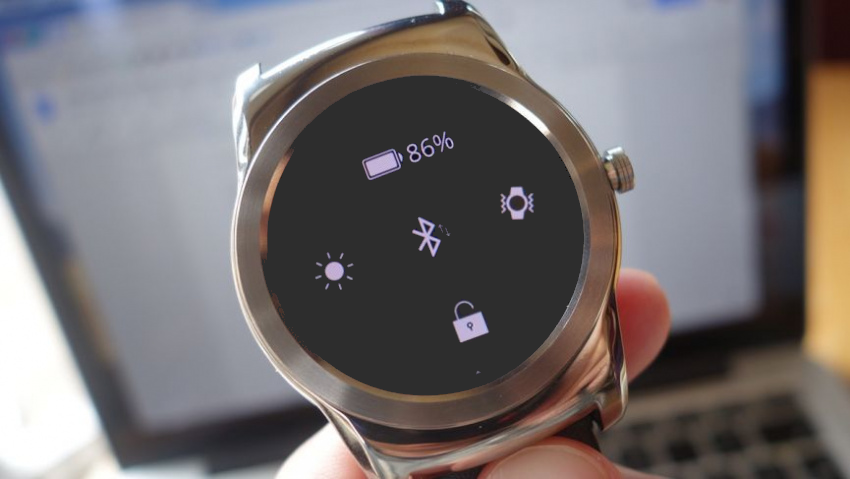 vs (current layout)

Somewhat related to #108
