
Aris
Aris
Use this instead the above code: ```css (function() { document.getElementById("widget-overflow-fixed-list").appendChild(document.getElementById("unified-extensions-area")); }()); ``` It works on the fly and you do not have to look for extension IDs.
Here is a ready to use script for this: https://github.com/Aris-t2/CustomJSforFx/blob/master/scripts/addon_buttons_in_overflow_menu.uc.js
You can test the scripts modifications from here https://github.com/Aris-t2/CustomJSforFx/issues/80 The idea behind this was, that all add-on buttons are moved to the old overflow menu, if they are not on...
I agree, removing unnecessary `DOMContentLoaded`, `load` and `TabOpen` listeners improves performance. The script `favicon_in_urlbar.uc.js` had a few other issues needed to be resolved, before uploading a new version.
Exactly, if you use the full package, most variables are set inside `general_variables.css`. You can remove `general_variables.css` for variables from files like `top_toolbar_colors.css` to become active. The idea behind this...
This blink is caused by hiding urlbars popup, if suggestions are disabled. I have no idea how to workaround this.
I can not test this in your environment, but in the ones I have tested so far this issue never occurred not even with "compact menus". 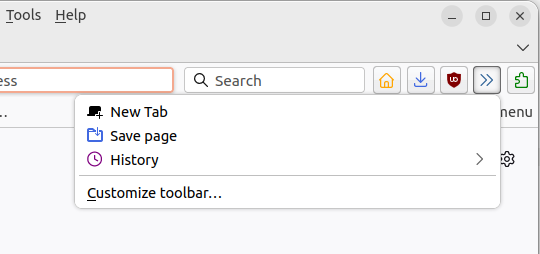 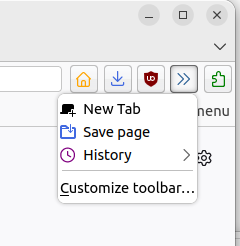 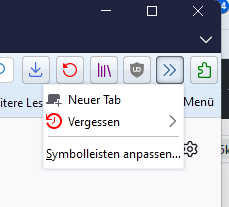 Edit...
Does this issue still occur on Linux with current Firefox builds?
I will close this for now. Respond here, if the issue is still present.
I could only figure out how to change same icons in their default state. Files like `foldericons_tb1.css` contain what is possible atm. 