

 AprilSylph
Scroll to Bottom: Slight visual inconsistency in /blog/view in non modal mode (minor)
Platform
MacOS 10.14.6 x86
Browser
Edge 104.0.1293.70
Addon version
v0.20.8
Details
If you directly navigate to https://www.tumblr.com/blog/view/[blogname], the blog view element is opened in a non-modal mode. That is, it's not a popup over the main Tumblr UI; it is contained in the Tumblr UI.
Unlike in the modal/popup version of this UI, Tumblr does show the scroll to top button here. We, however, do not show the scroll to bottom button on any kind of blog view, but because it's hidden with opacity for animation consistency reasons instead of not shown at all, it makes a visual gap below the scroll to top button.
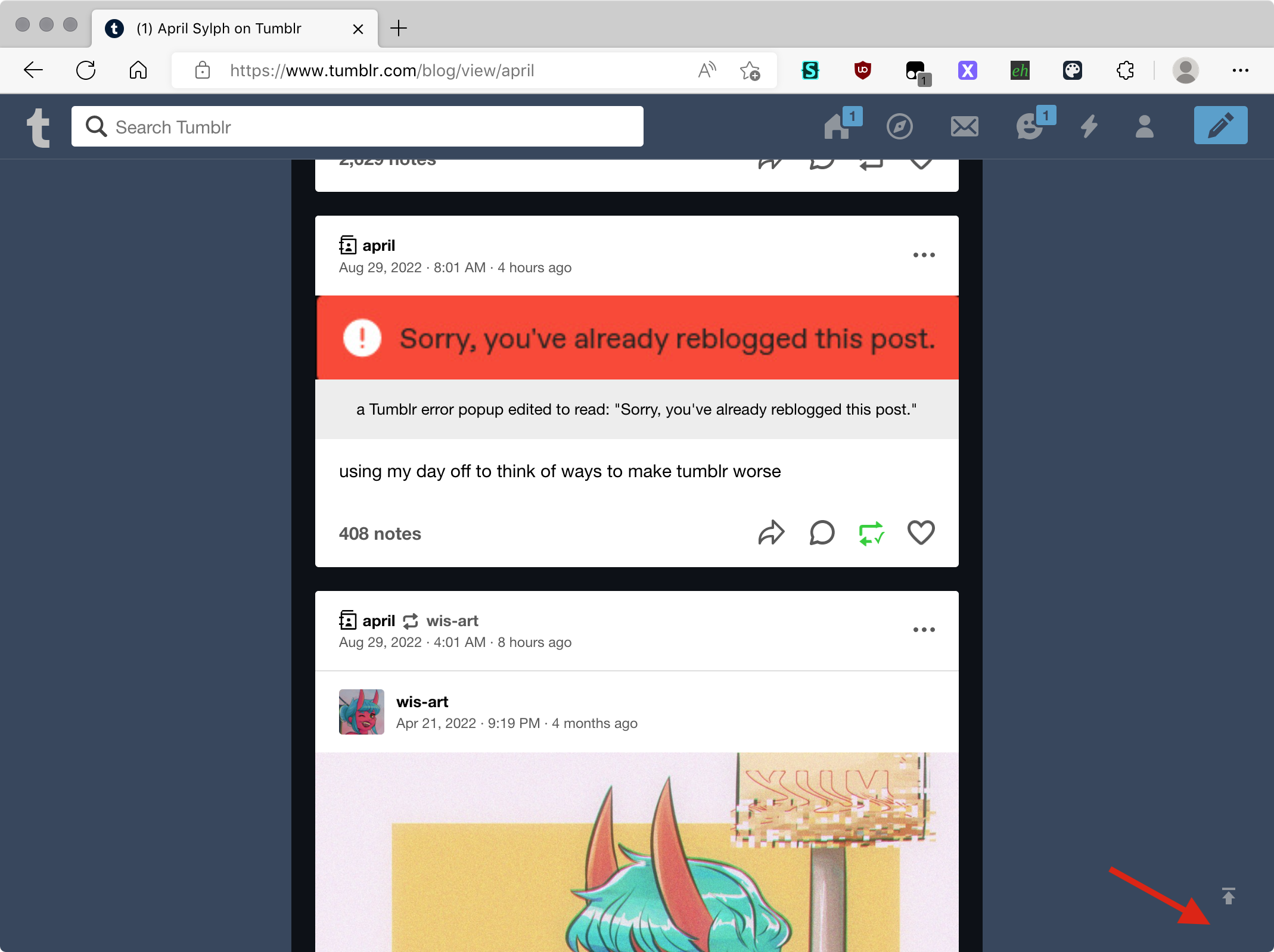
This mode is sort of distinguishable by detecting "Tumblr has chosen to show the scroll to top button despite the blog view being open," but it visually glitches briefly because of the transition when you scroll up and Tumblr hides the button again.
+ ${keyToCss('isPeeprShowing')} button:not(${keyToCss('hidden')}) + #${scrollToBottomButtonId} {
+   display: none;
+ }
This would be fixable if you could do an animated transition on display, but you can't as far as I know.

This would be fixable if you could do an animated transition on
display, but you can't as far as I know.
You can't, but what can be done is to define a CSS animation that changes the display property and then apply it with the appropriate duration and timing function (jump-end, in this case, I believe) to set display: none; as soon as the opacity fade-out ends.
We would have to make sure that the AccessKit option to disable CSS animations does not interfere with it.
