

 AmbientRun
Models occasionally render as black
While making models for the golf game mode I've come across a lot of instances where objects render totally black. It appears like the material is not correctly applied or similar, as they have identical materials:
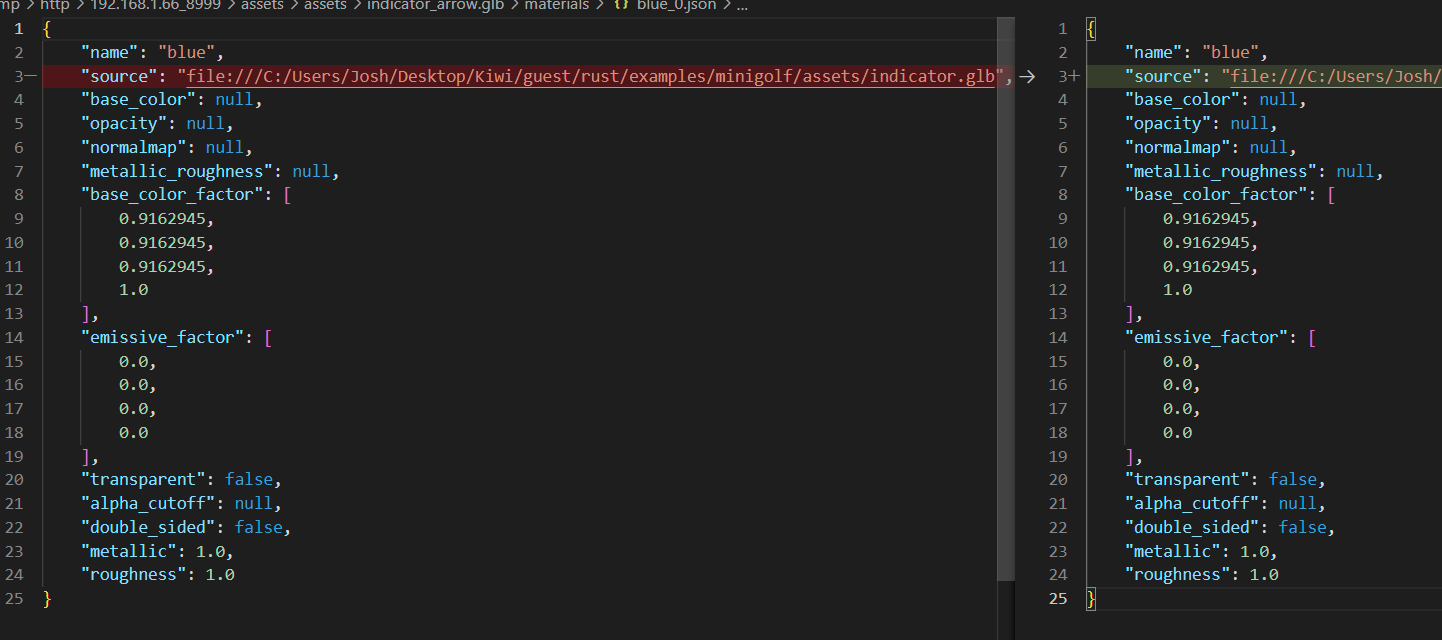
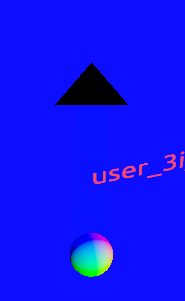
In game, the ball, arrow, and the line all use the same material; but are separate models to avoid needing to setup complex hierarchies. Despite this, the triangular indicator is rendered as black:

I've had this happen with other models as well, and at times, without clearing the cache or making any changes at all, it would have the correct material the next run.

Can you try turning on the various rendering debug views and seeing if there's anything amiss? Wondering if it's a normal issue



After recreating the mesh, was this still an issue?
Nope, but I still think this issue is relevant given the mesh having correct normals and materials when imported into blender. ^^
I am having a similar issue, where the third_person_example is black on debug but randomly colored on release
Not sure if it is only a Linux issue
