

 AmProsius
No audio for NPC "Templar" dialogue line.
Hello, everyone!
I would like to report the following bug:
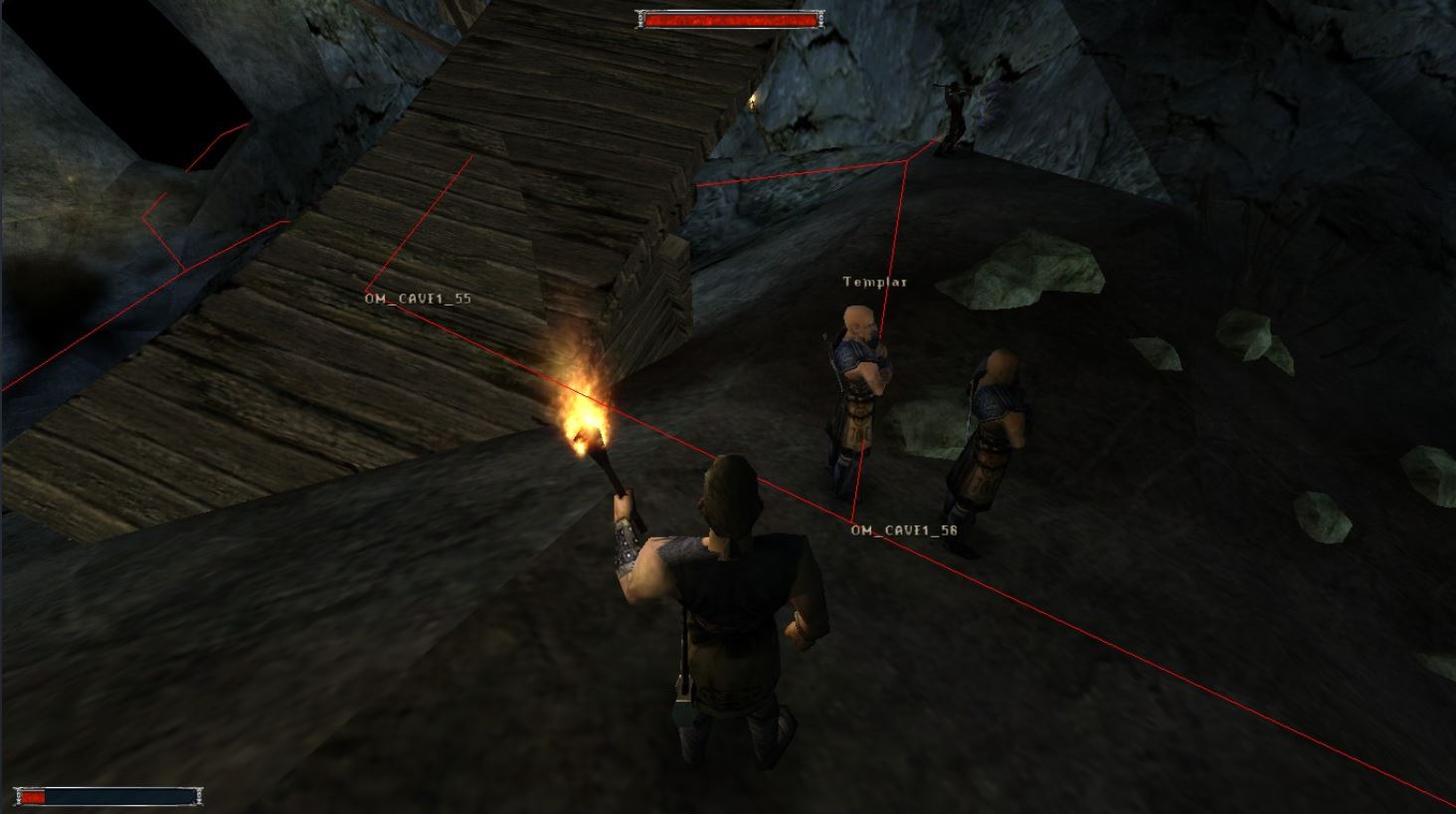
Describe the bug: This issue can be encountered in the Old Mine when talking with a Templar. The first line spoken by the Templar does not have audio. The NPC "Templar" can be found at waypoint OM_CAVE1_56.
Expected behavior: The Templar's first spoken dialogue line has audio.
Steps to reproduce the issue:
- Travel to the Old Mine and enter it.
- Reach the OM_CAVE1_56 waypoint.
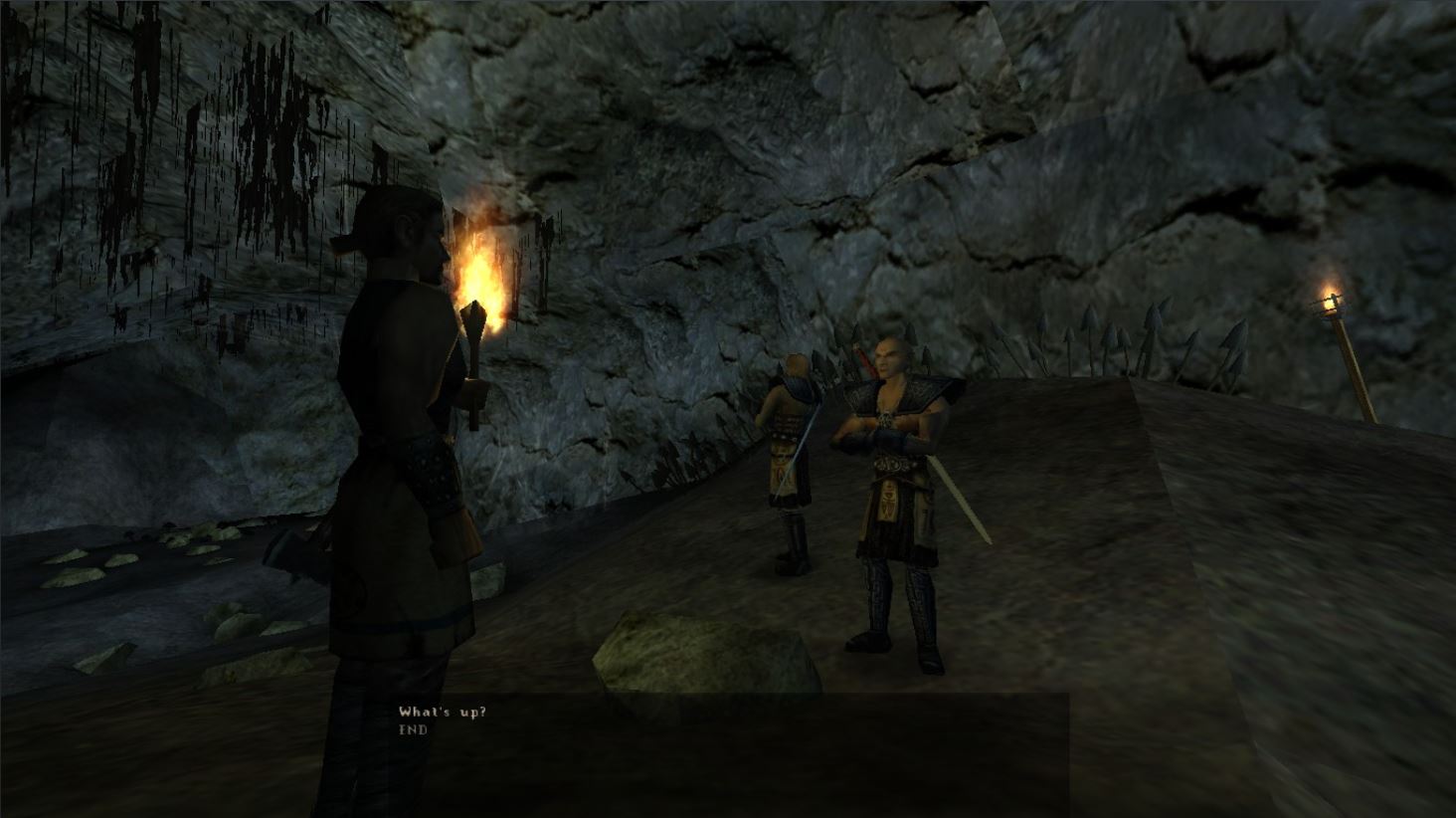
- Speak with the NPC "Templar" by selecting "What's up?".
- Notice the missing audio for the first line spoken by the Templar.
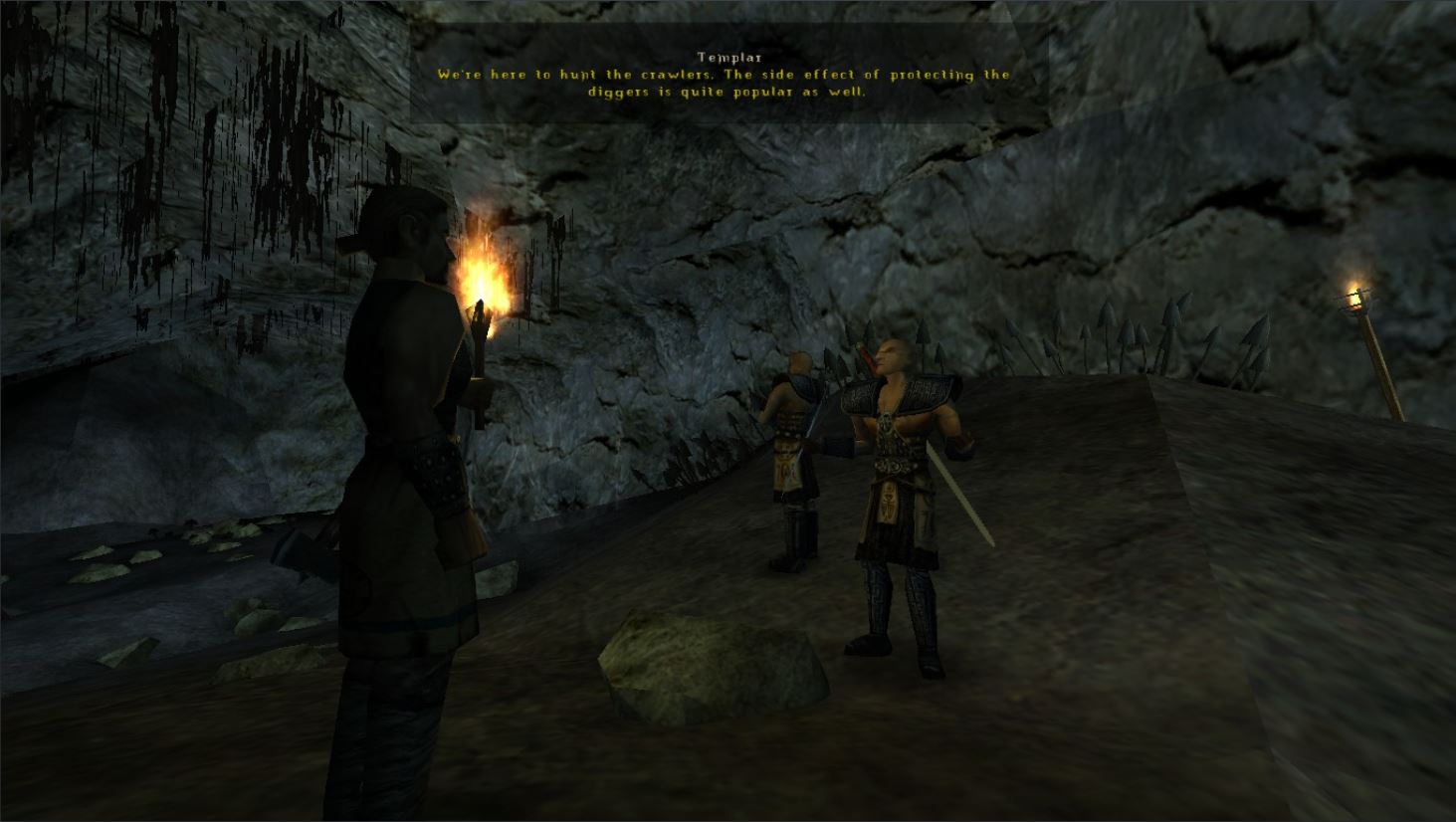
Additional context NPC "Templar" can be found next to the NPC "Gor Na Bar". The affected dialogue line is: "We're here to hunt the crawlers. The side effect of protecting the diggers is quite popular as well." The second line has audio and works as intended.
Attaching some screenshots for more clear information.
-
NPC "Templar" location.
-
Initiate conversation.
-
Affected audio dialogue line.
Thank You and Best Regards! Quintus24

This could be an easy fix if the dialog identifier does not match the name of the audio file - or an impossible to fix issue if the audio file does not exist. Here is the relevant portion of the scripts.
https://github.com/AmProsius/gothic-1-community-patch/blob/2892a60a3edf33340d7907fe7b3c137d079e8474/scriptbase/_work/Data/Scripts/Content/Story/Missions/DIA_TPL_1436_Templer.d#L41-L46
What's to check is whether an audio file with a name similiar to Tpl_1436_Templer_CRAWLER_Info_13_02.wav exists in the speech folder.
