

 AlphaWallet
Universal link with embedded URL doesn't work
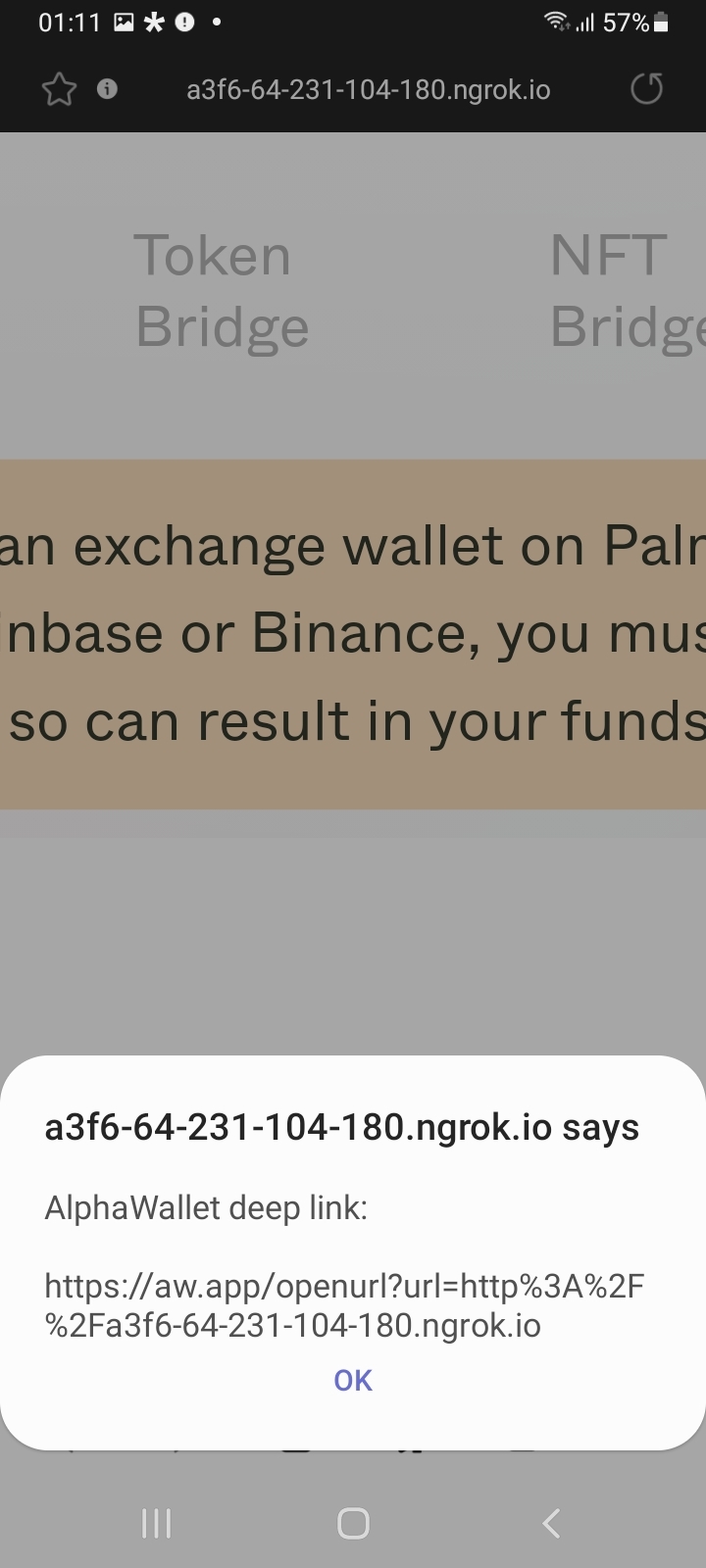
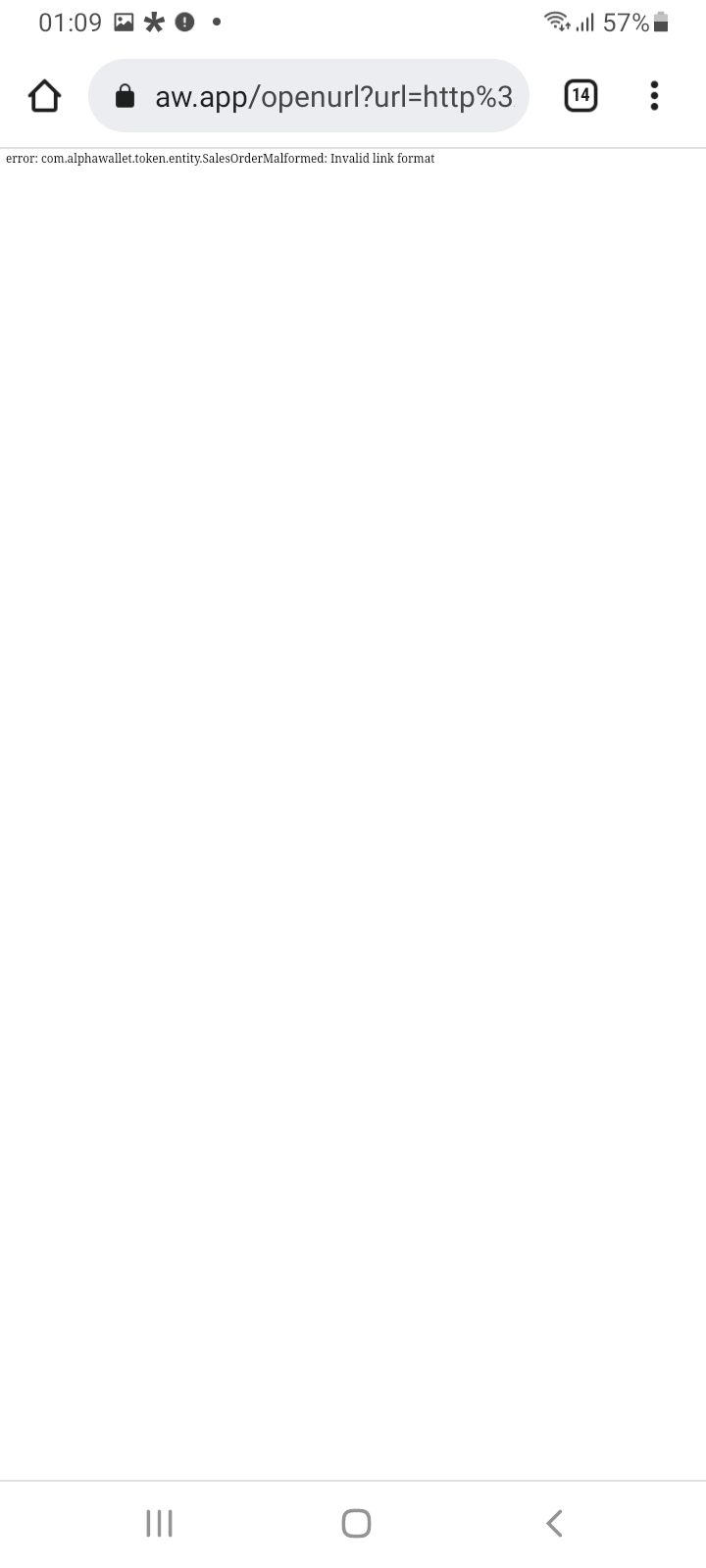
Hi guys, thank you for implementing the deep link feature. I tested it for our palm dapp and it worked well on iOS! But when I tried it on my Android phone it didn't work as expected. The link that I was testing looked like this: https://aw.app/openurl?url=http%3A%2F%2Fa3f6-64-231-104-180.ngrok.io Here are the screenshots for Android (Samsung Galaxy A12):
| - | - |
|---|---|
 |
 |
I tried Chrome and the built-in Samsung browser. AlphaWallet version: 3.51.0 (180)

This is fixed but not yet in the release build. Once the erc721 patch is fully tested and merged we'll do a release candidate build

With v3.5.2 RC1:
- Visit https://s.hboon.repl.co in a web browser (not in AlphaWallet app)
- Tap on any of the links "Universal link to open dapp", "Foo1" or "Foo2"
Expected:
- Switch to AlphaWallet app and automatically open the embedded URL in the browser (tap
https://aw.app/openurl?url=http%3A%2F%2Fapp.uniswap.org%3Ftest%3Dvalue1should openhttp://app.uniswap.org?test=value1)
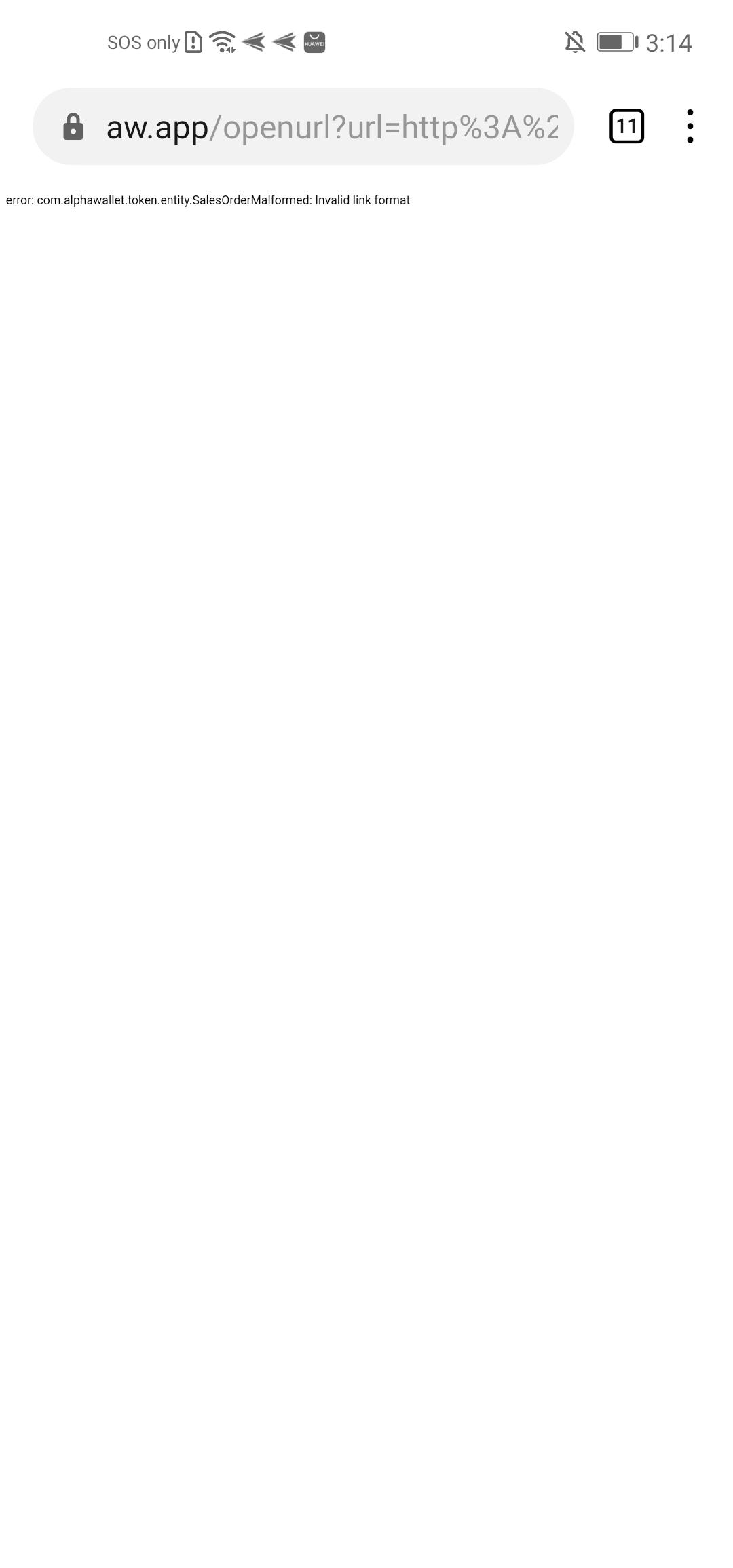
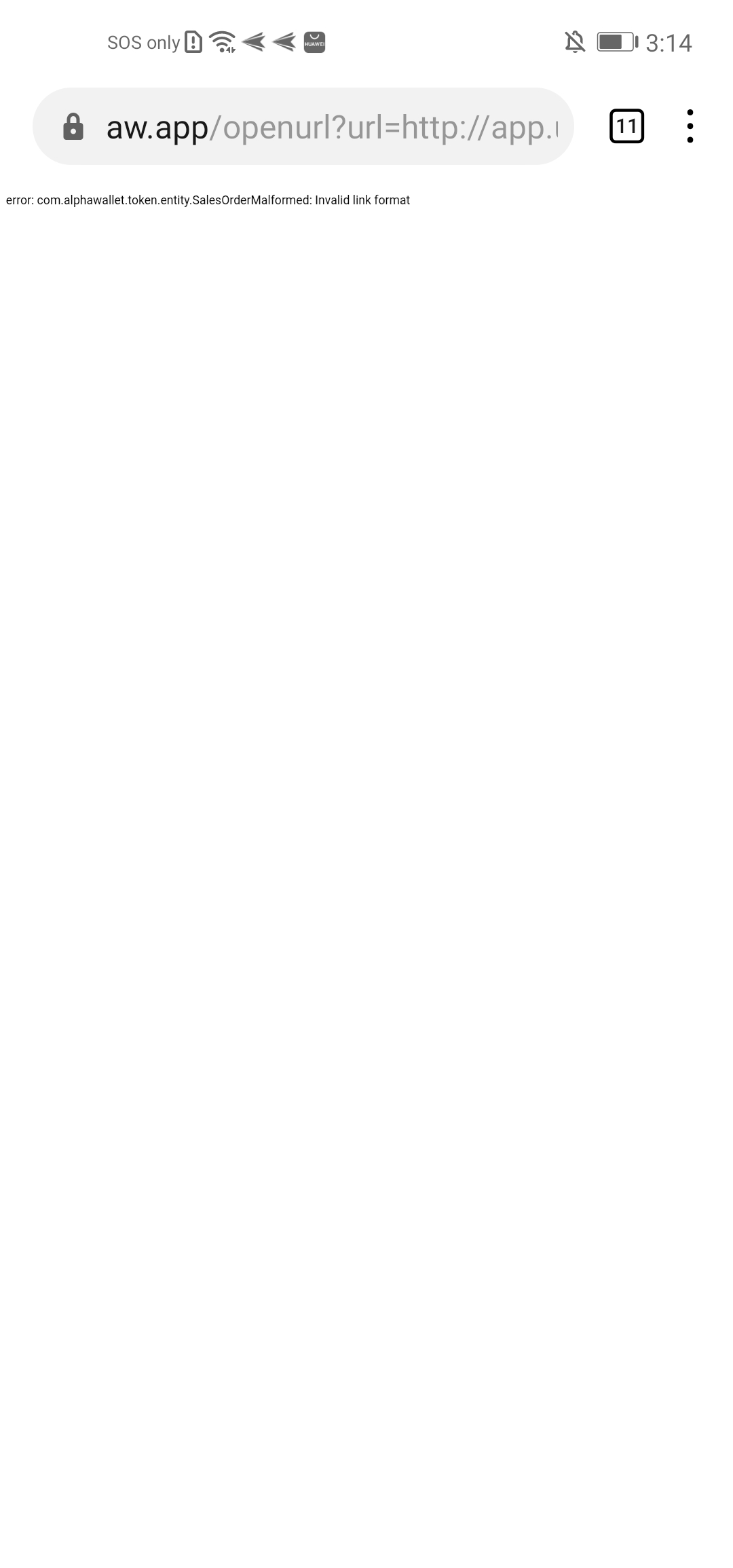
Observed:
- 3 Screenshots
| - | - | - |
|---|---|---|
 |
 |
 |
@hboon works for me:
https://user-images.githubusercontent.com/12689544/156117608-a123c84d-c067-45ca-8bf7-a22e2cdd8d31.mp4
Testest with Samsung, Chrome, Brave and Duck Duck Go. Brave shown. Seems to work correctly.
@JamesSmartCell I couldn't catch it, how does it go from:
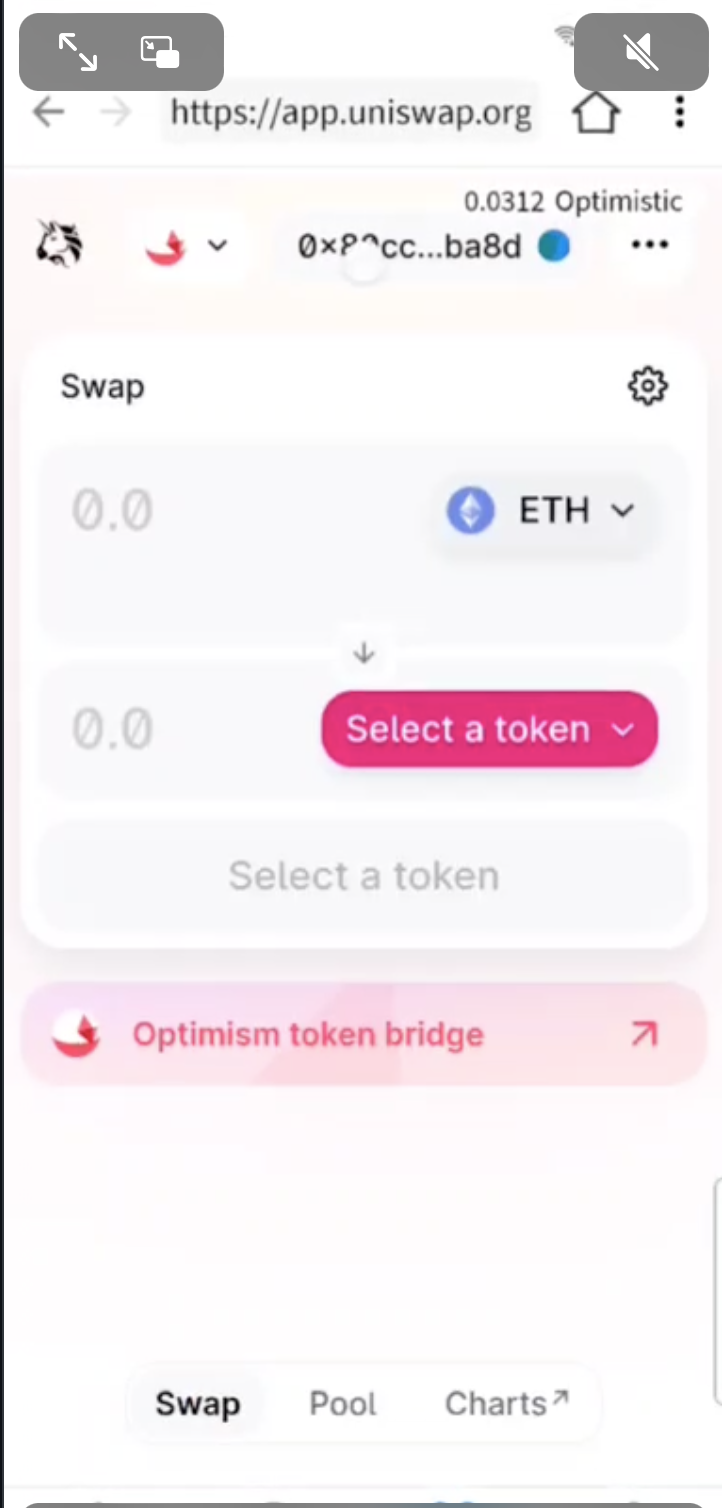
to:
is it automatic?
And does all 3 links "Universal link to open dapp", "Foo1" and "Foo2" work this way for you?
I had to push a fix through for when AW isn't already loaded (intents get processed before the 4 main screen fragments are initialised so you need a delayed load). But yes it works correctly for all cases. Can you try using the Samsung browser or Chrome? It actually worked in all 6 browsers I use (Samsung, Edge, Brave, Firefox, DuckDuckGo, Chrome), albeit with slightly different UI.
Here's a demo with Samsung browser, with AW paged out before each load:
https://user-images.githubusercontent.com/12689544/156216955-5a9cad42-92d8-48f0-9c94-0ea9feb1d5e3.mp4
I'll do another build as I think I fixed Tomek's crashing issue too.
@hboon This is all done through intents in the Manifest - you register an intent with Android OS that you want this app to be a possible recipient of any URL beginning with "aw.app". If the user visits a URL like that, the OS will pick up that an app may handle it better than a browser and you see the AW icon in the intent popup. I'm not sure that's your question.
I don't know how intents work across all devices; but try an emulator. What device are you testing on? This intent system works correctly on all my test phones:
Samsung S20 (11) Xiaomi MiMix (10) Pixel 1 (11) Huawei (10) Emulator (Various)
This combo works for me: Huawei + Chrome + newest build, but not with Huawei + built-in browser + newest build.
@JamesSmartCell does it also work with the built-in Samsung browser? (mentioned in 1st comment)
This combo works for me: Huawei + Chrome + newest build, but not with Huawei + built-in browser + newest build.
I don't have access to my Huawei but magic links used to work on it; and this uses the same set of manifests. I can test when I'm finally allowed to return home.

I tested on my Huawei phone.
- Default browser cannot open any links
- Firefox doesn't open links by default, Click
Open in appmenu item opens the link - Edge browser open links automatically
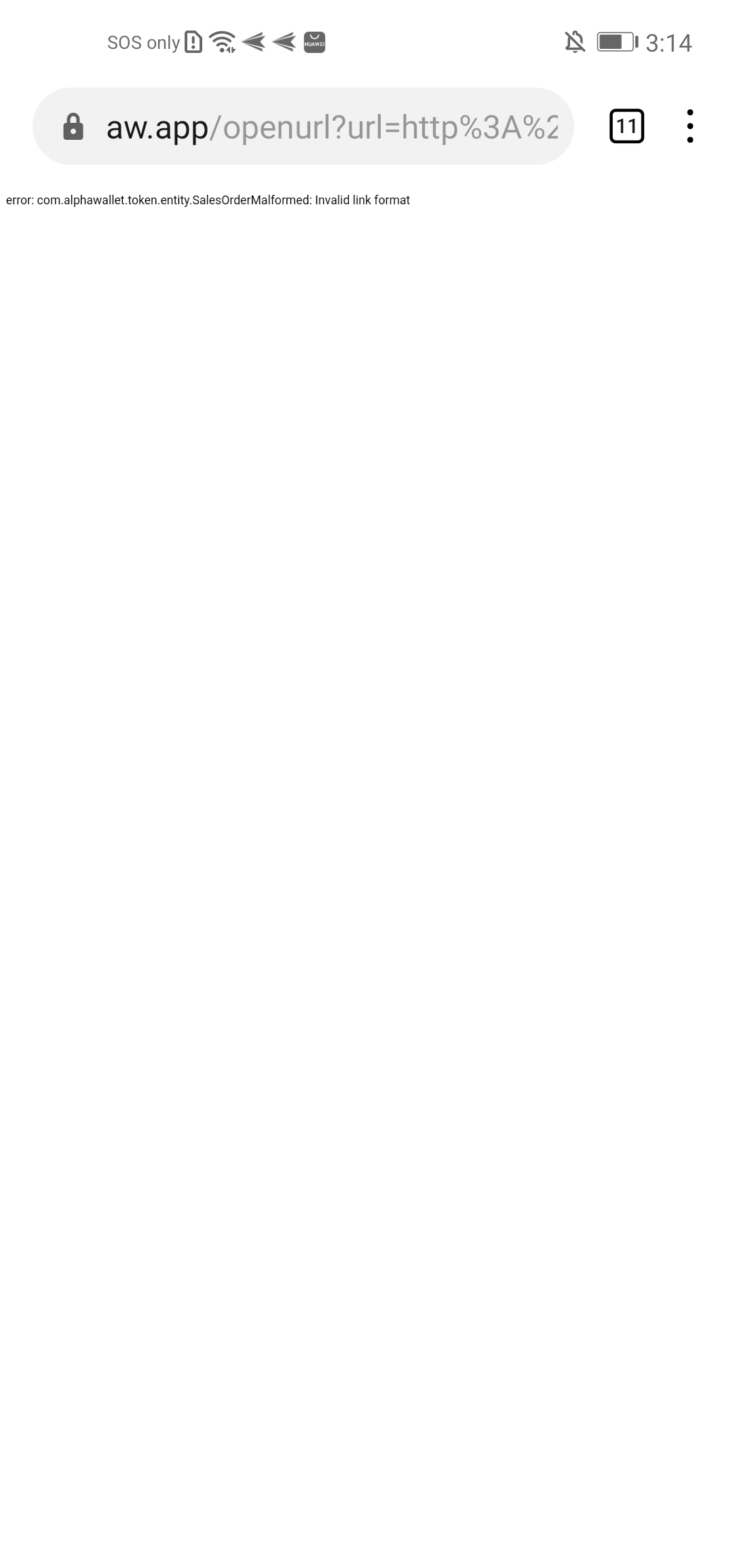
I don't understand where does this error come from:
error: com.alphawallet.token.entity.SalesOrderMalformed: Invalid link format
Even I open it on Mac, it also shows the same error. I can find the class in Android repo https://github.com/AlphaWallet/alpha-wallet-android/blob/master/lib/src/main/java/com/alphawallet/token/entity/SalesOrderMalformed.java
Do we really have the domain aw.app and it respond the error?
Do we really have the domain aw.app and it respond the error?
We do own the domain and use it for deeplinks.
Do we really have the domain aw.app and it respond the error?
We do own the domain and use it for deeplinks.
Exactly, it redirects to alphawallet.com.