

 AllskyTeam
Dark removal by average of surrounding Pixels (improvement request)
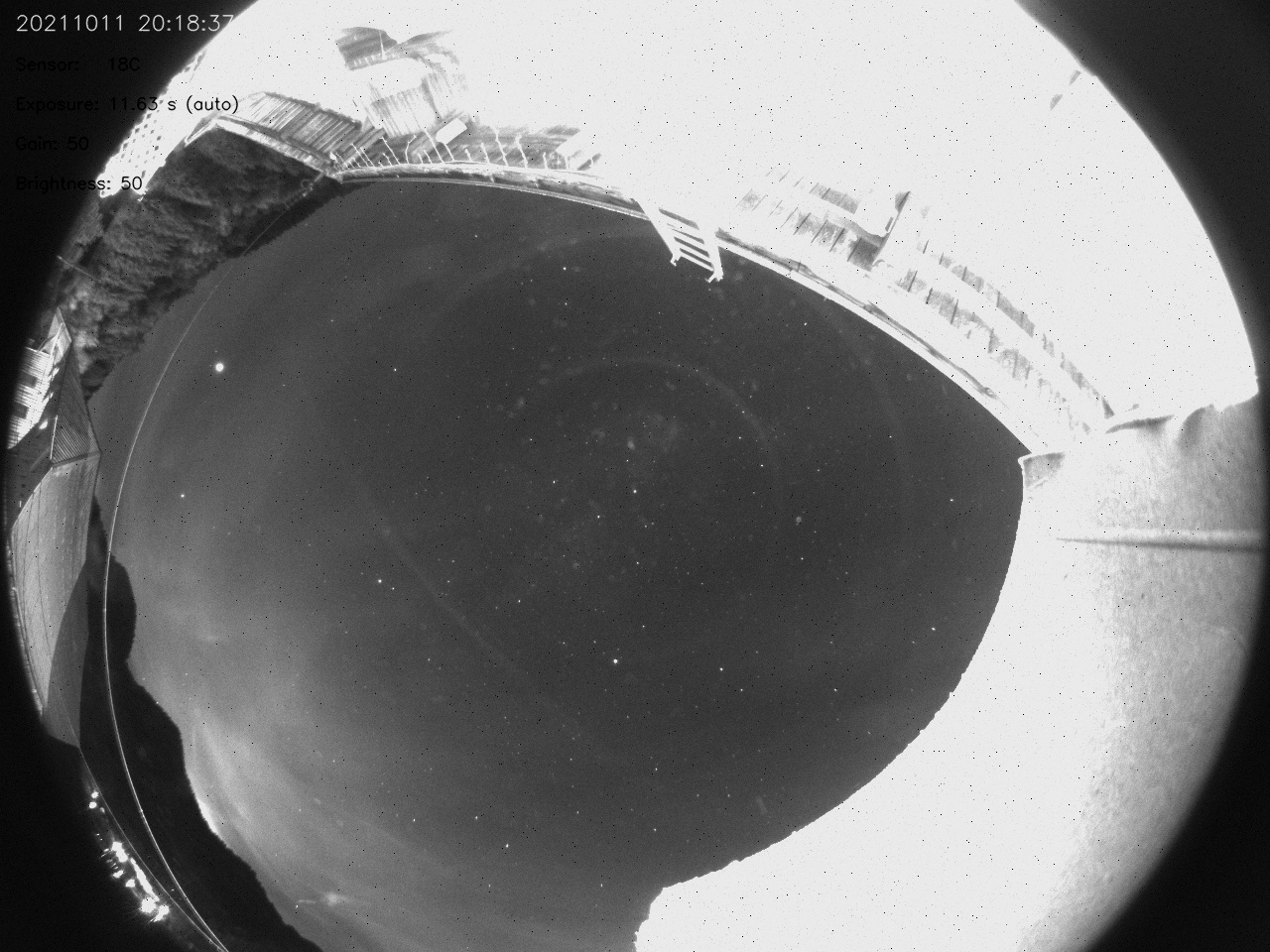
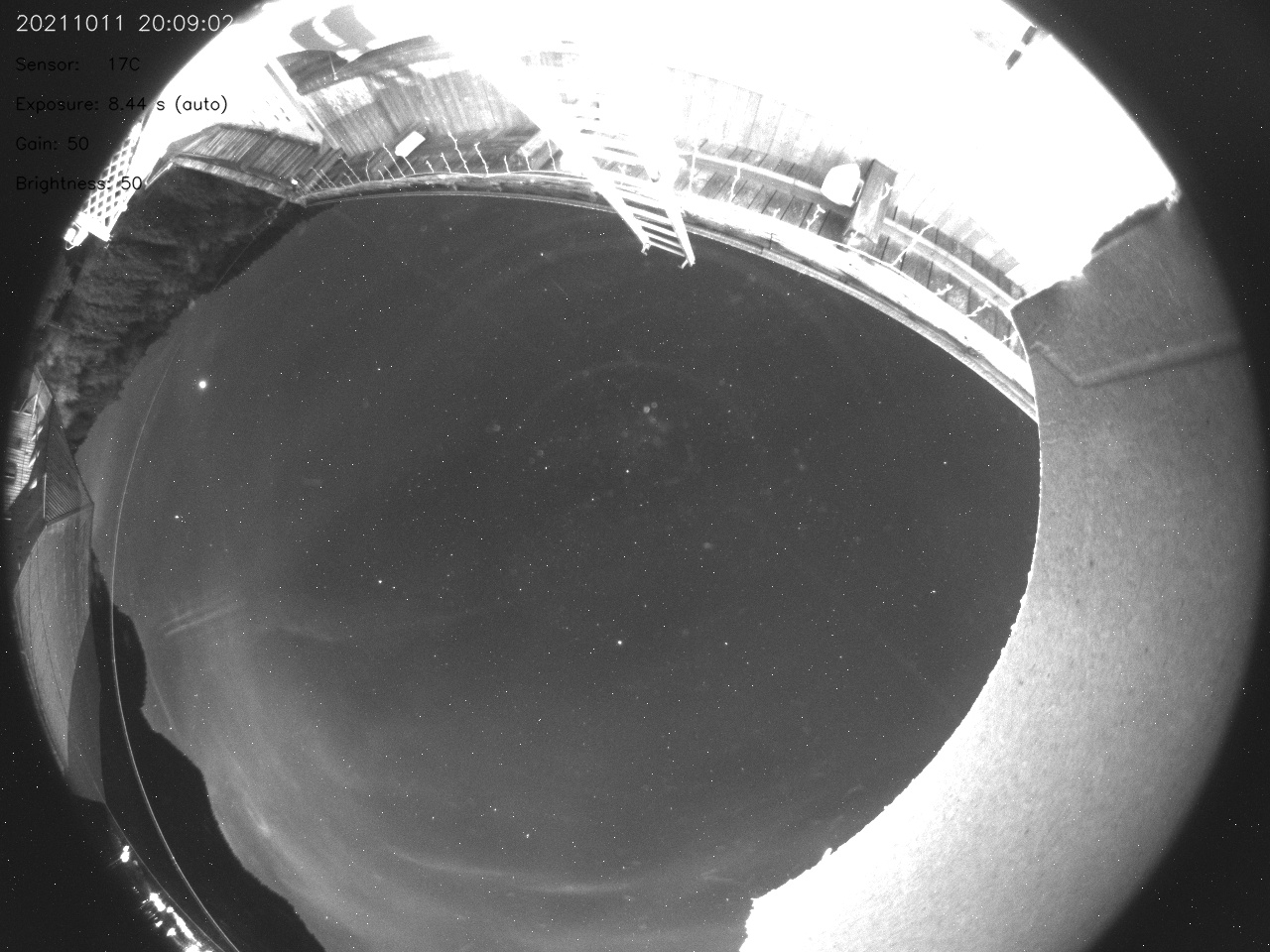
When applying dark removal, the removed pixels go to black. Whilst this is better than the white pixels, the final image would be much better if the removed hot pixel was replaced with an average of the surrounding pixels; So that a grey sky area isn't peppered with black dots.
It seems my asi120mm has developed loads of hot pixels and the black removed pixels look nearly as bad as the white ones. (I have an ASI224MC which I could use, but I'm afraid that it may get wrecked by the bright daytime sunlight/temperature.)
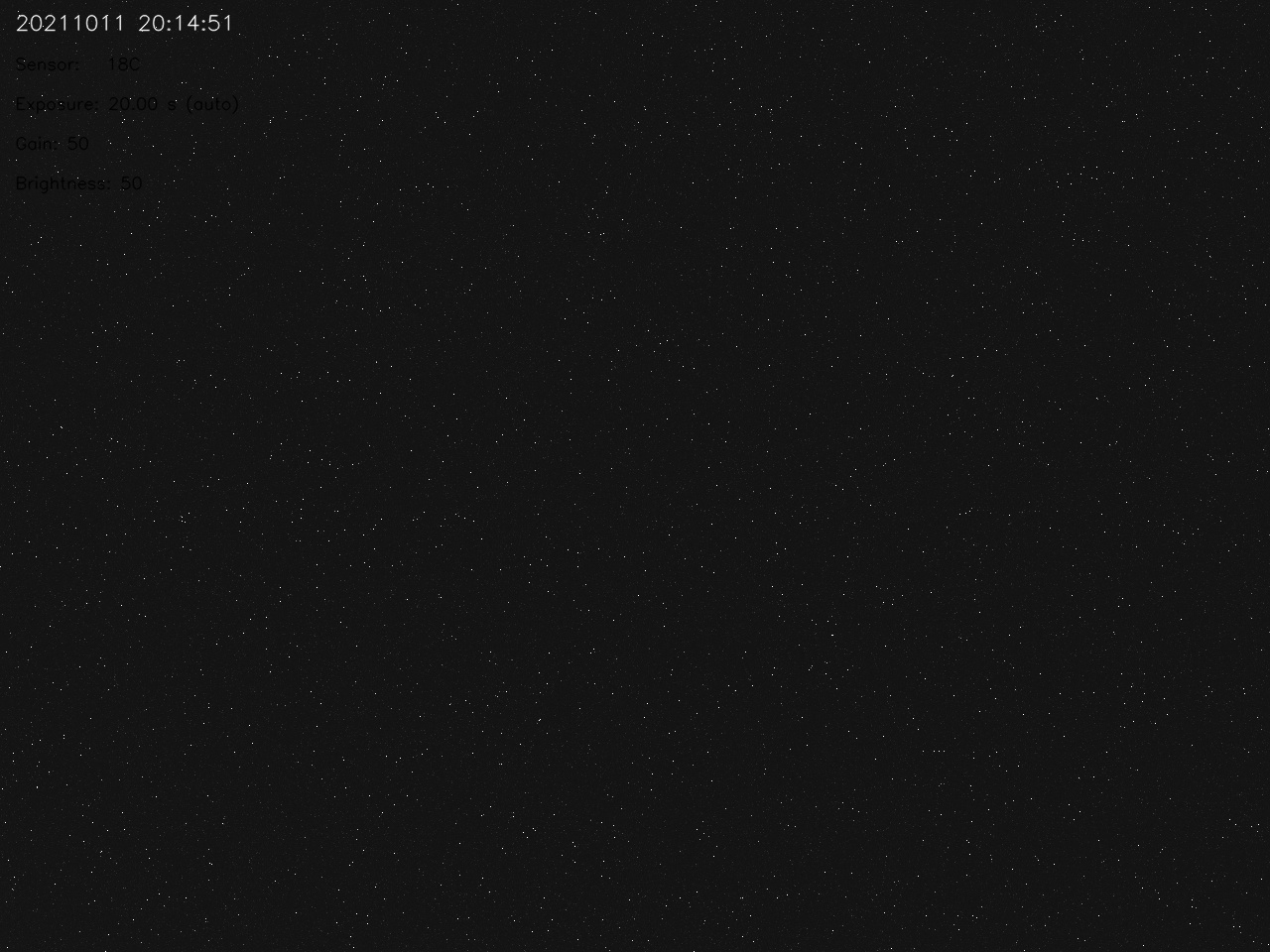
Attached are 3 images - post adjustment / dark frame/ unadjusted: (Note my camera placement is very non-ideal, but I am keeping it easily accessible during testing)

I can look into that. Somewhere I have a nifty one-liner in ImageMagick that can do pretty good job of cleaning up hot pixels.

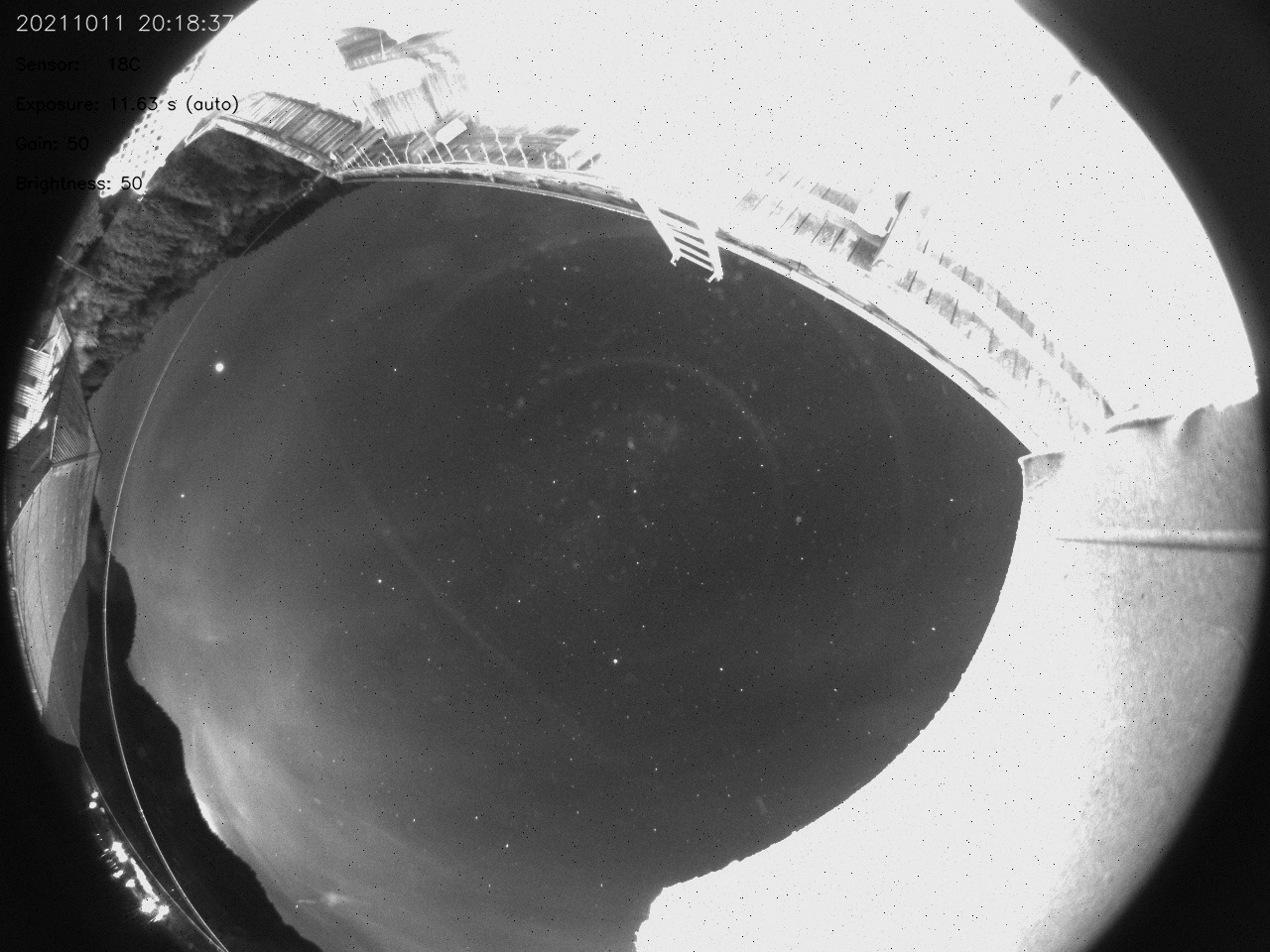
I wrote a quick python OpenCV program to do what I need to do - I don't know if it helps you to develop it in the main code Notes:
- I only handle 1 channel as my image is grayscale - you need to iterate each channel
- It needs to be applied before the text overlay is applied.
- I'm sure it's not efficient, as I am no coder !
attached are the program plus the images before and after
I hope it helps
If you want me to try writing it in C++, I can do that, but as I say I'm not versed in writing efficient code.
Cheers
Lee

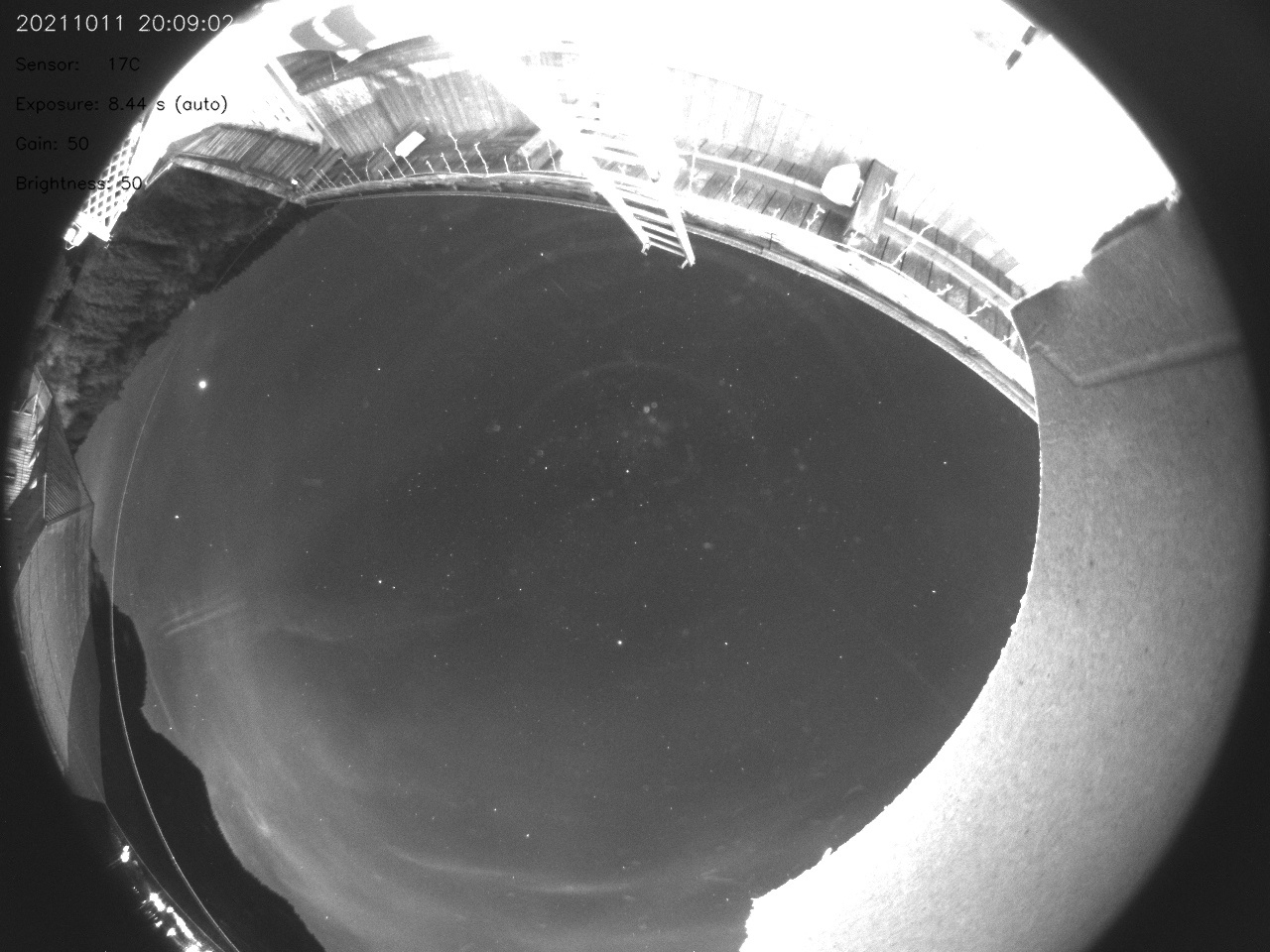
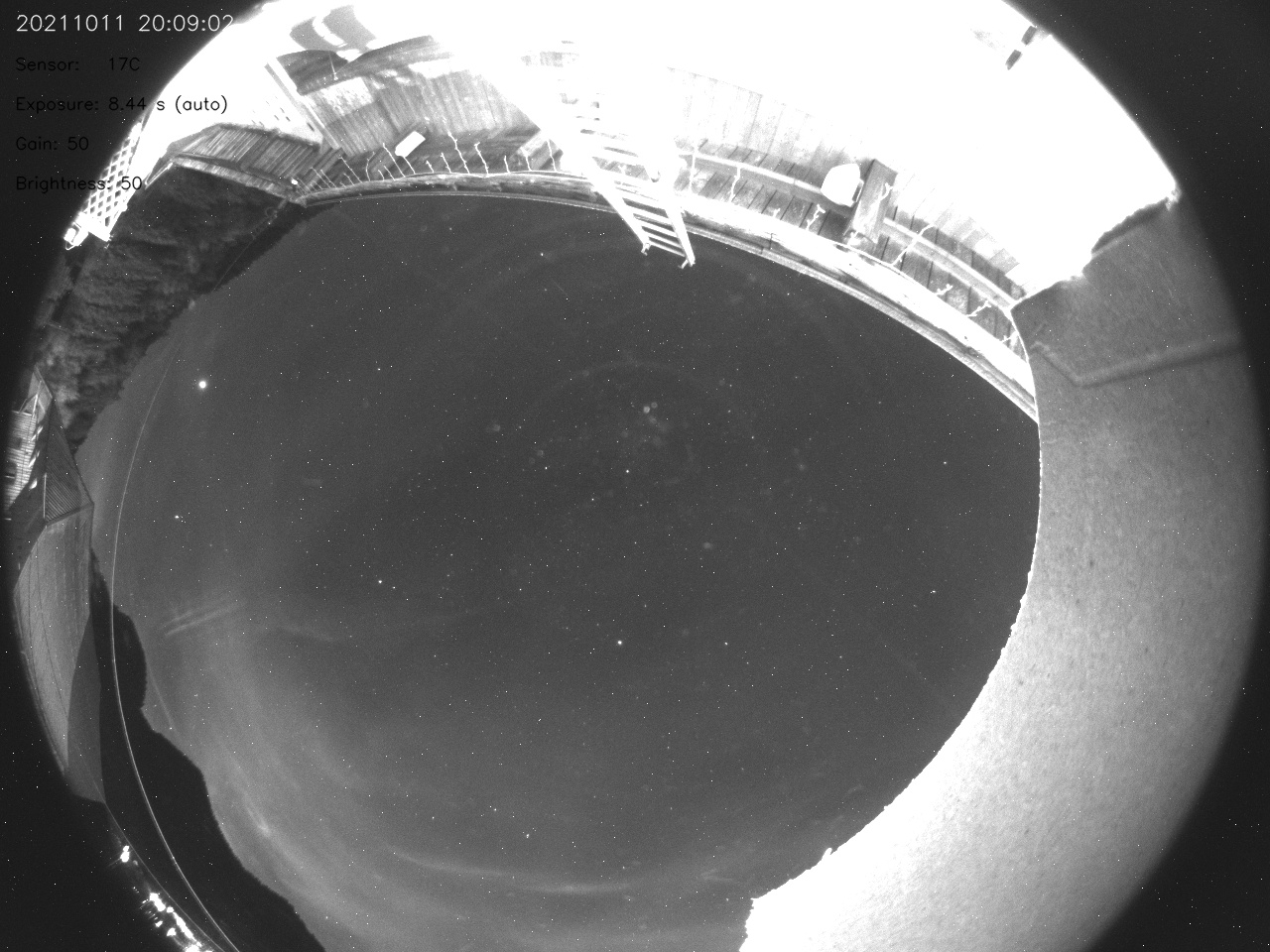
I'd be starting from Zero knowledge to try doing it with imageMagick
Cool, thanks. I'll see if I can turn that into the appropriate imagemagick commands since we're already using convert in the capture pipeline, and I would guess there is a way to do what your script does. I found a similar transform ...
https://legacy.imagemagick.org/discourse-server/viewtopic.php?t=19468
Closing - this request was added to the Projects list - see the Projects link at the top of any Allsky GitHub page.
Project Title: Dark removal by average of surrounding pixels #640
