

 AlexxIT
WebRTC distorts video of Eufy camera's
As WebRTC is super fast, I'm trying to use it for my Eufy Doorbell Camera. So whenever someone presses my doorbell, that my tablet shows a livestream. This works fine through the default RTSP/P2P, but it's rather slow. It takes 3-5 seconds for a livestream to show.
WebRTC would be perfect for this, but the problem is that I can't get it to work. It shows me a distorted image.
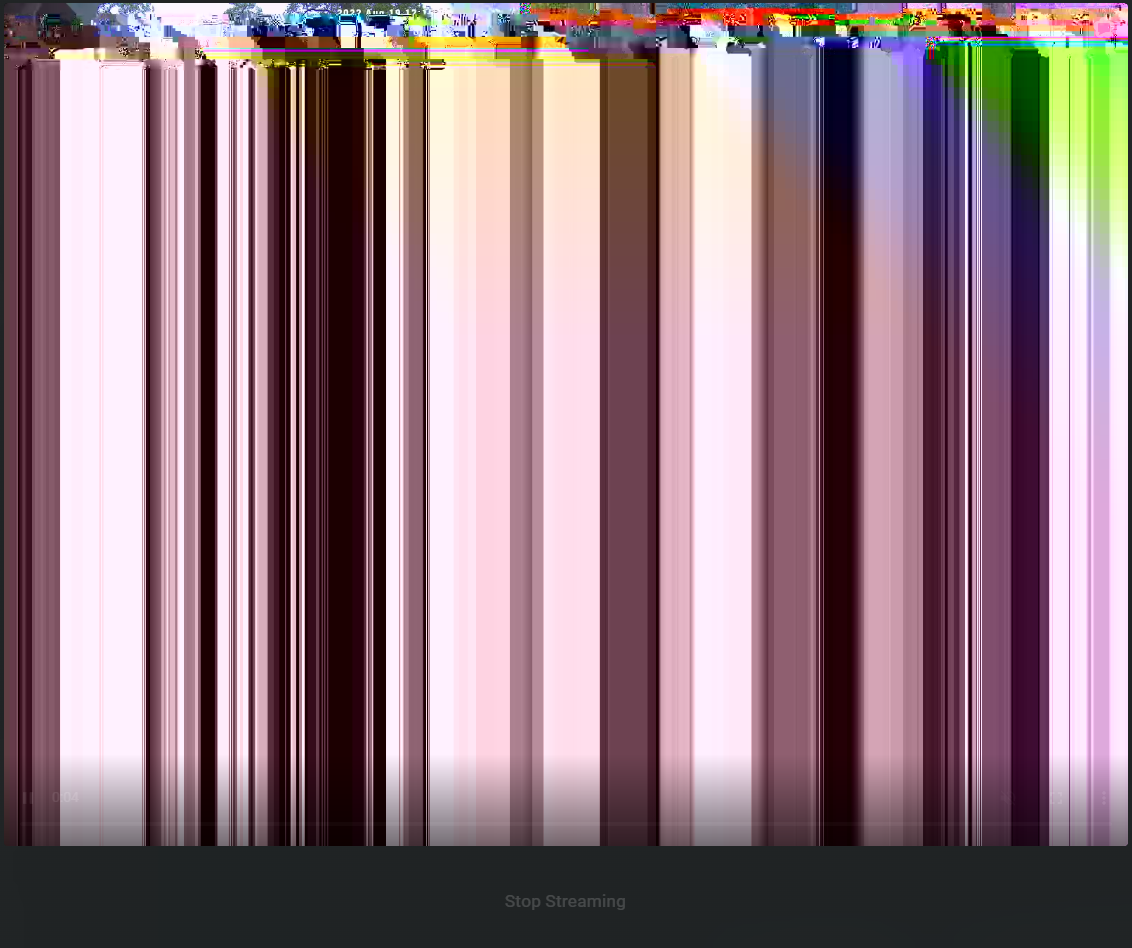
Also see: https://github.com/fuatakgun/eufy_security/issues/434 https://github.com/fuatakgun/eufy_security/issues/401
Hereby some debug logs:
2022-08-19 15:19:12.743 DEBUG (webrtc) [custom_components.webrtc.utils] 2022/08/19 15:19:12 Stream Try Connect rtsp://localhost:8554/T8200N0021180F2B
2022-08-19 15:19:13.606 DEBUG (webrtc) [custom_components.webrtc.utils] 2022/08/19 15:19:13 Set ICEServers [stun:stun.l.google.com:19302]
2022-08-19 15:19:14.649 DEBUG (webrtc) [custom_components.webrtc.utils] 2022/08/19 15:19:14 websocket.JSON.Receive EOF
2022-08-19 15:19:14.650 DEBUG (webrtc) [custom_components.webrtc.utils] [GIN] 2022/08/19 - 15:19:14 | 200 | 1.90682536s | 127.0.0.1 | GET "/ws?url=rtsp://localhost:8554/T8200N0021180F2B"
2022-08-19 15:19:21.968 DEBUG (webrtc) [custom_components.webrtc.utils] 2022/08/19 15:19:21 muxerWebRTC.WritePacket WebRTC Client Offline
2022-08-19 15:19:27.788 DEBUG (webrtc) [custom_components.webrtc.utils] 2022/08/19 15:19:27 Set ICEServers [stun:stun.l.google.com:19302]
2022-08-19 15:19:30.394 DEBUG (webrtc) [custom_components.webrtc.utils] 2022/08/19 15:19:30 websocket.JSON.Receive EOF
2022-08-19 15:19:30.395 DEBUG (webrtc) [custom_components.webrtc.utils] [GIN] 2022/08/19 - 15:19:30 | 200 | 2.7599162s | 127.0.0.1 | GET "/ws?url=rtsp://localhost:8554/T8200N0021180F2B"
2022-08-19 15:19:33.977 DEBUG (webrtc) [custom_components.webrtc.utils] 2022/08/19 15:19:33 Set ICEServers [stun:stun.l.google.com:19302]
2022-08-19 15:19:37.090 DEBUG (webrtc) [custom_components.webrtc.utils] 2022/08/19 15:19:37 websocket.JSON.Receive EOF
2022-08-19 15:19:37.092 DEBUG (webrtc) [custom_components.webrtc.utils] [GIN] 2022/08/19 - 15:19:37 | 200 | 3.254092026s | 127.0.0.1 | GET "/ws?url=rtsp://localhost:8554/T8200N0021180F2B"
2022-08-19 15:19:41.692 DEBUG (webrtc) [custom_components.webrtc.utils] 2022/08/19 15:19:41 Set ICEServers [stun:stun.l.google.com:19302]
2022-08-19 15:19:48.601 DEBUG (webrtc) [custom_components.webrtc.utils] 2022/08/19 15:19:48 websocket.JSON.Receive EOF
2022-08-19 15:19:48.601 DEBUG (webrtc) [custom_components.webrtc.utils] [GIN] 2022/08/19 - 15:19:48 | 200 | 7.029596984s | 127.0.0.1 | GET "/ws?url=rtsp://localhost:8554/T8200N0021180F2B"
2022-08-19 15:19:51.432 DEBUG (webrtc) [custom_components.webrtc.utils] 2022/08/19 15:19:51 Set ICEServers [stun:stun.l.google.com:19302]
2022-08-19 15:19:54.019 DEBUG (webrtc) [custom_components.webrtc.utils] 2022/08/19 15:19:54 Stream Exit Rtsp Disconnect
2022-08-19 15:19:55.020 DEBUG (webrtc) [custom_components.webrtc.utils] 2022/08/19 15:19:55 Stream Try Connect rtsp://localhost:8554/T8200N0021180F2B
2022-08-19 15:19:55.453 DEBUG (webrtc) [custom_components.webrtc.utils] 2022/08/19 15:19:55 websocket.JSON.Receive EOF
2022-08-19 15:19:55.454 DEBUG (webrtc) [custom_components.webrtc.utils] [GIN] 2022/08/19 - 15:19:55 | 200 | 4.1537285s | 127.0.0.1 | GET "/ws?url=rtsp://localhost:8554/T8200N0021180F2B"
What could be the issue here? Thanks in advance.

Check my new project. Maybe it handle this situation https://github.com/AlexxIT/go2rtc

Check my new project. Maybe it handle this situation https://github.com/AlexxIT/go2rtc
When I click on MSE it is still broken, but if I use WebRTC it works fine.
It is just a bit unclear how I can integrate this on my dashboard now as there are multiple options, what's the fastest way of getting an image? And can I remove the existing WebRTC integration now?
You can use both if you want
I followed all steps of Go2RTC to view the camera. But I just can't get it to work. Pressing "WebRTC" in the Go2RTC add-on gives me the livestream instantly, so that works fine. I just don't really get the flow how to get it into a lovelace card.
The Eufy stream is translated into a RTSP stream (with the help of an add-on), if I add this stream to Go2RTC, it works. But the RTSP port that Go2RTC tries to open is already in use by the original Eufy stream.
How can I use the stream that Go2RTC provides and add this into a lovelace card? I don't really get why I should use another integration that picks up the RTSP stream and translates it yet again into WebRTC.
What am I missing here?
Both - WebRTC (this integration) and go2rtc connects to camera via RTSP and convert stream to WebRTC. There is no difference here.
I think this might have solved the issues that I have, just tried beta.3 and it works straight away, it shows "RTC" in the top right corner for me without having a distorted image. Thanks for your great work!
Port 8554 is already used by Eufy (https://github.com/fuatakgun/eufy_security). I had it too, port conflict. Changed it to 8555 in g2rtc.yaml. I am using this WebRTC beta release 4 to. I grab frames from the original fuatakgun/eufy_security rtsp stream (doorbell) with FFMPEG and sometimes I get distorted pictures. If I grab the frames from the rtsp stream via the WebRTC (go2rtc rtsp link) sometimes I also get distorted pictures. The Eufy doorbell stream via fuatakgun/eufy_security is not very stable. Nice that other people also are trying to get pictures or a stream from a Eufy Doorbell after the cloud issues in the news. The fuatakgun/eufy_security (last version 6) is working fine for start and stop Doorbell streaming. I can view the original fuatakgun/eufy_security rtsp stream without any problem if I view it with the WebRTC dashboard. I added the fuatakgun/eufy_security rtsp stream as a General cam in Home Assistant. Home Assistant is slow because the stream is only there when you start streaming with the fuatakgun/eufy_security feature. After the starting Home Assistant must "see" the stream first. Contact me if you have questions about me reply.

Port 8554 is already used by Eufy (https://github.com/fuatakgun/eufy_security). I had it too, port conflict. Changed it to 8555 in g2rtc.yaml. I am using this WebRTC beta release 4 to. I grab frames from the original fuatakgun/eufy_security rtsp stream (doorbell) with FFMPEG and sometimes I get distorted pictures. If I grab the frames from the rtsp stream via the WebRTC (go2rtc rtsp link) sometimes I also get distorted pictures. The Eufy doorbell stream via fuatakgun/eufy_security is not very stable. Nice that other people also are trying to get pictures or a stream from a Eufy Doorbell after the cloud issues in the news. The fuatakgun/eufy_security (last version 6) is working fine for start and stop Doorbell streaming. I can view the original fuatakgun/eufy_security rtsp stream without any problem if I view it with the WebRTC dashboard. I added the fuatakgun/eufy_security rtsp stream as a General cam in Home Assistant. Home Assistant is slow because the stream is only there when you start streaming with the fuatakgun/eufy_security feature. After the starting Home Assistant must "see" the stream first. Contact me if you have questions about me reply.
I had the port conflict after the port conflict. I’m at 8556 now. 8554 and 8555 are taken by who knows what.