

 AlexCovizzi
'Failed to open database' via ssh remote connection
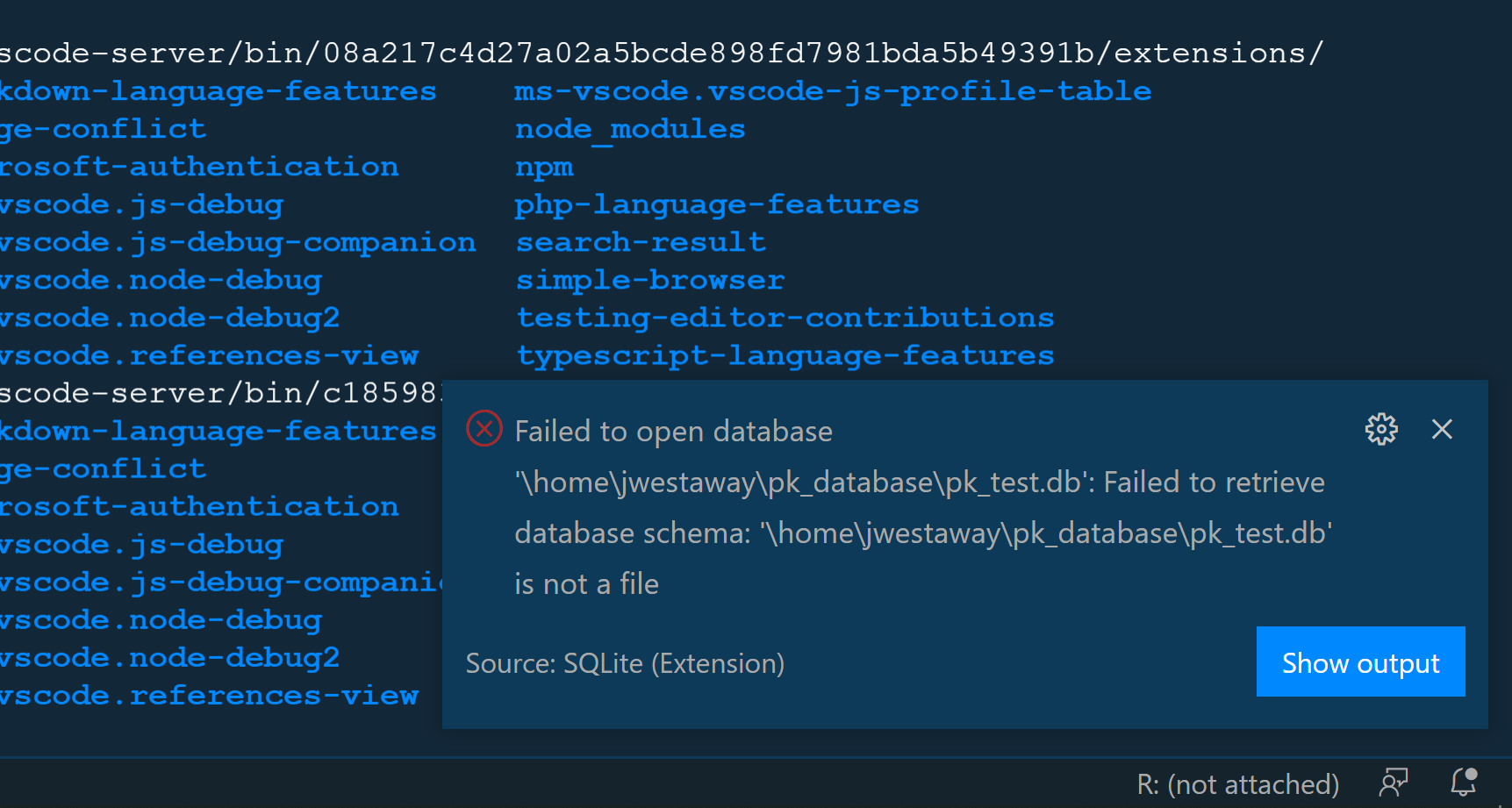
Hey!
There are a few 'Failed to open database' issues already open, but didn't see one that was quite the same.
I am able to open databases, like the one in the attached image, on my local machine, but when uploaded to a HPC and through a remote SSH connection I don't have the same luck. My local OS is windows and the HPC is ubuntu, and although the error shows the file path with backslashes I have input them into the 'search bar' with a forward slash. Not sure why the errors throws that.
Additionally, the right click option returns the same issue.
Also, my executable path is also correct as I can run sqlite3 in the prompt with no issues.
I have also tried changing the executable path for both the user and the workspace.
Any advice?
Thank you in advance, and I look forward to using this extension. I think it will be extremely helpful!

