

 AdguardTeam
www.calm.com cannot load media
Issue URL (Incorrect Blocking)
Comment
Adguard를 활성화하고 calm.com의 명상 서비스를 이용한다. 그러면 사진이 제대로 로드되지 않고 기능이 제대로 동작하지 않으며, 컨텐츠를 재생할 수 없다. Username:
@liurefaiwueb
More details here: https://github.com/AdguardTeam/CoreLibs/issues/1924#issuecomment-2460749502
Screenshots
Screenshot 1
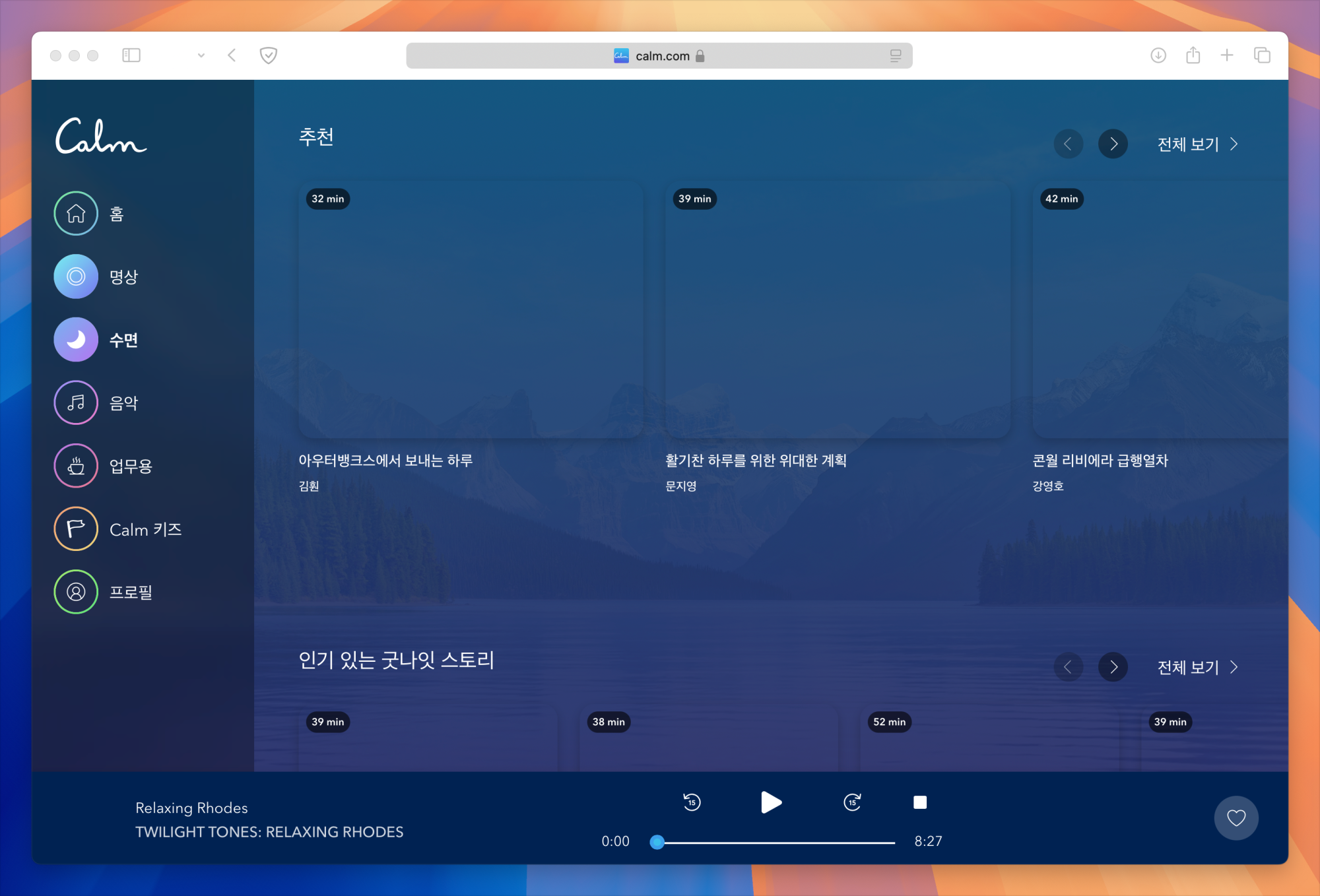
Screenshot 1 with AdGuard disabled
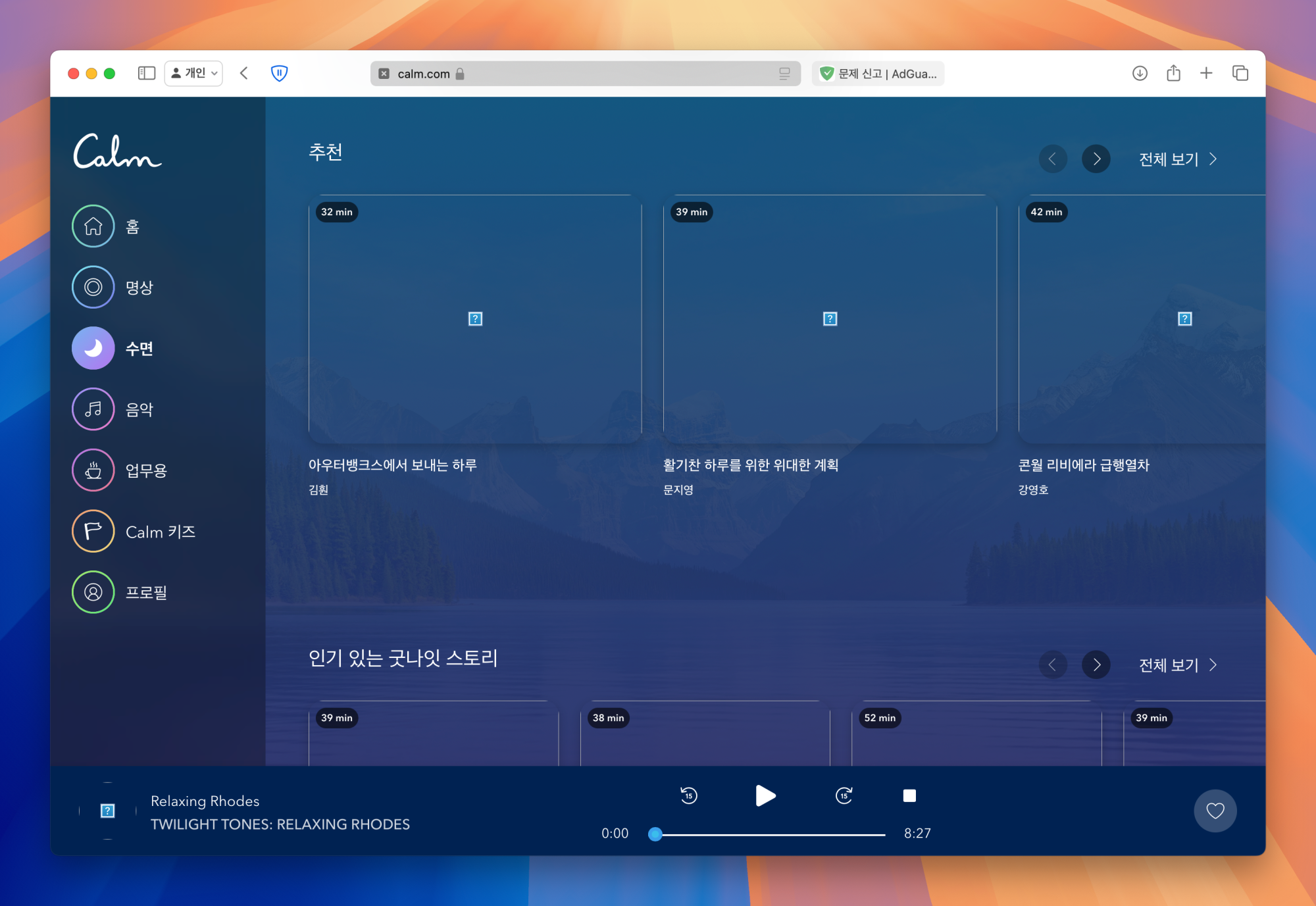
Screenshot 2 with AdGuard disabled
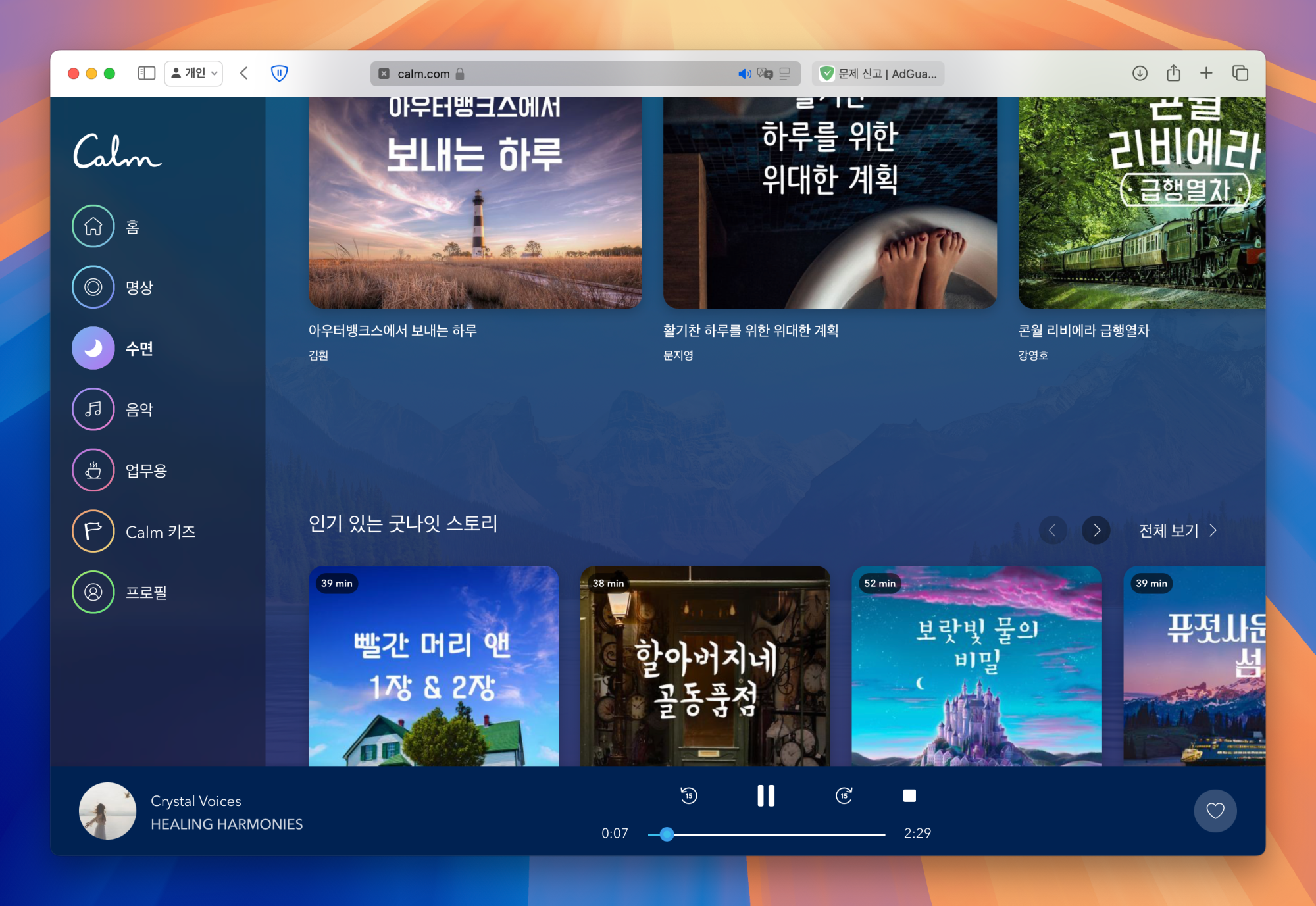
System configuration
| Information | Value |
|---|---|
| AdGuard product: | AdGuard for Mac v2.15.1.1731 release |
| System version: | macOS 15.0.1(24A348) |
| Browser: | Safari |
| License type: | paid |
| Tracking protection: | disabled |
| DNS filtering: | server: Systemfilters: https://filters.adtidy.org/mac_v2/filters/15.txt |
| Filters: | Ad Blocking: AdGuard Base Language-specific: List-KR |
| Browsing Security: | enabled |
| Browsing Security statistics: | disabled |
| Userscripts: | AdGuard Extra (url: https://userscripts.adtidy.org/release/adguard-extra/1.0/adguard-extra.user.js) |
| Userstyles: | disabled |
Issue configuration

I did advanced uninstall, rebooted, reinstalled adguard and tried to get into that site, but it still doesn't work.

@liurefaiwueb Hi. Could you please test when DNS protection and filters are disabled? I can't reproduce.

@liurefaiwueb Hi. Could you please test when DNS protection and filters are disabled? I can't reproduce.
Even if I disable DNS protection and all filters and enter that site, the site does not work. When I disable Adguard, the site works. I use adguard as the default setting and haven't touched its settings.
Ok, please test one by one in user rules:
@@||calm.com^$emelhide,jsinject,stealth
@@||calm.com^$document
@@||calm.com^$stealth
@@||calm.com^$content
Ok, please test one by one in user rules:
@@||calm.com^$emelhide,jsinject,stealth@@||calm.com^$document@@||calm.com^$stealth@@||calm.com^$content
The site isn't working after applying this rule ... But when I go there with another browser instead of safari, the site works fine. So I think there's something wrong between adguard and safari, and I tried to reset or reinstall safari, but there's no way to do that. For now, I'll just use another browser to access that site. Thanks so much for your kind comment, and have a great day! Thank you!
I was able to resolve this issue by completely resetting my Mac. I hope my story can help other users with similar issues in the future. Resetting my Mac and restoring using the time machine didn't fix it - I had to do a hard reset, reinstall my Mac, and then set up a fresh Mac to get it fixed. Thank you so much to the adguard team for trying to resolve this issue as best they could, even though it was my safari that was the problem!
@Alex-302 As of right now, calm.com is not working again... I really don't know what the problem is... And in other browsers, Adguard is often detected on calm.com. There are no ads on calm.com anyway, so I could just turn off adguard or whitelist it, but just annoying and the trackers are annoying.
I didn't realize calm.com would be so challenging.
@liurefaiwueb Does it happen when all filters are disabled? Don't know how to help without an ability to reproduce the problem.
@liurefaiwueb Does it happen when all filters are disabled? Don't know how to help without an ability to reproduce the problem.
yes, This all happened even with filters turned off and just Adguard enabled. After the reset, Adguard worked fine for a while, so I tried to find out if there was a change in the firewall or any settings between when it was working and when it started having problems, but I couldn't find anything. To summarize, after installing and using Adguard, Calm.com/app doesn't work properly in safari, and in other browsers, Adguard is often detected on Calm.com. Since the above problem is only on my computer, and it always happens even after a factory reset, I've given up on blocking ads and am now using Mac natively. And living with ads doesn't seem as inconvenient as I thought it would be. I think this is definitely a problem with my computer. Let's end this issue at this point, thanks for all your hard work!
@liurefaiwueb
I think this is definitely a problem with my computer
You may check it in another browser (Chrome / Edge Firefox).
Btw it does not play music on my Mac. Site loads, but can't load media when I press Play button. Will move to another repo.
To reproduce log in using Google or the site account, go to Music (in sidebar), scroll down and find a free music. Click and wait.
Actual behaviour
Music does not play.
Tested when all DNS protection, tracking protection, extensions and all filters are turned off. Adding @@||calm.com^$document does not help.
What I see in Dev Tools of Safari: