
BrowserAssistant

BrowserAssistant copied to clipboard
 AdguardTeam
ynet.co.il - cannot select element on the page
Issue URL (Anti Adblock Script)
Comment
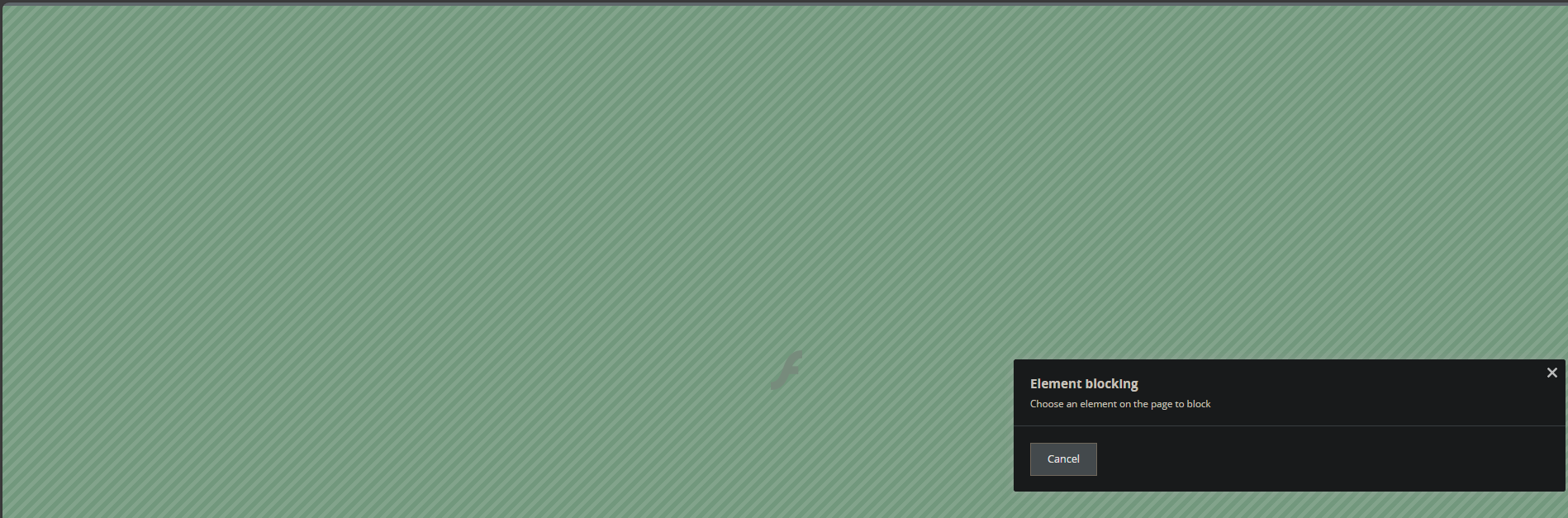
(1) I open this website (news in Hebrew language) (2) I click the Assistant and click "Block ad on this website" (3) Instead of this website, the browser shows a strange background with the letter "F" (like in the days of Flash) - see the attached screenshot (4) As a result, it is not possible to select any element on this website Username:
@SergeiShir
Screenshots
Screenshot 1
System configuration
| Information | Value |
|---|---|
| AdGuard product: | AdGuard for Windows v7.18.1 (4778) |
| System version: | Microsoft Windows NT 10.0.19045.0 |
| Browser: | Edge |
| License type: | paid |
| AdGuard driver: | WFP |
| Tracking protection options: | Block Location API, Hide your Referrer from third-parties, Hide your User-Agent, Self-destructing third-party cookies (180) |
| DNS filtering: | server: Systemfilters: https://filters.adtidy.org/windows/filters/15.txt, User rules |
| Filters: | Ad Blocking: AdGuard Base Social Widgets: AdGuard Social Media Annoyances: AdGuard Widgets Language-specific: AdGuard Russian, EasyList Hebrew |
| Browsing Security: | enabled |
| Browsing Security statistics: | enabled |
| Userscripts: | https://userscripts.adtidy.org/release/assistant/4.3/assistant.user.js https://userscripts.adtidy.org/release/adguard-extra/1.0/adguard-extra.user.js https://userscripts.adtidy.org/release/popup-blocker/2.5/popupblocker.user.js |
| Userstyles: | disabled |

