

 AdguardTeam
rule doesn't work on instagram
the following rule to block sponsored posts on instagram does not work on iOS:
www.instagram.com##article:has(header span:has-text(/^Sponsored$/))
Issue Details
-
AdGuard version:
- 4.4.0(954)
-
Device model and storage size:
- iphone 13, 128gb
-
Operating system and version:
- iOS 15.1.1
Expected Behavior
sponsored post is blocked
Actual Behavior
not blocked
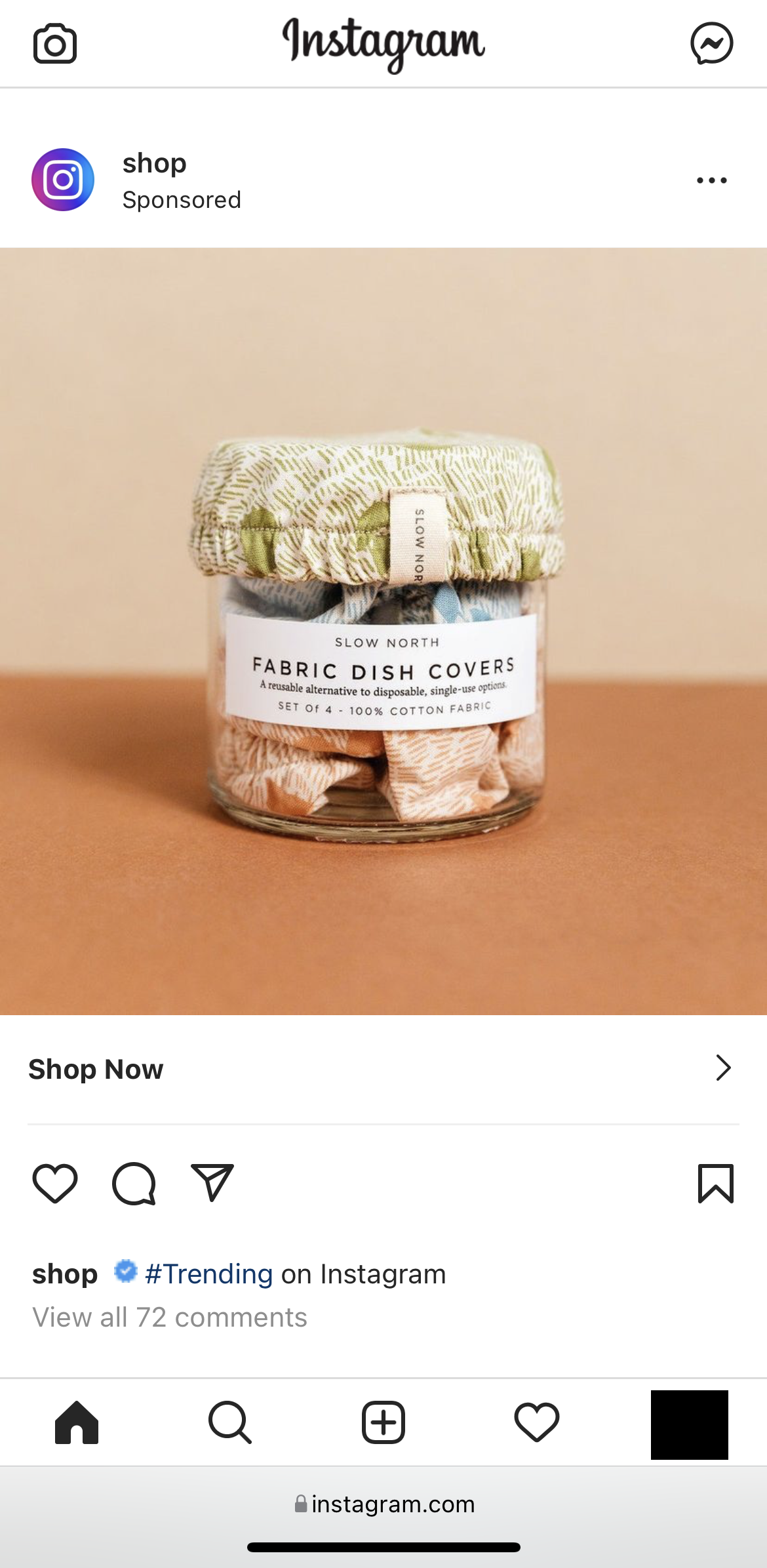
Screenshots
Screenshot:
Additional Information
tested this on desktop as well with the adguard firefox extension and the element was successfully blocked:
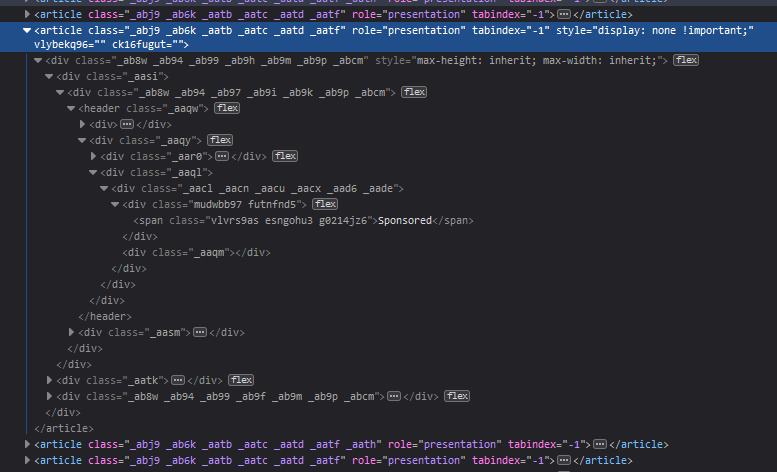
as far as i can tell, the html is the same in both cases.

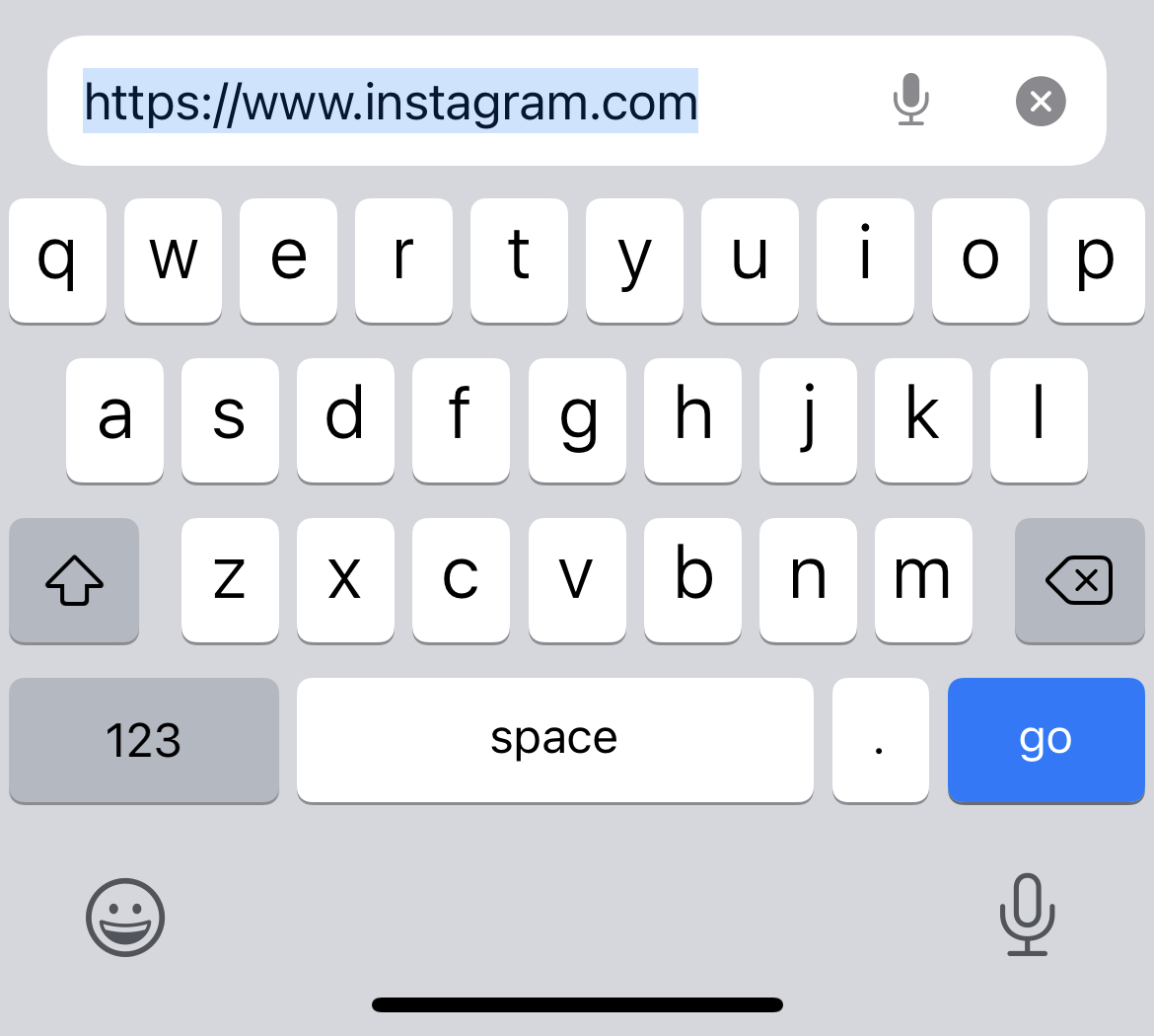
it seems to work if you remove the www. from the domain but i don't understand why, because the full url is https://www.instagram.com
@DetachHead Hi!
Filters syntax is constructed as simple as possible, so rules get rid of the www part.
Also in this case the rule must use an extended css selector.
The proper rule would be instagram.com#?#article:has(header span:has-text(/^Sponsored$/))
You can read more about rules syntax and extended css selectors here.

@Versty
Filters syntax is constructed as simple as possible, so rules get rid of the www part.
is this to handle cases where websites could load either with or without the www subdomain? also, how come it only seems to do this on iOS but not on desktop?
Also in this case the rule must use an extended css selector. The proper rule would be
instagram.com#?#article:has(header span:has-text(/^Sponsored$/))
it seems to work without the #?#, is there any downside to using ##?
@DetachHead
No downside, and you're lucky it worked, but it may not. We use extended css selectors to rise the priority of the rule to make to work.
For me, the rule works both with and without www on iOS.