

 AdguardTeam
Cloudflare Human verification doesn't work with AdGuard enabled
Issue URL (Incorrect Blocking)
Comment
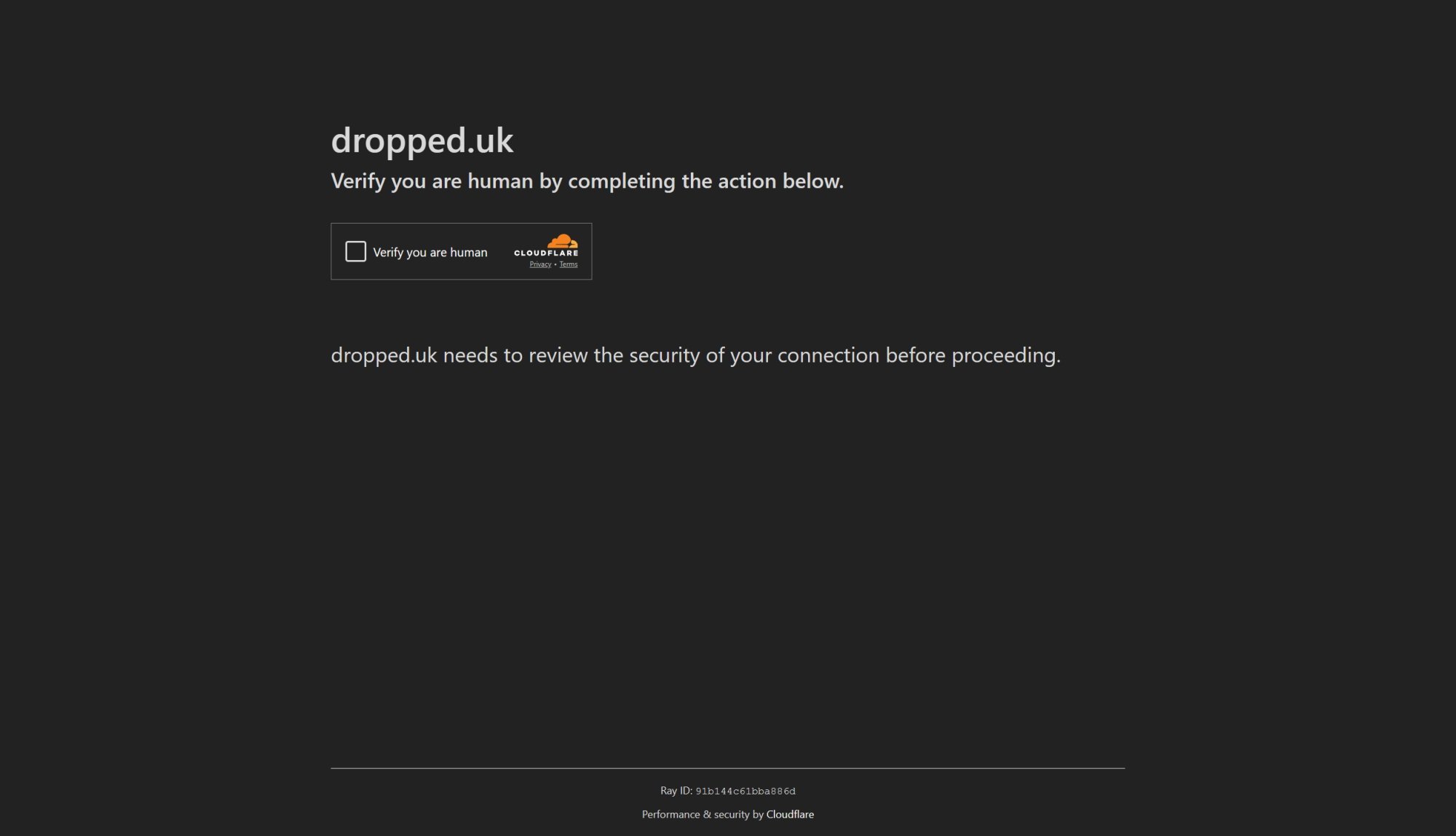
Cloudflare Human verification doesn't work with AdGuard enabled. Clicking "Verify you are human" does nothing, just loops and then resets. I've had this on a few websites that randomly check on page load, but some website will do a bot check each time an action is taken. In my case, namely https://domains.cloudflare.com/ and https://dropped.uk/. Initiating a domain search prompts the human check, and the verification button doesn't work until AdGuard is turned off, either entirely or just for this site.
Screenshots
Screenshot 1
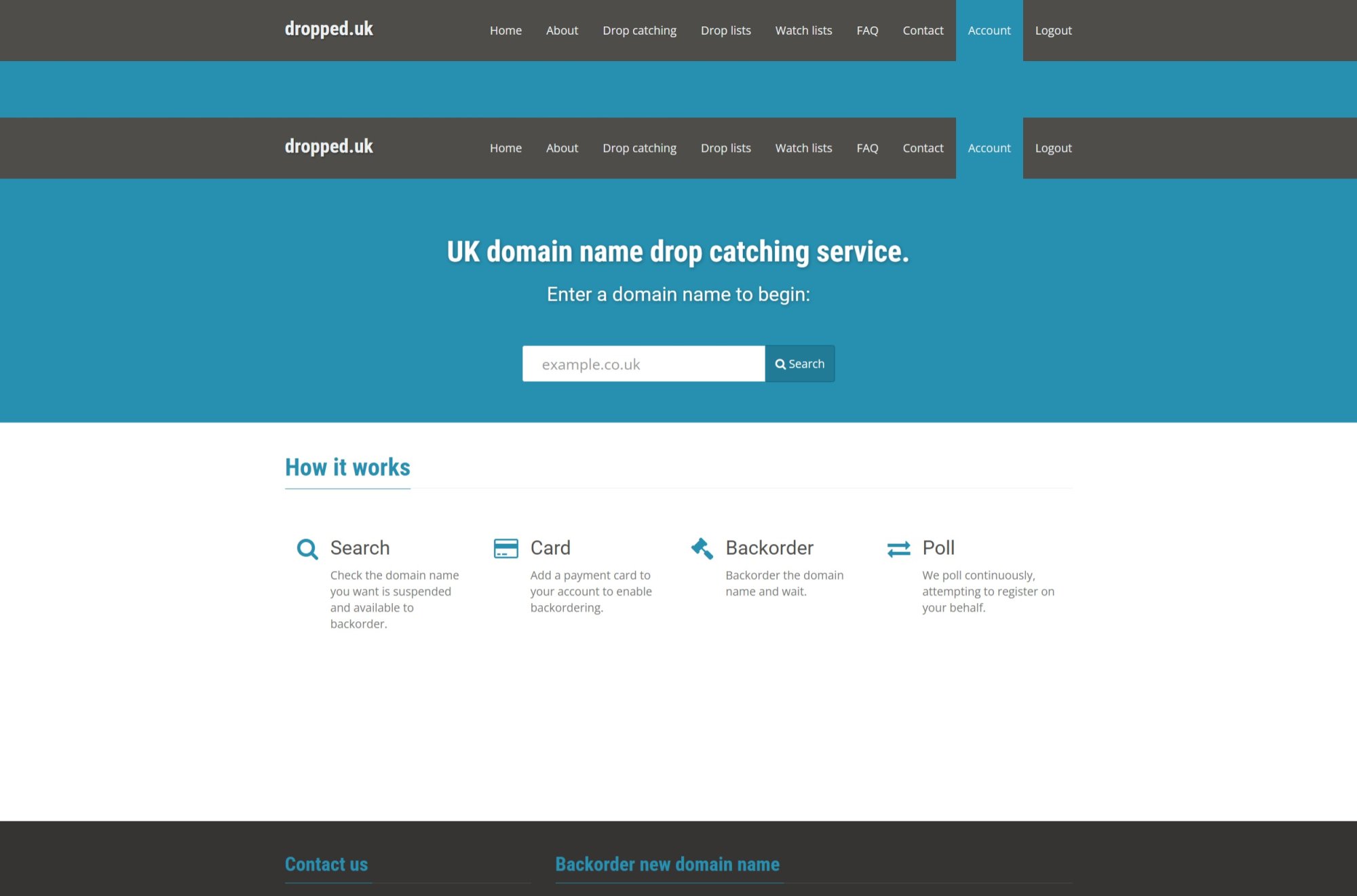
Screenshot 1 with AdGuard disabled
System configuration
| Information | Value |
|---|---|
| AdGuard product: | AdGuard for Windows v7.20.1 (4966) |
| System version: | Microsoft Windows NT 10.0.22631.0 |
| Browser: | Edge |
| License type: | paid |
| AdGuard driver: | WFP |
| Tracking protection options: | Block WebRTC, Strip URLs from tracking parameters, Hide your search queries, Send Do-Not-Track header, Hide your Referrer from third-parties (dropped.uk), Hide your User-Agent, Remove X-Client-Data header from HTTP requests, Protect against DPI, Self-destructing third-party cookies (180), Disable cache for third-party requests, Disable Windows Telemetry, Turn off Advertising ID |
| DNS filtering: | server: https://dns.controld.com/xxxxxxxxxxfilters: User rules (url: none) |
| Filters: | Ad Blocking: AdGuard Base Privacy: Peter Lowe's Blocklist, Fanboy's Anti-Facebook List, Legitimate URL Shortener Annoyances: Fanboy's Annoyances, Adblock Warning Removal List Security: Online Malicious URL Blocklist Other: Filter unblocking search ads and self-promotion |
| Custom filters: | User rules (url: none), NoCoin Filter List (url: https://raw.githubusercontent.com/hoshsadiq/adblock-nocoin-list/master/nocoin.txt) |
| Browsing Security: | enabled |
| Browsing Security statistics: | disabled |
| Userscripts: | disabled |
| Userstyles: | disabled |
Issue configuration

NOTE: switch to system DNS, because https://dns.controld.com/xxxxxxxxxx is non-existing (private).

NOTE: switch to system DNS, because
https://dns.controld.com/xxxxxxxxxxis non-existing (private).
Enabling Tracking Protection also causes this issue. Sending signals to opt out of tracking, blocking location APIs, blocking push APIs, or hiding the user-agent — enabling any one of these Tracking Protection options will cause Cloudflare to loop infinitely. There may be other options that trigger this issue as well; I haven't tested everything completely.Currently, I have turned all of these off, but this is not a good solution.

@Chikit-L Hi! In order to troubleshoot this issue, we need to get your application logs.
Here's what we need you to do:
- Collect the debug log as it's explained here.
- Remember the exact time when the issue was reproduced.
- Send the archive to [email protected]:
- include
[windows]keyword and5391in the subject of your email - specify the exact time when the issue occurred

@Chikit-L Hi! In order to troubleshoot this issue, we need to get your application logs.
Here's what we need you to do:
- Collect the debug log as it's explained here.
- Remember the exact time when the issue was reproduced.
- Send the archive to [email protected]:
- include
[windows]keyword and5391in the subject of your email- specify the exact time when the issue occurred
Thank you for your response. I will attempt to reproduce the issue and export the logs as instructed.
@Chikit-L Hi! In order to troubleshoot this issue, we need to get your application logs.
Here's what we need you to do:
- Collect the debug log as it's explained here.
- Remember the exact time when the issue was reproduced.
- Send the archive to [email protected]:
- include
[windows]keyword and5391in the subject of your email- specify the exact time when the issue occurred
Hello, as requested, I have provided the log along with detailed steps and corresponding timestamps.
@Chikit-L Thank you for provided information and logs. We'll fix this issue in upcoming updates
@StanleyLynn do you also fix it in the version for macOS? Since I have the same problem in AdGuard for macOS.

I have the same issue. I am using AdGuard 7.20.2 (4988). However, if I completely disable the Tracking Protection feature, this issue does not occur. If I enable Tracking Protection but do not check any of the sub-options, the issue still persists. I hope this issue can be resolved as soon as possible so that I can use Tracking Protection again.

@Willy19928 @StanleyLynn @rakleed Please check these links. Is the issue reproducible here? https://testcases.agrd.dev/cf_managed_challenge https://testcases.agrd.dev/cf_js_challenge https://testcases.agrd.dev/cf_interactive_challenge
Note: make every single test in a new private window, close old.
Note: make every single test in a new private window, close old.
If I do it this way, I can't reproduce the problem either on your site or on other sites. If I open Chrome in normal mode, the problem is reproduced.
But also if I open the problematic sites in a browser I very rarely use (Safari, Firefox) in normal mode, this problem is not reproduced.
@Alex-302 in my case the problem was due to Mate Translate extension: https://chromewebstore.google.com/detail/ihmgiclibbndffejedjimfjmfoabpcke/reviews
same for me, its when i have tracking protection enabled in adguard windows
