

 AdguardTeam
com.msearcher.camfind can't connect to the Internet
Issue URL (Incorrect Blocking)
https://play.google.com/store/apps/details?id=com.msearcher.camfind
Comment
App can’t connect to the internet and analyze captured photos, unless you disable filtering for it completely.
Username: @DimitrisKalaboukas
Screenshots
Screenshot 1
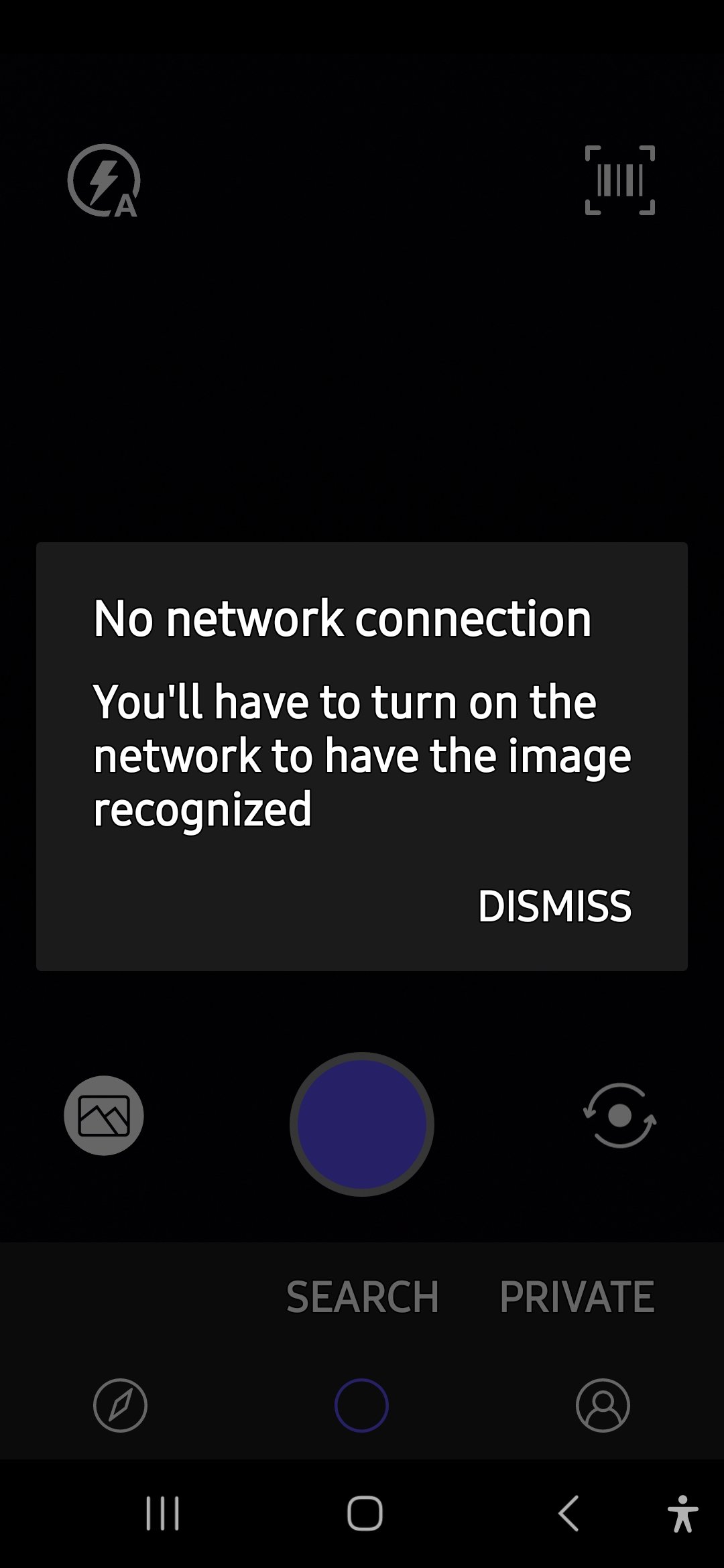
Screenshot 1 with AdGuard disabled
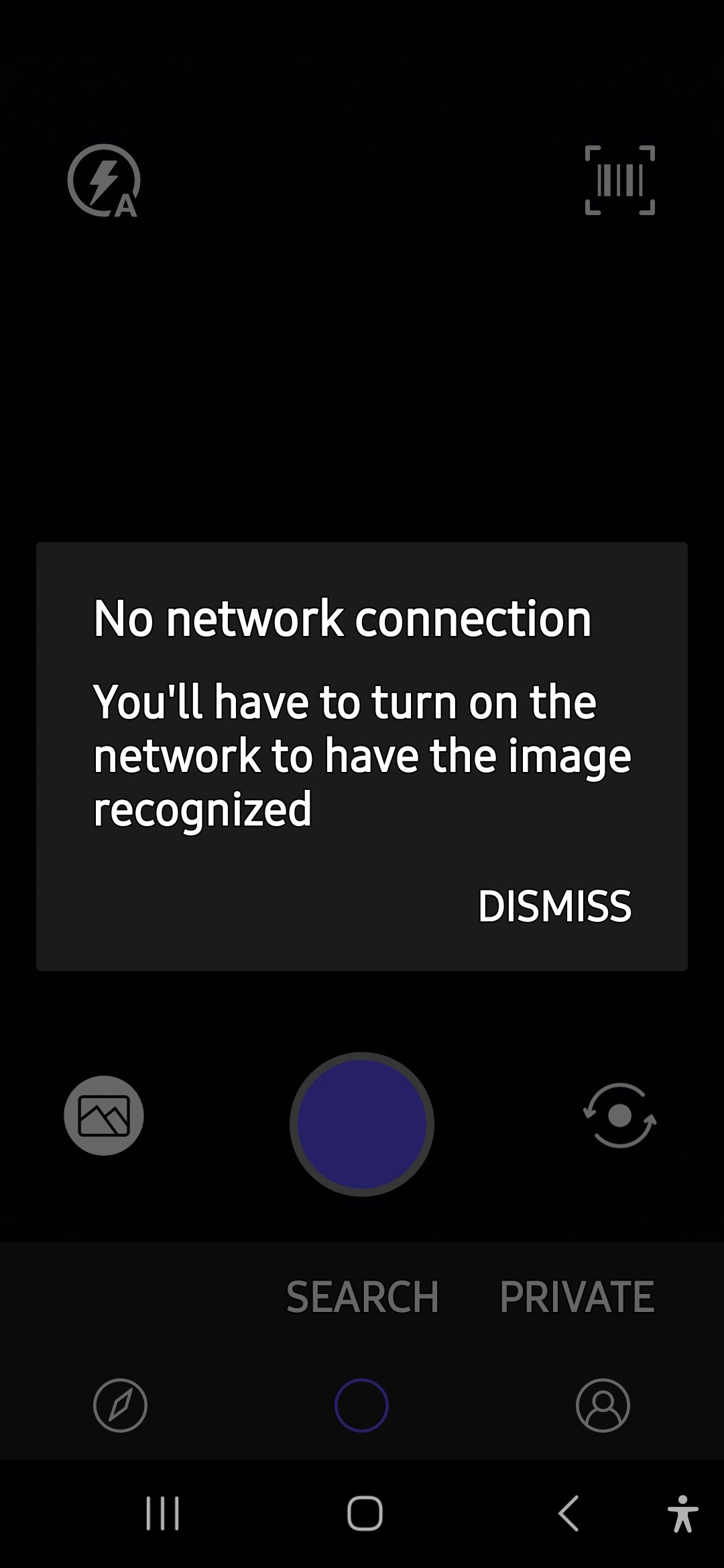
System configuration
| Information | Value |
|---|---|
| AdGuard product: | AdGuard for Android v4.7.179 |
| System version: | One UI 6.1, Android 14 |
| Browser: | CamFind |
| License type: | paid |
| AdGuard mode: | VPN |
| HTTPS filtering: | enabled |
| Tracking protection: | disabled |
| DNS filtering: | server: Quad9filters: AdGuard DNS Filter |
| Filters: | Ad Blocking: AdGuard Base, AdGuard Mobile Ads, EasyList Privacy: AdGuard Tracking Protection, AdGuard URL Tracking, EasyPrivacy, Peter Lowe's Blocklist Social Widgets: AdGuard Social Media Annoyances: AdGuard Annoyances, Fanboy's Annoyances, Dandelion Sprout's Annoyances List Security: Online Malicious URL Blocklist, Phishing URL Blocklist, Scam Blocklist by DurableNapkin, uBlock Origin – Badware risks Language-specific: Greek AdBlock Filter |
| Browsing Security: | enabled |
| Browsing Security statistics: | enabled |
| Userscripts: | disabled |

@DimitrisKalaboukas Broken even if all modules on the main screen are turned off, except protection?

@Alex-302 Very strange. I disabled all main modules one by one and none solved the issue. I'll send the logs to the support mail.

@DimitrisKalaboukas
Very strange. I disabled all main modules one by one and none solved the issue.
Yep. Moved the issue to Android repo.
@DimitrisKalaboukas I checked this also on my device, but the problem is not recurring. Could you please specify the support issue number? I need your logs

@DimitrisKalaboukas unfortunately your logs are not Debug.
In order to troubleshoot this issue, we need to get your application logs.
Here's what we need you to do:
- Enable debug logging: Settings -> General -> Advanced -> Logging level -> Debug.
- Reproduce the problem, then remember the exact time when it happened.
- Collect logs: Settings -> General -> Advanced -> Export logs and system info.
- Send this file to [email protected]:
- include
[android]keyword and5574in the subject of your email - specify the exact time when the issue occurred
- include
Also your logs sent to support are huge in size, I think this is because of past issues, we have already solved in the app. It would be good if you export the settings first, then completely clear the Data of the app and import the settings back, then repeat the problem
@DimitrisKalaboukas could you try disabling Custom filters and test the app again?
@maxikuzmin I reset all firewall (app management) settings to default, I enabled debug logging level at 11:06 a.m., I disabled all main modules on the home screen, and I was still able to reproduce the issue at 11:08 a.m. I’ll sent logs to the above mail.
@DimitrisKalaboukas Sorry for a long delay. We've investigated the logs and found no errors there, the connection is not being reset by AdGuard. Moreover, we can't reproduce the issue, the app works fine as expected.
Can you please check if the issue is still relevant for you using the latest version of AdGuard for Android?

@anyakushin The app still malfunctions on my end when trying to retrieve captured picture description from the internet. It seems that just routing its traffic through AdGuard's local VPN causes the issue, even with all AdGuard main filtering components disabled on the app's home screen.