

 AdguardTeam
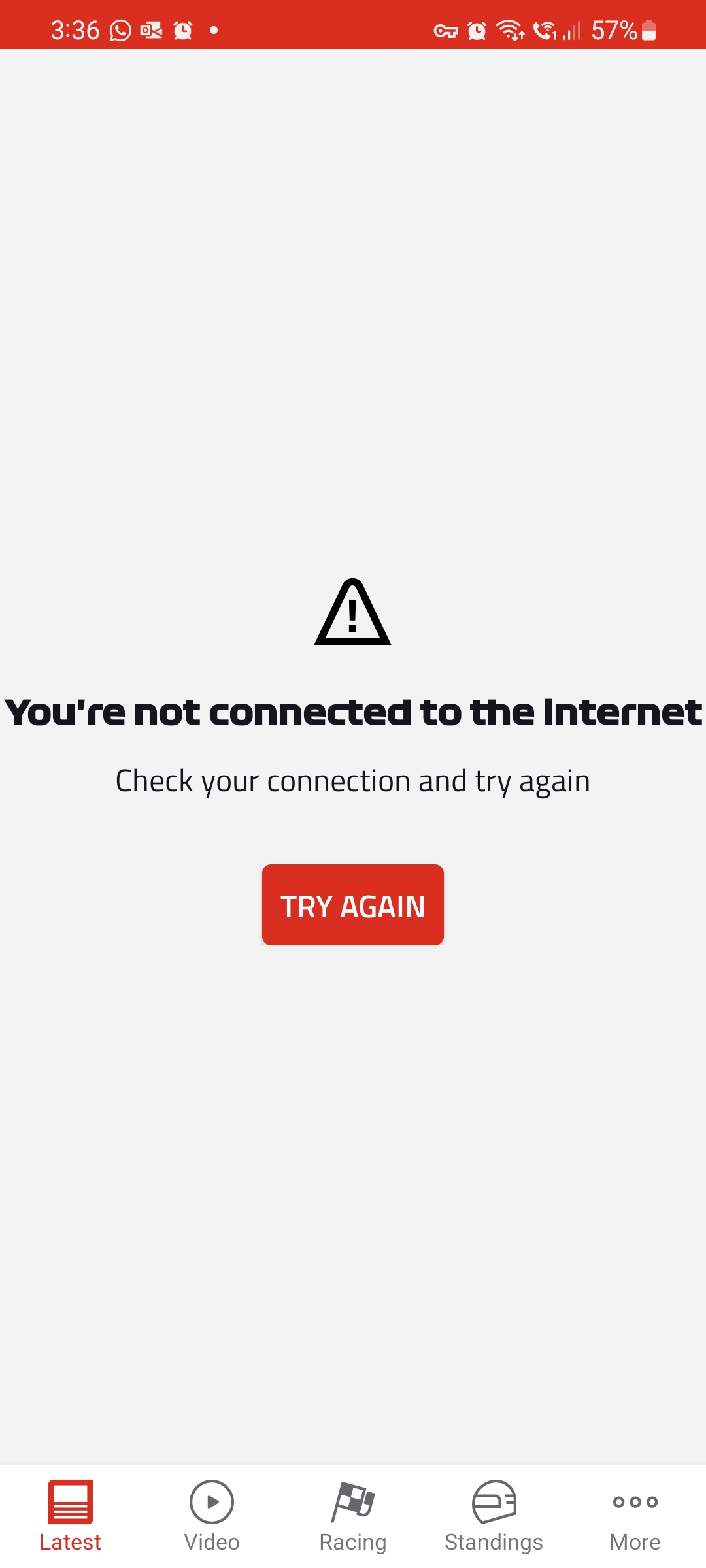
Formula 1 Application is broken
@bosaad21 commented on Sun Apr 10 2022
Prerequisites
- [X] This site DOES NOT contains sexually explicit material, otherwise use NSFW-specific form;
- [X] Filters were updated before reproducing an issue;
- [X] AdGuard product version is up-to-date;
- [X] Browser version is up-to-date;
- [X] If the site or app is broken, disabling AdGuard protection resolves an issue.
What product do you use?
AdGuard for Android
AdGuard version
3.6.41
What type of problem have you encountered?
Website or app doesn't work properly
Which browser(s) do you use?
the problem is with app, not a site
Which device do you use?
Mobile
Where is the problem encountered?
https://play.google.com/store/apps/details?id=com.softpauer.f1timingapp2014.basic
What filters do you have enabled?
AdGuard Base filter, AdGuard Mobile Ads filter, AdGuard Tracking Protection filter, AdGuard Social Media filter, AdGuard Annoyances filter, Filter unblocking search ads and self-promotion, Liste AR, I don't care about cookies
What Stealth Mode options do you have enabled?
No response
Add your comment and screenshots
-
-
Screenshot while AdGuard is on
Screenshot 1:
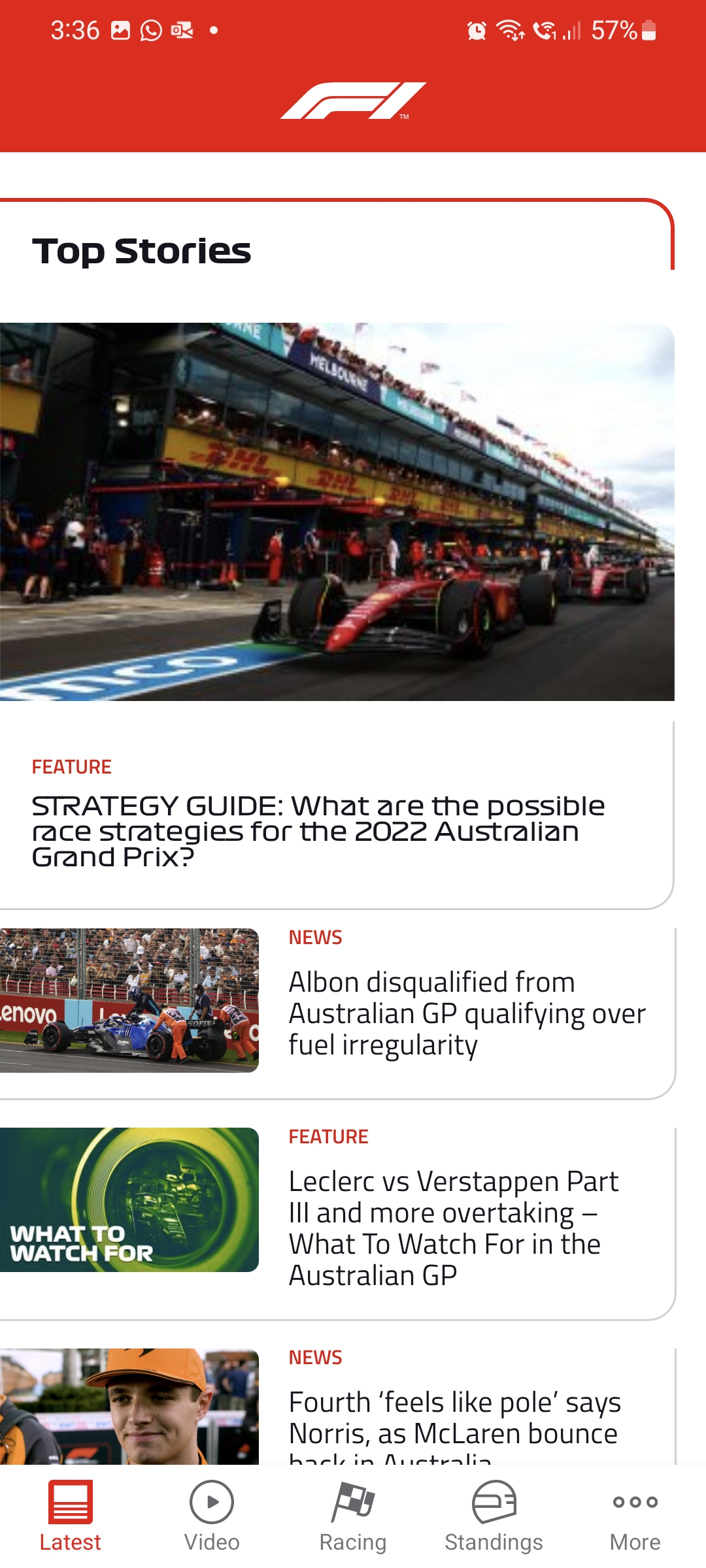
Screenshot N:
Privacy
- [X] I agree to follow this condition
@Alex-302 commented on Tue Apr 12 2022
@bosaad21 Hi. Cannot reproduce. Could you please test when groups of filters are disabled?
@bosaad21 commented on Wed Apr 13 2022
Hi, I tried to disable all filters and other settings of AdGuard app and F1 application still not working, will work only after disabling AdGuard vpn network.. See the attached video
https://user-images.githubusercontent.com/71277632/163074548-ad959b88-0640-4f4c-bf20-7c0f310128fb.mp4

@bosaad21
Sorry for the late reply
To troubleshoot this issue, we need to get additional logs.
Here's what we need you to do:
- Collect the debug log as it's explained here;
- Remember the exact time when the issue was reproduced. We will need it to find the corresponding records in the log file;
- Send archive to
[email protected]. Mention the Github issue number and the exact time when the issue was reproduced.


Update on the problem..it appears clearly when using a Wi-Fi connection rather than mobile data.
