

 AdguardTeam
www.facebook.com
Issue URL (Incorrect Blocking)
Comment
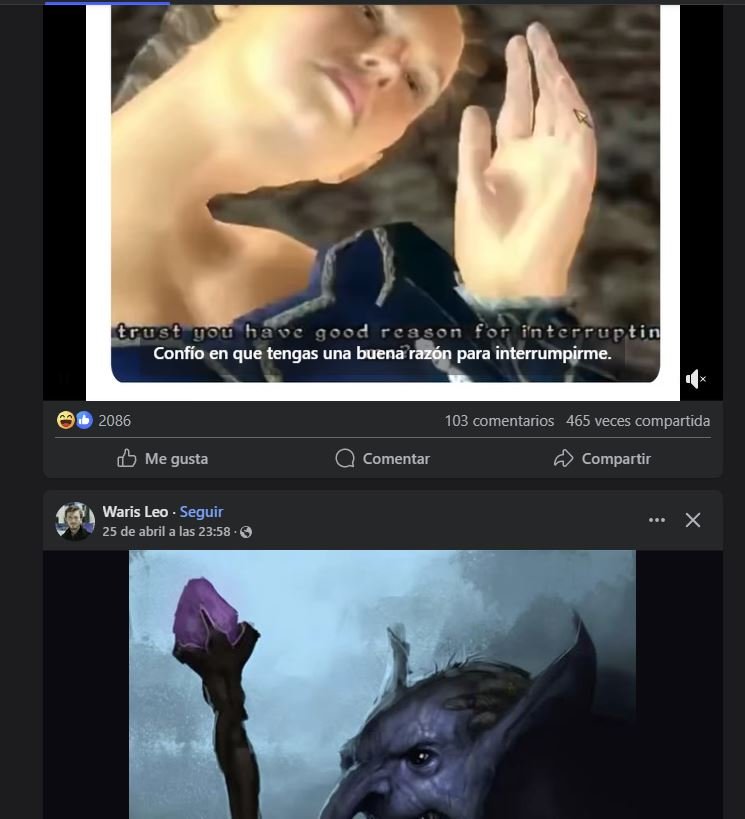
Cuando Adguard está habilitado en Facebook, Solo el primer post se ve y lo demás No carga.
Eso no lo hacía antes, empezó como hace 1 semana. Username:
@Facebooker
Screenshots
Screenshot 1

Screenshot 1 with AdGuard disabled
System configuration
| Information | Value |
|---|---|
| AdGuard product: | AdGuard Browser Extension v5.0.227 MV3 |
| System version: | Windows 10 |
| Browser: | Chrome |
| Tracking protection: | disabled |
| Filters: | Ad blocking: AdGuard Base Other: Filter unblocking search ads and self-promotion Language-specific: AdGuard Russian, AdGuard German, AdGuard Japanese, AdGuard Spanish/Portuguese, AdGuard French, List-KR |
| Browsing Security: | enabled |
| Browsing Security statistics: | disabled |

Issue URL (Incorrect Blocking)
Screenshots
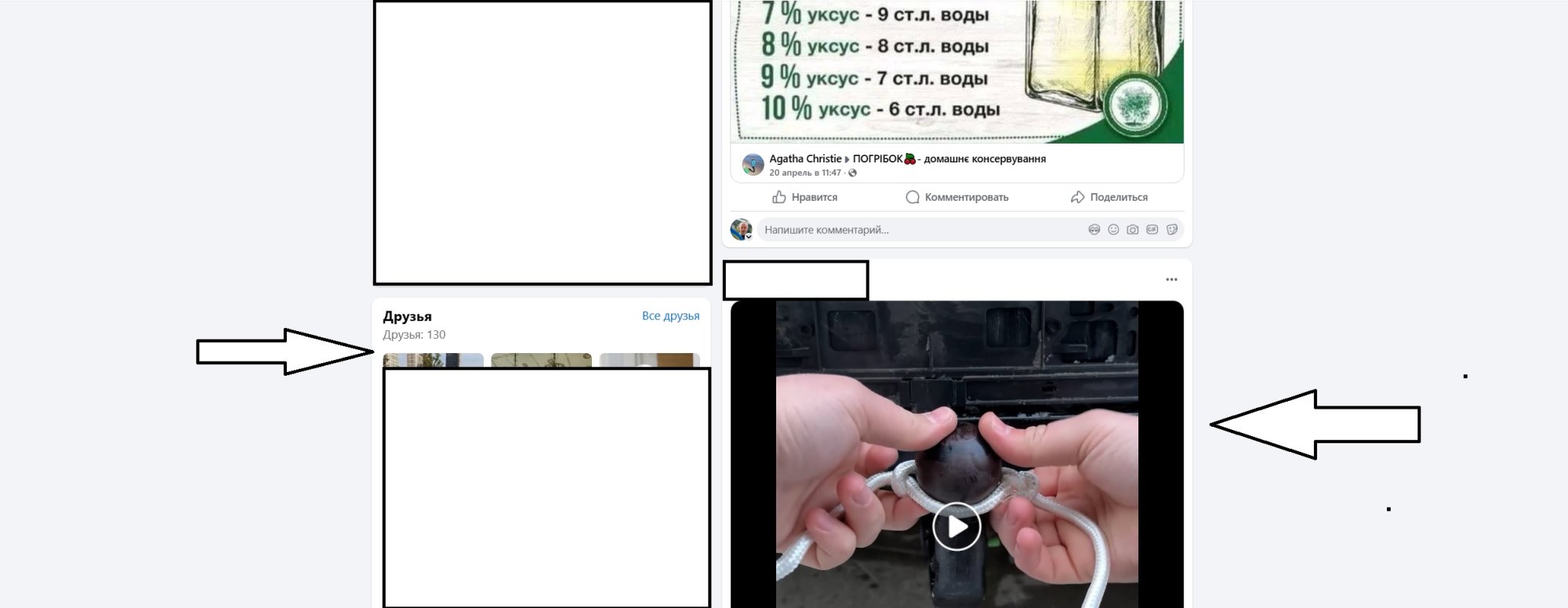
Screenshot 1
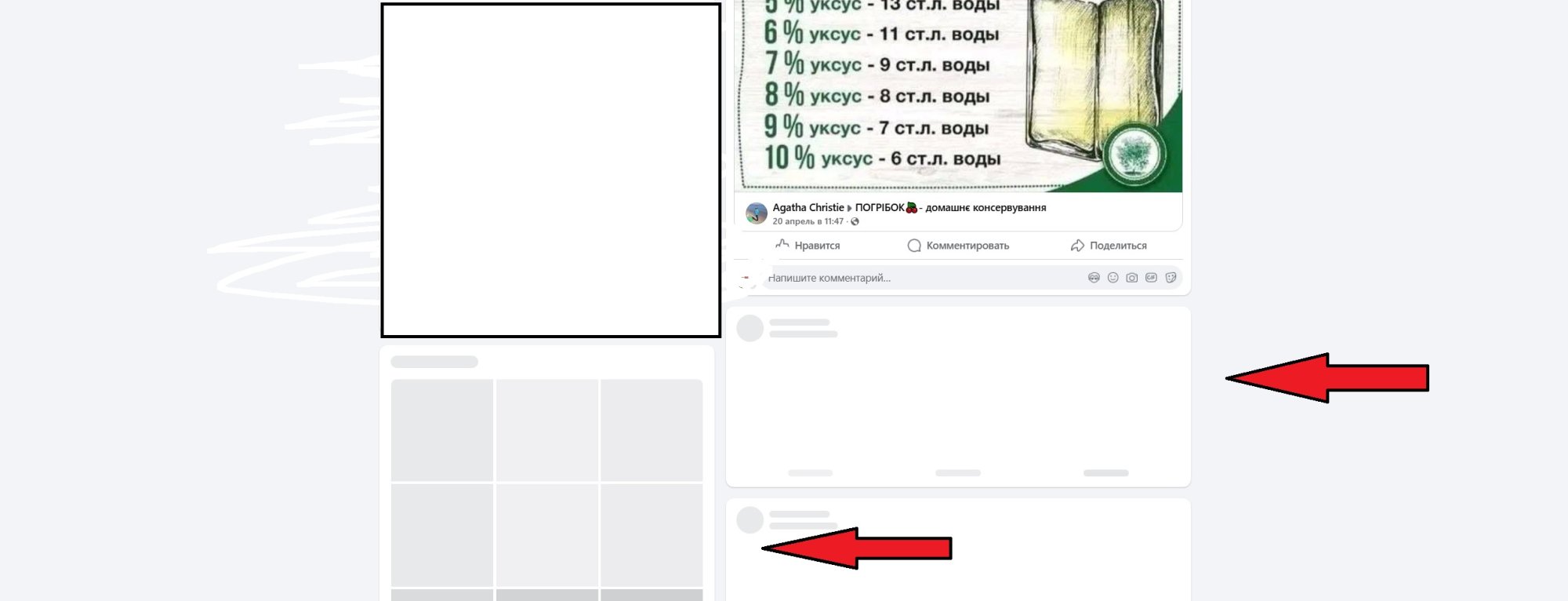
Screenshot 1 with AdGuard disabled
System configuration
| Information | Value |
|---|---|
| AdGuard product: | AdGuard Browser Extension v5.0.227 MV3 |
| System version: | Windows 10 |
| Browser: | Chrome |
| Tracking protection: | disabled |
| Filters: | Ad blocking: AdGuard Base Other: Filter unblocking search ads and self-promotion Language-specific: AdGuard Russian, AdGuard German, AdGuard Spanish/Portuguese, AdGuard French, AdGuard Ukrainian, Official Polish filters for AdBlock, uBlock Origin & AdGuard, AdGuard Chinese, Polish Anti Adblock Filters |
| Browsing Security: | enabled |
| Browsing Security statistics: | enabled |
Not reproduced with the AdGuard Browser Extension v5.0.227 MV3 or actual filters. @AdguardTeam/filters-maintainers please also take a look at this.

I cannot reproduce it with AdGuard only. It can be related to - https://github.com/AdguardTeam/AdguardFilters/issues/203247#issuecomment-2834222229 and occurs when two (or more) different ad blockers are used.

Issue URL (Ads)
Comment
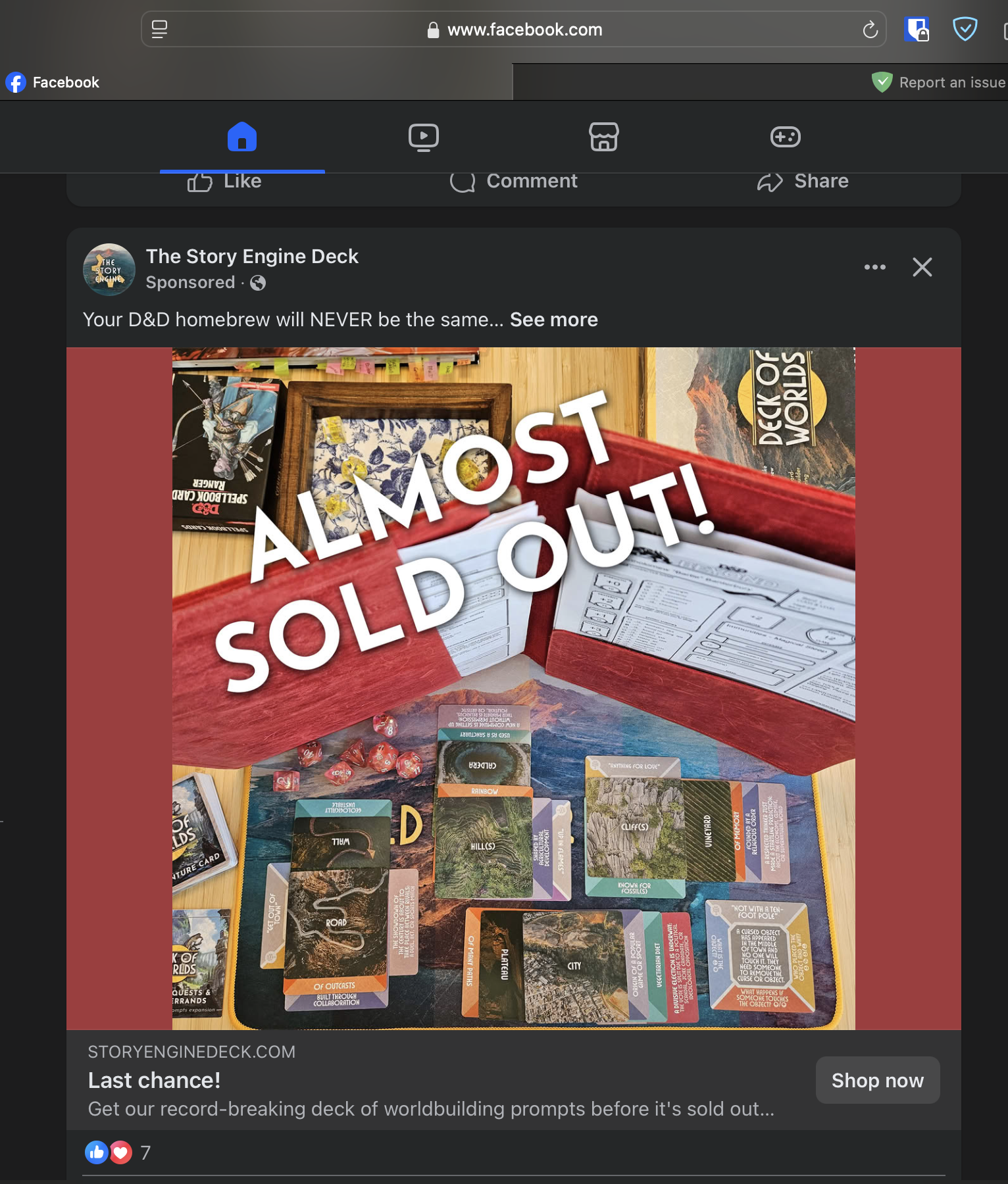
Ads display on Facebook while AdGuard is enabled.
Screenshots
Screenshot 1
System configuration
| Information | Value |
|---|---|
| AdGuard product: | AdGuard for Mac v2.16.4.1870 release |
| System version: | MacOS 15.3.2 (Build 24D81) |
| Browser: | Safari |
| Tracking protection: | disabled |
| DNS filtering: | server: https://dns.adguard-dns.com/dns-queryfilters: AdGuard DNS filter, DnsUserRules |
| Filters: | Ad blocking: AdGuard Base Privacy: AdGuard Tracking Protection Social widgets: AdGuard Social Media Language-specific:AdGuard Russian,AdGuard German, AdGuard Japanese, AdGuard Dutch, AdGuard Spanish/Portuguese, AdGuard French, Official Polish filters for AdBlock, uBlock Origin & AdGuard, EasyList Czech and Slovak, EasyList Hebrew, EasyList Lithuania, Latvian List, Dandelion Sprout's Nordic Filters |
| Browsing Security: | enabled |
| Browsing Security statistics: | disabled |
| Userscripts: | AdGuard Extra (url: https://userscripts.adtidy.org/release/adguard-extra/1.0/adguard-extra.user.js) |
| Userstyles: | disabled |
| Other extensions used: | Bitwarden |
Issue configuration
Issue URL (Incorrect Blocking)
Screenshots
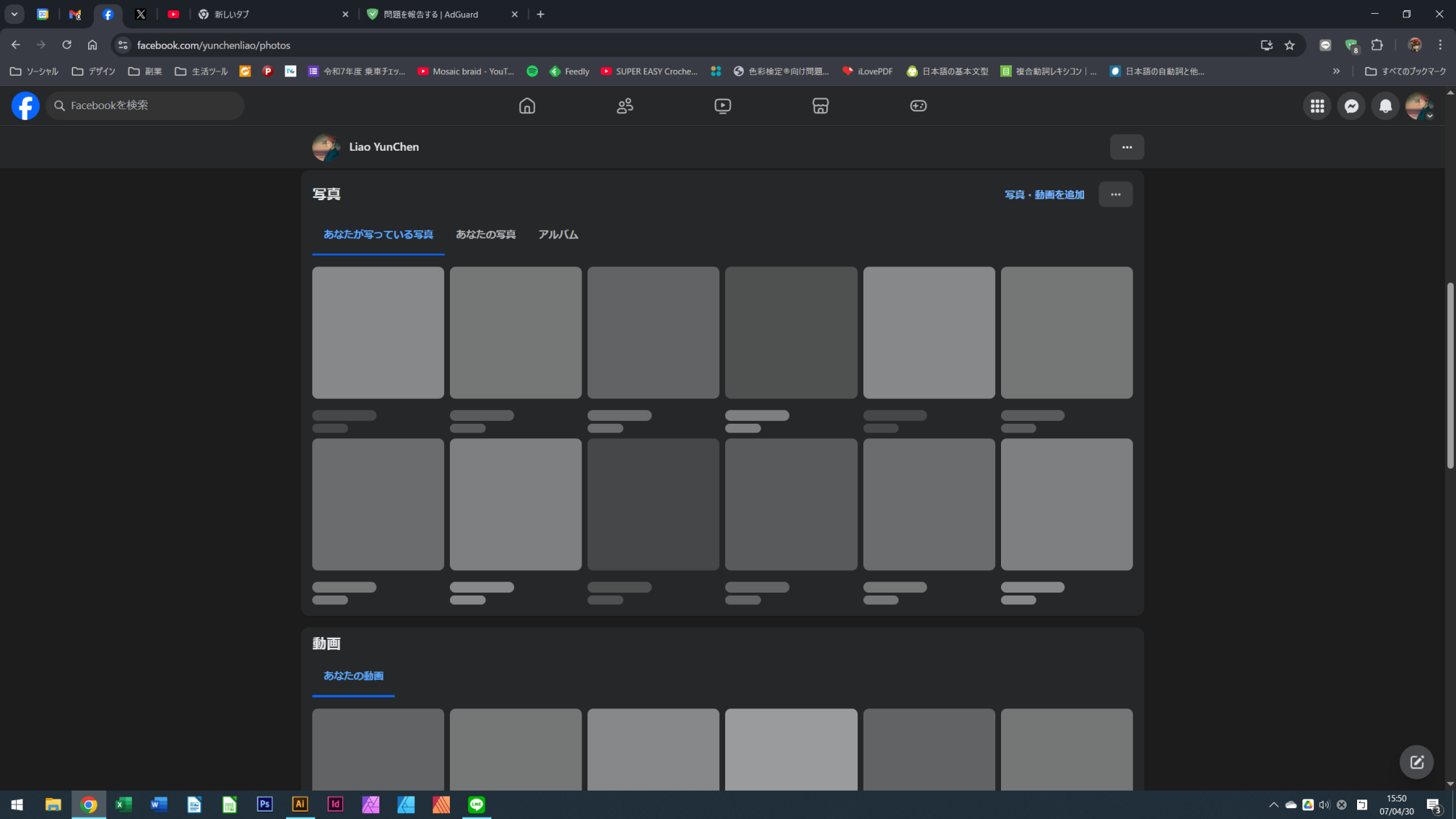
Screenshot 1
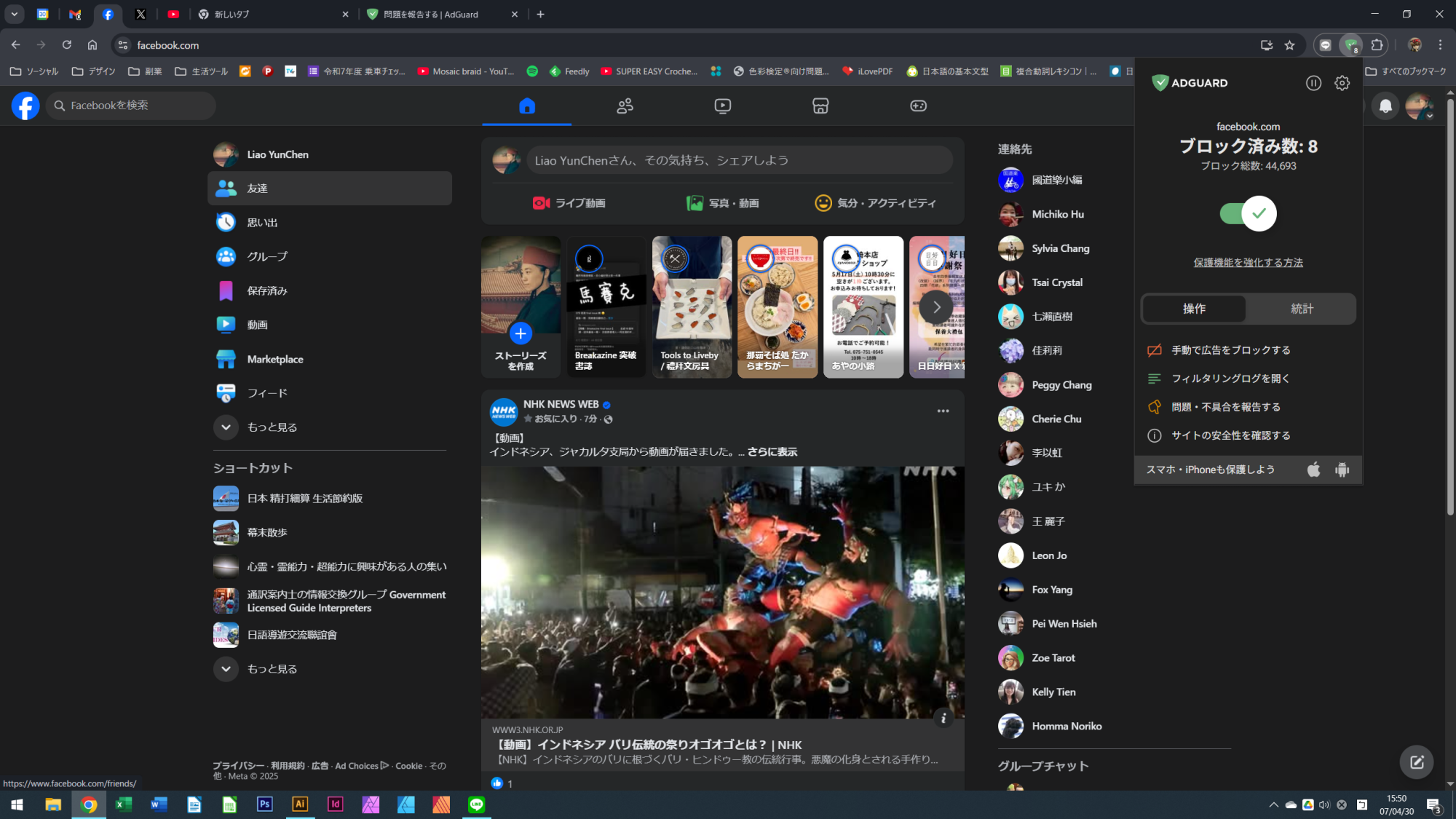
Screenshot 1 with AdGuard disabled
System configuration
| Information | Value |
|---|---|
| AdGuard product: | AdGuard Browser Extension v5.0.227 MV3 |
| System version: | Windows 10 |
| Browser: | Chrome |
| Tracking protection: | disabled |
| Filters: | Ad blocking: AdGuard Base Other: Filter unblocking search ads and self-promotion Language-specific: AdGuard Japanese, AdGuard Chinese |
| Browsing Security: | enabled |
| Browsing Security statistics: | enabled |
Issue URL (Incorrect Blocking)
Comment
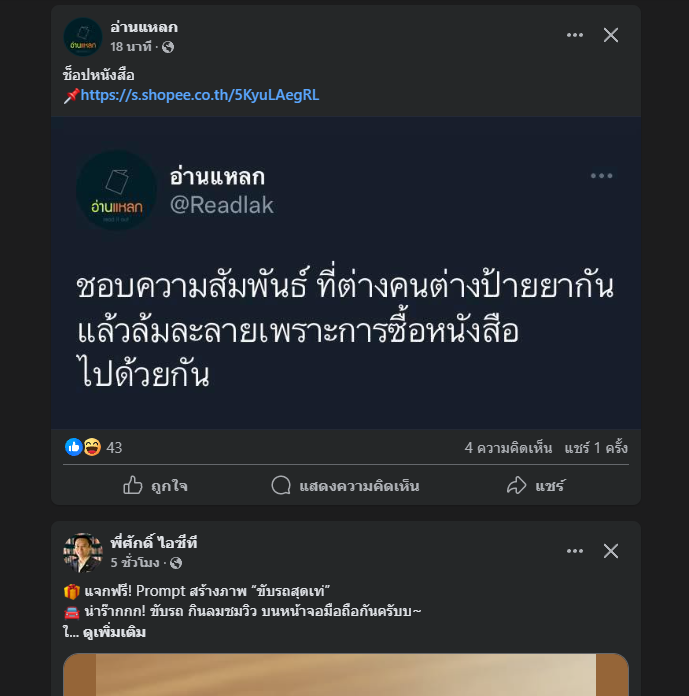
เฟสบุ๊คหน้าฟีดไม่โหลด , เฟสบุ๊คโหลดหน้าฟีดไม่สำเร็จ
Screenshots
Screenshot 1

Screenshot 1 with AdGuard disabled
System configuration
| Information | Value |
|---|---|
| AdGuard product: | AdGuard Browser Extension v5.1.79 MV2 |
| System version: | Windows 10 |
| Browser: | Edge |
| Tracking protection: | disabled |
| Filters: | Ad blocking: AdGuard Base Privacy: AdGuard Tracking Protection Social widgets: AdGuard Social Media Language-specific: AdGuard Japanese, EasyList Thailand |
| Browsing Security: | enabled |
| Browsing Security statistics: | enabled |
| Other extensions used: | adblock plus , malwarebyte browser guard |
Issue URL (Incorrect Blocking)
https://www.facebook.com/?locale=zh_TW
Comment
開啟無法顯示正常頁面 關閉則正常
Screenshots
Screenshot 1
Screenshot 2
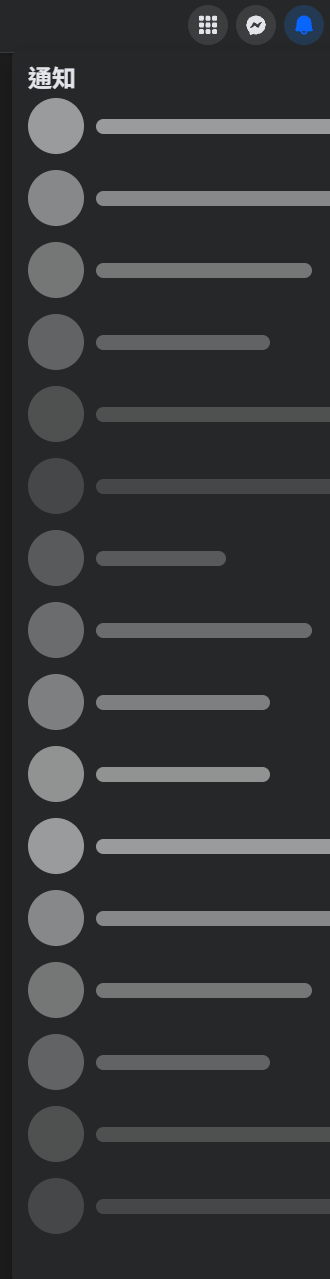
Screenshot 1 with AdGuard disabled

Screenshot 2 with AdGuard disabled

System configuration
| Information | Value |
|---|---|
| AdGuard product: | AdGuard Browser Extension v5.0.227 MV3 |
| System version: | Windows 11 |
| Browser: | Chrome |
| Tracking protection: | disabled |
| Filters: | Ad blocking: AdGuard Base Privacy: AdGuard Tracking Protection, AdGuard URL Tracking Other: Filter unblocking search ads and self-promotion Language-specific: AdGuard Chinese |
| Browsing Security: | disabled |
| Browsing Security statistics: | disabled |
| Other extensions used: | AdBlock |
https://github.com/AdguardTeam/AdguardFilters/issues/204233#issuecomment-2840221208
Ads display on Facebook while AdGuard is enabled.
I cannot reproduce it, please try to update filters.
Regarding incorrect blocking: https://github.com/AdguardTeam/AdguardFilters/issues/204233#issuecomment-2840983788 https://github.com/AdguardTeam/AdguardFilters/issues/204233#issuecomment-2841981312 https://github.com/AdguardTeam/AdguardFilters/issues/204233#issuecomment-2846520292 I'm not able to reproduce it with AdGuard only, please disable all other ad blockers and check again.
Issue URL (Incorrect Blocking)
Comment
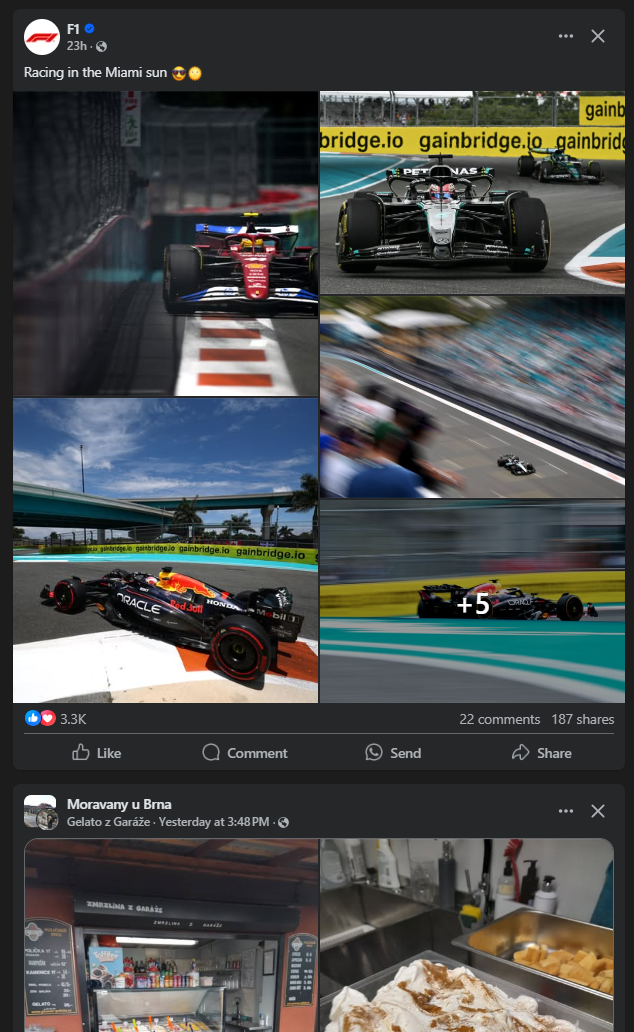
With Adguard enabled Meta apps (Facebook or Instagram) does not work properly. Pages are basically un-usable, content is not loading. When Adguard is disabled it works normally again. I believe the problem is with DNS, I'm paying for the Adguard DNS, so I have dedicated DNS address configured in the Adguard app on the PC and on the router itself. When I use standard DNS I don't see the issue, when I use Adguard DNS on either router or the PC then I see the issue with Meta apps. I have the main domains like facebook.com or instagram.com whitelisted, but that's not helping. Also, I've cleared DNS cache on PC and that's not helping either. I can reproduce the same problem on two different networks with different computers on them.
Screenshots
Screenshot 1

Screenshot 1 with AdGuard disabled
System configuration
| Information | Value |
|---|---|
| AdGuard product: | AdGuard for Windows v7.20.2 (4988) |
| System version: | Microsoft Windows NT 10.0.26100.0 |
| Browser: | Opera |
| License type: | paid |
| AdGuard driver: | WFP |
| Tracking protection: | disabled |
| DNS filtering: | server: quic://xxxxxxx.d.adguard-dns.comfilters: AdGuard DNS Filter, User rules (url: none) |
| Filters: | Ad blocking: AdGuard Base Privacy: AdGuard Tracking Protection Social widgets: AdGuard Social Media Annoyances: AdGuard Cookie Notices, AdGuard Other Annoyances, Fanboy's Annoyances Language-specific: AdGuard German, Official Polish filters for AdBlock, uBlock Origin & AdGuard, EasyList Czech and Slovak, AdBlockID, Polish Anti Adblock Filters |
| Custom filters: | User rules (url: none), AdGuard Annoyances filter (url: https://filters.adtidy.org/windows/filters/14.txt) |
| Browsing Security: | disabled |
| Browsing Security statistics: | disabled |
| Userscripts: | AdGuard Extra (url: https://userscripts.adtidy.org/release/adguard-extra/1.0/adguard-extra.user.js) AdGuard Popup Blocker (url: https://userscripts.adtidy.org/release/popup-blocker/2.5/popupblocker.user.js) |
| Userstyles: | disabled |
Issue configuration
Issue URL (Incorrect Blocking)
Comment
- Голосові дзвінки Messenger при включеному AdGuard обриваються (автоматично вимикаються ніби хтось поклав трубку) через 2-3 секунди після початку розмови. При вимкненому AdGuard дзвінки Messenger відбуваються нормально. Цей баг працює постійно 2)При включеному AdGuard час від часу (не завжди, 2-3 рази на день) перестає вантажитись стрічка Facebook, а також розділ "сповіщення" (той що з дзвіночком). При цьому Messenger та шапка сайту провантажуються нормально. В месенджері можна спілкуватись, але не голосом. За межами цих 2-3 разів на день стрічка та панель сповіщень вантажаться нормально. Обидві проблеми почалися одночасно, близько 1,5-2 тижнів тому, до того все було нормально. Нічого в налаштуваннях не змінювалось, нових програм не встановлювалось. Вмикання чи вимикання Adblock Plus ніяким чином на ситуацію не впливає.
Screenshots
Screenshot 1
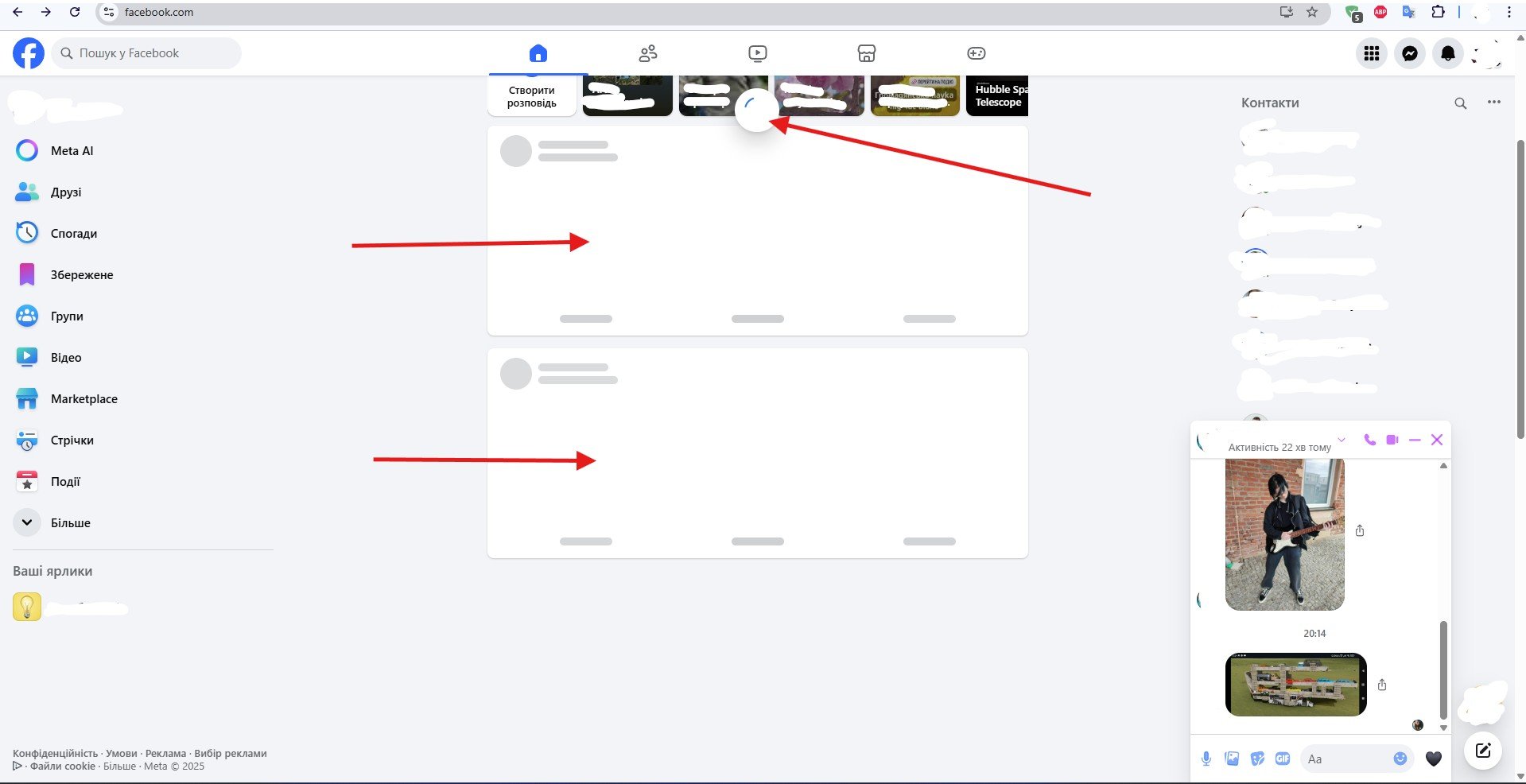
Screenshot 1 with AdGuard disabled
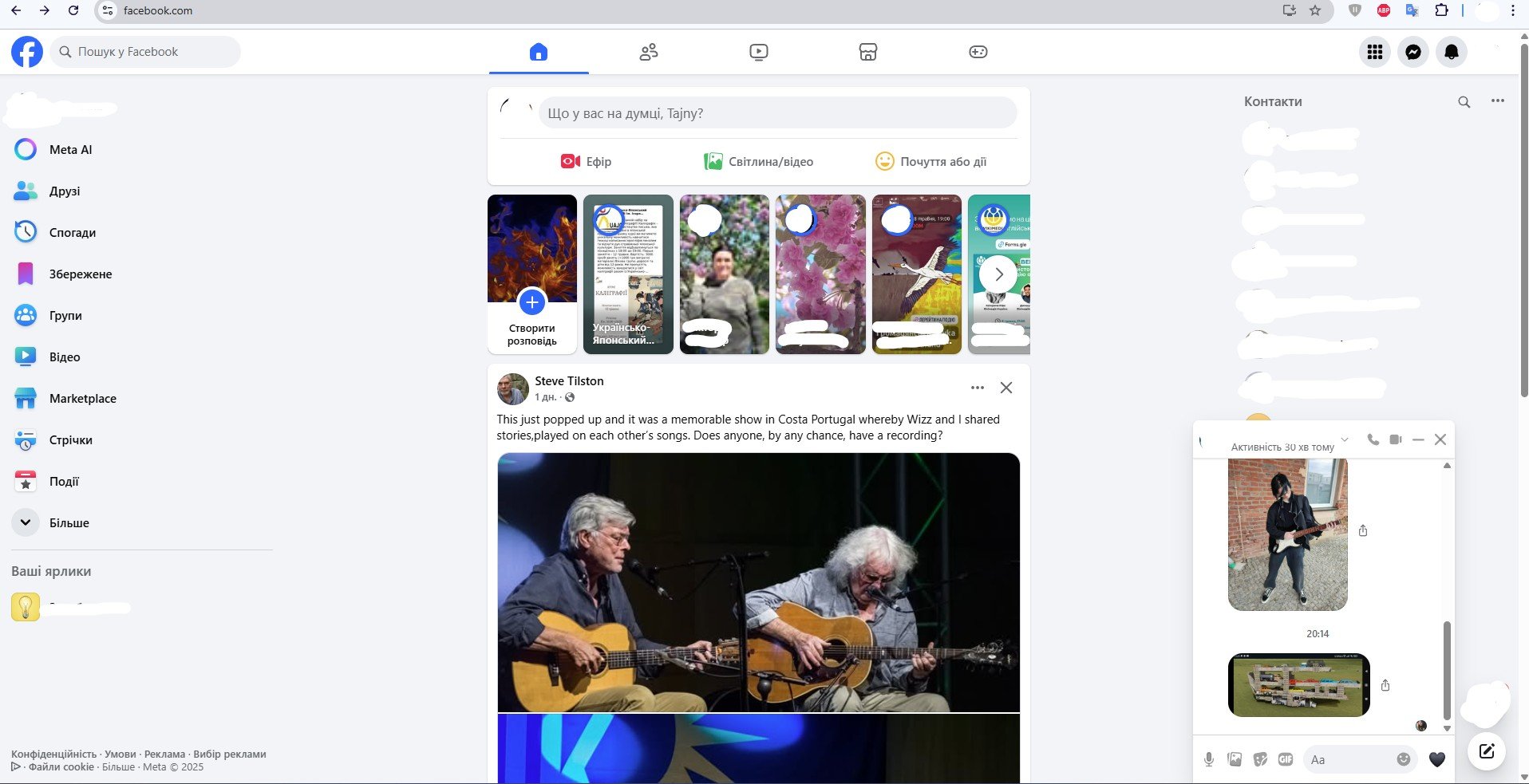
System configuration
| Information | Value |
|---|---|
| AdGuard product: | AdGuard Browser Extension v5.0.230 MV3 |
| System version: | Windows 11 |
| Browser: | Chrome |
| Tracking protection: | disabled |
| Filters: | Ad blocking: AdGuard Base Other: Filter unblocking search ads and self-promotion Language-specific:AdGuard Russian,AdGuard German, AdGuard Japanese, AdGuard Dutch, AdGuard Spanish/Portuguese, AdGuard Ukrainian, Official Polish filters for AdBlock, uBlock Origin & AdGuard, AdGuard Chinese, Hungarian, Persian Blocker, Polish Anti Adblock Filters, Dandelion Sprout's Nordic Filters |
| Browsing Security: | disabled |
| Browsing Security statistics: | disabled |
| Other extensions used: | Adblock Plus, Windows Defender |
@Alex-302 this can be closed i cannot reproduce the two.below adams comment

Issue URL (Incorrect Blocking)
Comment
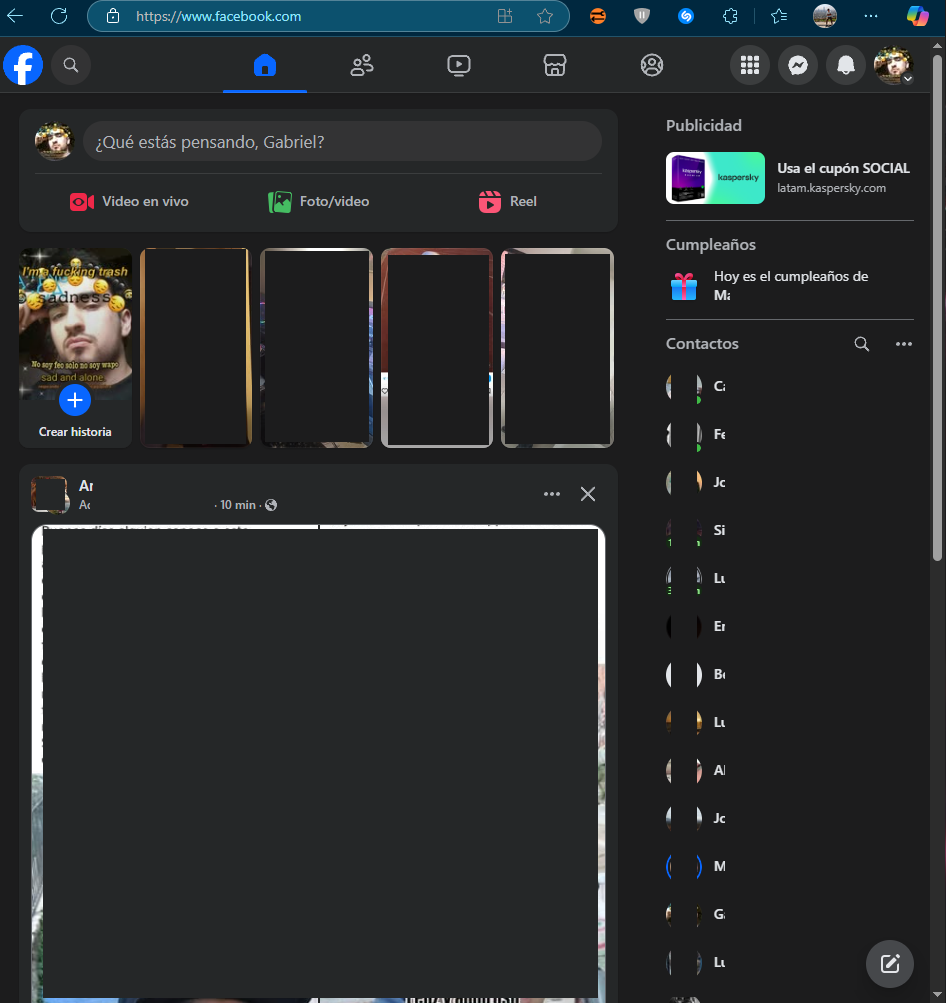
Al tener la extensión habilitada, facebook deja de funcionar correctamente. No cargan las publicaciones, las fotos, el contenido en general de la página. Al actualizar el sitio web carga normalmente pero al bajar para revisar el feed no carga nada y se queda así. Al deshabilitar la extensión vuelve a funcionar normalmente.
No tengo ninguna configuración personalizada ni reglas establecidas aparte de dos sitios web excluidos, pero no tienen relación con el problema.
Screenshots
Screenshot 1

Screenshot 1 with AdGuard disabled
System configuration
| Information | Value |
|---|---|
| AdGuard product: | AdGuard Browser Extension v5.0.230 MV3 |
| System version: | Windows 10 |
| Browser: | Edge |
| Tracking protection: | disabled |
| Filters: | Ad blocking: AdGuard Base Other: Filter unblocking search ads and self-promotion Language-specific: AdGuard Spanish/Portuguese |
| Browsing Security: | disabled |
| Browsing Security statistics: | enabled |
https://github.com/AdguardTeam/AdguardFilters/issues/204233#issuecomment-2854365630 Se puede ver que estás usando otras extensiones además de AdGuard Adblocker. ¿Cuáles son las extensiones que estás utilizando? Además, ¿estás usando alguna configuración DNS personalizada? 🤔

Issue URL (Incorrect Blocking)
https://www.facebook.com/memories/?source=bookmark
Comment
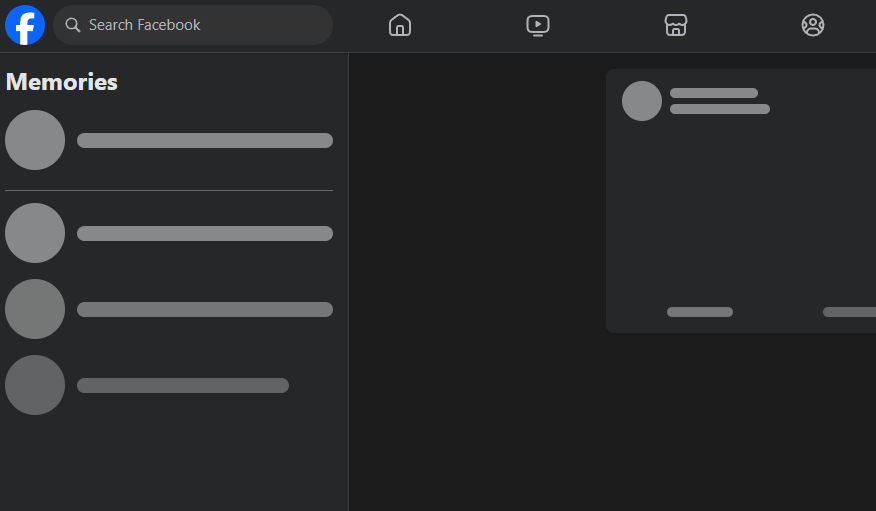
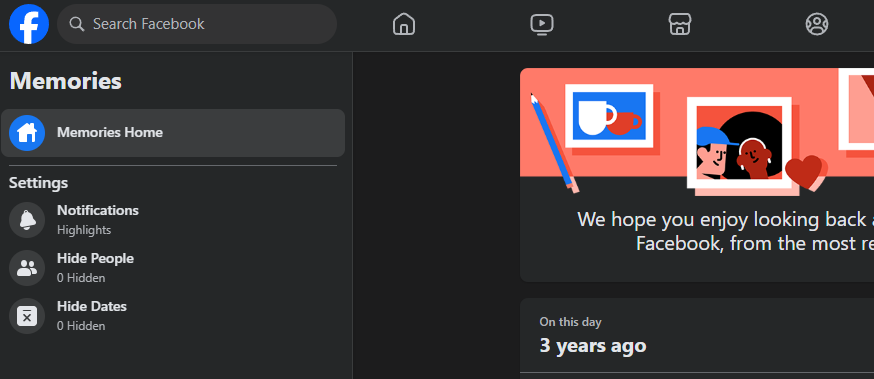
Facebook does not load with Adguard enabled despite which web browser I'm using. I tried the custom settings I was told last time I entered a ticket and no fix. Even using the extension to disable Adguard for fb doesn't fix it. I even wiped out all of my setting in Adguard and started from scratch and no go. :(
Screenshots
Screenshot 1
Screenshot 1 with AdGuard disabled
System configuration
| Information | Value |
|---|---|
| AdGuard product: | AdGuard for Windows v7.20.2 (4988) |
| System version: | Microsoft Windows NT 10.0.26100.0 |
| Browser: | Brave |
| License type: | paid |
| AdGuard driver: | WFP |
| Tracking protection: | General settings: Block trackers, Strip URLs from tracking parameters, Hide your search queries, Send Do-Not-Track header Tracking methods: Self-destructing third-party cookies (180) Windows tracking: Disable Windows Telemetry, Turn off Advertising ID, Disable Windows Defender automatic samples submission, Disable WAP Push Message Routing Service Miscellaneous: Hide your Referrer from third-parties, Hide your User-Agent, Remove X-Client-Data header from HTTP requests |
| DNS filtering: | server: https://family.cloudflare-dns.com/dns-queryfilters: 1.15, User rules (url: none) |
| Filters: | Ad blocking: AdGuard Base Privacy: AdGuard Tracking Protection, AdGuard URL Tracking Social widgets: AdGuard Social Media Annoyances: AdGuard Cookie Notices, AdGuard Popups, AdGuard Mobile App Banners, AdGuard Other Annoyances, AdGuard Widgets |
| Browsing Security: | enabled |
| Browsing Security statistics: | disabled |
| Userscripts: | AdGuard Assistant (url: https://userscripts.adtidy.org/release/assistant/4.3/assistant.user.js) AdGuard Extra (url: https://userscripts.adtidy.org/release/adguard-extra/1.0/adguard-extra.user.js) AdGuard Popup Blocker (url: https://userscripts.adtidy.org/release/popup-blocker/2.5/popupblocker.user.js) Web of Trust (url: https://userscripts.adtidy.org/release/adguard-wot/1.0/wot.user.js) |
| Userstyles: | disabled |
| Other extensions used: | Bitdefender |
Issue configuration
Facebook does not load with Adguard enabled despite which web browser I'm using. I tried the custom settings I was told last time I entered a ticket and no fix. Even using the extension to disable Adguard for fb doesn't fix it. I even wiped out all of my setting in Adguard and started from scratch and no go. :(
Hi. Cannot reproduce. Could you please test disabling modules one by one with checking?

Issue URL (Incorrect Blocking)
Comment
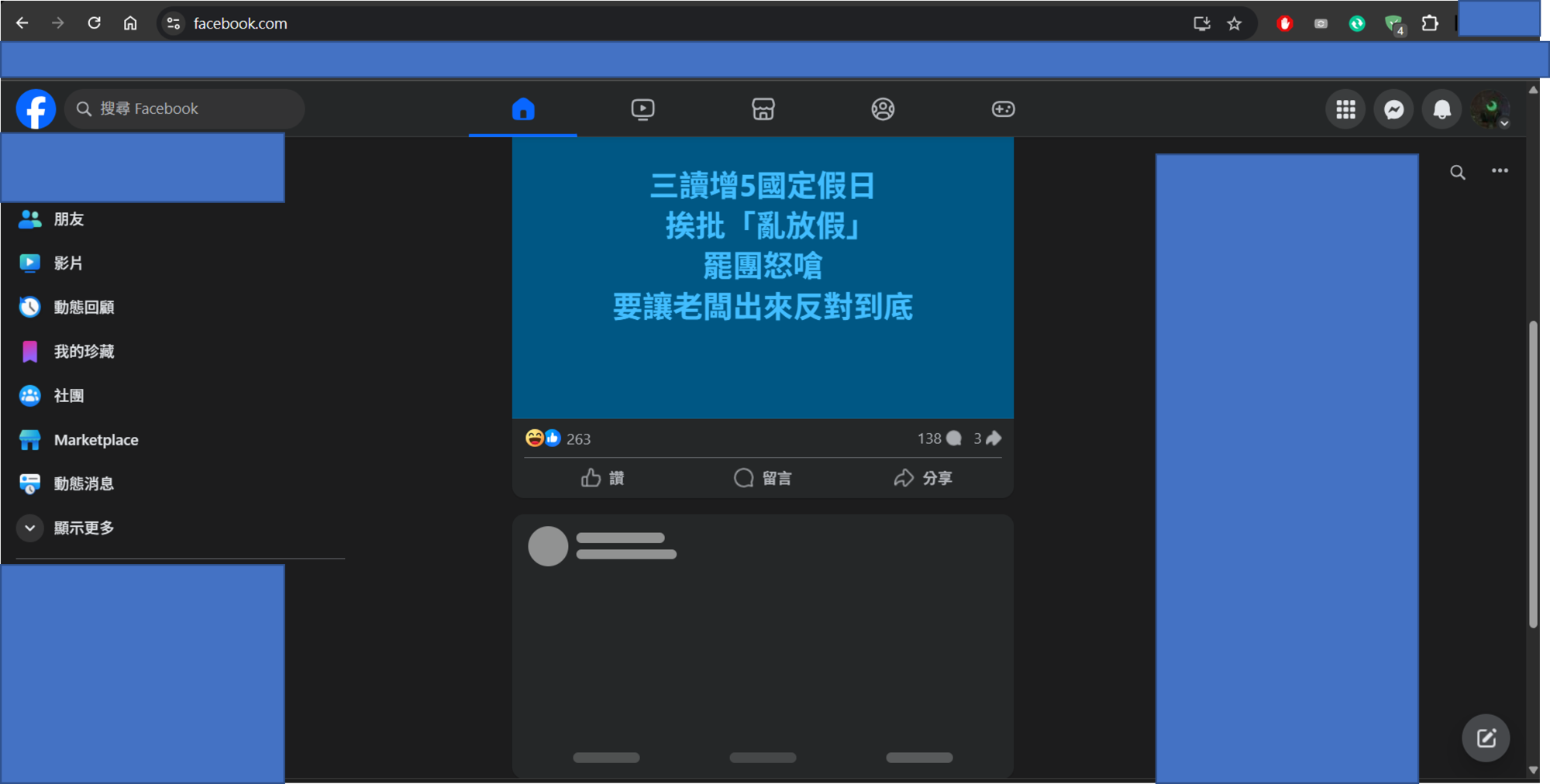
📌 Title: Facebook Only Loads First Post When Service is Enabled
🐞 Issue Description
When I enable this service, only the first post on Facebook is visible. All subsequent posts remain stuck in a loading state and never finish loading.
⚙️ Configuration Details
- No custom rules were created for Facebook.
- Everything is using the default settings.
📷 Screenshot / Recording (if applicable)
Optional: Include a screenshot or screen recording here to help illustrate the issue.
🏷️ Suggested Labels
bugdefault-settingsUsername:@shaiopi
Screenshots
Screenshot 1
Screenshot 1 with AdGuard disabled
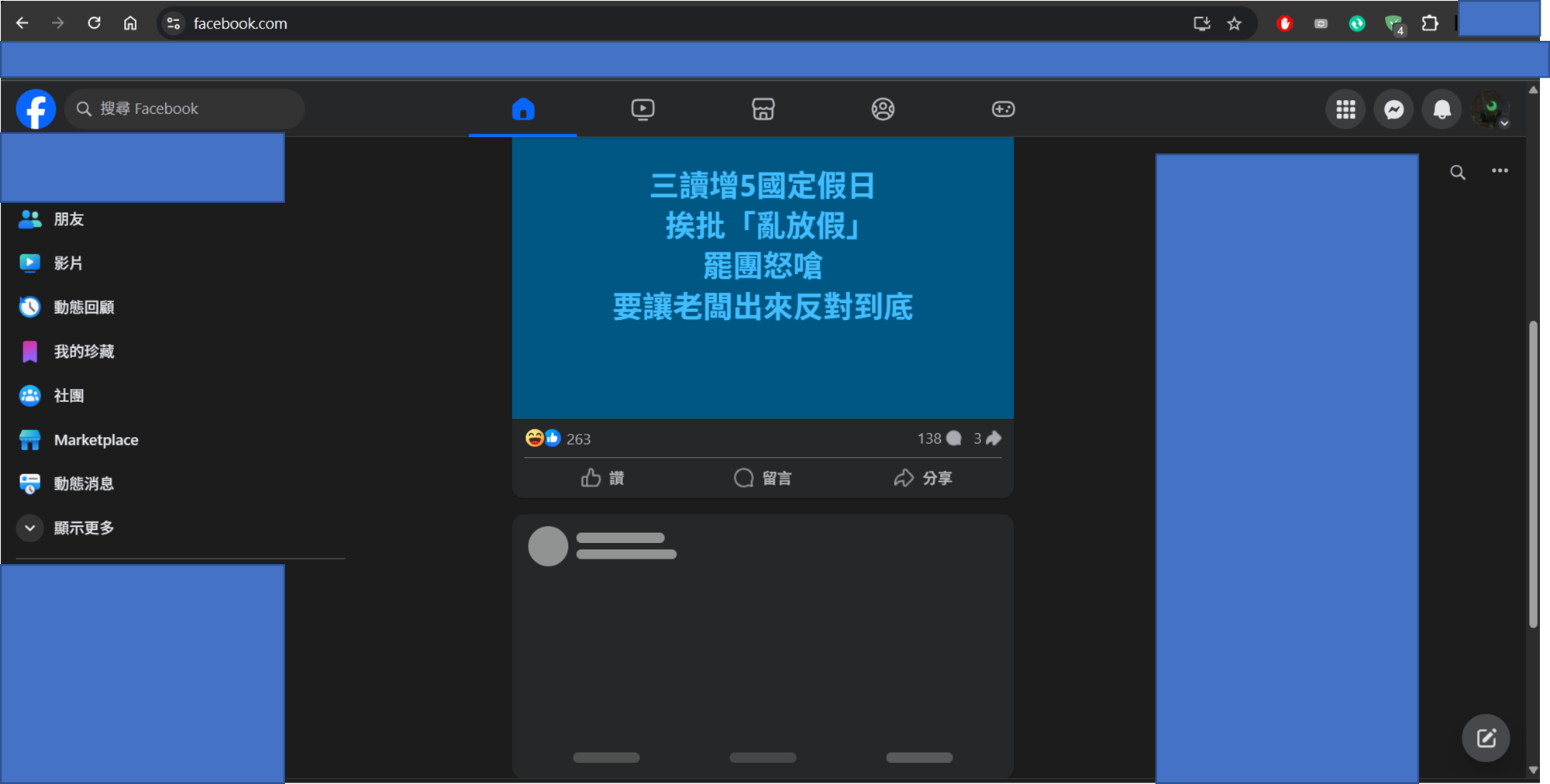
System configuration
| Information | Value |
|---|---|
| AdGuard product: | AdGuard Browser Extension v5.0.230 MV3 |
| System version: | Windows 11 |
| Browser: | Chrome |
| Tracking protection: | General settings: Block trackers, Hide your search queries, Send Do-Not-Track header Tracking methods: Self-destructing third-party cookies (2880) Miscellaneous: Remove X-Client-Data header from HTTP requests |
| Filters: | Ad blocking: AdGuard Base Privacy: AdGuard Tracking Protection Social widgets: AdGuard Social Media Language-specific: AdGuard Chinese |
| Browsing Security: | enabled |
| Browsing Security statistics: | enabled |
| Other extensions used: | only AdGuard |
Issue URL (Incorrect Blocking)
https://www.facebook.com/?sk=h_chr
Comment
Fb is failing to load content when AdGuard is on (usually only 1 post is visible) Unable to view notifications at all
In console I get multiple errors: "Failed to load resource: net::ERR_BLOCKED_BY_CLIENT" which do not appear when AdGuard is off. Username:
@Justyna7
Screenshots
Screenshot 1

Screenshot 1 with AdGuard disabled
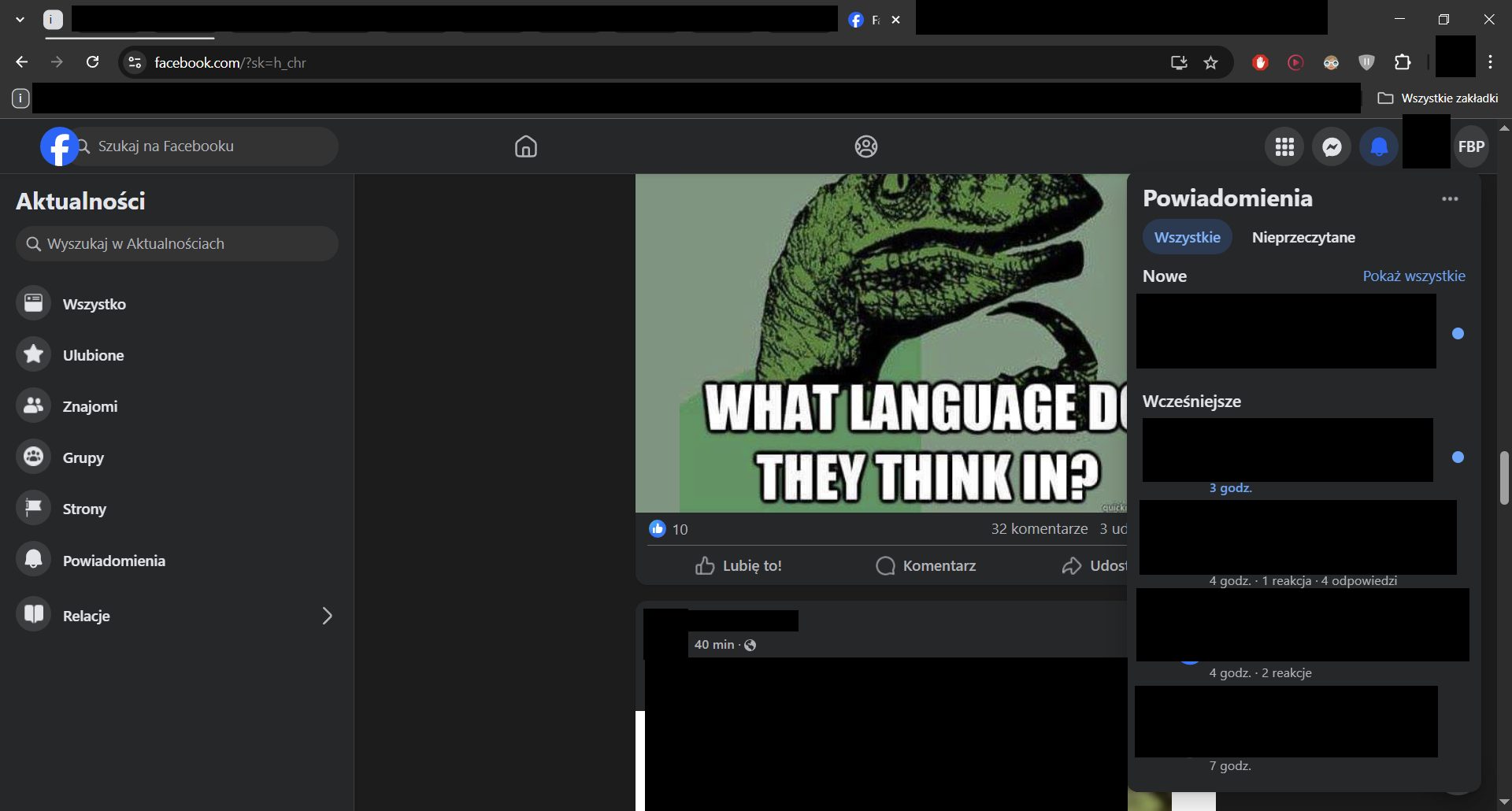
System configuration
| Information | Value |
|---|---|
| AdGuard product: | AdGuard Browser Extension v5.0.230 MV3 |
| System version: | Windows 10 |
| Browser: | Chrome |
| Tracking protection: | disabled |
| Filters: | Ad blocking: AdGuard Base Privacy: AdGuard Tracking Protection Annoyances: AdGuard Cookie Notices, AdGuard Popups, AdGuard Mobile App Banners, AdGuard Other Annoyances, AdGuard Widgets Security: Online Malicious URL Blocklist Language-specific: Official Polish filters for AdBlock, uBlock Origin & AdGuard, EasyList Czech and Slovak, Polish Anti Adblock Filters |
| Browsing Security: | disabled |
| Browsing Security statistics: | disabled |
| Other extensions used: | AdBlock, DarkMode, Dark Reader, Desaturate Favicons, Fluff Busting Purity, Unhook, YouTube Tabs |
Issue URL (Incorrect Blocking)
https://www.facebook.com/?sk=h_chr
Comment
Fb is failing to load content when AdGuard is on (usually only 1 post is visible) Unable to view notifications at all In console I get multiple errors: "Failed to load resource: net::ERR_BLOCKED_BY_CLIENT" which do not appear when AdGuard is off. Username:
@Justyna7Screenshots
Screenshot 1
Screenshot 1 with AdGuard disabled
System configuration
Information Value AdGuard product: AdGuard Browser Extension v5.0.230 MV3 System version: Windows 10 Browser: Chrome Tracking protection: disabled Filters: Ad blocking: AdGuard Base
Privacy: AdGuard Tracking Protection
Annoyances: AdGuard Cookie Notices, AdGuard Popups, AdGuard Mobile App Banners, AdGuard Other Annoyances, AdGuard Widgets
Security: Online Malicious URL Blocklist
Language-specific: Official Polish filters for AdBlock, uBlock Origin & AdGuard, EasyList Czech and Slovak, Polish Anti Adblock Filters Browsing Security: disabled Browsing Security statistics: disabled Other extensions used: AdBlock, DarkMode, Dark Reader, Desaturate Favicons, Fluff Busting Purity, Unhook, YouTube Tabs
AdGuard also sometimes makes fb stuck in a reload loop when console is open. Turning AdGuard off doesn't solve the issue. (I have to close console first)

Probably related to - https://github.com/AdguardTeam/AdguardFilters/issues/203247#issuecomment-2834222229 Please disable all other ad blockers and check again.
https://github.com/AdguardTeam/AdguardFilters/issues/204233#issuecomment-2867151339
Other extensions used: only AdGuard
Issue URL (Incorrect Blocking)
Screenshots
Screenshot 1

Screenshot 1 with AdGuard disabled
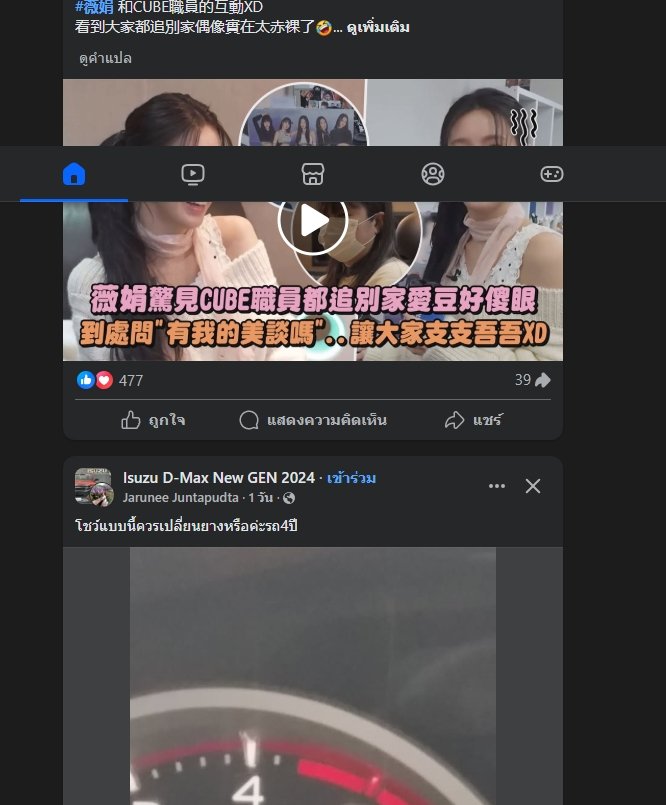
System configuration
| Information | Value |
|---|---|
| AdGuard product: | AdGuard Browser Extension v5.1.79 MV2 |
| System version: | Windows 10 |
| Browser: | Edge |
| Tracking protection: | disabled |
| Filters: | Ad blocking: AdGuard Base Privacy: AdGuard Tracking Protection Other: Filter unblocking search ads and self-promotion Language-specific: AdGuard German, AdGuard Japanese, AdGuard Chinese, EasyList Thailand, List-KR |
| Browsing Security: | disabled |
| Browsing Security statistics: | disabled |
| Other extensions used: | facebook does't load feed when unable adguard |
Issue URL (Incorrect Blocking)
Comment
Facebook.com stop working when enable Adguard. Facebook.com works normally after disable Adguard.
Screenshots
Screenshot 1
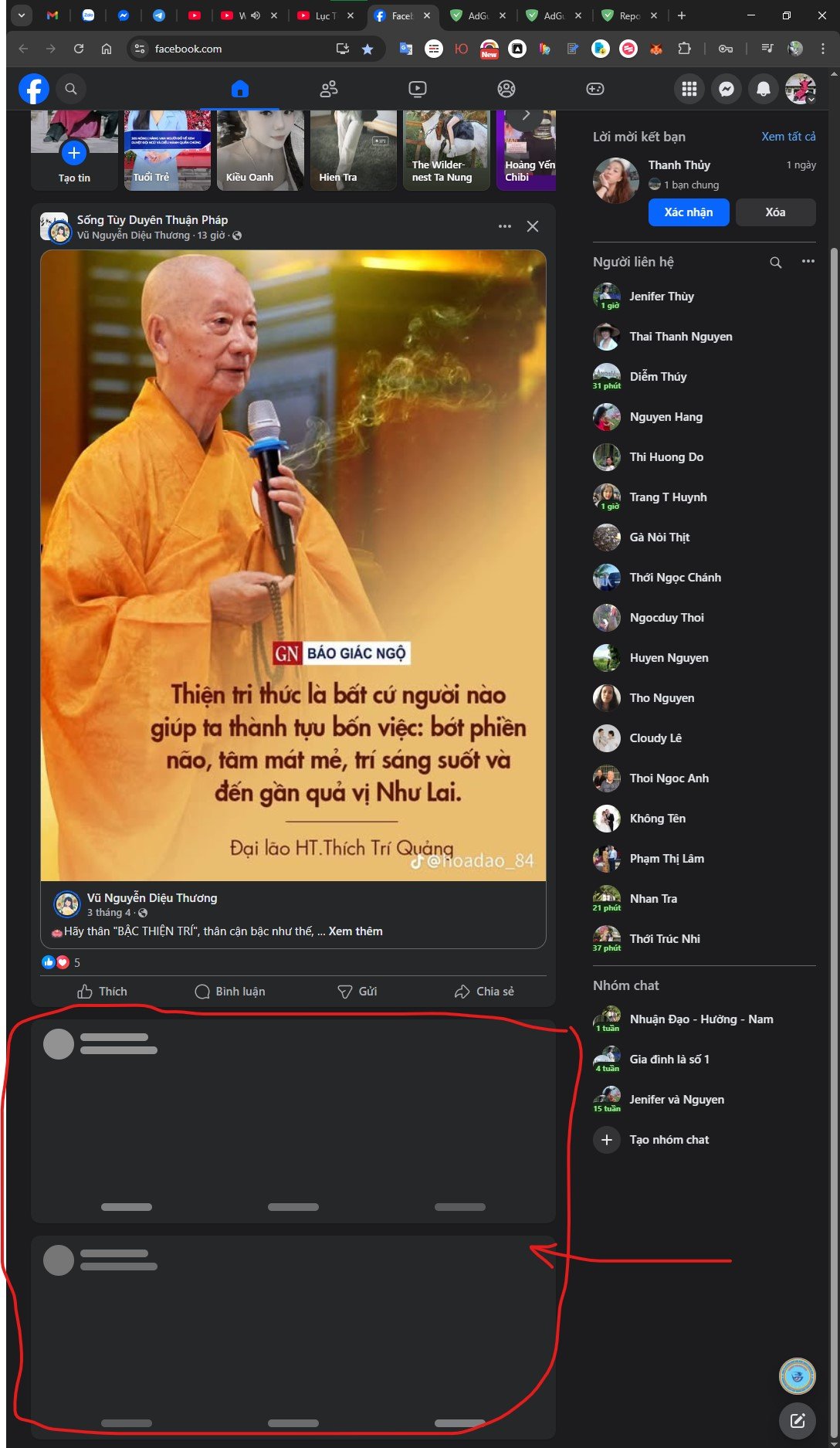
Screenshot 1 with AdGuard disabled
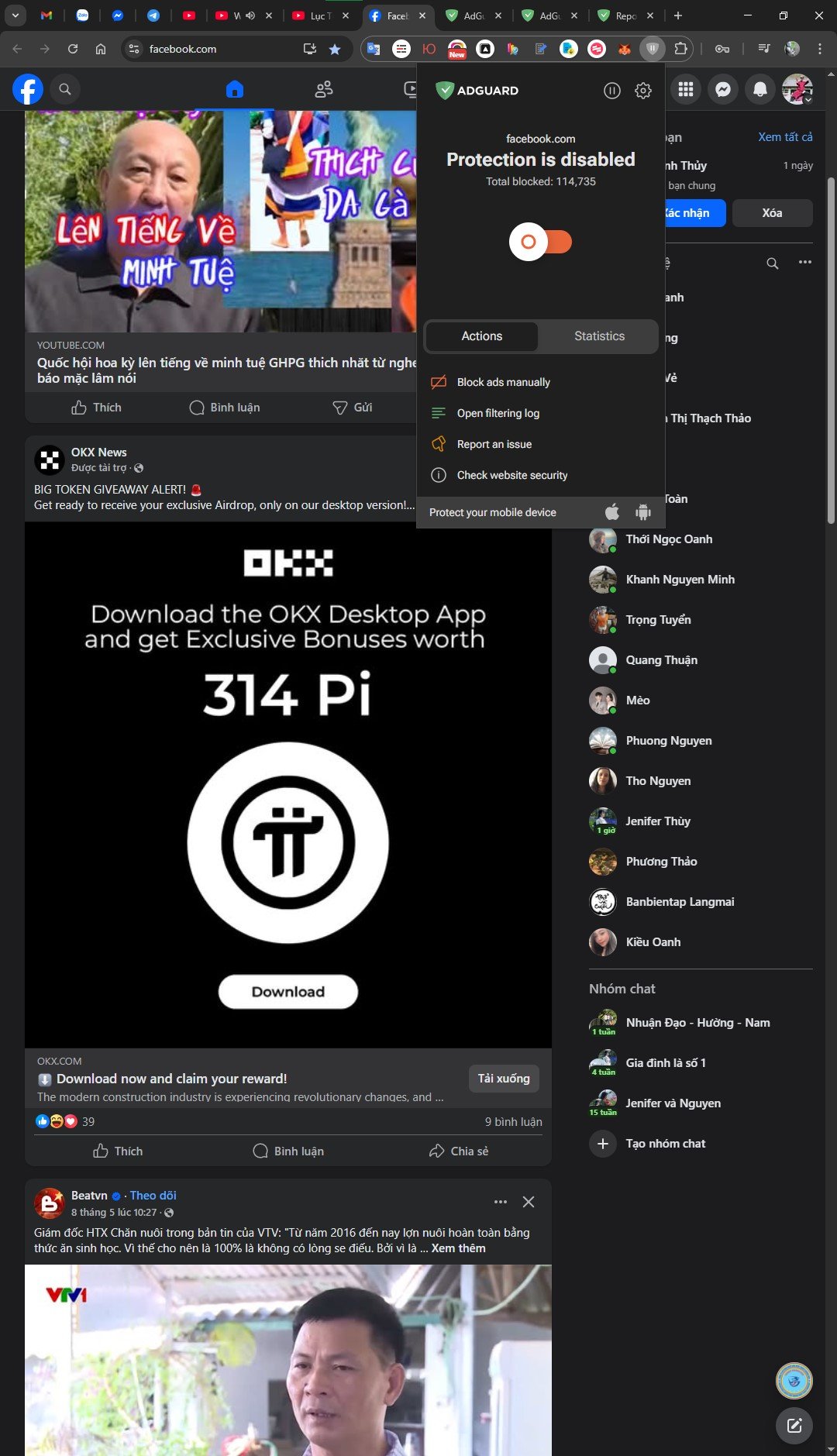
System configuration
| Information | Value |
|---|---|
| AdGuard product: | AdGuard Browser Extension v5.0.230 |
| Browser: | Chrome |
| Tracking protection: | disabled |
| Filters: | Ad blocking: AdGuard Base |
| Browsing Security: | disabled |
| Browsing Security statistics: | disabled |
| Other extensions used: | Adblock Plus |
Issue URL (Incorrect Blocking)
https://www.facebook.com/?locale=es_LA
Screenshots
Screenshot 1

Screenshot 1 with AdGuard disabled
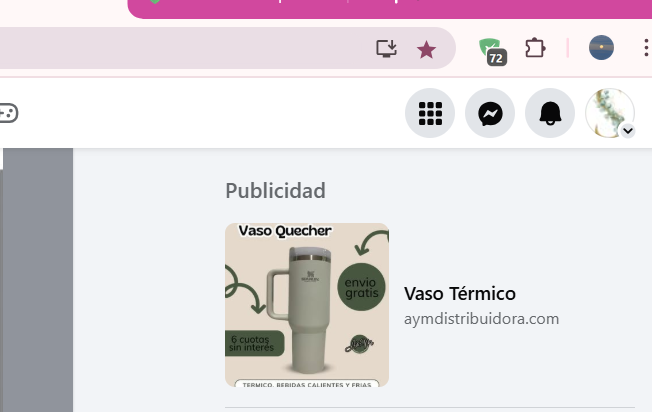
System configuration
| Information | Value |
|---|---|
| AdGuard product: | AdGuard Browser Extension v5.0.230 MV3 |
| System version: | Windows 11 |
| Browser: | Chrome |
| Tracking protection: | disabled |
| Filters: | Ad blocking: AdGuard Base Privacy: AdGuard Tracking Protection Social widgets: AdGuard Social Media Language-specific: AdGuard Spanish/Portuguese |
| Browsing Security: | disabled |
| Browsing Security statistics: | disabled |
| Other extensions used: | Tengo que constantemente estar bloqueando los anuncios manualmente en Facebook, y en youtube, me parecen en la pantalla igual... y si bloqueo la pantalla con la publicidad, luego ya no me deja ver la pantalla cuando comienza el video que deseo ver. |
https://github.com/AdguardTeam/AdguardFilters/issues/204233#issuecomment-2882063080
Agrega esta regla de filtro a tus reglas de usuario y pruébala:
facebook.com##div[role="complementary"] a[aria-labelledby][attributionsrc^="/privacy_sandbox/comet/register/source/?eid="][href^="http"]
Issue URL (Ads)
Comment
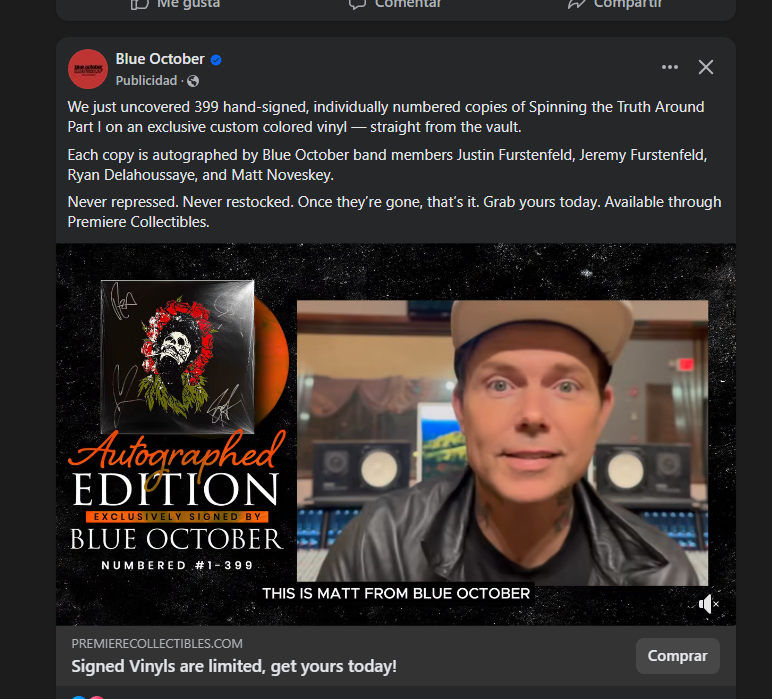
Facebook sponsored ads showing in feeds
Screenshots
Screenshot 1
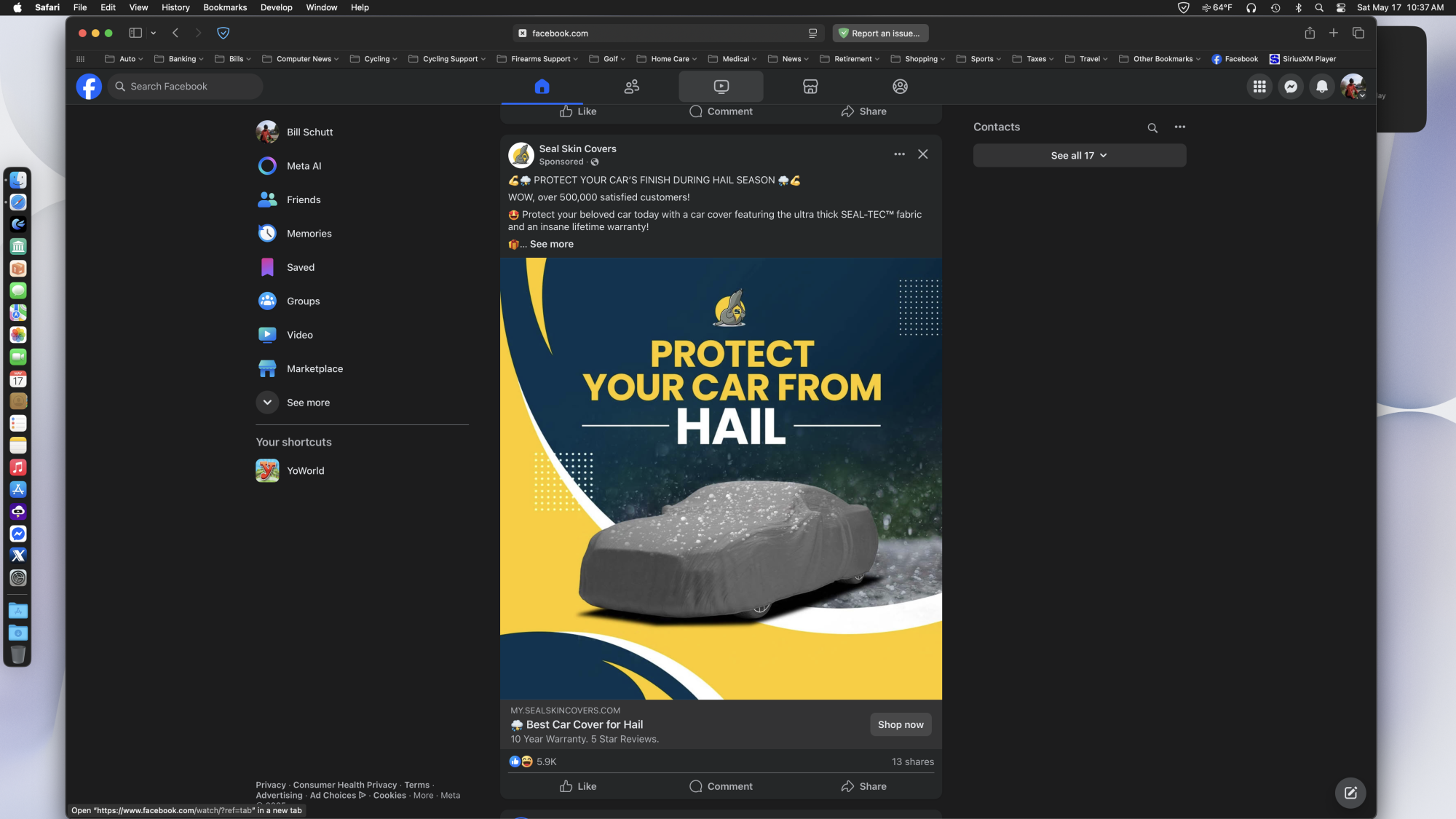
System configuration
| Information | Value |
|---|---|
| AdGuard product: | AdGuard for Safari v1.11.22 |
| System version: | macOS 15.5 |
| Filters: | Ad blocking: AdGuard Base Privacy: EasyPrivacy, Peter Lowe's Blocklist Annoyances: AdGuard Annoyances, Adblock Warning Removal List, Fanboy's Annoyances, Dandelion Sprout's Annoyances List |
| Other extensions used: | Adguard for Safari |
https://github.com/AdguardTeam/AdguardFilters/issues/204233#issuecomment-2888462758
Can confirm the issue also occurs on Win 10 with the AdGuard browser extension. @AdamWr, could you please take a look?
Issue URL (Incorrect Blocking)
Comment
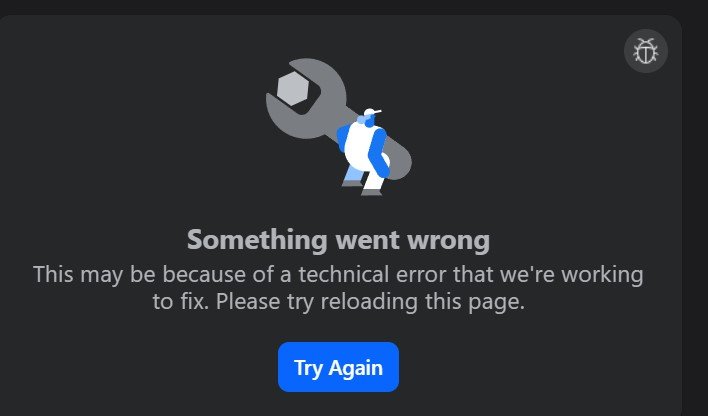
facebook will not load at all and is picking up the adblocker and it even says it's due to an ad blocker i get one post on my feed I'm using brave browswer this is a joke
Screenshots
Screenshot 1
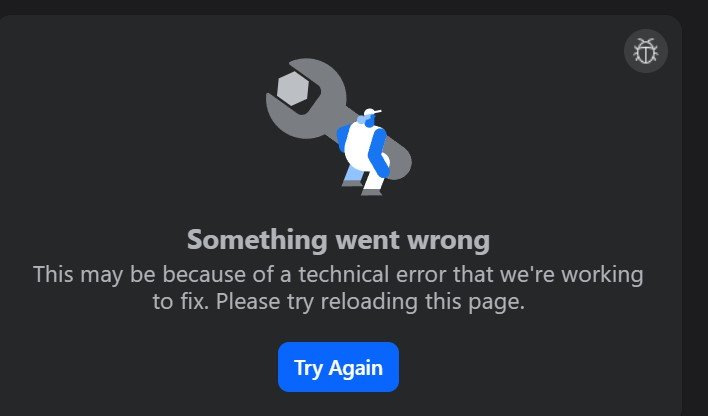
Screenshot 1 with AdGuard disabled
System configuration
| Information | Value |
|---|---|
| AdGuard product: | AdGuard Browser Extension v5.0.230 MV3 |
| System version: | Windows 11 |
| Browser: | Brave |
| Tracking protection: | disabled |
| Filters: | Ad blocking: AdGuard Base Privacy: AdGuard Tracking Protection Other: Filter unblocking search ads and self-promotion |
| Browsing Security: | disabled |
| Browsing Security statistics: | disabled |
| Other extensions used: | adguard adblocker on brave browser |
Team, customer here has fresh install of AdGuard app and all Meta content (Facebook and Instagram) not working. What can be an issue here?

Issue URL (Ads)
https://www.facebook.com/?filter=all&sk=h_chr
Screenshots
Screenshot 1
System configuration
| Information | Value |
|---|---|
| AdGuard product: | AdGuard Browser Extension v5.1.81 MV3 |
| System version: | Windows 10 |
| Browser: | Chrome |
| Tracking protection: | disabled |
| Filters: | Ad blocking: AdGuard Base Other: Filter unblocking search ads and self-promotion Language-specific: AdGuard Spanish/Portuguese |
| Browsing Security: | enabled |
| Browsing Security statistics: | enabled |
Issue URL (Ads)
https://www.facebook.com/?sk=lf
Screenshots
Screenshot 1

System configuration
| Information | Value |
|---|---|
| AdGuard product: | AdGuard Browser Extension v5.1.81 MV3 |
| System version: | Windows 11 |
| Browser: | Chrome |
| Tracking protection: | disabled |
| Filters: | Ad blocking: AdGuard Base Privacy: AdGuard Tracking Protection Social widgets: AdGuard Social Media Annoyances: AdGuard Cookie Notices, AdGuard Popups, AdGuard Mobile App Banners, AdGuard Other Annoyances, AdGuard Widgets Security: Online Malicious URL Blocklist Language-specific: AdGuard Japanese, AdGuard Chinese, List-KR |
| Browsing Security: | enabled |
| Browsing Security statistics: | enabled |