

 AdguardTeam
m.slashdot.org
Sorry. The website is infected by AdShield, Inc.
Unfortunately, It is complicated to resolve with a regular adblock rule because the website is being protected by service of Ad-Shield that is an anti-adblock company.
Userscript Installation
Please block Ad-Shield advertisement by installing tinyShield userscript. Please check its installation guideline written in English by visiting this URL.
If you can understand Korean language, please refer https://github.com/List-KR/tinyShield/blob/main/README.ko.md.
Detailed description for iOS users
- Install Usercripts app
- Enable Usercripts extension in Safari settings
- iOS 18+:
System settings=>Apps=>Safari=>Extensions - iOS 17 and older:
System settings=>Safari=>ExtensionsFind Usercripts, enable it and allowOn other sitespermission
- iOS 18+:
- Open the tinyShield userscript URL in browser
- Press the extensions icon in the address bar of Safari and select Userscripts
- Tap to install
- In opened popup, scroll down and press Install button
- Done.
Still Have a Problem?
An issue is occurred when the userscript is applied, please report to this issue tracker.

Issue URL (Ads)
Comment
Started happening approximately yesterday (Thursday 29th of November).
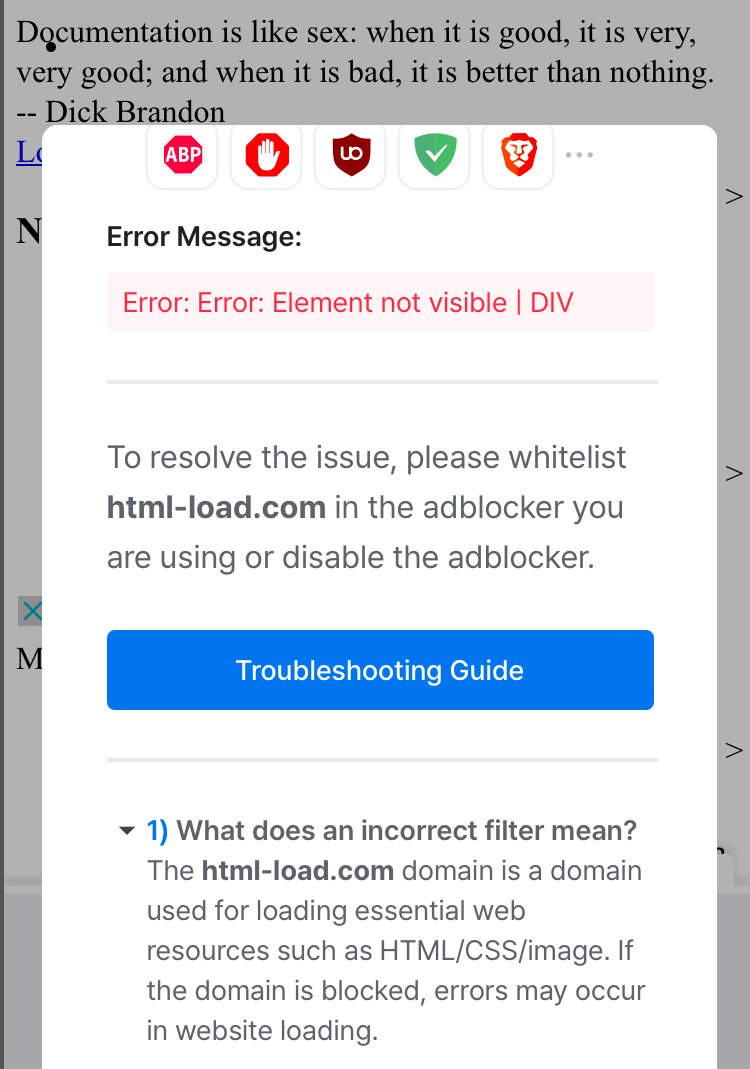
Initially it would load the page and all css and styling and ads placement. After a few seconds the styling would stop working (looked like plain html). It would then present a dialog stating html-load.com was blocked and how to whitelist it.
After resetting settings in AdGuard and turning off and on the filter lists the html-load.com issue resolved but the ads remained.
Screenshots
Screenshot 1
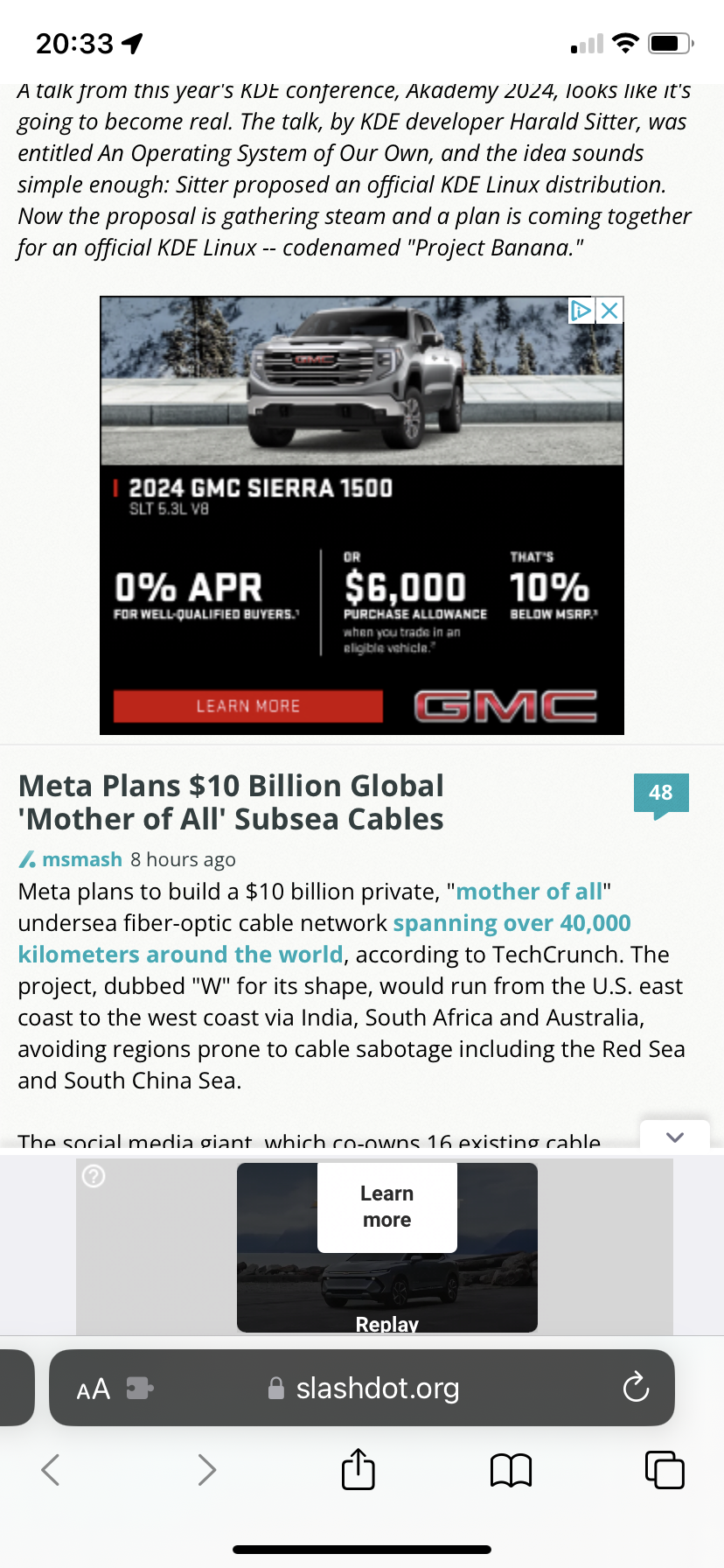
Screenshot 2
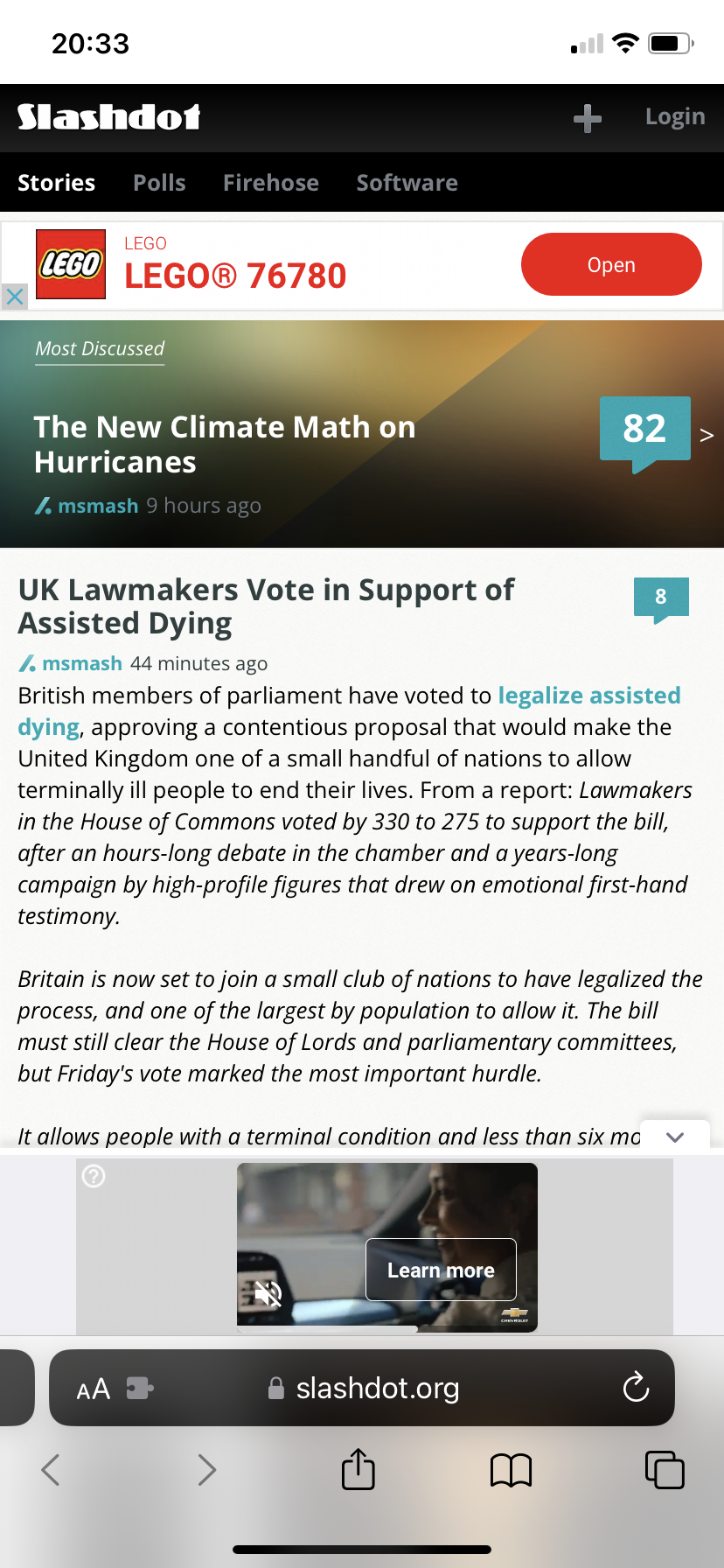
System configuration
| Information | Value |
|---|---|
| AdGuard product: | AdGuard for iOS v4.5.7 |
| License type: | free |
| DNS filtering: | disabled |
| Filters: | Ad Blocking: AdGuard Base, AdGuard Mobile Ads, EasyList Privacy: AdGuard Tracking Protection |
Issue URL (Ads)
Comment
popup and reload when visiting slashdot on the phone. m.slashdot.org is currently affected, slashdot.org is not Username:
@CapSel
Screenshots
Screenshot 1
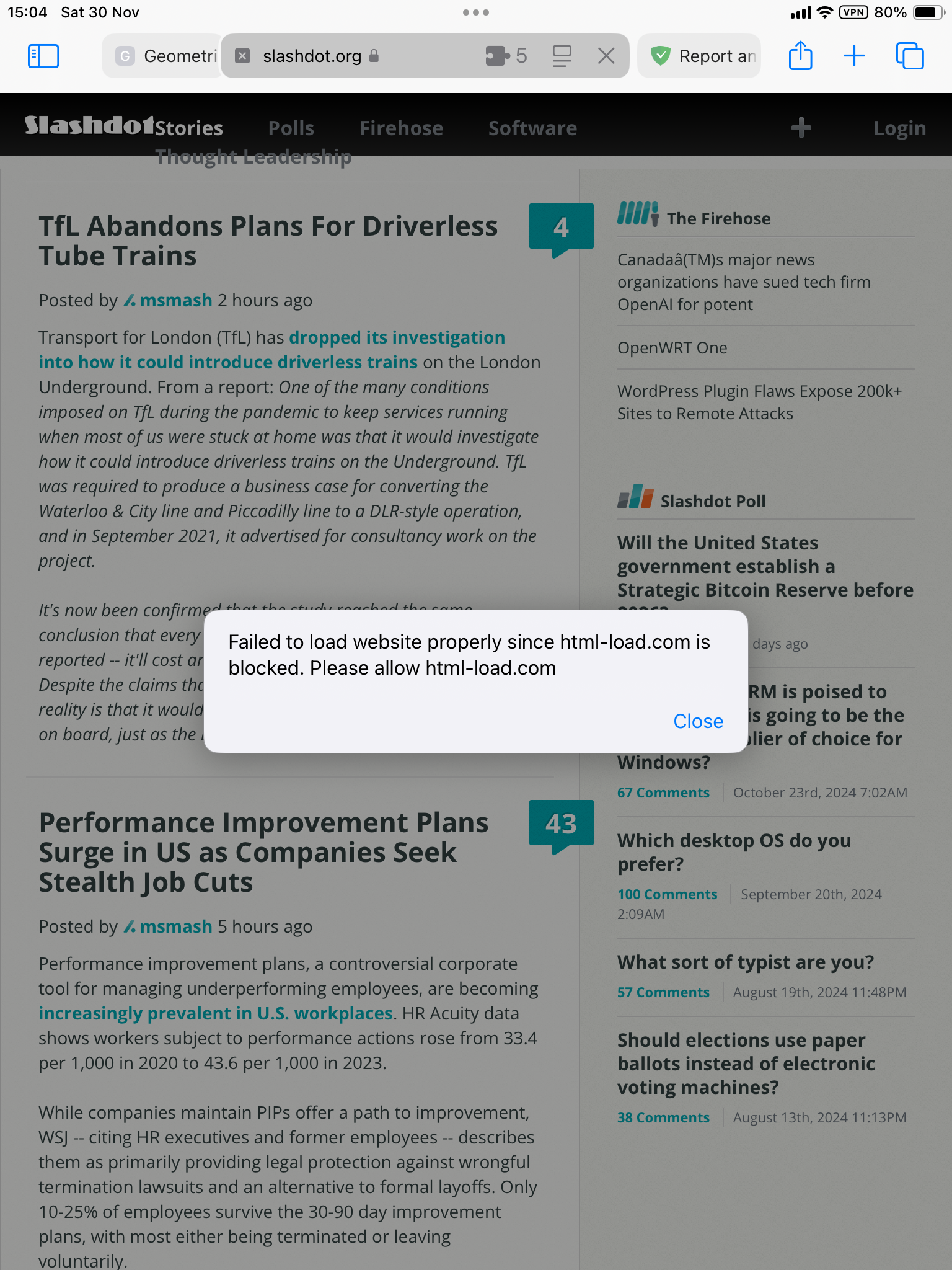
System configuration
| Information | Value |
|---|---|
| AdGuard product: | AdGuard for iOS v4.5.7 |
| System version: | ios |
| License type: | paid |
| Advanced protection: | enabled |
| DNS filtering: | server: adguard |
| Filters: | Ad Blocking: AdGuard Base, AdGuard Mobile Ads, EasyList Privacy: AdGuard URL Tracking, AdGuard Tracking Protection, EasyPrivacy, Peter Lowe's Blocklist, Fanboy's Anti-Facebook List, Legitimate URL Shortener Social Widgets: AdGuard Social Media, Fanboy's Social Blocking List Annoyances: AdGuard Annoyances, AdGuard Cookie Notices, AdGuard Popups, AdGuard Mobile App Banners, AdGuard Other Annoyances, AdGuard Widgets, Fanboy's Annoyances, Adblock Warning Removal List, EasyList Cookie List, Dandelion Sprout's Annoyances List Security: Online Malicious URL Blocklist, Phishing URL Blocklist, Scam Blocklist by DurableNapkin, uBlock Origin – Badware risks Language-specific: Polish Social Filters, KAD - Anti-Scam, Polish Anti Adblock Filters, Polish Annoyances Filters, EasyList Polish |
| Other extensions used: | microShield, tinyShield, userscripts |
Issue URL (Social Widget)
https://m.slashdot.org/submission/17330375
Username: @rakleed
Screenshots
Screenshot 1
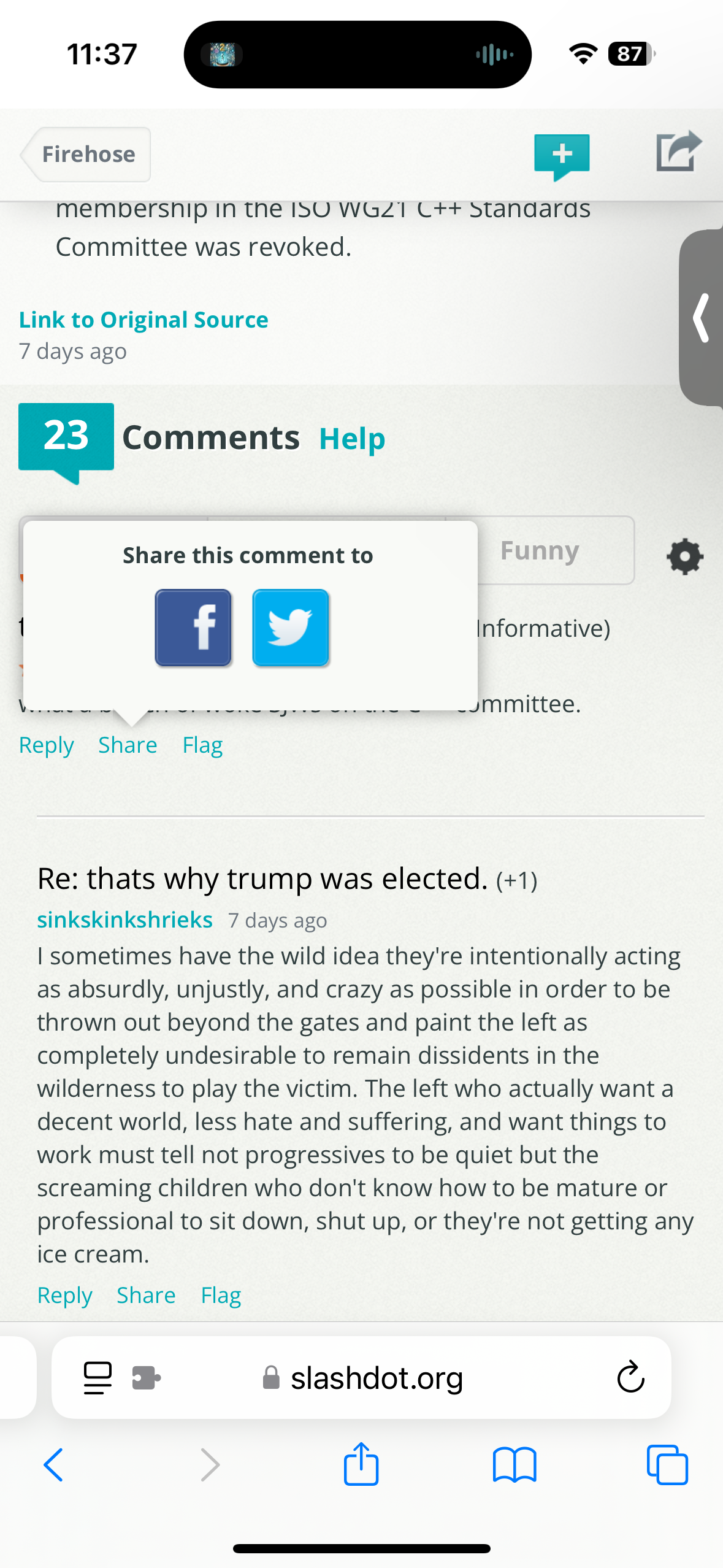
System configuration
| Information | Value |
|---|---|
| AdGuard product: | AdGuard for iOS v4.5.7 |
| DNS filtering: | disabled |
| Filters: | Ad Blocking: AdGuard Base, AdGuard Mobile Ads Privacy: AdGuard Tracking Protection Social Widgets: AdGuard Social Media Annoyances: AdGuard Annoyances |
Issue URL (Incorrect Blocking)
Comment
Figure it out. This form is unacceptable. You’re selling a product. Go find the error.
Screenshots
Screenshot 1
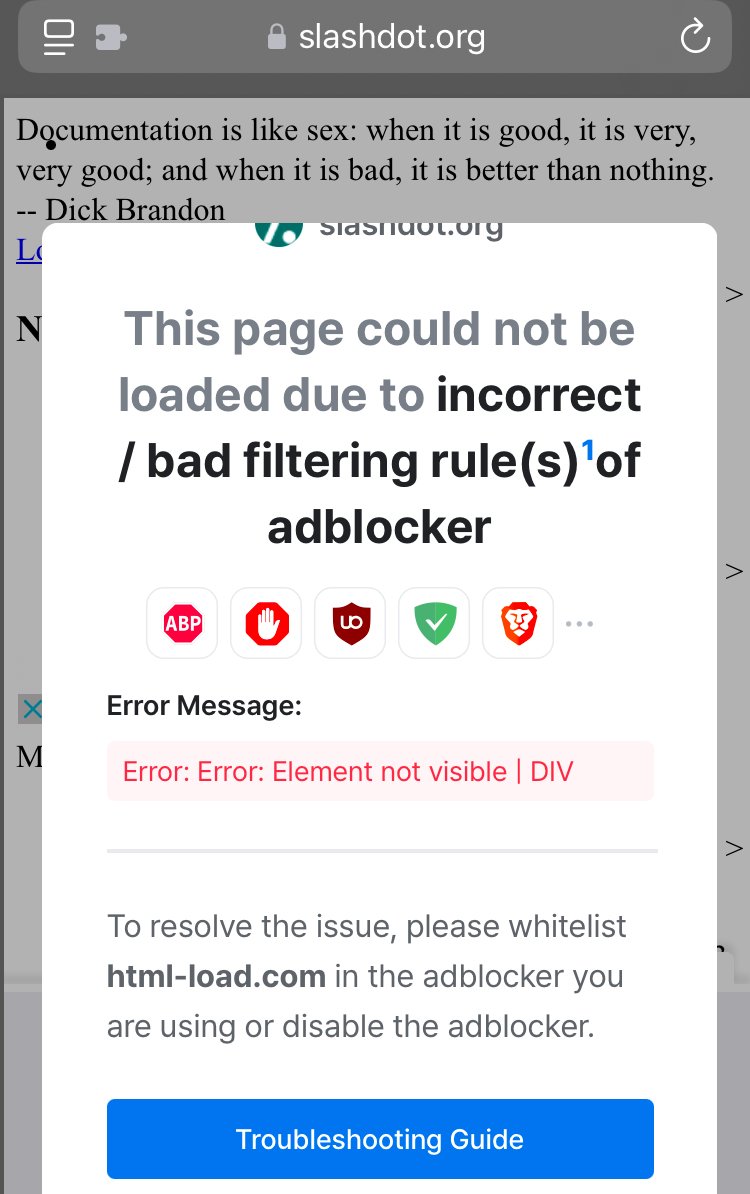
Screenshot 1 with AdGuard disabled
System configuration
| Information | Value |
|---|---|
| AdGuard product: | AdGuard for iOS v4.5.7 |
| System version: | ios |
| License type: | paid |
| Advanced protection: | enabled |
| DNS filtering: | disabled |
| Filters: | Ad Blocking: AdGuard Base, EasyList Privacy: AdGuard Tracking Protection, Fanboy's Anti-Facebook List Social Widgets: AdGuard Social Media, Fanboy's Social Blocking List Annoyances: AdGuard Annoyances |
| Other extensions used: | None not applicable |

It may be hard to reproduce because m.shashdot.org redirects to slashdot.org when detects that safari is opened on mac and not on iPad/iPhone - I just tried. Selecting iPad mini just worked for me. I've got userscript with tinyShield installed.

@CapSel we don't block html-load.com on iOS. Could you leave only these filters and check the site?
AdGuard Base
AdGuard Mobile Ads
Unfortunately, I don't have the iPad, but my colleagues will take a look at this. @AdguardTeam/filters-maintainers please check this on iPad.
Have you also had it with tinyShield enabled? If so, you can file an issue there.
Btw, I see that you have installed microShield, tinyShield - it's recommended to use only tinyShield.
@CapSel I also can't reproduce with Advanced Protection without TinyShield
Details
But I see ads, which look like Google's, when disable Advanced Protection.

There is a major problem with "refreshing" filtering rules inside safari. I just disabled userscript extension in settings, cleared history from last hour, restarted safari, disabled all safari filters in adguard except Base and Mobile Ads, and thephoblographer (another site with similar problem) did not show me any ads but slashdot still has this problem. Not restarting or not clearing history - same result.
Both sites use html-loader.com, content-loader.com, report-error.com (from facebook?) as means to display ads - I block them on firewall level.
So whatever filters or extensions I enable or disable they are ignored somehow and this is not the first time. I think I solved this "refresh" issue in past by restarting a device. This issue is present for more than a year... it survived at least 4 iOS upgrades.
So I think that your problems with reproducing the issue may be related to this "refresh" problem. Somehow safari cached content blockers or something else.
Of course I can't reproduce the issue on MacOS with safari even when set to "iPad mini". Only the site looks the same way as it should on safari on iPad mini (or android firefox). I don't see in developer tools on MacOS any attempts to make request to "ads domains" - i.e. no html-loader.com
As to microShiled and tinyShield - I tried first one, then second one, then both, and then neither - same result.
html-loader.com, content-loader.com, report-error.com (from facebook?) as means to display ads - I block them on firewall level.
They detect blocking. Sometimes, CSS hosted on the server of this ad system. iOS is the worst system for ad blocking. Here we can't filter traffic like in Android or other operating systems, where we use CoreLibs for filtering. Even JS rules applied with a large delay in iOS (no Apples native inmplementation).
Finally! I disabled javascript in advanced options on ipad. Then I opened slashdot. This caused white empty page to show. I enabled javascript and refreshed slashdot. The page loaded as it should- no ads, no popups. Somehow this action invalidated cache. I also tried removing userscript app and reinstalling it. tried restarting device, removing all browser data, but it did not help. Also enabled and disabled web inspector. It seemed pointless as it requires connection via usb, but maybe...
Issue URL (Social Widget)
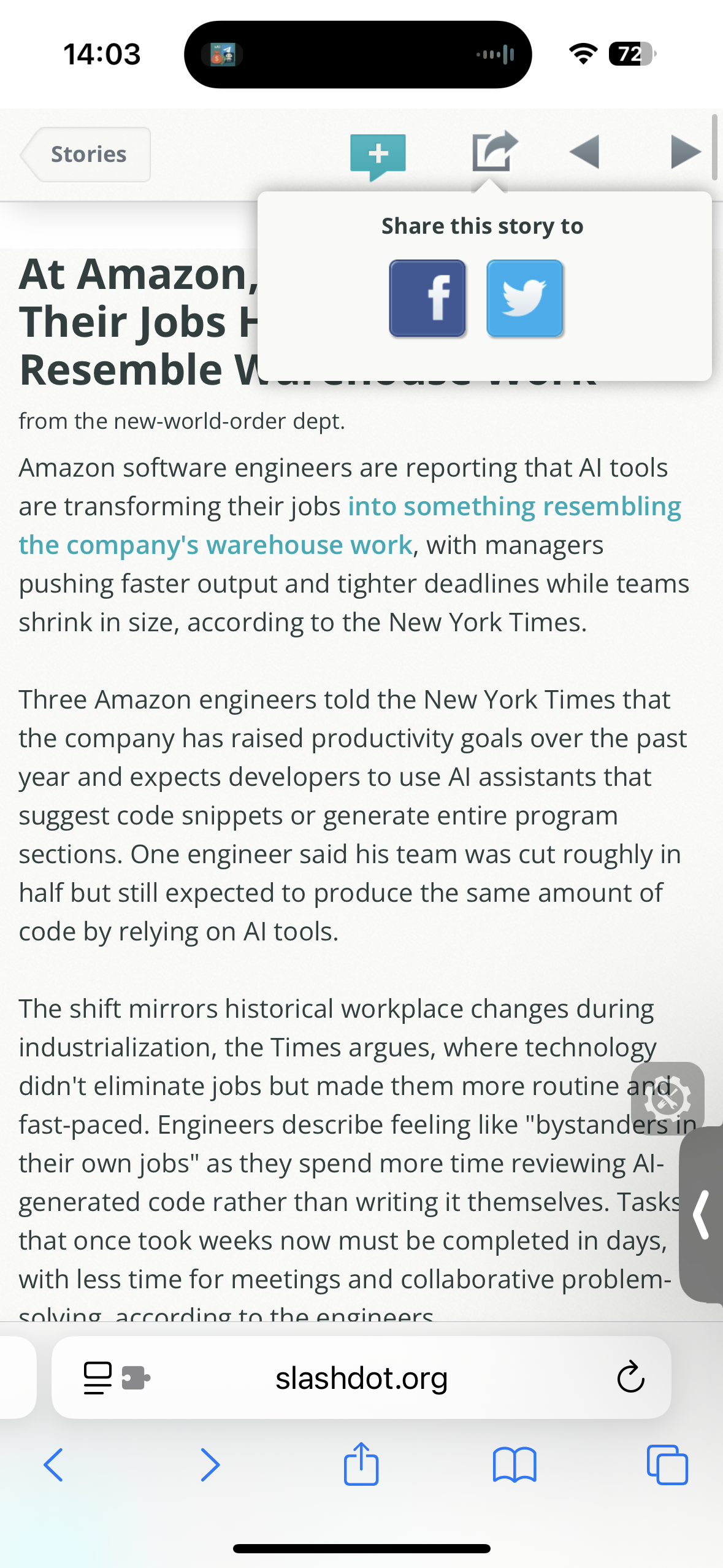
https://m.slashdot.org/story/442491
Comment
Share button Username:
@rakleed
Screenshots
Screenshot 1
System configuration
| Information | Value |
|---|---|
| AdGuard product: | AdGuard for iOS v4.5.10 |
| DNS filtering: | disabled |
| Filters: | Ad blocking: AdGuard Mobile Ads, AdGuard Base Privacy: AdGuard Tracking Protection Social widgets: AdGuard Social Media Annoyances: AdGuard Annoyances Language-specific: AdGuard Russian |