

 AdguardTeam
open.spotify.com
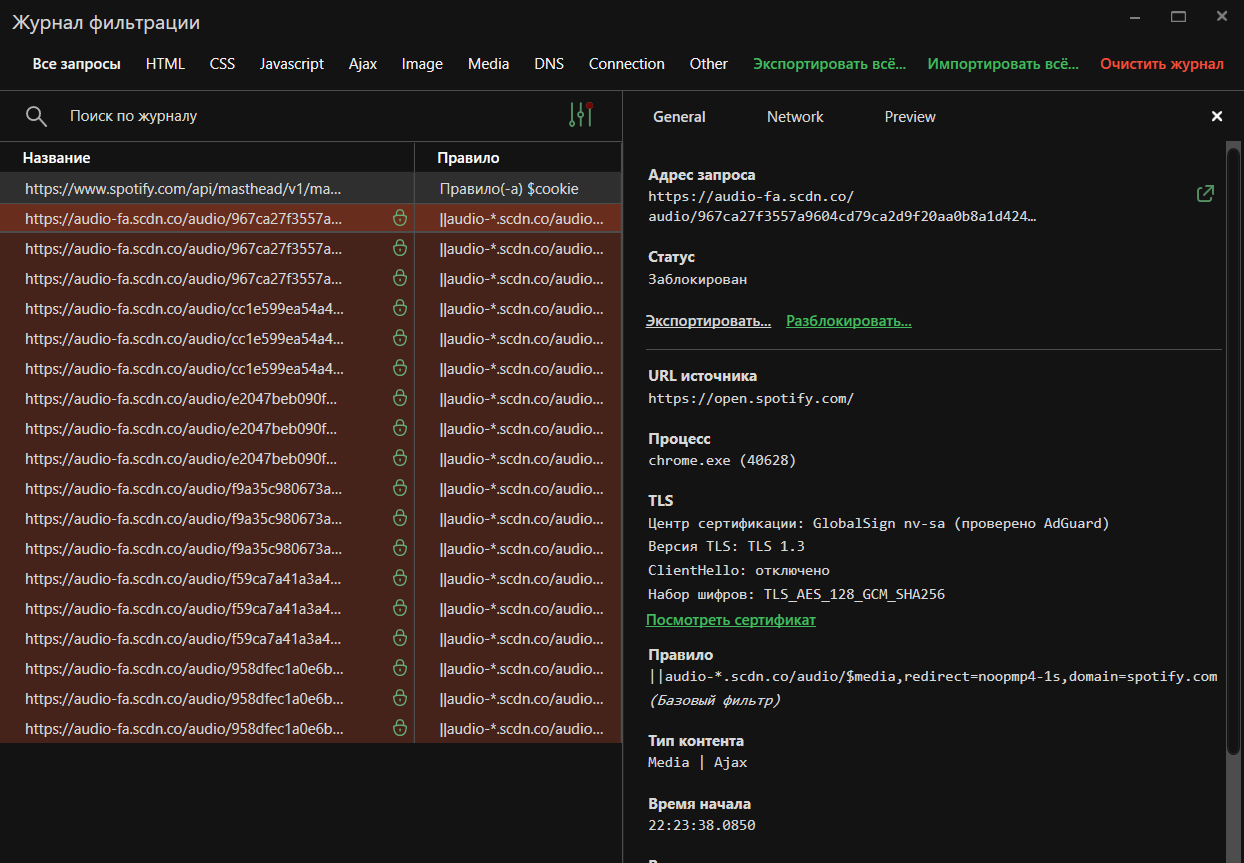
The next song does not start with AdGuard extension v5, because of ERR_UNSAFE_REDIRECT
Reported to devs:
https://issues.chromium.org/issues/375395102
Please leave a comment or +1 the bug there

Issue URL (Ads)
Comment
AdGuard isn't blocking ads on Spotify web player (it previously worked fine). In the picture, AdGuard is enabled and "working", but it isn't blocking/skipping the ads. This interupts my music and forces me to reload the page.
Screenshots
Screenshot 1
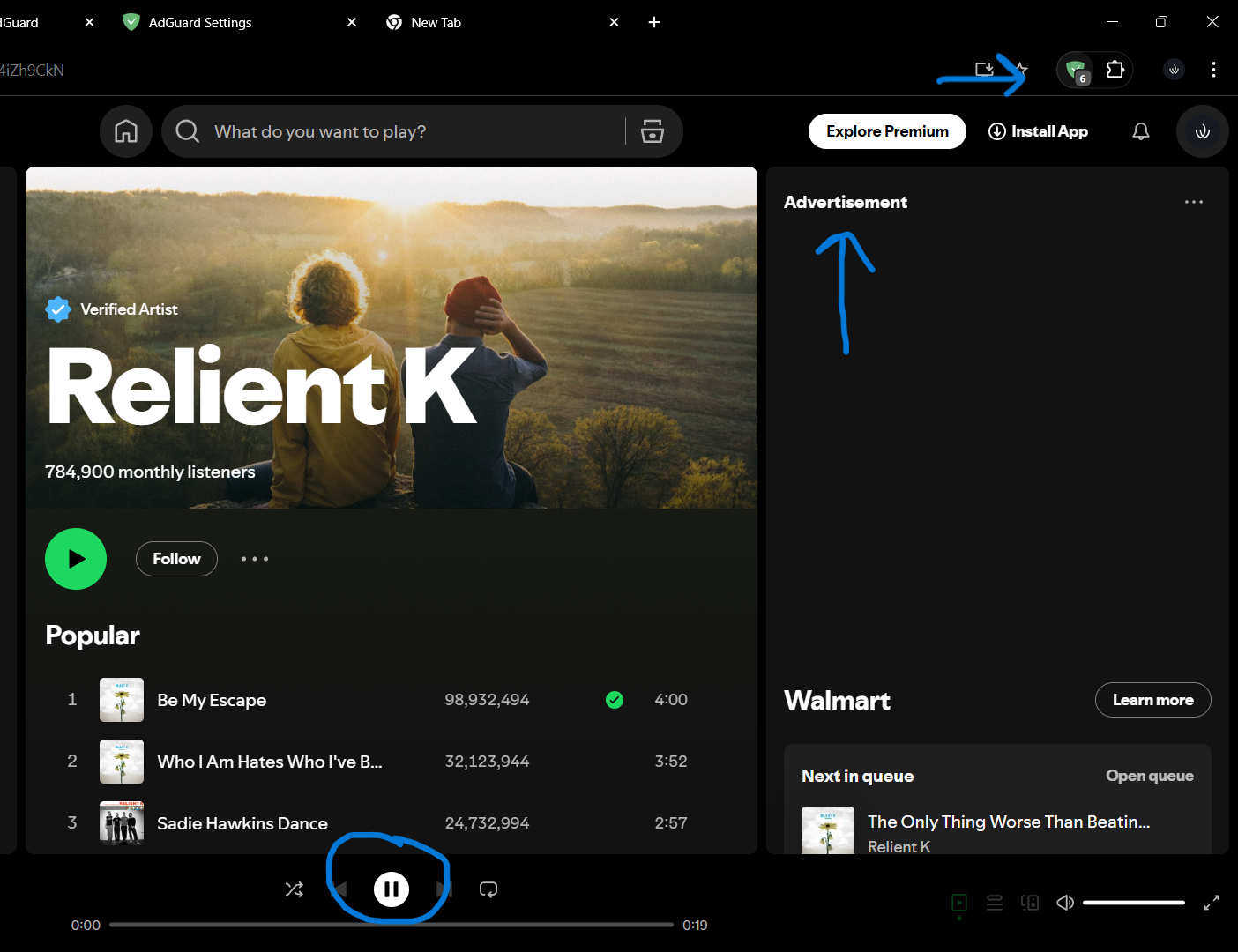
System configuration
| Information | Value |
|---|---|
| AdGuard product: | AdGuard Browser Extension v5.0.162 |
| System version: | Windows 11 |
| Browser: | Chrome |
| Tracking protection: | disabled |
| Filters: | Ad Blocking: AdGuard Base Other: Filter unblocking search ads and self-promotion Language-specific: AdGuard Spanish/Portuguese |
| Browsing Security: | disabled |
| Browsing Security statistics: | disabled |

Issue URL (Ads)
https://open.spotify.com/lyrics
Comment
Mesmo com o filtro ativado vem anúncio do spotify
Screenshots
Screenshot 1

System configuration
| Information | Value |
|---|---|
| AdGuard product: | AdGuard Browser Extension v5.0.162 |
| System version: | Linux x86_64 |
| Browser: | Chrome |
| Tracking protection: | disabled |
| Filters: | Ad Blocking: AdGuard Base Privacy: AdGuard Tracking Protection Language-specific: AdGuard Spanish/Portuguese, AdGuard French, EasyList Italy |
| Browsing Security: | disabled |
| Browsing Security statistics: | disabled |
| Other extensions used: | orangemonkey, preMID, Dark Reader |
Issue URL (Anti Adblock Script)
https://open.spotify.com/artist/2YZyLoL8N0Wb9xBt1NhZWg
Screenshots
Screenshot 1
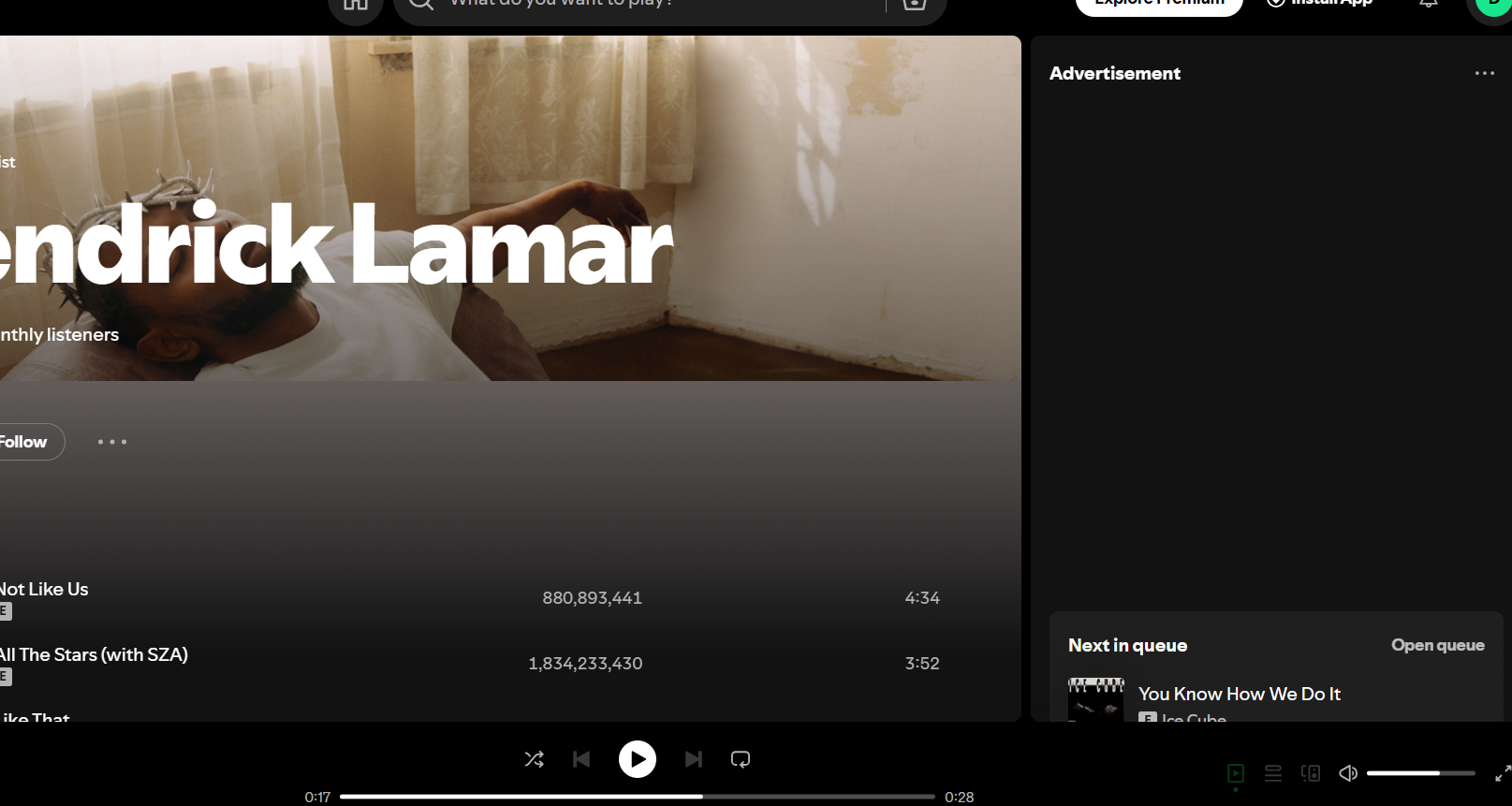
System configuration
| Information | Value |
|---|---|
| AdGuard product: | AdGuard Browser Extension v4.4.41 |
| System version: | Windows 11 |
| Browser: | Edge |
| Tracking protection: | disabled |
| Filters: | Ad Blocking: AdGuard Base Other: Filter unblocking search ads and self-promotion Language-specific: AdGuard German, AdGuard Japanese, AdGuard Spanish/Portuguese, AdGuard French, AdBlockID, Dandelion Sprout's Nordic Filters |
| Browsing Security: | disabled |
| Browsing Security statistics: | disabled |
@kodiakhub ||audio-ak*-*.akamaized.net/audio/$media,~xmlhttprequest,redirect=noopmp4-1s,domain=spotify.com ok? I can reproduce only from spotifycdn.com

@kodiakhub
||audio-ak*-*.akamaized.net/audio/$media,~xmlhttprequest,redirect=noopmp4-1s,domain=spotify.comok? I can reproduce only fromspotifycdn.com
On my end yes, see:
Screenshot
Issue URL (Ads)
Comment
I recently reported this same issue and it was marked as "fixed." The fix seemed to work at first, however, I am still having issues with AdGuard missing ads on Spotify's webplayer.
Screenshots
Screenshot 1
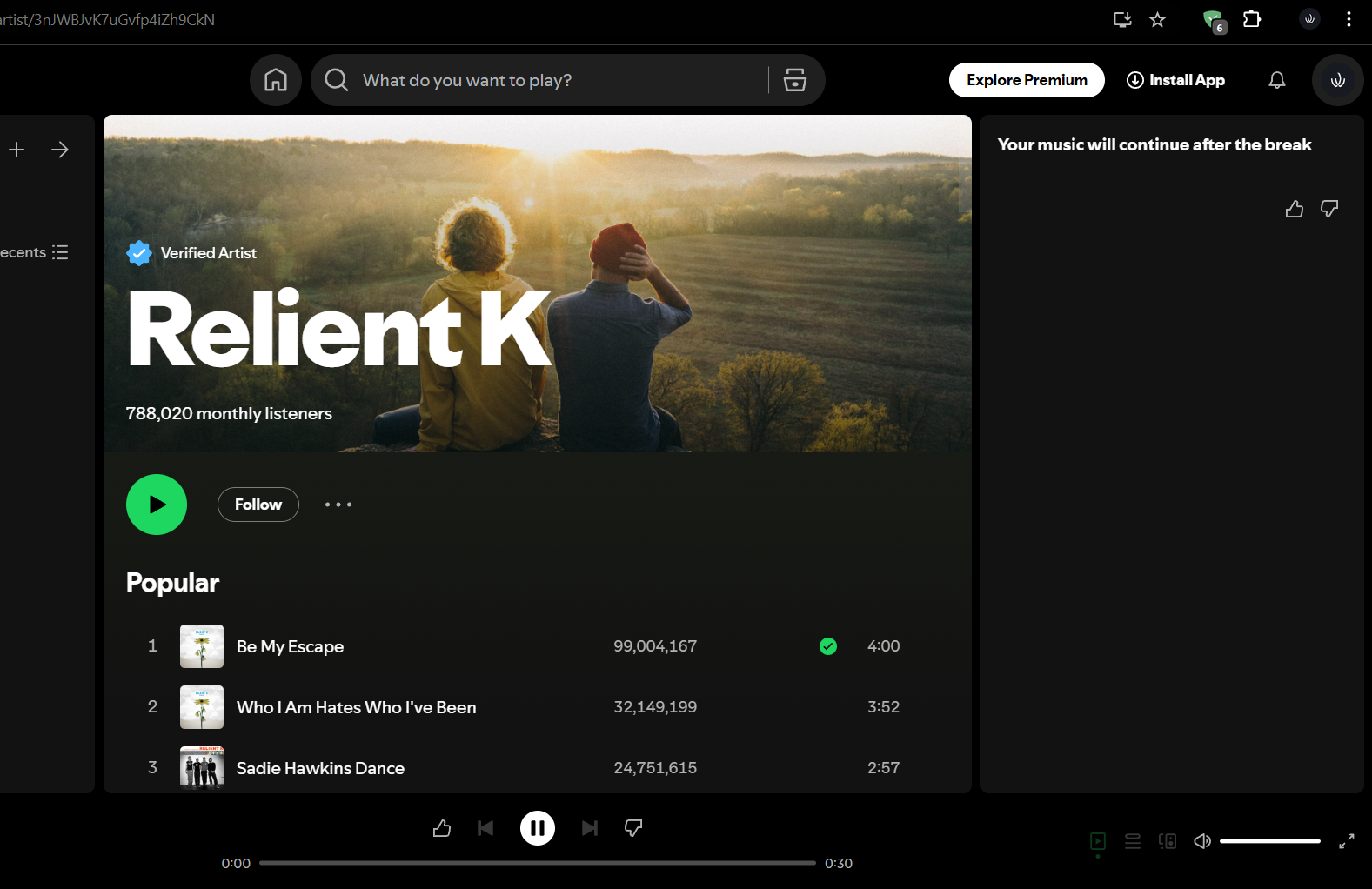
System configuration
| Information | Value |
|---|---|
| AdGuard product: | AdGuard Browser Extension v5.0.164 |
| System version: | Windows 11 |
| Browser: | Chrome |
| Tracking protection: | disabled |
| Filters: | Ad Blocking: AdGuard Base Other: Filter unblocking search ads and self-promotion Language-specific: AdGuard Spanish/Portuguese |
| Browsing Security: | disabled |
| Browsing Security statistics: | disabled |
Issue URL (Incorrect Blocking)
Comment
AdGuard has some issues with blocking ads on Spotify's web client. It just freezes the ad and doesn't skip. It's stuck on an indefinite hold and you aren't able to play other songs/playlists either unless you reload the whole page. But that beats the purpose of skipping through advertisements and playing the next song seamlessly. I've been noticing this issue since last month. Before this, I've never noticed this problem. Username:
@Akeboshii
Screenshots
Screenshot 1
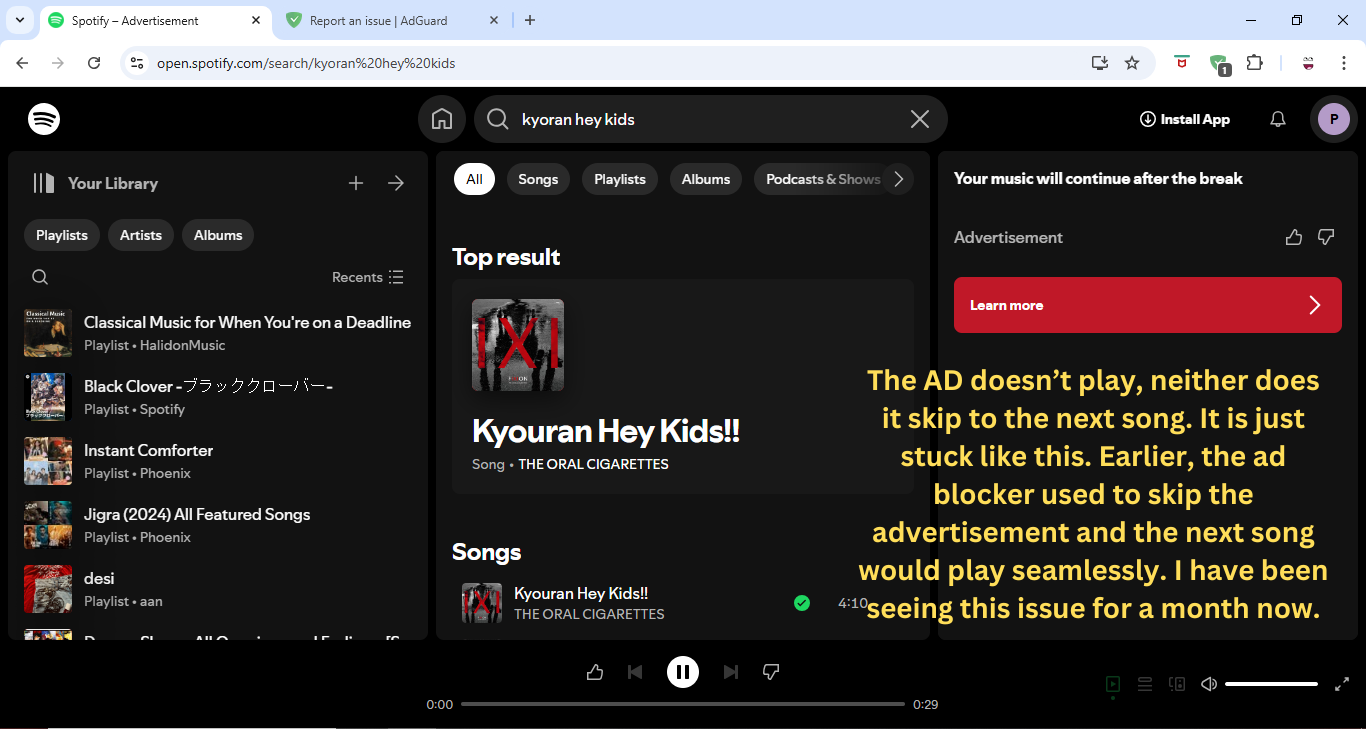
Screenshot 1 with AdGuard disabled
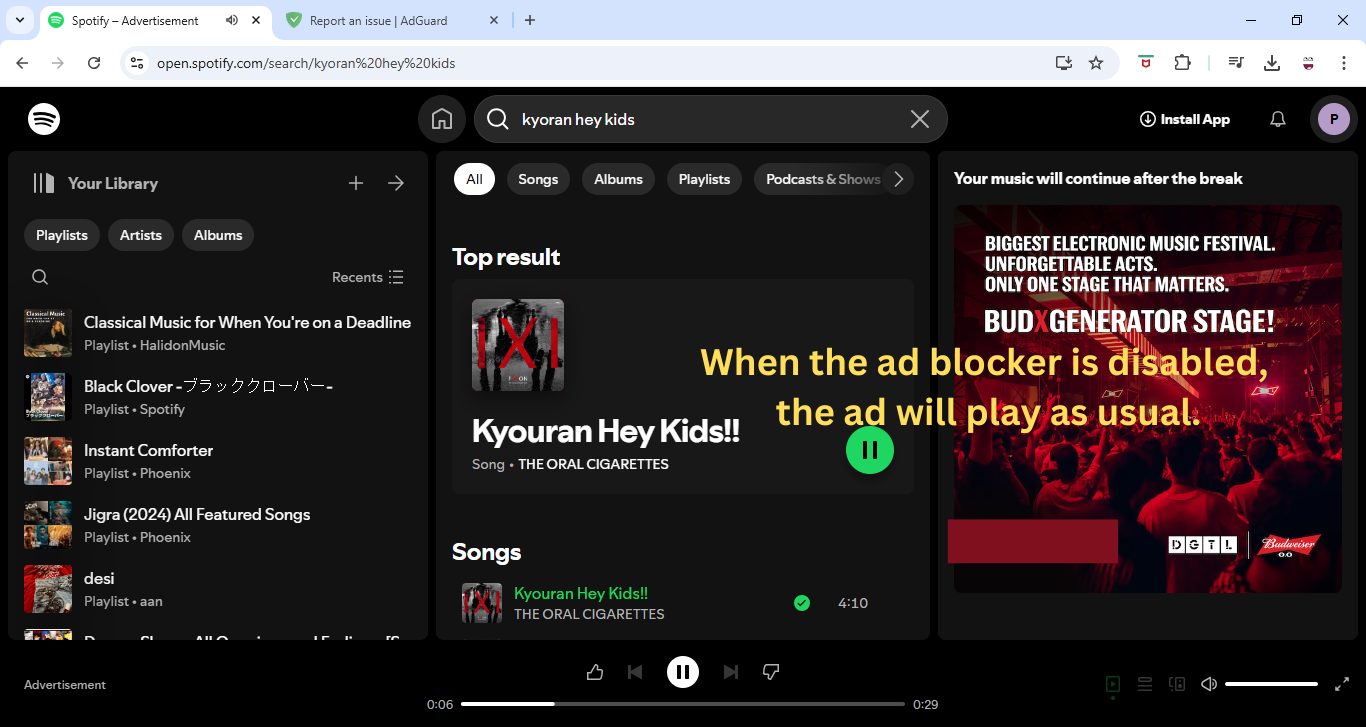
System configuration
| Information | Value |
|---|---|
| AdGuard product: | AdGuard Browser Extension v5.0.164 |
| System version: | Windows 10 |
| Browser: | Chrome |
| Tracking protection options: | Strip URLs from tracking parameters, Hide your search queries, Send Do-Not-Track header, Remove X-Client-Data header from HTTP requests, Self-destructing third-party cookies (2880), Block trackers |
| Filters: | Ad Blocking: AdGuard Base Privacy: AdGuard Tracking Protection, AdGuard URL Tracking Security: Online Malicious URL Blocklist, Phishing URL Blocklist, Scam Blocklist by DurableNapkin, uBlock Origin – Badware risks Language-specific: IndianList |
| Browsing Security: | enabled |
| Browsing Security statistics: | disabled |
| Other extensions used: | McAfee |
Issue URL (Anti Adblock Script)
https://open.spotify.com/intl-fr
Comment
IF you play music in Spotify using Ad guard after a while you will get kick out your account Username:
@IDK
Screenshots
Screenshot 1
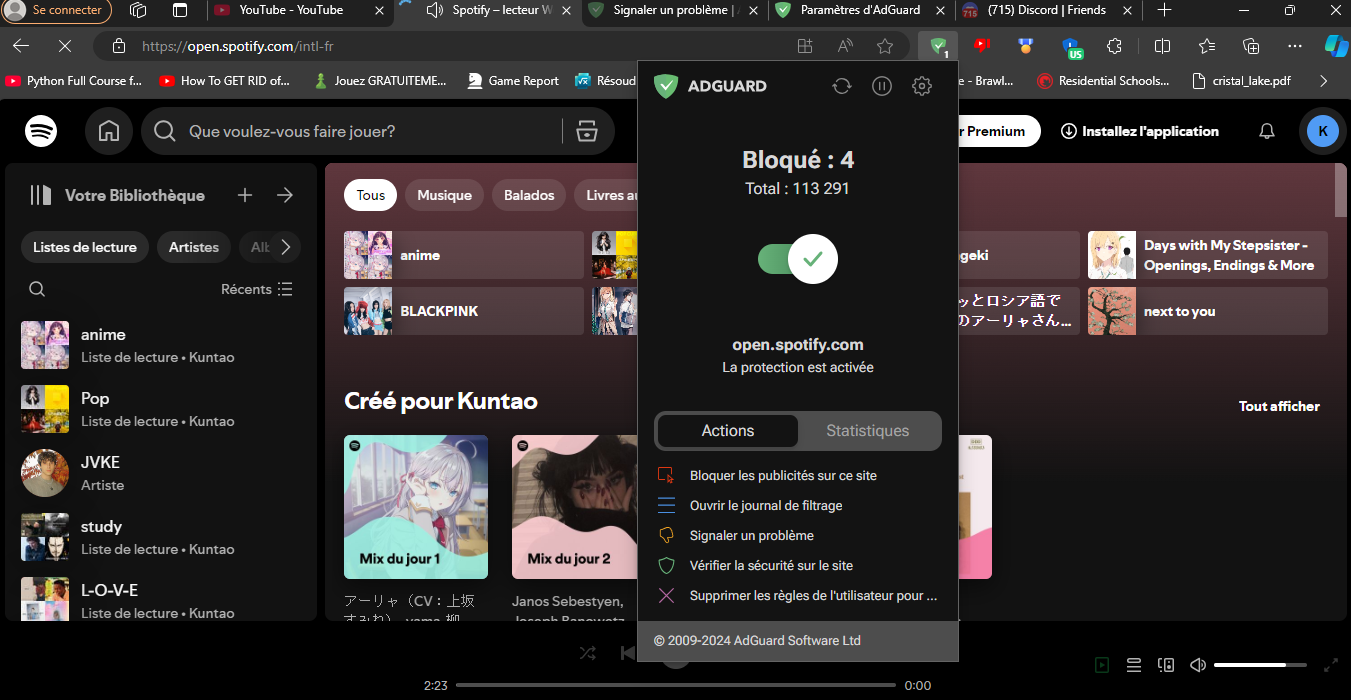
Screenshot 2
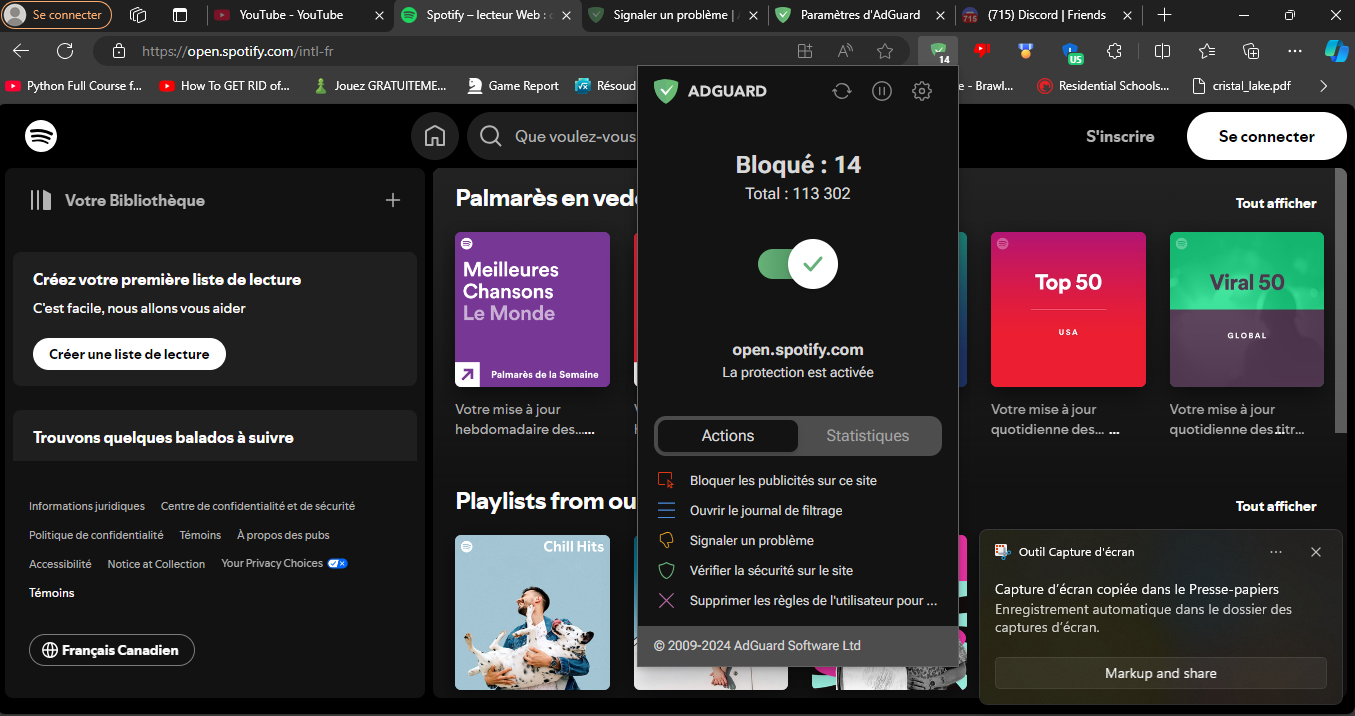
Screenshot 3
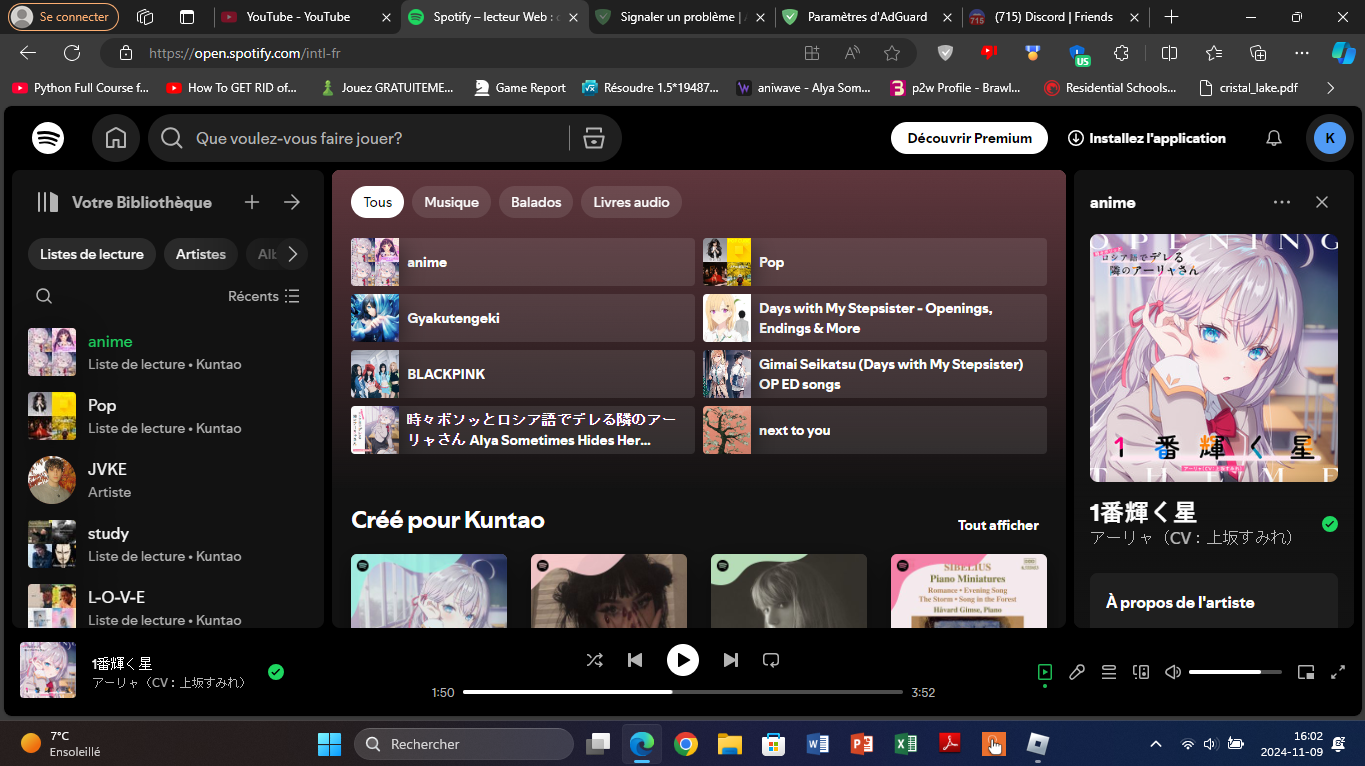
System configuration
| Information | Value |
|---|---|
| AdGuard product: | AdGuard Browser Extension v4.4.41 |
| System version: | Windows 11 |
| Browser: | Edge |
| Tracking protection options: | Block WebRTC, Strip URLs from tracking parameters, Hide your search queries, Send Do-Not-Track header, Remove X-Client-Data header from HTTP requests, Self-destructing third-party cookies (1), Block trackers |
| Filters: | Ad Blocking: AdGuard Base Privacy: AdGuard URL Tracking, AdGuard Tracking Protection Social Widgets: AdGuard Social Media Annoyances: AdGuard Cookie Notices, AdGuard Popups, AdGuard Mobile App Banners, AdGuard Other Annoyances, AdGuard Widgets Security: Online Malicious URL Blocklist Language-specific: AdGuard French |
| Custom filters: | 301201 |
| Browsing Security: | enabled |
| Browsing Security statistics: | enabled |
| Other extensions used: | rien |
Issue URL (Incorrect Blocking)
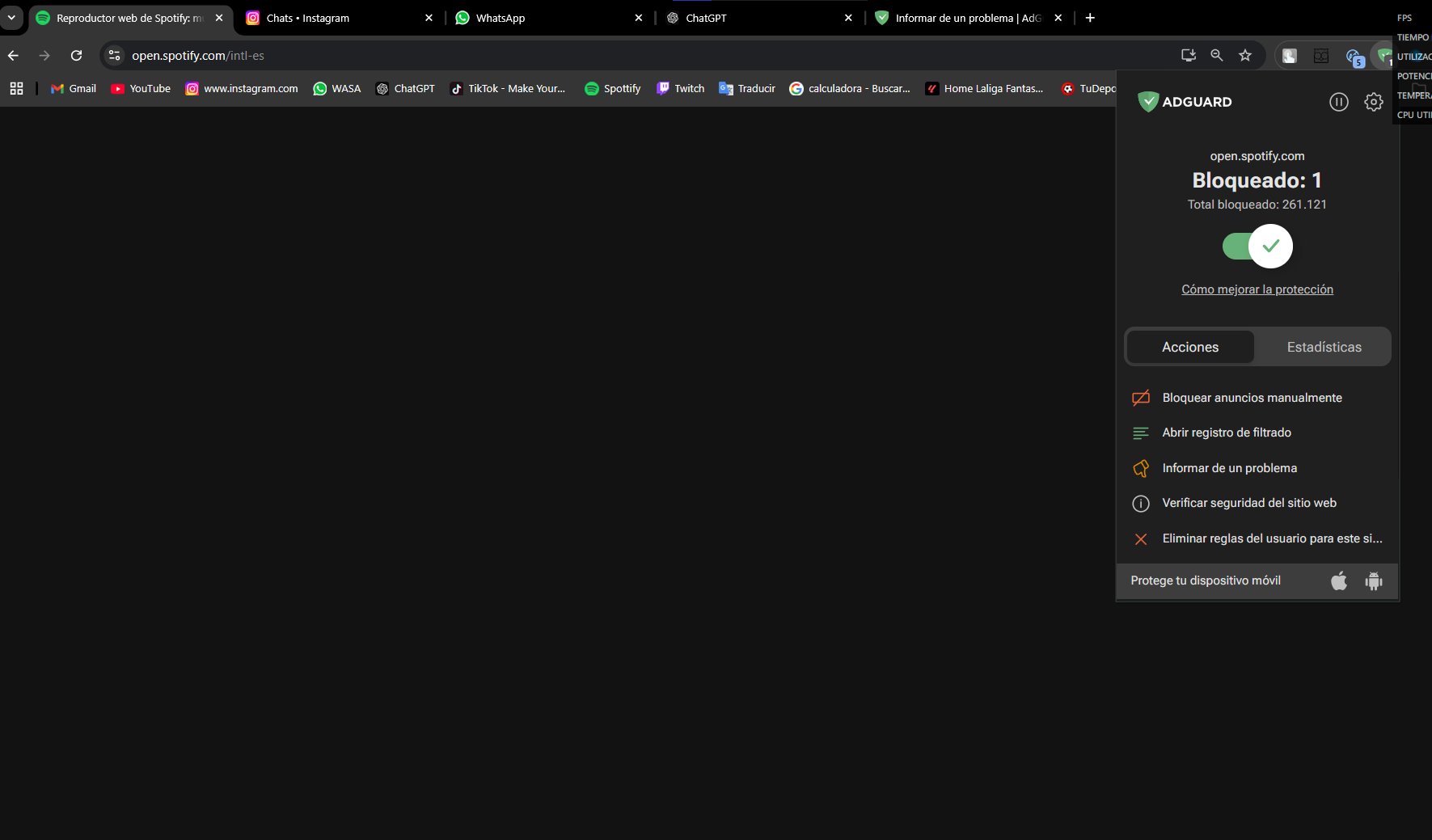
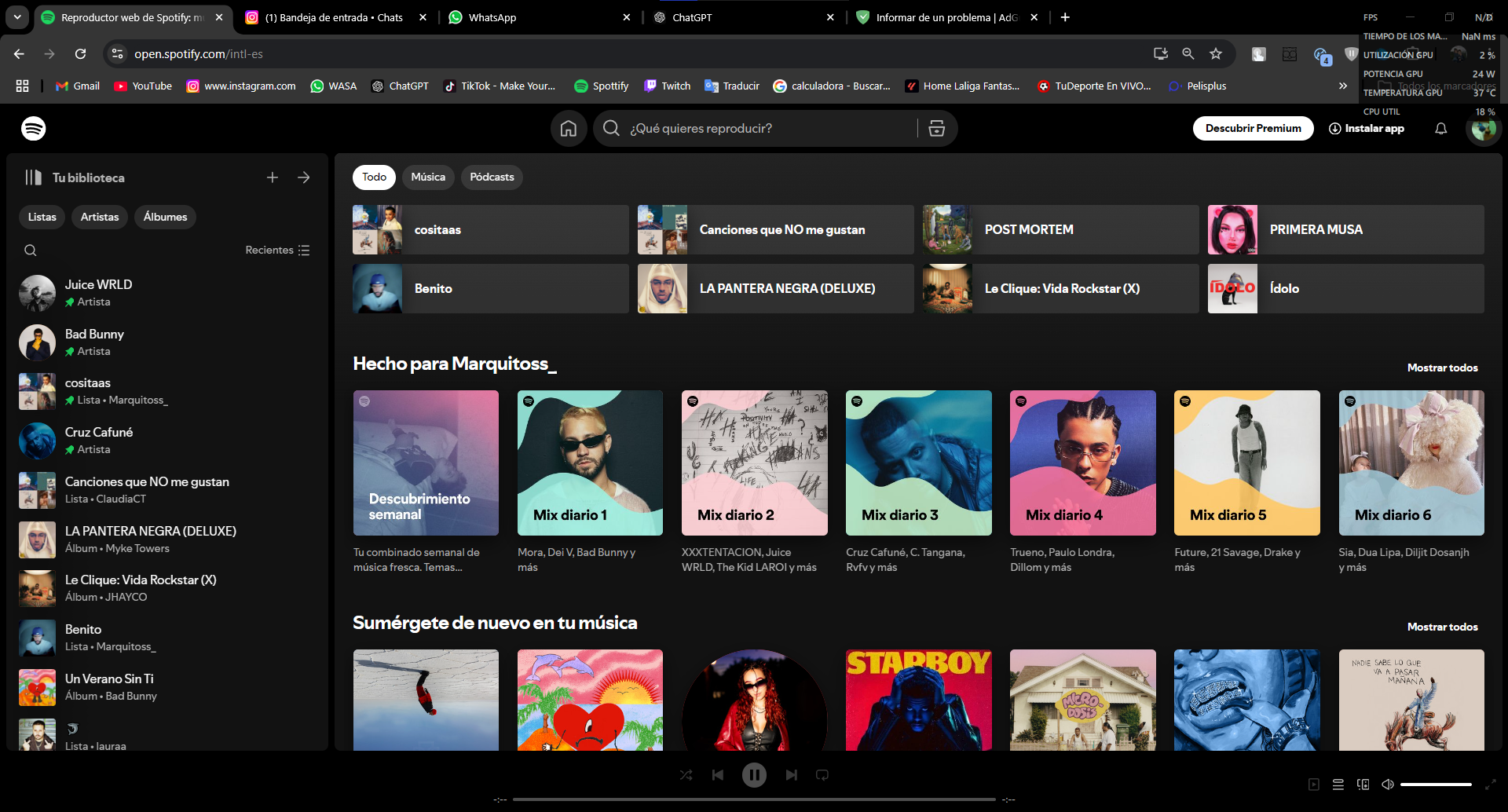
https://open.spotify.com/
Username: @Marcoss
Screenshots
Screenshot 1
Screenshot 1 with AdGuard disabled
System configuration
| Information | Value |
|---|---|
| AdGuard product: | AdGuard Browser Extension v5.0.165 MV3 |
| System version: | Windows 10 |
| Browser: | Chrome |
| Tracking protection: | disabled |
| Filters: | Ad Blocking: AdGuard Base, AdGuard Quick Fixes Other: Filter unblocking search ads and self-promotion Language-specific: AdGuard Dutch, AdGuard Spanish/Portuguese, AdGuard French, AdGuard Chinese |
| Browsing Security: | enabled |
| Browsing Security statistics: | enabled |
IF you play music in Spotify using Ad guard after a while you will get kick out your account
Can't reproduce. Maybe custom filter breaks it?
Can't reproduce unblocked ads, but the next song does not start, because of ERR_UNSAFE_REDIRECT
Reported to devs.
https://issues.chromium.org/issues/375395102
Issue URL (Anti Adblock Script)
https://open.spotify.com/playlist/6zCID88oNjNv9zx6puDHKj
Comment
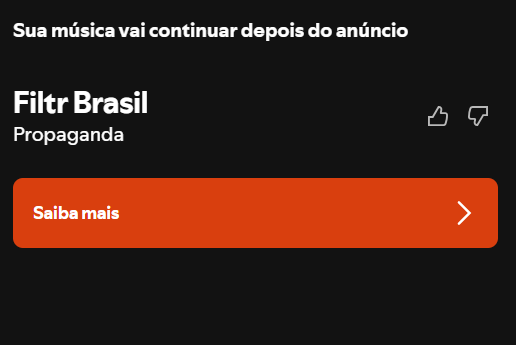
O spotify trava no momento do anúncio
Screenshots
Screenshot 1
System configuration
| Information | Value |
|---|---|
| AdGuard product: | AdGuard Browser Extension v5.0.167 MV3 |
| System version: | Windows 11 |
| Browser: | Chrome |
| Tracking protection: | disabled |
| Filters: | Ad Blocking: AdGuard Base, AdGuard Quick Fixes Privacy: AdGuard Tracking Protection Social Widgets: AdGuard Social Media Language-specific: AdGuard Spanish/Portuguese |
| Browsing Security: | disabled |
| Browsing Security statistics: | disabled |
Issue URL (Incorrect Blocking)
https://open.spotify.com/playlist/2ti0bW5TG4mfKjkL6wC9P2
Comment
spotify...
Screenshots
Screenshot 1
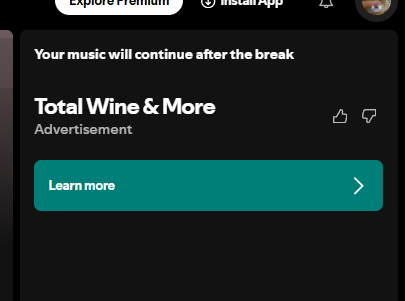
Screenshot 1 with AdGuard disabled

System configuration
| Information | Value |
|---|---|
| AdGuard product: | AdGuard Browser Extension v5.0.167 MV3 |
| System version: | Windows 10 |
| Browser: | Chrome |
| Tracking protection: | disabled |
| Filters: | Ad Blocking: AdGuard Base, AdGuard Quick Fixes Privacy: AdGuard Tracking Protection Social Widgets: AdGuard Social Media |
| Browsing Security: | enabled |
| Browsing Security statistics: | disabled |
Issue URL (Ads)
Comment
Music stops after every 5 or 6 songs, but thankfully does not play the ad. Must refresh the page to continue listening to music though, which is disrupting.
Screenshots
Screenshot 1

System configuration
| Information | Value |
|---|---|
| AdGuard product: | AdGuard Browser Extension v5.0.167 MV3 |
| System version: | Windows 11 |
| Browser: | Chrome |
| Tracking protection options: | Strip URLs from tracking parameters, Hide your search queries, Send Do-Not-Track header, Remove X-Client-Data header from HTTP requests, Self-destructing third-party cookies (2880), Block trackers |
| Filters: | Ad Blocking: AdGuard Base, AdGuard Quick Fixes Privacy: AdGuard Tracking Protection, AdGuard URL Tracking Other: Filter unblocking search ads and self-promotion Language-specific: AdGuard Russian, AdGuard German, AdGuard Japanese, AdGuard Spanish/Portuguese, AdGuard Turkish, AdGuard French, AdGuard Chinese, Estonian List, IndianList |
| Browsing Security: | enabled |
| Browsing Security statistics: | enabled |
| Other extensions used: | windows firewall |
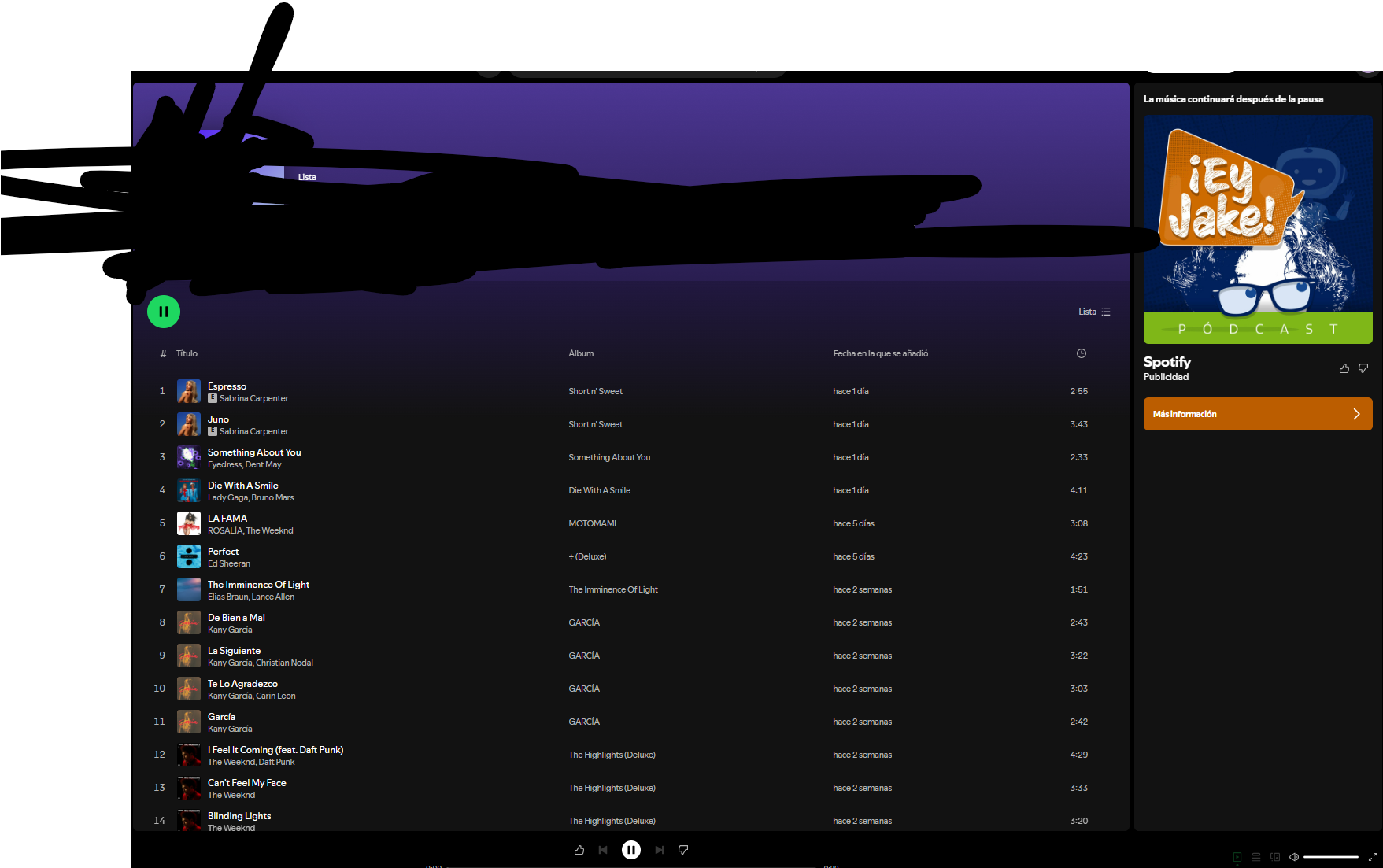
Issue URL (Incorrect Blocking)
https://open.spotify.com/collection/tracks
Screenshots
Screenshot 1

Screenshot 1 with AdGuard disabled
System configuration
| Information | Value |
|---|---|
| AdGuard product: | AdGuard Browser Extension v5.0.167 MV3 |
| System version: | Windows 11 |
| Browser: | Chrome |
| Tracking protection: | disabled |
| Filters: | Ad Blocking: AdGuard Base, AdGuard Quick Fixes Other: Filter unblocking search ads and self-promotion Language-specific: AdGuard Spanish/Portuguese, Liste AR |
| Browsing Security: | disabled |
| Browsing Security statistics: | disabled |
| Other extensions used: | Cuando estoy en spotify y activo ADGUARD, al momento de aparecer un anuncio este se congela y no me deja seguir utilizando la app D: |
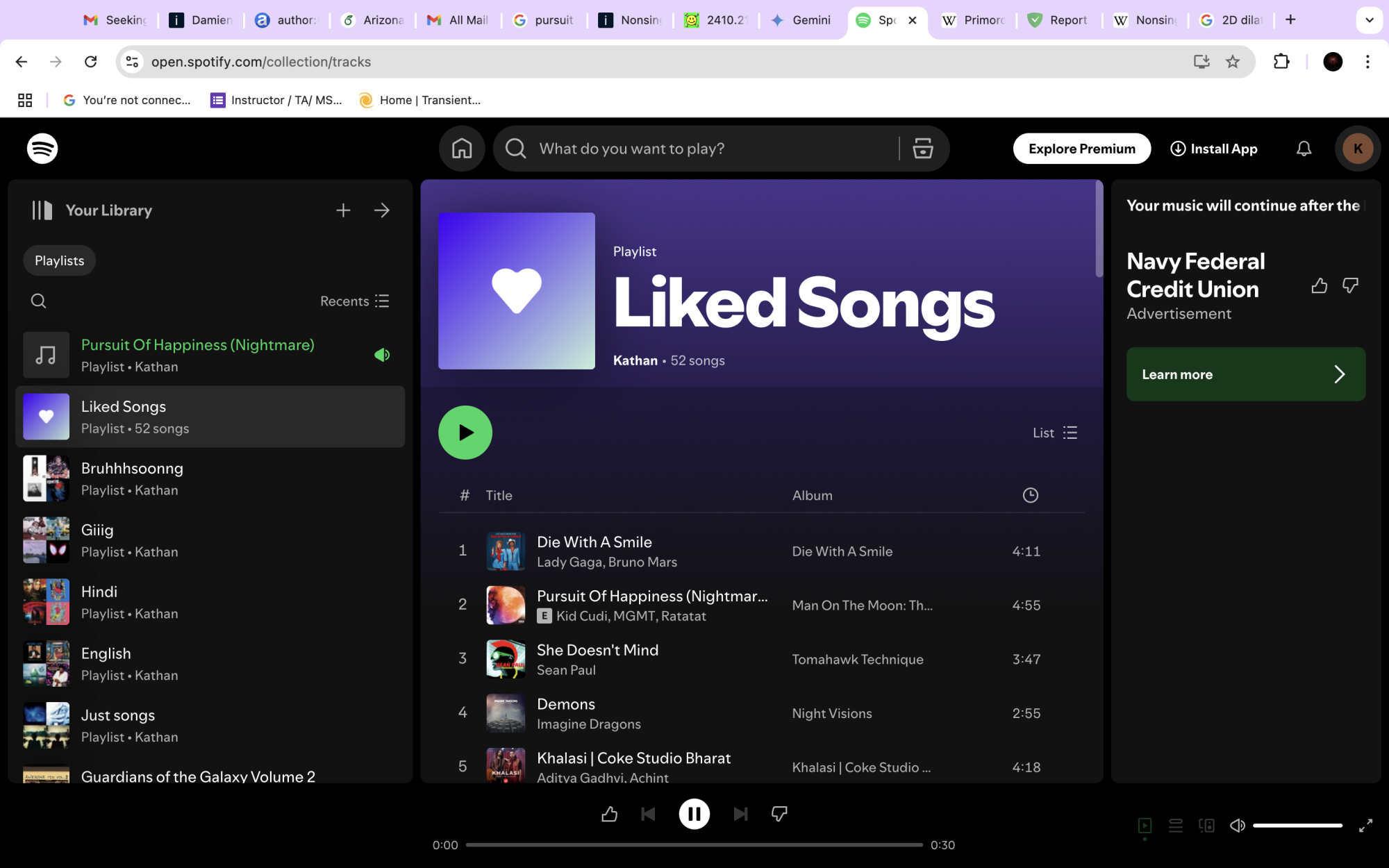
Issue URL (Ads)
https://open.spotify.com/collection/tracks
Screenshots
Screenshot 1
System configuration
| Information | Value |
|---|---|
| AdGuard product: | AdGuard Browser Extension v5.0.167 MV3 |
| System version: | Mac OS 14.5.0 |
| Browser: | Chrome |
| Tracking protection: | disabled |
| Filters: | Ad Blocking: AdGuard Base, AdGuard Quick Fixes Language-specific: AdGuard German, AdGuard Japanese, AdGuard Spanish/Portuguese, AdGuard French, Official Polish filters for AdBlock, uBlock Origin & AdGuard, AdGuard Chinese, EasyList Italy, Polish Anti Adblock Filters |
| Browsing Security: | disabled |
| Browsing Security statistics: | disabled |
| Other extensions used: | none. |
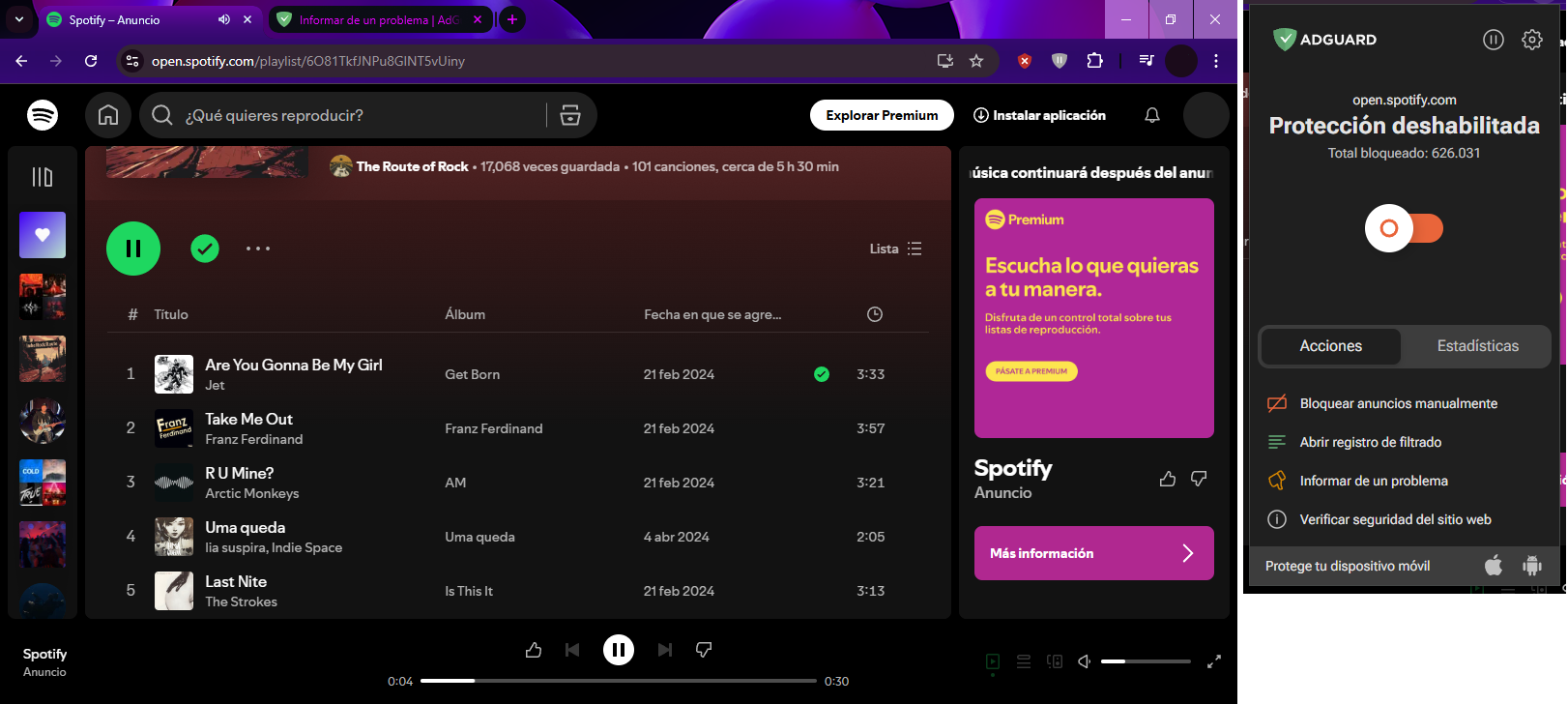
Issue URL (Incorrect Blocking)
https://open.spotify.com/playlist/6O81TkfJNPu8GINT5vUiny
Comment
Esta lista de reproducción es un ejemplo, me sucede con cualquier lista en Spotify. Suenan unas 5 canciones aproximadamente y cuando sale el típico anuncio, sí, no se muestra, pero congelan las funciones y debes recargar la página pero se repite el ciclo. Username:
@Daniela-Bernal
Screenshots
Screenshot 1

Screenshot 1 with AdGuard disabled
System configuration
| Information | Value |
|---|---|
| AdGuard product: | AdGuard Browser Extension v5.0.167 MV3 |
| System version: | Windows 10 |
| Browser: | Chrome |
| Tracking protection options: | Block trackers |
| Filters: | Ad Blocking: AdGuard Base, AdGuard Quick Fixes Privacy: AdGuard Tracking Protection Social Widgets: AdGuard Social Media Language-specific: AdGuard Spanish/Portuguese, AdGuard Chinese |
| Browsing Security: | enabled |
| Browsing Security statistics: | enabled |
| Other extensions used: | Undetectable Adblocker, Windows Defender |
Issue URL (Incorrect Blocking)
Comment
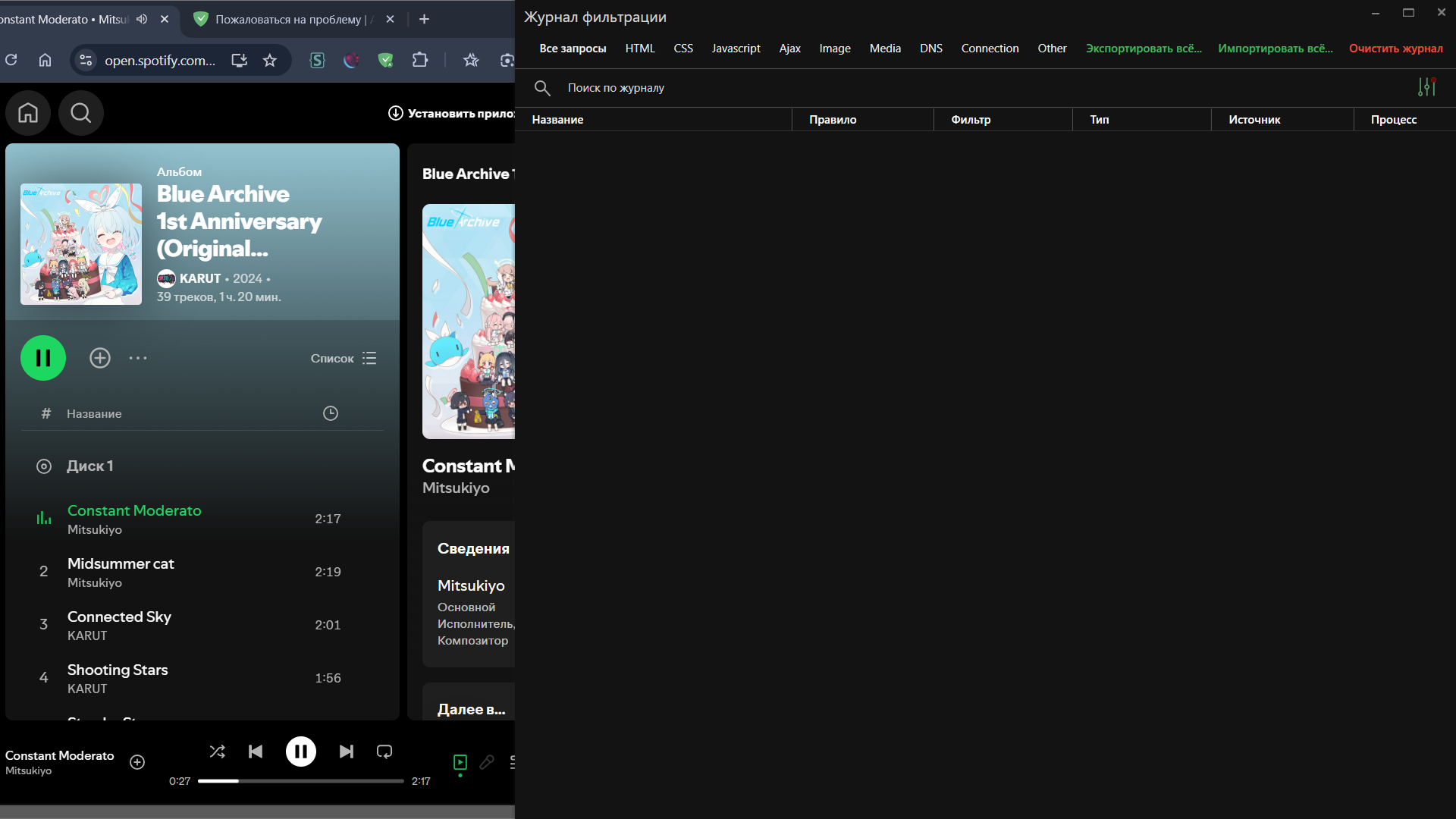
Базовый фильтр блокирует воспроизведение музыки в Spotify Username:
@selpats
Screenshots
Screenshot 1
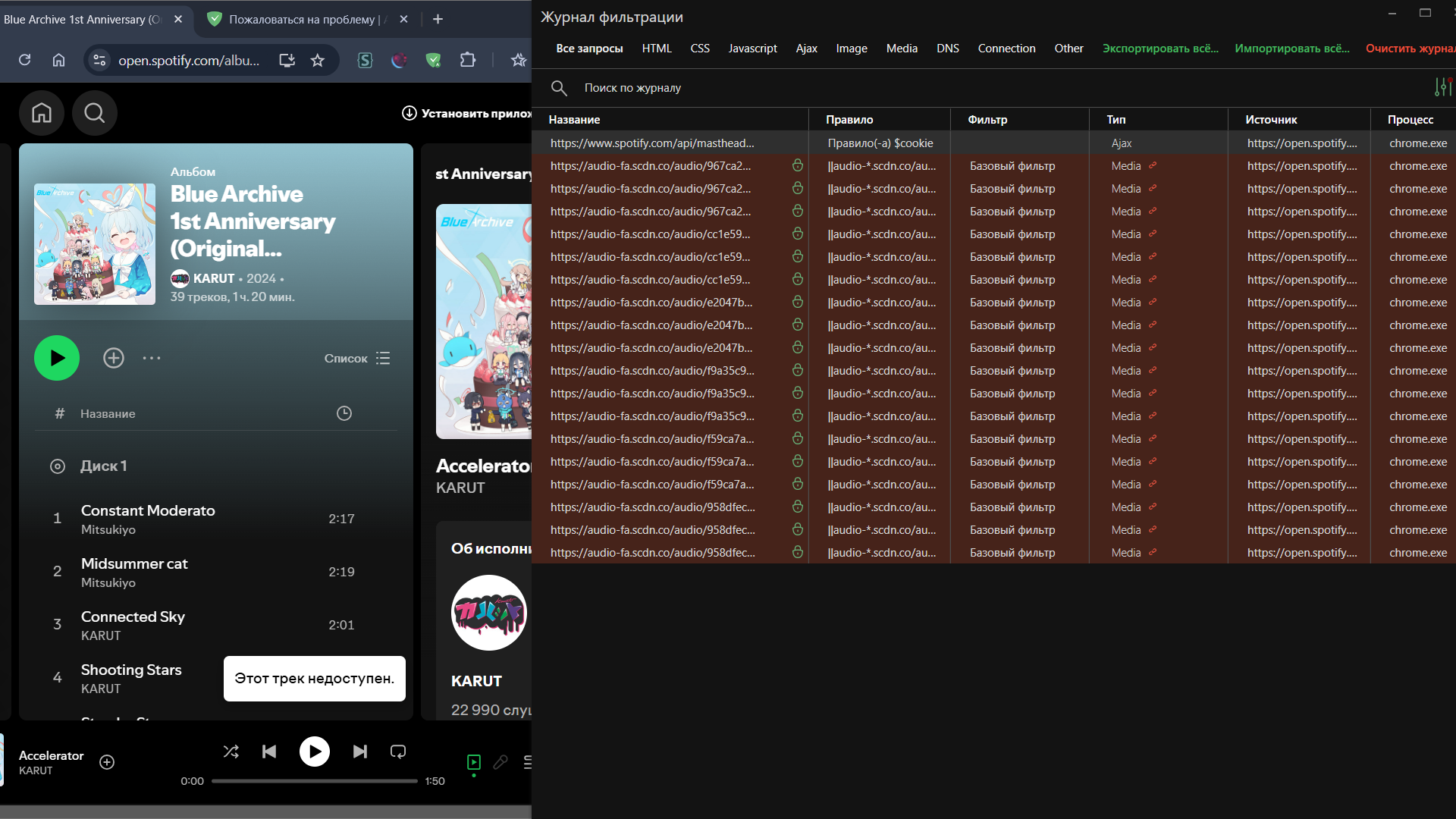
Screenshot 2
Screenshot 1 with AdGuard disabled
System configuration
| Information | Value |
|---|---|
| AdGuard product: | AdGuard for Windows v7.19.0 (4853) |
| System version: | Microsoft Windows NT 10.0.26100.0 |
| Browser: | Chrome |
| License type: | paid |
| AdGuard driver: | WFP |
| Tracking protection: | disabled |
| DNS filtering: | server: Systemfilters: AdGuard DNS Filter, User DNS filter (url: none) |
| Filters: | Ad Blocking: AdGuard Base Privacy: AdGuard Tracking Protection Social Widgets: AdGuard Social Media Language-specific: AdGuard Russian, AdGuard Japanese, AdGuard Ukrainian, AdGuard Chinese, List-KR |
| Custom filters: | User filter (url: none) |
| Browsing Security: | enabled |
| Browsing Security statistics: | disabled |
| Userscripts: | AdGuard Extra (url: https://userscripts.adtidy.org/release/adguard-extra/1.0/adguard-extra.user.js) AdGuard Popup Blocker (url: https://userscripts.adtidy.org/release/popup-blocker/2.5/popupblocker.user.js) |
| Userstyles: | disabled |
Issue configuration
Issue URL (Incorrect Blocking)
https://open.spotify.com/intl-es
Comment
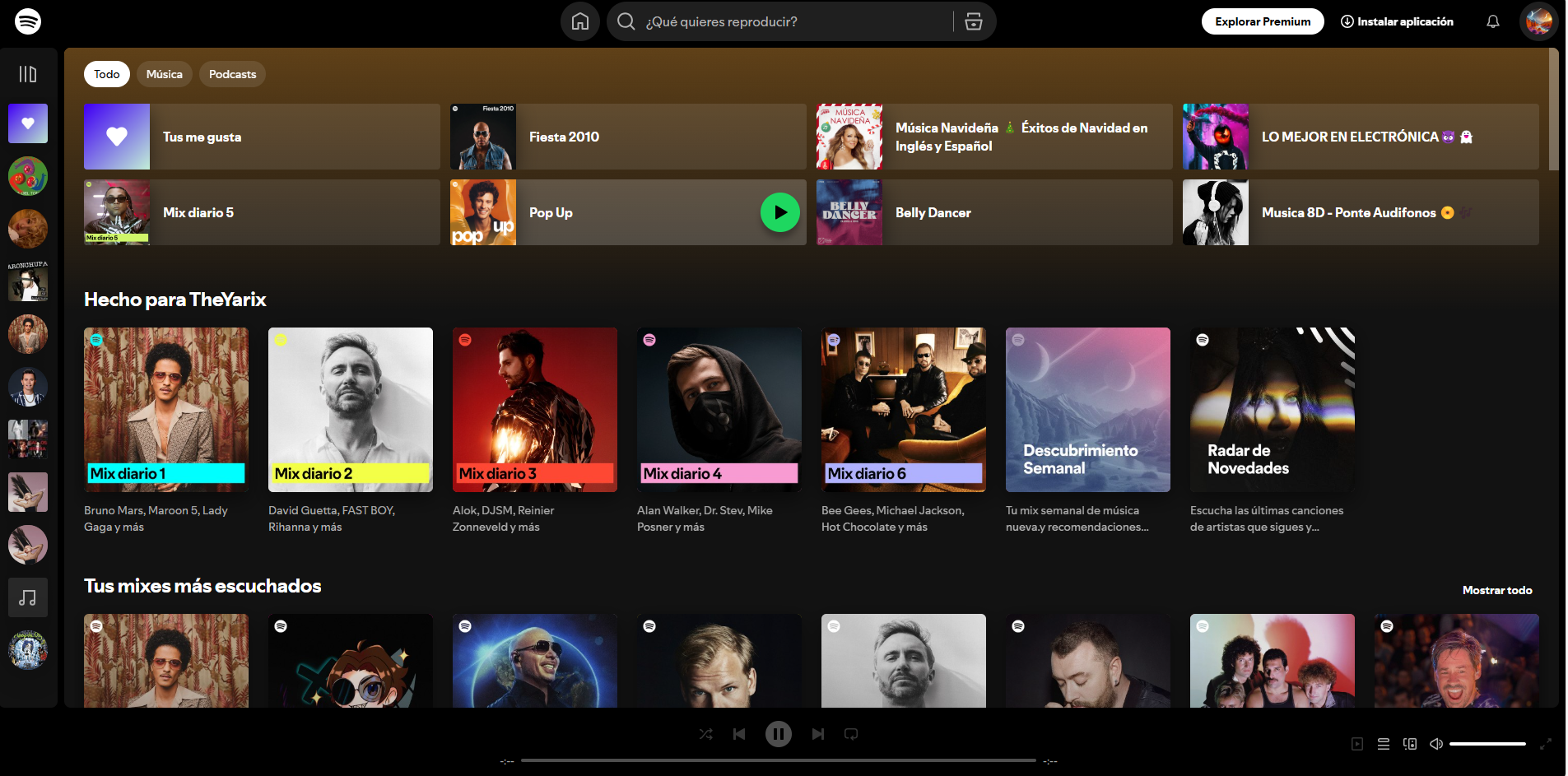
cuando tengo desabilito el antiad funciona pero lo abilito y ya no
Screenshots
Screenshot 1
Screenshot 1 with AdGuard disabled
System configuration
| Information | Value |
|---|---|
| AdGuard product: | AdGuard Browser Extension v4.4.41 |
| System version: | Windows 11 |
| Browser: | Edge |
| Tracking protection: | disabled |
| Filters: | Ad Blocking: AdGuard Base Social Widgets: AdGuard Social Media Language-specific: AdGuard Spanish/Portuguese |
| Browsing Security: | enabled |
| Browsing Security statistics: | disabled |
Issue URL (Ads)
https://open.spotify.com/playlist/7hsJVQz3v0seDCsLYm8fNR
Comment
I use Spotify as the web player. Every two songs later, the tracks stop playing as there is an ad. But they do not resume after the ad duration and the media player gets stuck on the ad forever. Username:
@Pranay-Joshi1
Screenshots
Screenshot 1

System configuration
| Information | Value |
|---|---|
| AdGuard product: | AdGuard Browser Extension v5.0.166 MV3 |
| System version: | Windows 11 |
| Browser: | Chrome |
| Tracking protection: | disabled |
| Filters: | Ad Blocking: AdGuard Base, AdGuard Quick Fixes Other: Filter unblocking search ads and self-promotion Language-specific: AdGuard Russian, IndianList |
| Browsing Security: | enabled |
| Browsing Security statistics: | enabled |
| Other extensions used: | None |
It is caused by the Chromium bug: https://issues.chromium.org/issues/375395102
Issue URL (Anti Adblock Script)
https://open.spotify.com/lyrics
Comment
if I go on Spotify and Liston yo music and there's an ad it just stops no ad but it wont go to the music and is crashes Username:
@what's GitHub?
Screenshots
Screenshot 1

System configuration
| Information | Value |
|---|---|
| AdGuard product: | AdGuard Browser Extension v5.0.168 MV3 |
| System version: | Chromium OS 14541.0.0 |
| Browser: | Chrome |
| Tracking protection options: | Self-destructing third-party cookies, Block trackers |
| Filters: | Ad Blocking: AdGuard Base, AdGuard Quick Fixes Other: Filter unblocking search ads and self-promotion |
| Browsing Security: | enabled |
| Browsing Security statistics: | disabled |
| Other extensions used: | I have none |
Issue URL (Incorrect Blocking)
https://open.spotify.com/search/cheari
Comment
пока слушаешь музыку, вылезает реклама, которую не воспроизводит ад блокер, пытаясь его заблокировать, но чтобы продолжить слушать музыку нужно перезагрузить страницу, но порой это не удобно или невозможно сделать быстро, как хотелось бы Username:
@Benito Mussolini
Screenshots
Screenshot 1
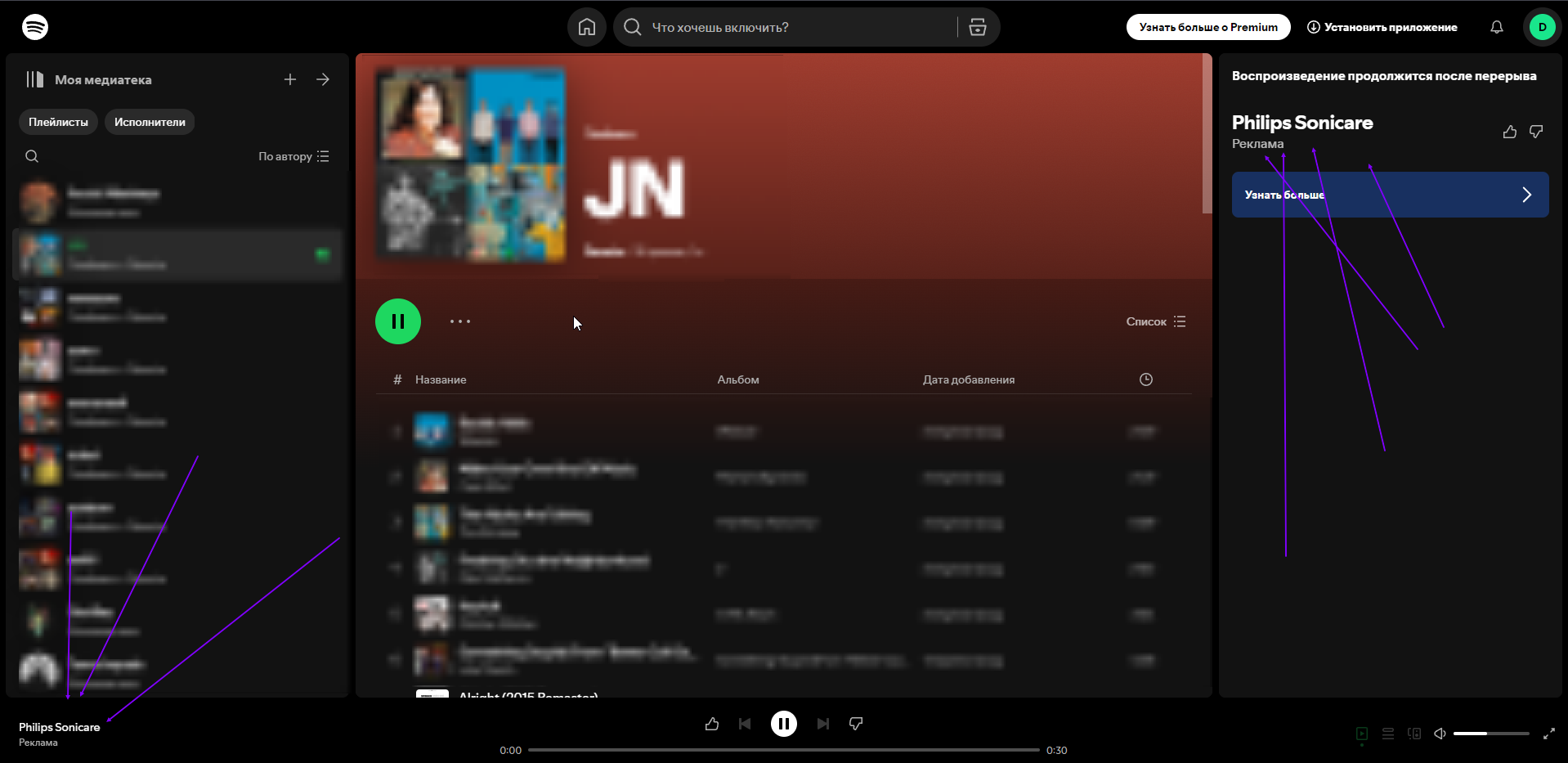
Screenshot 1 with AdGuard disabled
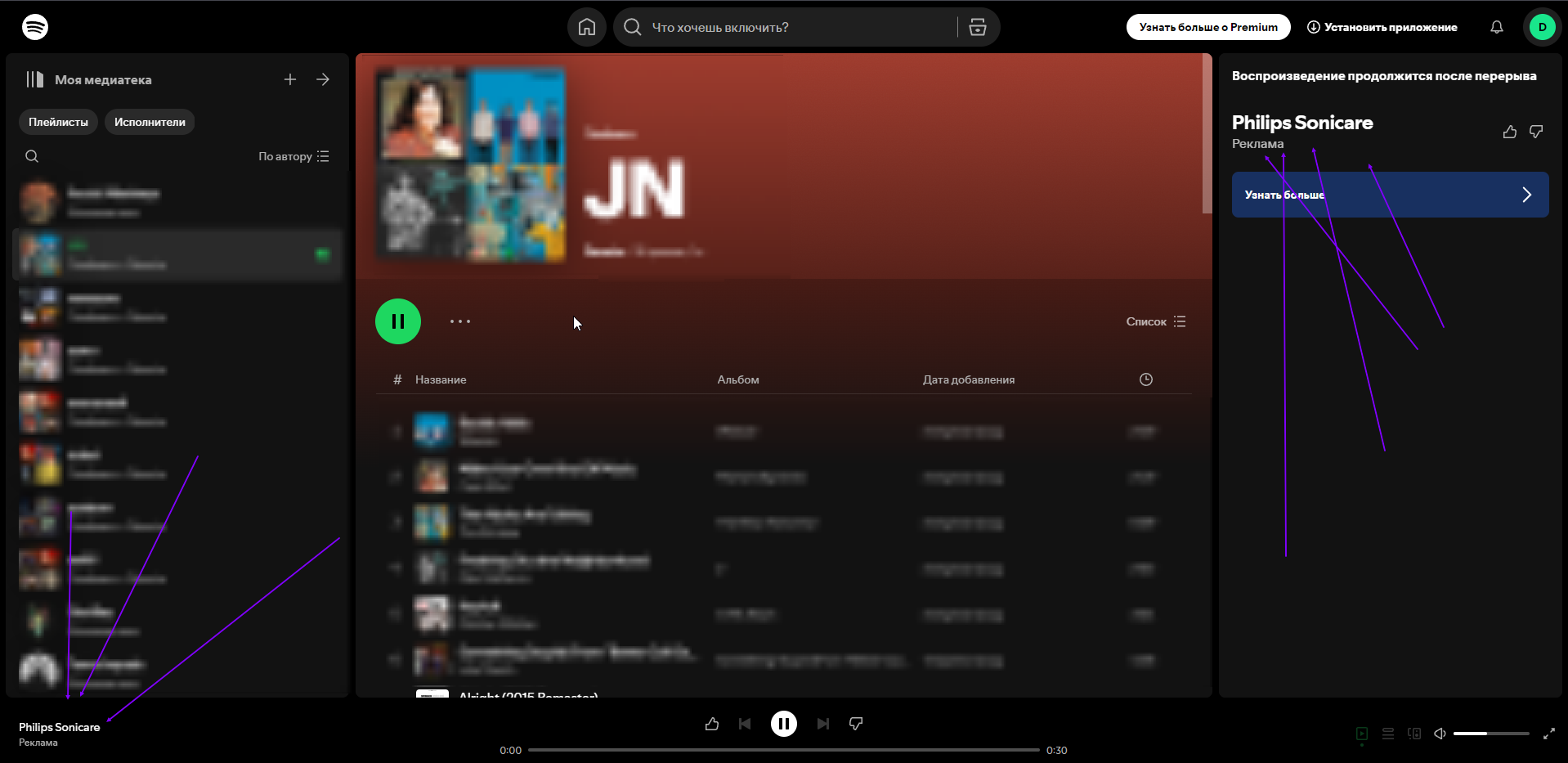
System configuration
| Information | Value |
|---|---|
| AdGuard product: | AdGuard Browser Extension v5.0.169 MV3 |
| System version: | Windows 10 |
| Browser: | Яндекс Браузер |
| Tracking protection: | disabled |
| Filters: | Ad Blocking: AdGuard Base, AdGuard Quick Fixes Other: Filter unblocking search ads and self-promotion Language-specific: AdGuard Russian |
| Browsing Security: | disabled |
| Browsing Security statistics: | disabled |
Issue URL (Ads)
https://open.spotify.com/playlist/37i9dQZF1EVHGWrwldPRtj
Screenshots
Screenshot 1
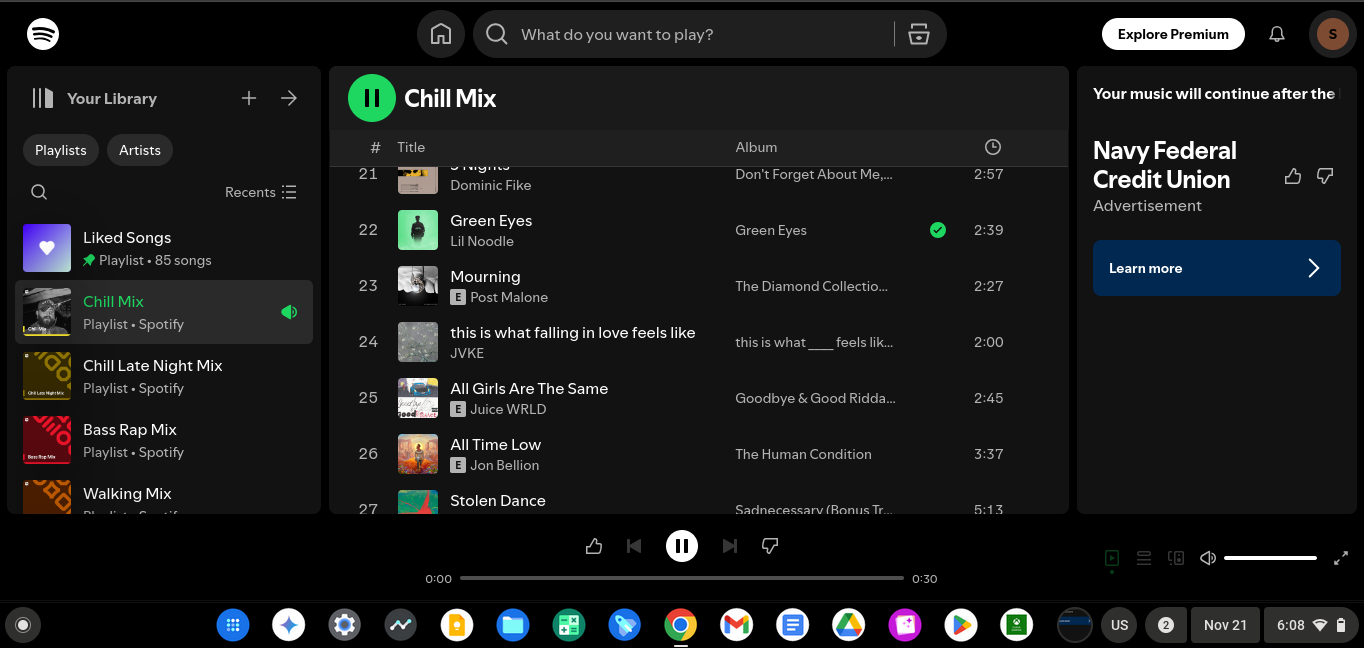
System configuration
| Information | Value |
|---|---|
| AdGuard product: | AdGuard Browser Extension v5.0.168 MV3 |
| System version: | Chromium OS 14541.0.0 |
| Browser: | Chrome |
| Tracking protection: | disabled |
| Filters: | Ad Blocking: AdGuard Base, AdGuard Quick Fixes Language-specific: AdGuard Russian |
| Browsing Security: | disabled |
| Browsing Security statistics: | disabled |
Issue URL (Incorrect Blocking)
https://open.spotify.com/collection/tracks
Comment
Spotifyでアルバムや自分の「お気に入りの曲」などで曲を連続で再生していて、途中で広告が入ると広告が再生されないため、再度音楽を再生することができません。
When I'm playing songs continuously on Spotify, either from an album or from my "favorite songs," and an ad comes on, I can't play the music again because the ad doesn't play. Username:
@MSY-07
Screenshots
Screenshot 1

Screenshot 1 with AdGuard disabled
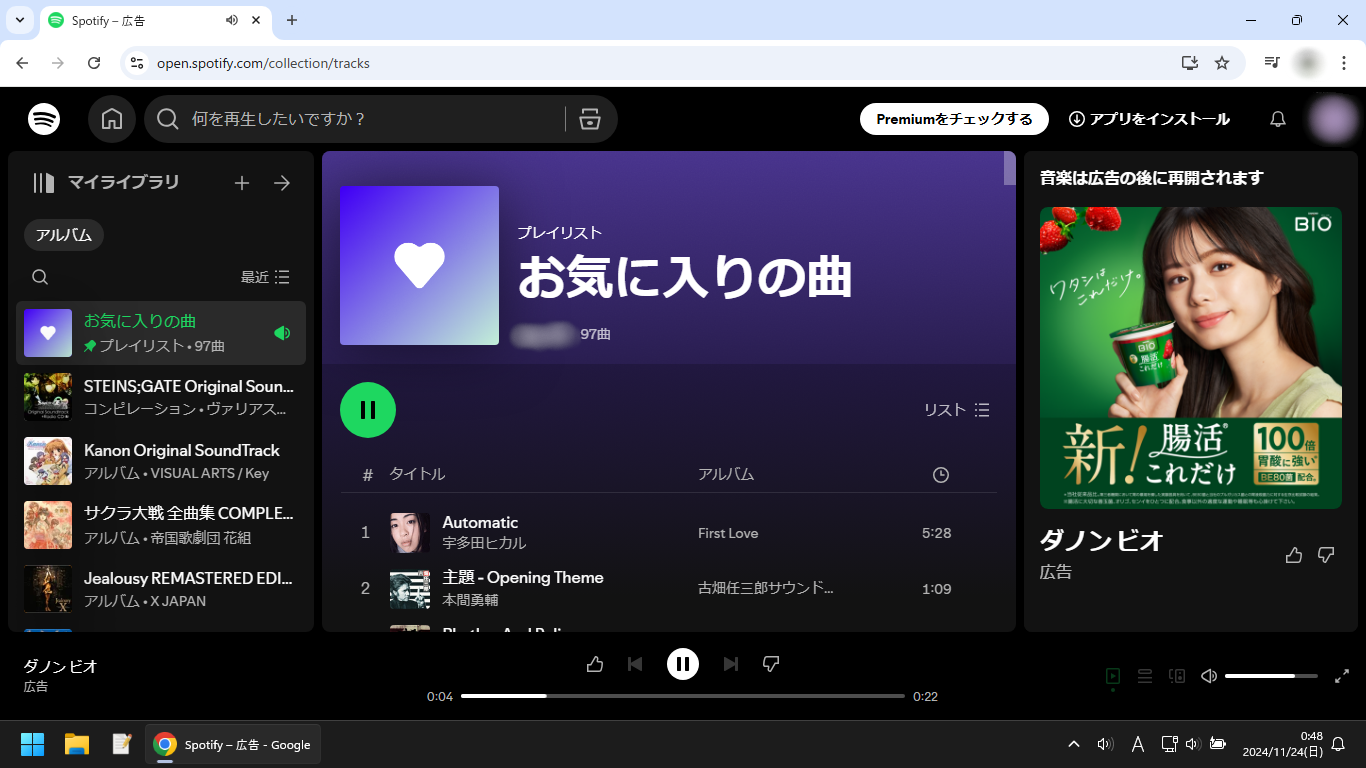
System configuration
| Information | Value |
|---|---|
| AdGuard product: | AdGuard Browser Extension v5.0.170 MV3 |
| System version: | Windows 11 |
| Browser: | Chrome |
| Tracking protection: | disabled |
| Filters: | Ad Blocking: AdGuard Base, AdGuard Quick Fixes Annoyances: AdGuard Cookie Notices Other: Filter unblocking search ads and self-promotion Language-specific: AdGuard Japanese |
| Browsing Security: | disabled |
| Browsing Security statistics: | disabled |
| Other extensions used: | Microsoft Defender Antivirus |
Issue URL (Incorrect Blocking)
https://open.spotify.com/playlist/37i9dQZF1EpsfYpvUyKLGw
Comment
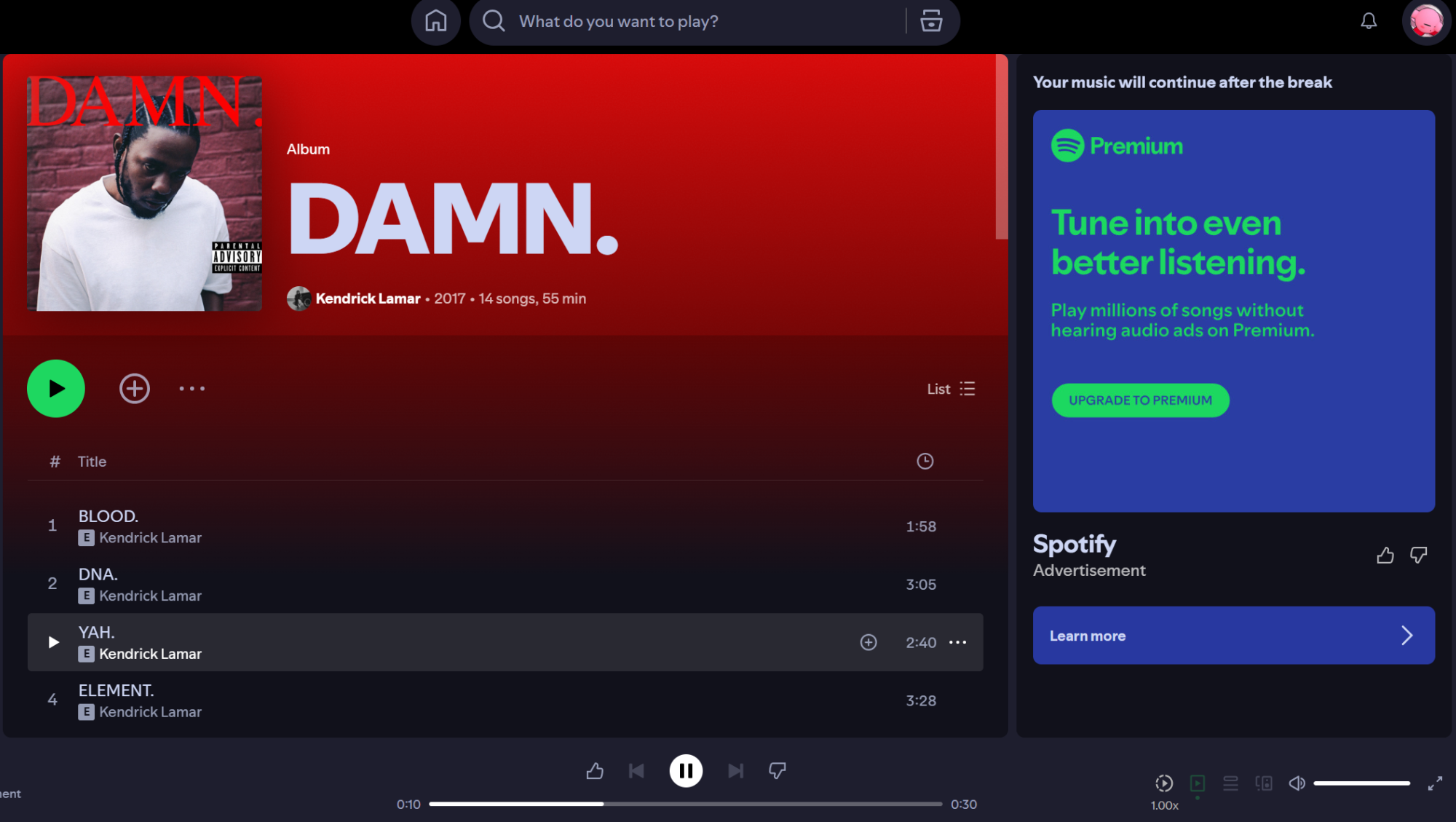
The ad doesn't play, but the music doesn't either. Spotify blocks me from skipping to another song and clicking on any song doesn't help either
Screenshots
Screenshot 1
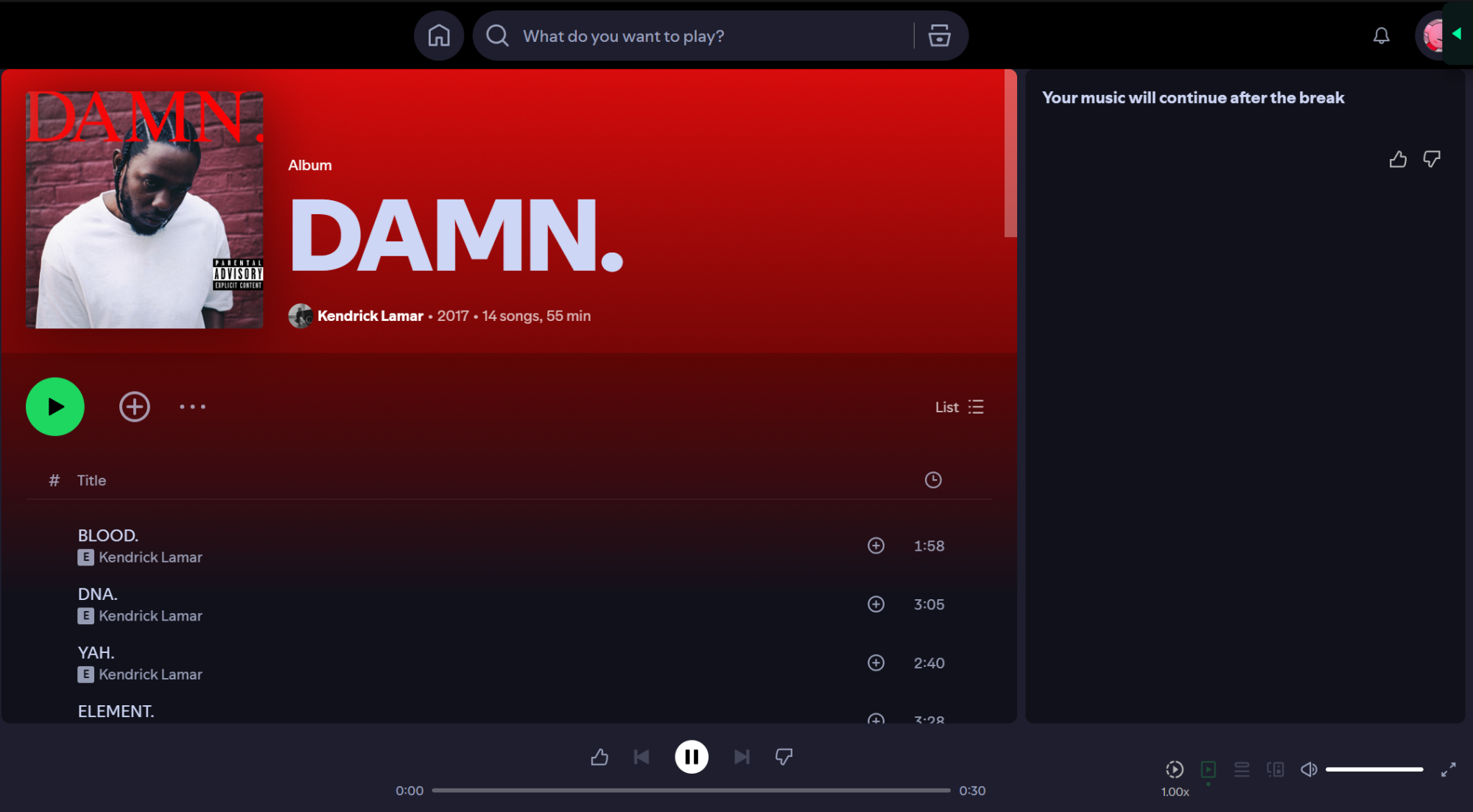
Screenshot 1 with AdGuard disabled
System configuration
| Information | Value |
|---|---|
| AdGuard product: | AdGuard Browser Extension v5.0.170 MV3 |
| System version: | Windows 11 |
| Browser: | Chrome |
| Tracking protection options: | Block trackers |
| Filters: | Ad Blocking: AdGuard Base, AdGuard Quick Fixes Privacy: AdGuard Tracking Protection Language-specific: Liste AR |
| Browsing Security: | enabled |
| Browsing Security statistics: | enabled |
| Other extensions used: | Stylish |
Issue URL (Incorrect Blocking)
Comment
playing a song and an ad appears, everything freezes, and nothing happens because of adguard. Username:
@DAKSH07
Screenshots
Screenshot 1
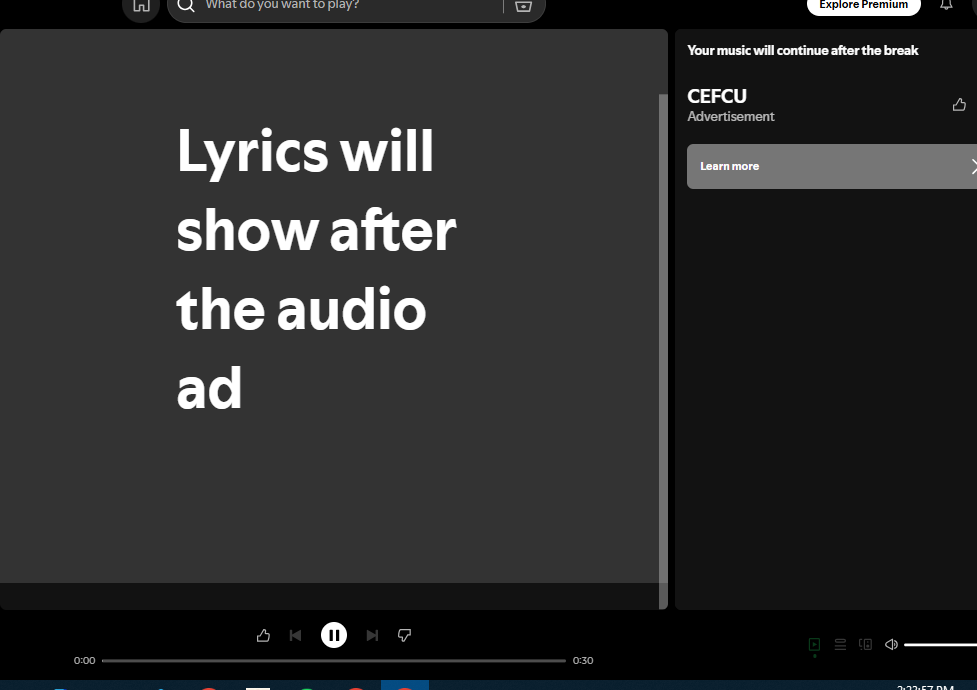
Screenshot 1 with AdGuard disabled

System configuration
| Information | Value |
|---|---|
| AdGuard product: | AdGuard Browser Extension v5.0.170 MV3 |
| System version: | Windows 10 |
| Browser: | Chrome |
| Tracking protection options: | Strip URLs from tracking parameters, Hide your search queries, Send Do-Not-Track header, Remove X-Client-Data header from HTTP requests, Self-destructing third-party cookies (2880), Block trackers |
| Filters: | Ad Blocking: AdGuard Base, AdGuard Quick Fixes Privacy: AdGuard Tracking Protection, AdGuard URL Tracking Annoyances: AdGuard Cookie Notices, AdGuard Popups, AdGuard Mobile App Banners, AdGuard Other Annoyances, AdGuard Widgets Security: Online Malicious URL Blocklist, Phishing URL Blocklist |
| Browsing Security: | enabled |
| Browsing Security statistics: | disabled |
| Other extensions used: | Avast |
Issue URL (Incorrect Blocking)
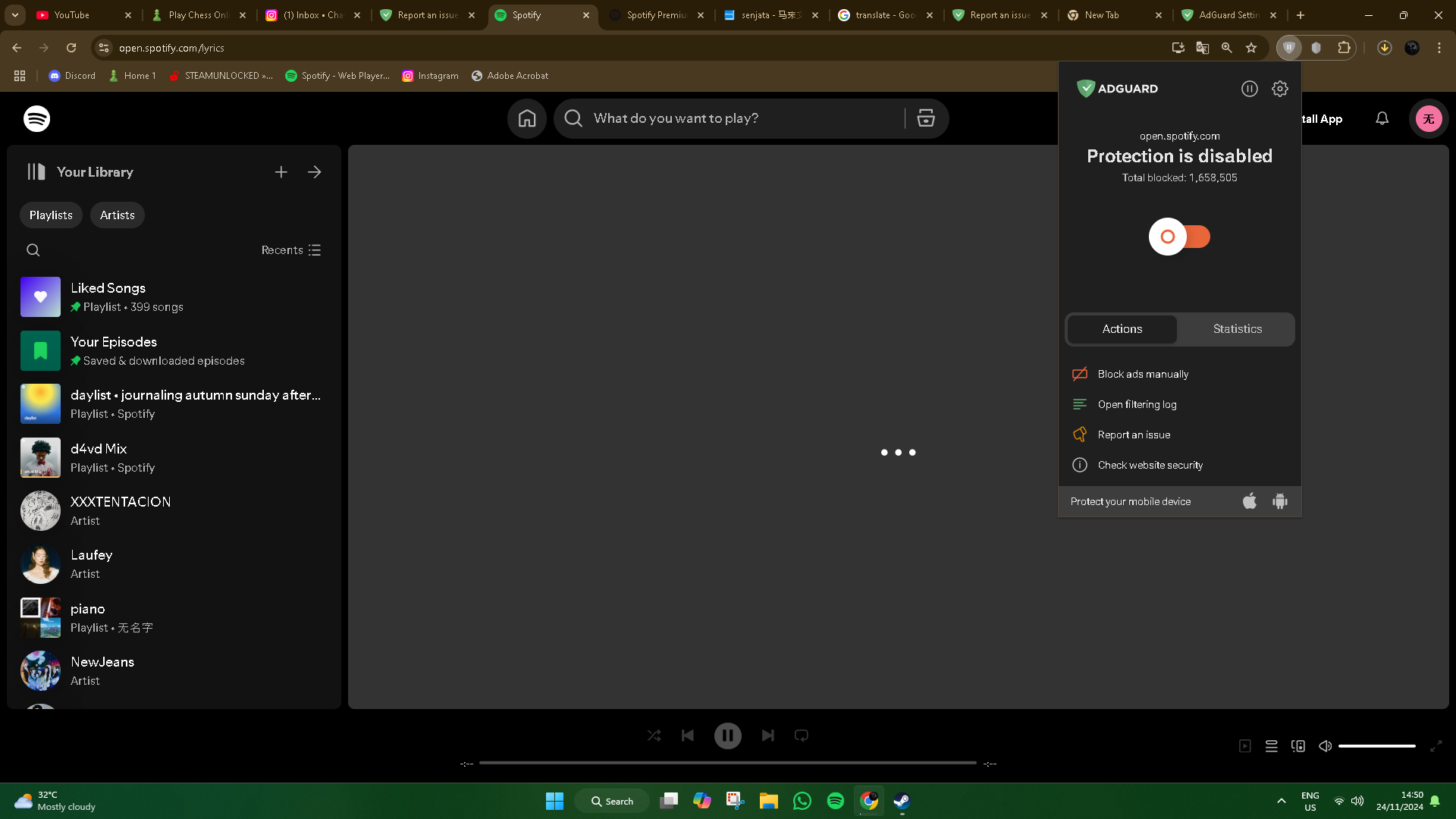
https://open.spotify.com/lyrics
Screenshots
Screenshot 1
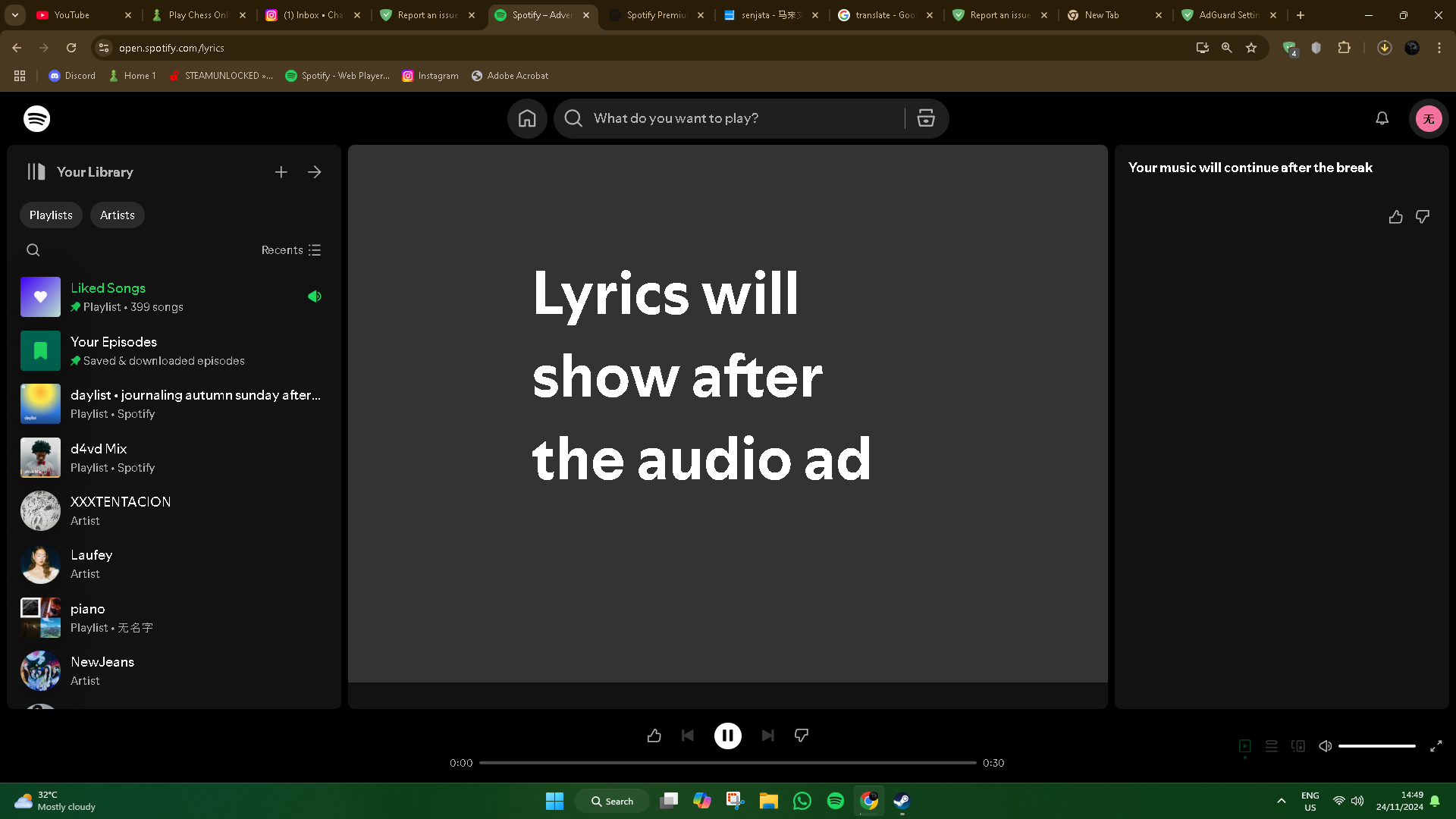
Screenshot 1 with AdGuard disabled
System configuration
| Information | Value |
|---|---|
| AdGuard product: | AdGuard Browser Extension v5.0.170 MV3 |
| System version: | Windows 11 |
| Browser: | Chrome |
| Tracking protection options: | Hide your search queries, Send Do-Not-Track header, Remove X-Client-Data header from HTTP requests, Self-destructing third-party cookies (2880), Block trackers |
| Filters: | Ad Blocking: AdGuard Mobile Ads, AdGuard Base |
| Browsing Security: | disabled |
| Browsing Security statistics: | disabled |