

 AdguardTeam
www.amazon.com
Issue URL (Incorrect Blocking)
Comment
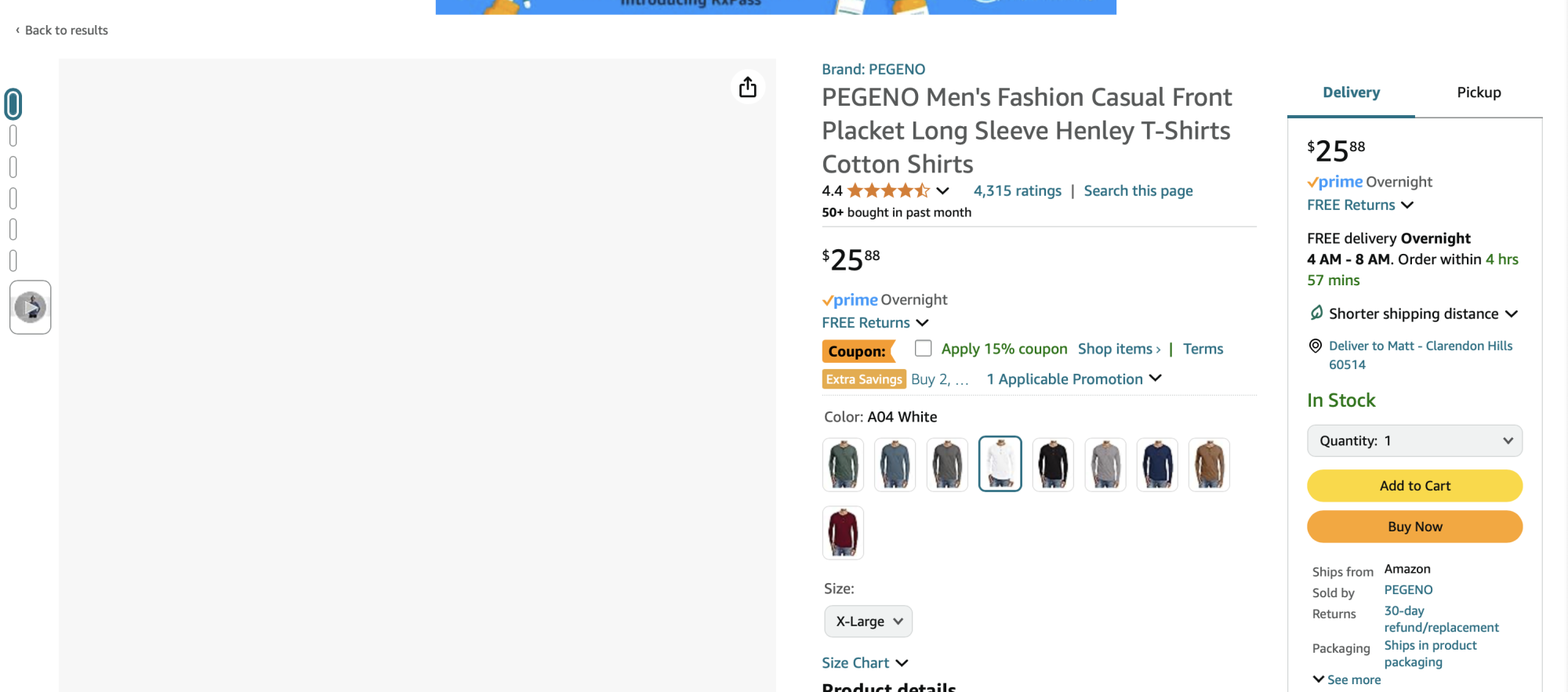
Amazon has stopped loading about 80% of the pictures.
Screenshots
Screenshot 1
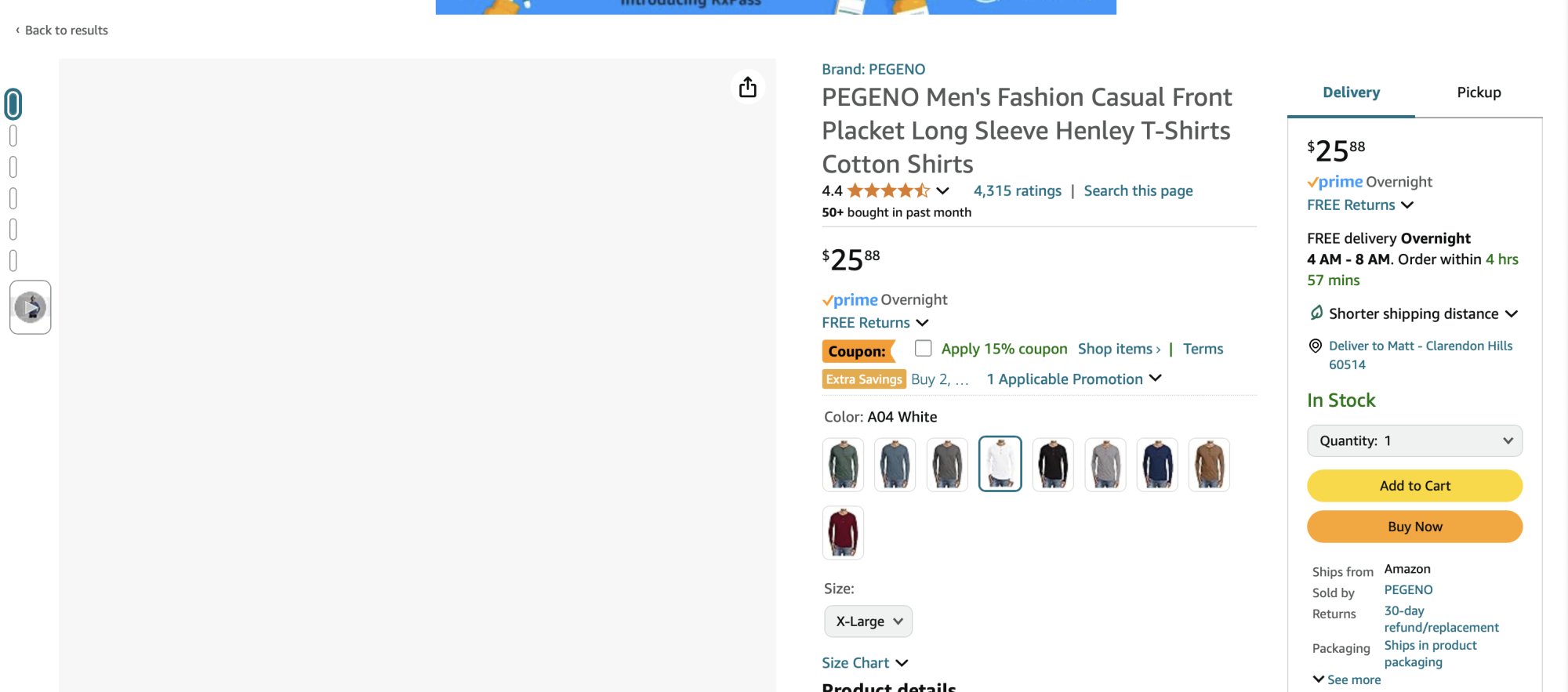
Screenshot 1 with AdGuard disabled
System configuration
| Information | Value |
|---|---|
| AdGuard product: | AdGuard for Mac v2.15.1.1731 release |
| System version: | macos sequoia 15.0.1 |
| Browser: | Safari |
| License type: | paid |
| Tracking protection options: | Block Push API, Block Location API, Block Java, Hide your search queries, Send Do-Not-Track header, Hide your Referrer from third-parties, Hide your User-Agent, Remove X-Client-Data header from HTTP requests, Self-destructing third-party cookies (180), Block trackers |
| DNS filtering: | server: https://doh.mullvad.net/dns-queryfilters: https://filters.adtidy.org/mac_v2/filters/15.txt |
| Filters: | Ad Blocking: AdGuard Base Privacy: AdGuard Tracking Protection Social Widgets: AdGuard Social Media Annoyances: AdGuard Cookie Notices, AdGuard Popups, AdGuard Mobile App Banners, AdGuard Other Annoyances, AdGuard Widgets Language-specific:AdGuard Russian,AdGuard German, AdGuard Japanese, AdGuard Spanish/Portuguese, AdGuard Turkish, AdGuard French, AdGuard Chinese, Official Polish filters for AdBlock, uBlock Origin & AdGuard, EasyList Czech and Slovak, EasyList Hebrew, EasyList Italy, AdBlockID, EasyList Thailand, Hungarian, Frellwit's Swedish Filter, Dandelion Sprout's Nordic Filters |
| Browsing Security: | enabled |
| Browsing Security statistics: | disabled |
| Userscripts: | AdGuard Assistant (url: https://userscripts.adtidy.org/release/assistant/4.3/assistant.user.js) Web of Trust (url: https://userscripts.adtidy.org/release/adguard-wot/1.0/wot.user.js) AdGuard Popup Blocker (url: https://userscripts.adtidy.org/release/popup-blocker/2.5/popupblocker.user.js) AdGuard Extra (url: https://userscripts.adtidy.org/release/adguard-extra/1.0/adguard-extra.user.js) |
| Userstyles: | disabled |
| Referrer: | https://www.amazon.com/s?k=slim+fit+henley&crid=3C6Y5M0SL88T6&sprefix=slim+fit+henley,aps,145&ref=nb_sb_noss_1 |
Issue configuration


Issue URL (Incorrect Blocking)
https://www.amazon.com/ref=nav_logo
Screenshots
Screenshot 1
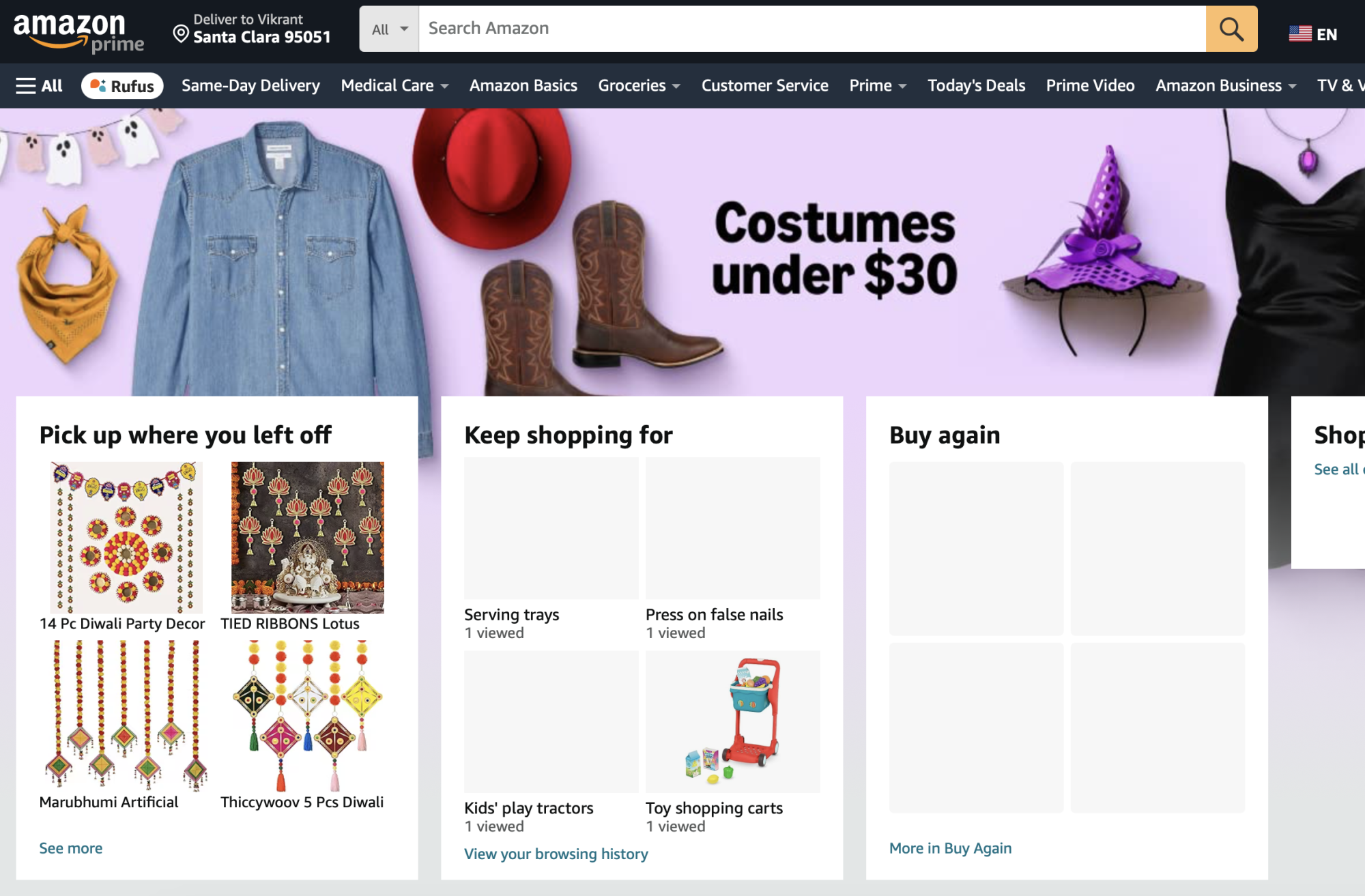
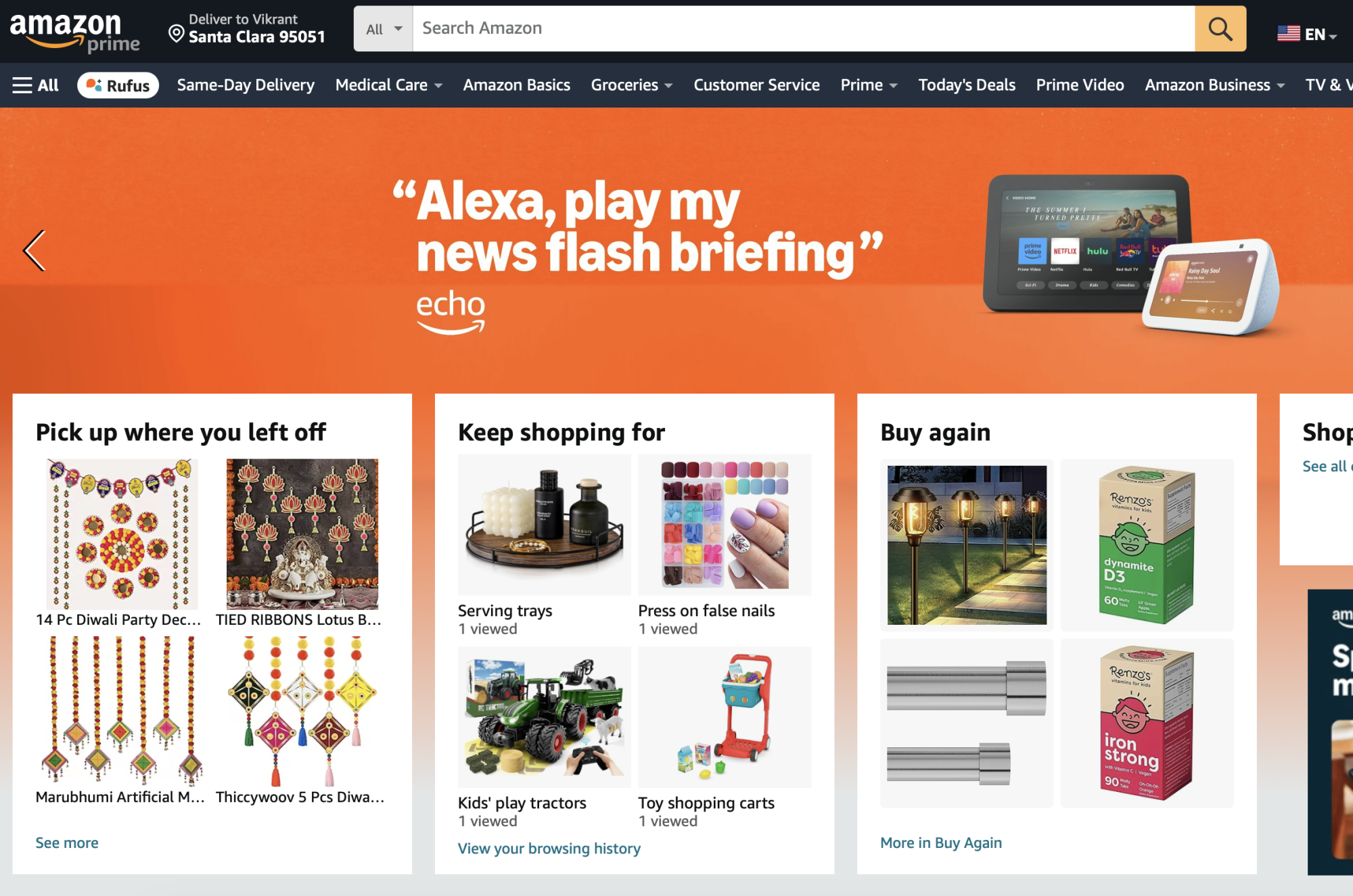
Screenshot 1 with AdGuard disabled
System configuration
| Information | Value |
|---|---|
| AdGuard product: | AdGuard for Mac v2.15.1.1731 release |
| Browser: | Safari |
| License type: | paid |
| Tracking protection: | disabled |
| DNS filtering: | server: https://dns.adguard-dns.com/dns-queryfilters: https://filters.adtidy.org/mac_v2/filters/15.txt |
| Filters: | Ad Blocking: AdGuard Base Privacy: AdGuard Tracking Protection, AdGuard URL Tracking Social Widgets: AdGuard Social Media Annoyances: AdGuard Cookie Notices, AdGuard Popups, AdGuard Mobile App Banners, AdGuard Other Annoyances, AdGuard Widgets Other: Filter unblocking search ads and self-promotion |
| Browsing Security: | enabled |
| Browsing Security statistics: | disabled |
| Userscripts: | AdGuard Extra (url: https://userscripts.adtidy.org/release/adguard-extra/1.0/adguard-extra.user.js) |
| Userstyles: | disabled |
| Referrer: | https://www.amazon.com/s?k=Rechargeable+Screwdriver&i=tools&rh=n:228013,p_85:2470955011,p_72:1248909011&dc&crid=29PCZW94A522R&qid=1729403516&rnid=1248907011&sprefix=rechargeable+screwdriver,tools,226&ref=sr_nr_p_72_1&ds=v1:6zgPo1Li7KPmeW8kgCu2+g26FklQ0Kxt0aD6XbomkUg |
| Other extensions used: | None |
Issue configuration
Issue URL (Incorrect Blocking)
Comment
Amazon browsing history for recent items doesn't work when adguard is enabled Username:
@jimmysofat6864
Screenshots
Screenshot 1

Screenshot 1 with AdGuard disabled

System configuration
| Information | Value |
|---|---|
| AdGuard product: | AdGuard Browser Extension v5.0.161 |
| System version: | Windows 11 |
| Browser: | Chrome |
| Tracking protection: | disabled |
| Filters: | Ad Blocking: AdGuard Base, AdGuard Mobile Ads Privacy: AdGuard Tracking Protection, AdGuard URL Tracking Annoyances: AdGuard Cookie Notices, AdGuard Popups, AdGuard Mobile App Banners, AdGuard Other Annoyances, AdGuard Widgets Security: Online Malicious URL Blocklist, Phishing URL Blocklist, Scam Blocklist by DurableNapkin, uBlock Origin – Badware risks |
| Browsing Security: | disabled |
| Browsing Security statistics: | disabled |
https://github.com/AdguardTeam/AdguardFilters/issues/190692#issuecomment-2424618426
Not reproduced. Is it related to filters?
@jimmysofat6864
Amazon browsing history for recent items doesn't work when adguard is enabled
Please test in user filter:
||amazon.com/1/batch/1/OP/$badfilter
||amazon.com/1/batch/1/OE/$badfilter
@jimmysofat6864
Amazon browsing history for recent items doesn't work when adguard is enabled
Please test in user filter:
||amazon.com/1/batch/1/OP/$badfilter
||amazon.com/1/batch/1/OE/$badfilter
Yep adding those two rules fixed it for me.

I want to add that I am having the same issue, and the reason some people can't reproduce it is that the issue comes and goes at random times.
Support just got back to me and said to try the nightly release and report back.

This issue needs to be re-opened. I am still having the same problem with the nightly build: 2.16.0.1845 Mac
@jimmysofat6864
Amazon browsing history for recent items doesn't work when adguard is enabled
Please test in user filter:
||amazon.com/1/batch/1/OP/$badfilter
||amazon.com/1/batch/1/OE/$badfilter
Yep adding those two rules fixed it for me.
Unfortunately, this did not fix it for me.
@unknownsolo Please test without EasyPrivacy. $badfilter rules can by bypassed by the same rule with a small changes (for example, by adding * in URL).
@unknownsolo Please test without EasyPrivacy.
$badfilterrules can by bypassed by the same rule with a small changes (for example, by adding*in URL).
Disabled EasyList. Still the same.
I'm going to uninstall AdBlock for now. Even when disabled, it's still breaking Amazon.com
It doesn't work when I pause from the browser extension, but it works when I completely disable AdGuard from the app.
@unknownsolo Please try to reset settings and check with default settings. If the problem will be solved - restore your settings one by one with checking.

@jimmysofat6864
Amazon browsing history for recent items doesn't work when adguard is enabled
Please test in user filter:
||amazon.com/1/batch/1/OP/$badfilter
||amazon.com/1/batch/1/OE/$badfilter
It seems like this worked for me, thanks so much!

@unknownsolo Please try to reset settings and check with default settings. If the problem will be solved - restore your settings one by one with checking.
I already tried that, and it did not fix anything. Unfortunately, I ended up uninstalling the app and now I am using the Safari extension by itself. The standalone extension still works. I feel like the app is broken right now and no one knows of a fix yet.
@unknownsolo Please try to reset settings and check with default settings. If the problem will be solved - restore your settings one by one with checking.
I already tried that, and it did not fix anything. Unfortunately, I ended up uninstalling the app and now I am using the Safari extension by itself. The standalone extension still works. I feel like the app is broken right now and no one knows of a fix yet.
I recently reset my adguard settings to default and only have the following filters. I'm not sure what the issue is but I'm just glad there is some discussion for it, I thought I was alone for awhile until seeing this thread.
Alright the issue came back. This one is driving me crazy! I had to stop using AdGuard on my Mac which pains me..
Alright the issue came back. This one is driving me crazy! I had to stop using AdGuard on my Mac which pains me..
I know it's not the filters because if you load the standalone Safari extension with the same filters, everything works without issues. Something in the app is causing issues with Amazon. I tried resetting the app, uninstalling/reinstalling it, turning all the settings off, changing filtering mode to proxy, etc., but nothing helped.
I created a support ticket, and they weren't very helpful. The usual "Have you tried resetting the settings?" so I just uninstalled the app.
Same problem here. Reset settings and added the two filters. No luck.
Pausing the browser extension doesn't work. Pausing the entire MacOS application seems to work.

@unknownsolo @cnowacki Which problem exactly? History does not work? And which reports are your?
Also please record a HAR file of broken page and send it + link of this issue it to [email protected]
How to get a HAR file:
https://toolbox.googleapps.com/apps/har_analyzer/
Don't post the file directly here if the page was opened not in private tab and you have been logged in.
Seems like the same problem was reported here and there was no fix: https://github.com/AdguardTeam/AdguardForMac/issues/1460
@Alex-302, I already had a ticket open and added all the logs to it.
I only can suggest remove access, if possible - to virtual machine.
I'm not sure what you mean by removing access to the virtual machine!