

 AdguardTeam
www.youtube.com
ATTENTION
[!NOTE]
YouTube changes their detection scripts regularly. That means that sometime you can face the detection message. If all the following instructions do not work, please email [email protected] or wait until any update is available.
[!CAUTION] Please do not use another adblocker in the same time because using another adblocker can delay/lags the YouTube loading (e.g., AdBlock Plus and AdBlock)^1 OR interfere AdGuard's filtering functionality.
[!CAUTION] Please do not use an userscript related to the bypassing YouTube detection message like TheRealJoelmatic/RemoveAdblockThing. Recently, YouTube anti-adblock script added infinite dummy advertisements to try to neutralize the userscript. ( TheRealJoelmatic/RemoveAdblockThing#264 )
[!WARNING] Please check that there no another web browser extension that has adblocking feature is enabled on your web browser. It can interfere AdGuard's filtering functionality.
[!IMPORTANT]
Saving memory feature of your web browser or sleep feature of your operating system can interfere AdGuard's filtering functionality. In this case, please re-enable AdGuard's filtering by toggling the protection toggle. Following the instructions can be needed.
The instructions
- Force to update the filters by clicking the reload button in AdGuard Browser Extension/AdGuard mobile or update tray menu in your system tray. [^2]
- Reload the YouTube webpage without cache by pressing Ctrl + Shift + R [^3].
- Clear cache, cookies and site data of your web browser.
- Re-open your web browser completely (checking your system monitor[^4] will be better).
[^2]: AdGuard for Windows; AdGuard for Mac; [^3]: On macOS, Command + Shift + R [^4]: Task Manager on Windows, System Monitor on GNOME Shell, KDE System Guard on KDE Plasma or Activity Monitor on macOS.
Previous issue https://github.com/AdguardTeam/AdguardFilters/issues/176113

Issue URL (Anti Adblock Script)
Comment
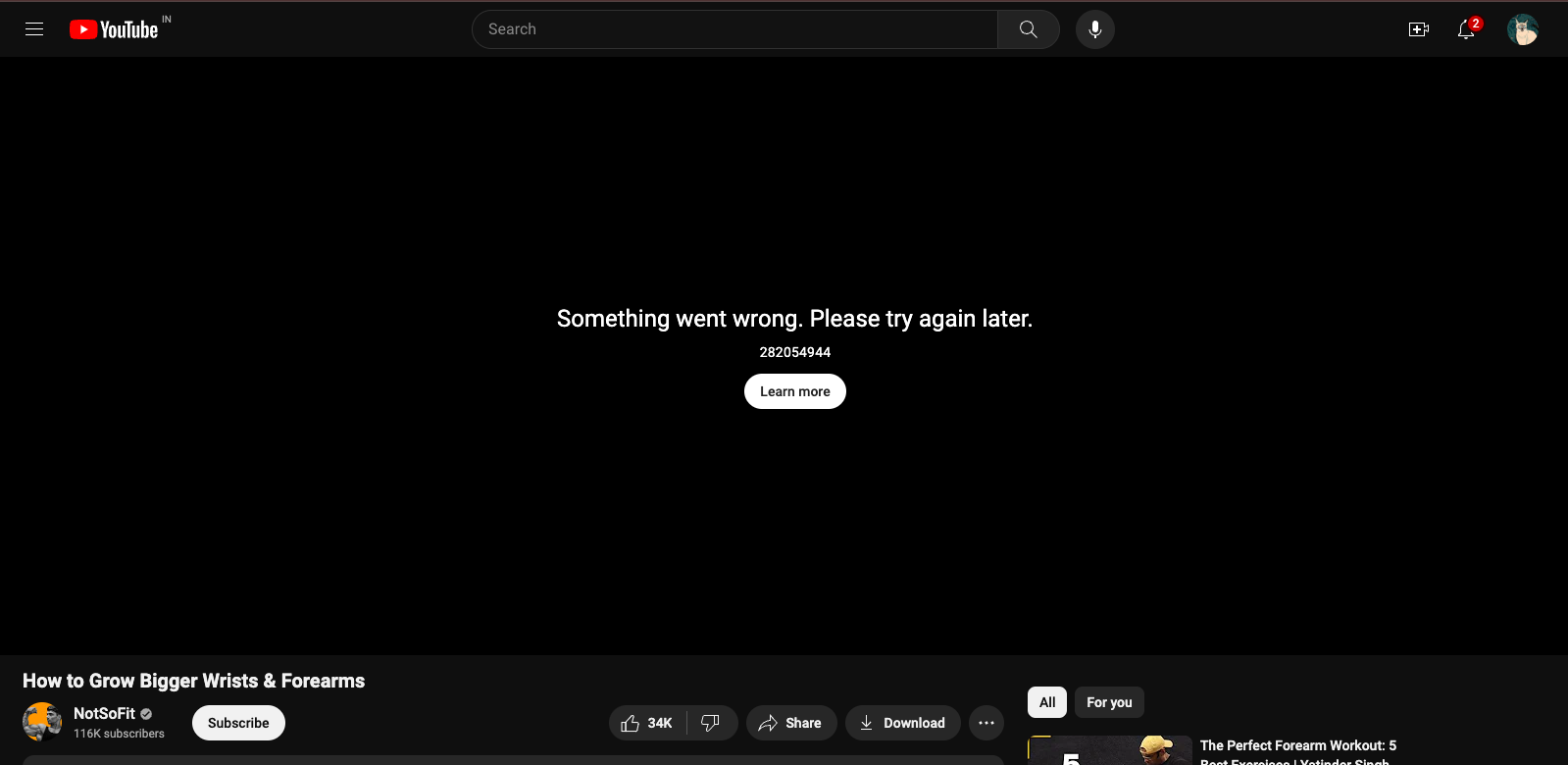
I get "Something went wrong. Please try again later. 282054944" on youtube when AdGuard is turned on. When i disable AdGuard, clear cashe and refresh the page, it works. Please fix it. Username:
@varunkarthic
Screenshots
Screenshot 1
System configuration
| Information | Value |
|---|---|
| AdGuard product: | AdGuard Browser Extension v4.3.46 |
| System version: | Mac OS 14.5.0 |
| Browser: | Chrome |
| Stealth mode: | disabled |
| Filters: | Ad Blocking: AdGuard Base Privacy: AdGuard Tracking Protection, AdGuard URL Tracking, EasyPrivacy Social Widgets: AdGuard Social Media Annoyances: AdGuard Cookie Notices, AdGuard Popups, AdGuard Mobile App Banners, AdGuard Other Annoyances, AdGuard Widgets Security: Online Malicious URL Blocklist Other: AdGuard Experimental, AdGuard DNS, Filter unblocking search ads and self-promotion Language-specific: AdGuard Russian, AdGuard German, AdGuard Dutch, AdGuard Spanish/Portuguese, AdGuard French |
| Other extensions used: | None |
@varunkarthic Cannot reproduce. Does it happen with account or also without it?

@varunkarthic Cannot reproduce. Does it happen with account or also without it?
For me it happened even after I signed out..

@varunkarthic Ok, could you please export HAR after reproducing in a private tab (without sign in)?
How to get a HAR file:
https://toolbox.googleapps.com/apps/har_analyzer/
Open dev tools before visit YT, or refresh a page after opening the dev tools.
This option must be enabled
idk why but I am unable to reproduce the issue either.., i think that might have happened due to a glitch or something..
Issue URL (Incorrect Blocking)
https://www.youtube.com/watch?v=2MnI_2pFtRY
Screenshots
Screenshot 1
Screenshot 1 with AdGuard disabled
System configuration
| Information | Value |
|---|---|
| AdGuard product: | AdGuard Browser Extension v4.3.46 |
| System version: | Windows 11 |
| Browser: | Chrome |
| Stealth mode: | disabled |
| Filters: | Ad Blocking: AdGuard Base Annoyances: AdGuard Cookie Notices, AdGuard Popups, AdGuard Mobile App Banners, AdGuard Other Annoyances, AdGuard Widgets Language-specific: AdGuard Japanese, AdGuard Chinese, EasyList Thailand, List-KR |
Issue URL (Incorrect Blocking)
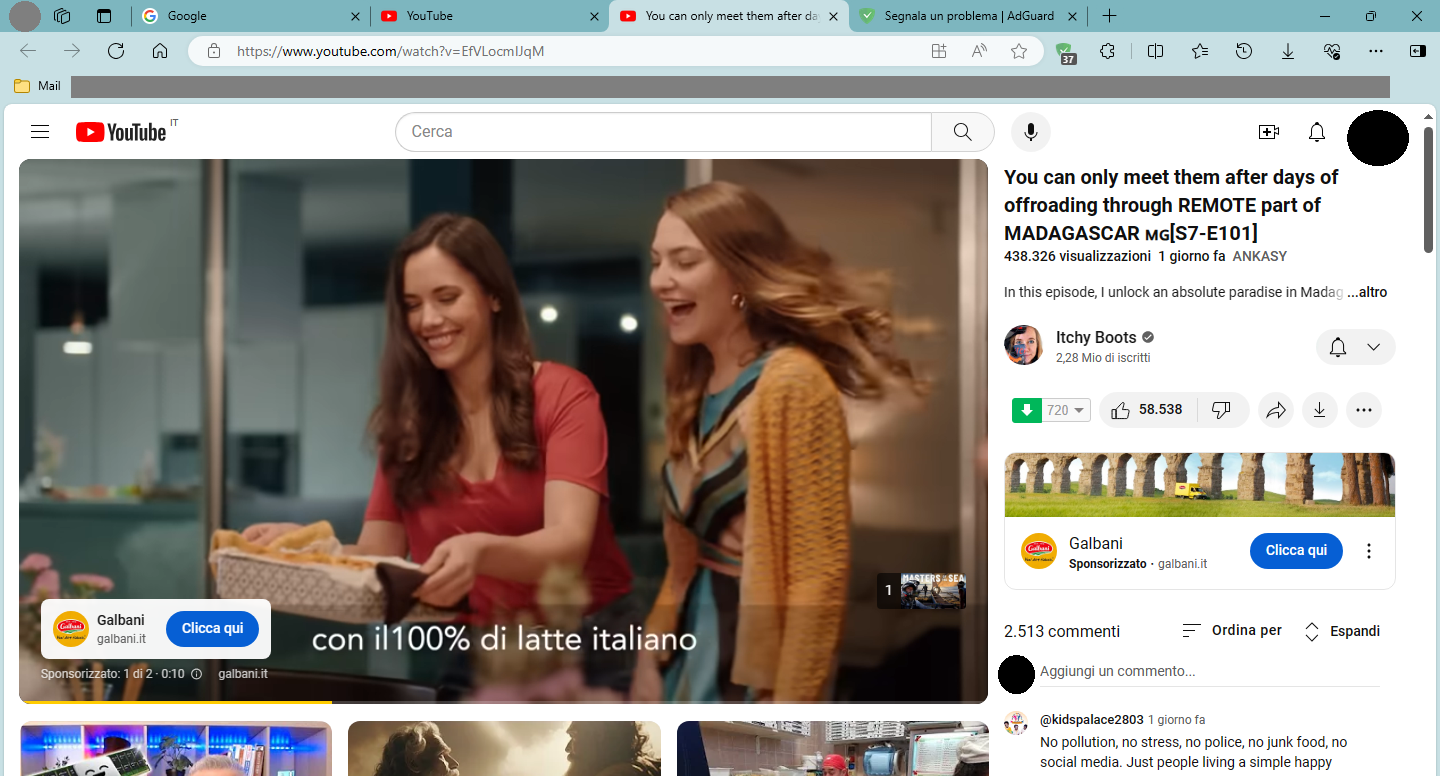
https://www.youtube.com/watch?v=EfVLocmIJqM
Comment
Tenendo attivo AdGuard, il player di YouTube non riproduce nulla, né pubblicità né video. Resta la schermata fissa "Si è verificato un problema. Riprova più tardi. 282054944". Disabilitando AdGuard sulla pagina web, il player funziona correttamente, si riproduce la pubblicità e, subito dopo, il video. Username:
@Dan
Screenshots
Screenshot 1
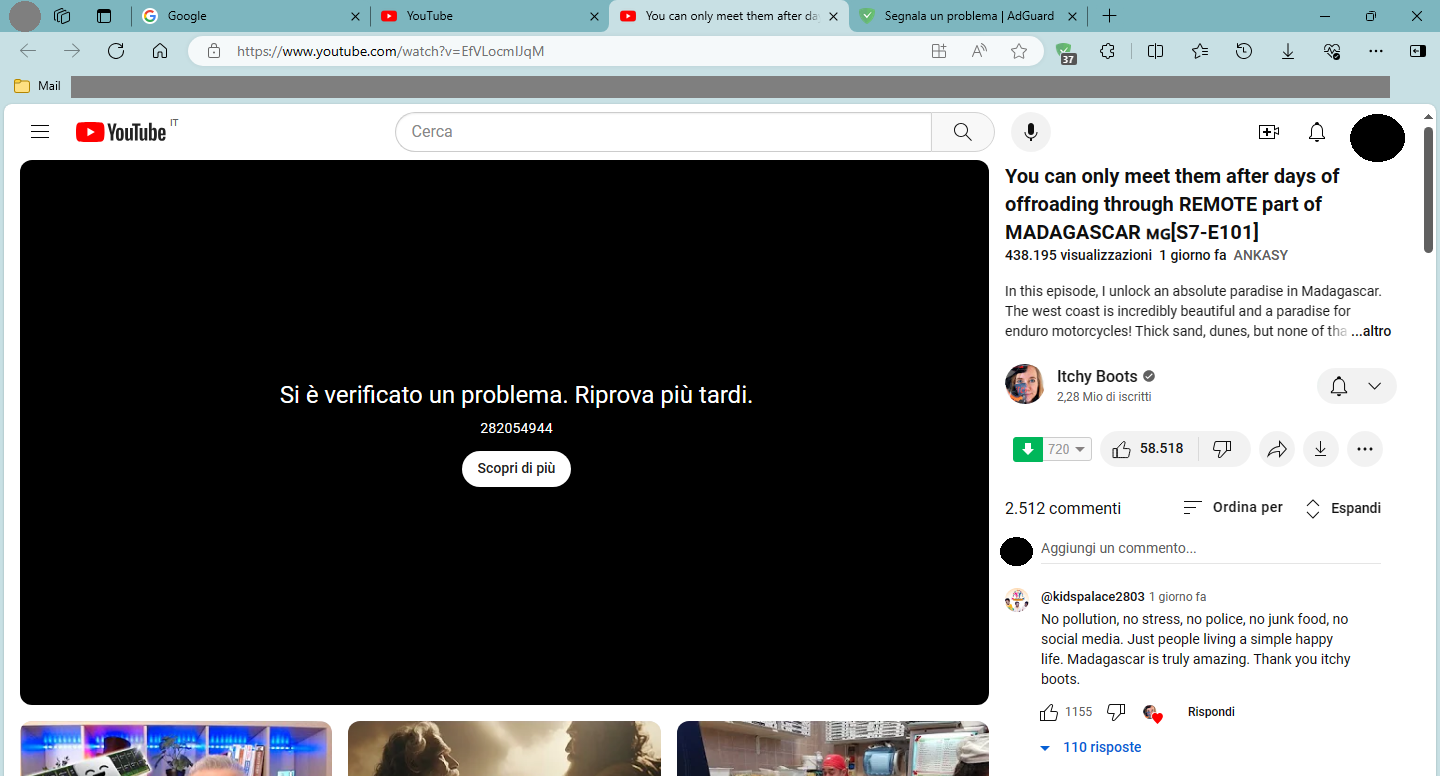
Screenshot 1 with AdGuard disabled
System configuration
| Information | Value |
|---|---|
| AdGuard product: | AdGuard Browser Extension v4.3.46 |
| System version: | Windows 10 |
| Browser: | Edge |
| Stealth mode options: | Strip URLs from tracking parameters, Send Do-Not-Track header, Block trackers |
| Filters: | Ad Blocking: AdGuard Base Privacy: AdGuard Tracking Protection Language-specific: AdGuard German, AdGuard Spanish/Portuguese, AdGuard French, AdGuard Chinese, EasyList Czech and Slovak, EasyList Hebrew, EasyList Italy, IndianList |
Not reproduced with your settings with different IPs (according to your lang filters).
@AdamWr @piquark6046 @Yuki2718 Could you please take a look?
Issue URL (Anti Adblock Script)
https://www.youtube.com/watch?v=uKQZx1tEi7I
Screenshots
Screenshot 1
System configuration
| Information | Value |
|---|---|
| AdGuard product: | AdGuard Browser Extension v4.3.46 |
| System version: | Mac OS 14.4.1 |
| Browser: | Chrome |
| Stealth mode: | disabled |
| Filters: | Ad Blocking: AdGuard Base Language-specific: Bulgarian list, IndianList |
Not reproduced with your settings with different IPs (according to your lang filters).
@AdamWr @piquark6046 @Yuki2718 Could you please take a look?
If this happens to those chosen for SSAP, I can't reproduce ofc. It's likely we need an account sharing.

@Dan Please press F12 to open devtools, move to Network tab, filter by player?, and click on videos. If the error happens, choose the bottom row and navigate to Response tab in another window. Copy the content of it and share this with something like pastefy.app as illustraged in https://github.com/AdguardTeam/AdguardFilters/issues/172033#issuecomment-1987141988
@varunkarthic Follow the described process if you see the error next time.
Issue URL (Anti Adblock Script)
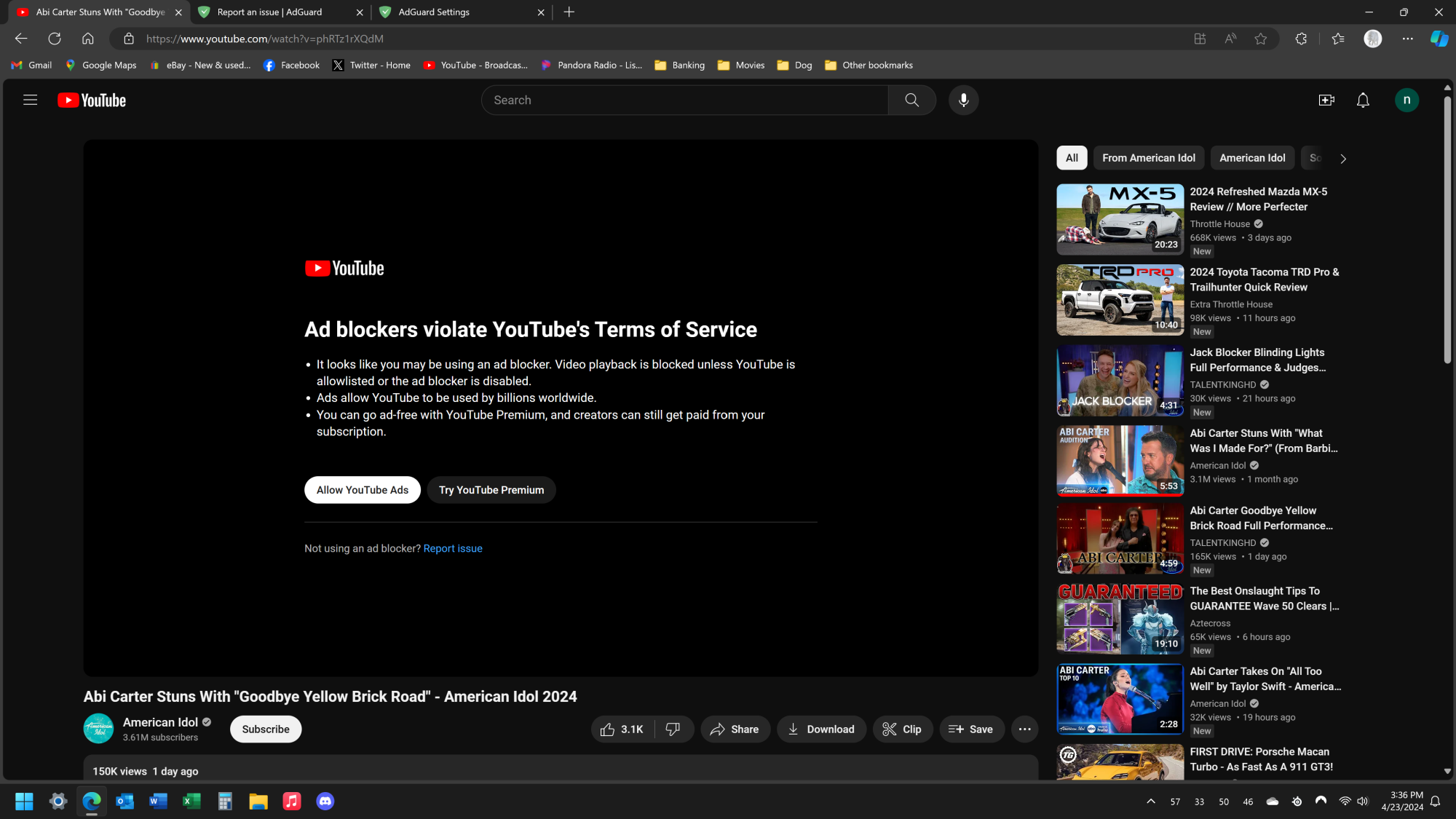
https://www.youtube.com/watch?v=phRTz1rXQdM
Screenshots
Screenshot 1
System configuration
| Information | Value |
|---|---|
| AdGuard product: | AdGuard Browser Extension v4.3.46 |
| System version: | Windows 11 |
| Browser: | Edge |
| Stealth mode: | disabled |
| Filters: | Ad Blocking: AdGuard Base Privacy: AdGuard Tracking Protection Other: Filter unblocking search ads and self-promotion |
Issue URL (Incorrect Blocking)
Comment
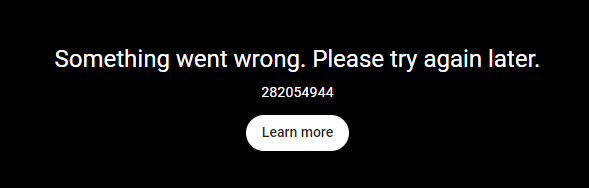
With AG enabled, most youtube videos throw the attached error. As soon as I disabled AG the video would play as well as subsequent videos w/o issue. It may not be AG's fault, but it's the only constant I can find to resolve the issue. Username:
@slundy
Screenshots
Screenshot 1
Screenshot 2
Screenshot 1 with AdGuard disabled
System configuration
| Information | Value |
|---|---|
| AdGuard product: | AdGuard Browser Extension v4.3.46 |
| System version: | Windows 11 |
| Browser: | Chrome |
| Stealth mode: | disabled |
| Filters: | Ad Blocking: AdGuard Base Privacy: AdGuard Tracking Protection Social Widgets: AdGuard Social Media Security: Online Malicious URL Blocklist Other: Filter unblocking search ads and self-promotion |
| Other extensions used: | Basic Google Extensions, Magic Actions for Youtube (disabled), Send from Gmail |
@slundy Please follow the steps in https://github.com/AdguardTeam/AdguardFilters/issues/177699#issuecomment-2072698596 and share a player? request.
Issue URL (Incorrect Blocking)
https://www.youtube.com/watch?v=3SjuN_UBWg0
Screenshots
Screenshot 1
Screenshot 1 with AdGuard disabled
System configuration
| Information | Value |
|---|---|
| AdGuard product: | AdGuard Browser Extension v4.3.46 |
| System version: | Windows 10 |
| Browser: | Chrome |
| Stealth mode: | disabled |
| Filters: | Ad Blocking: AdGuard Base, AdGuard Mobile Ads Privacy: AdGuard Tracking Protection Social Widgets: AdGuard Social Media, Fanboy's Social Blocking List Annoyances: AdGuard Annoyances, AdGuard Cookie Notices, AdGuard Popups, AdGuard Mobile App Banners, AdGuard Other Annoyances, AdGuard Widgets, Adblock Warning Removal List Other: AdGuard Experimental, AdGuard DNS Language-specific: AdGuard Russian, AdGuard Japanese, AdGuard Spanish/Portuguese, AdGuard Chinese, ABPVN List, List-KR, IndianList |
Issue URL (Incorrect Blocking)
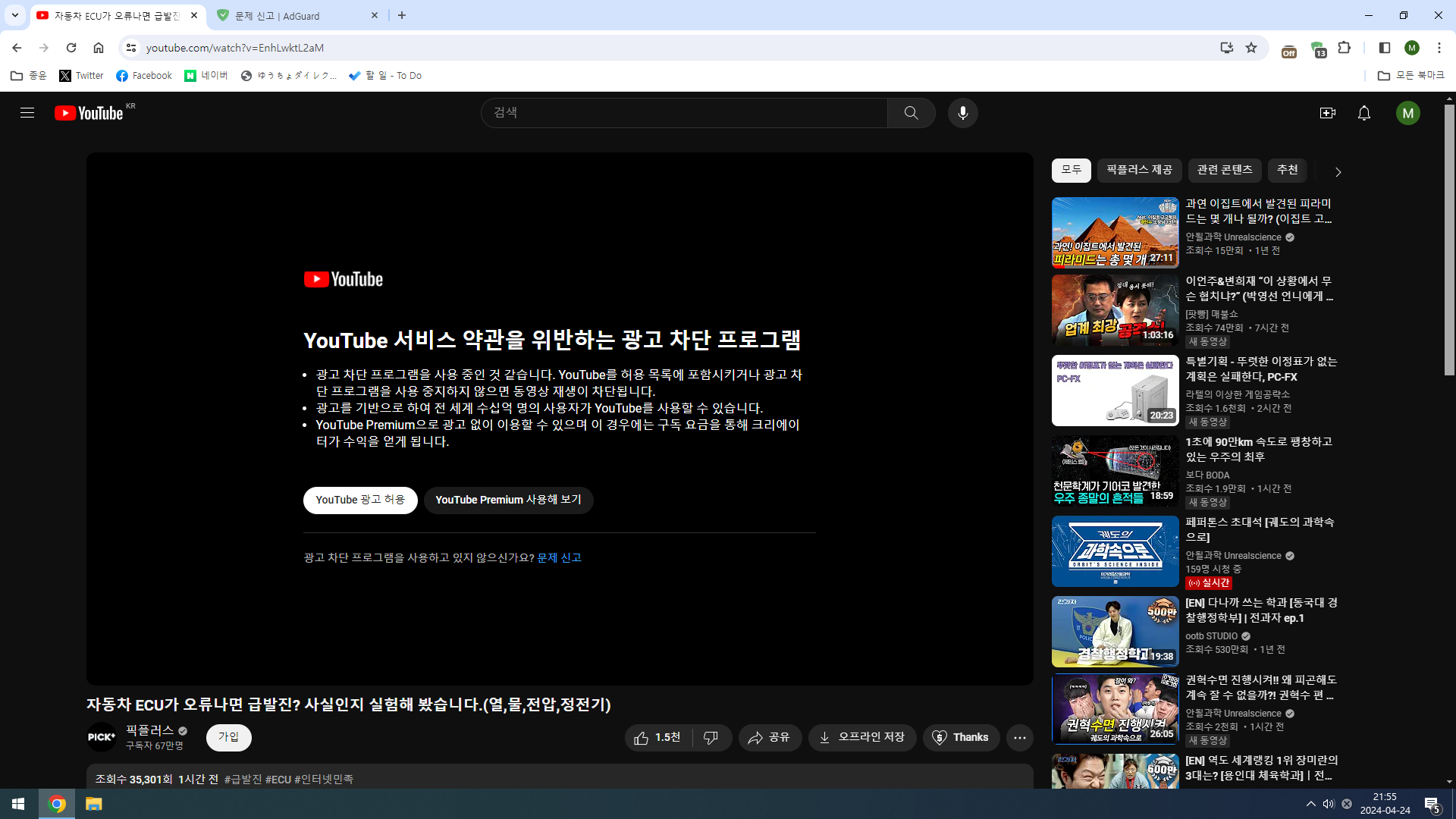
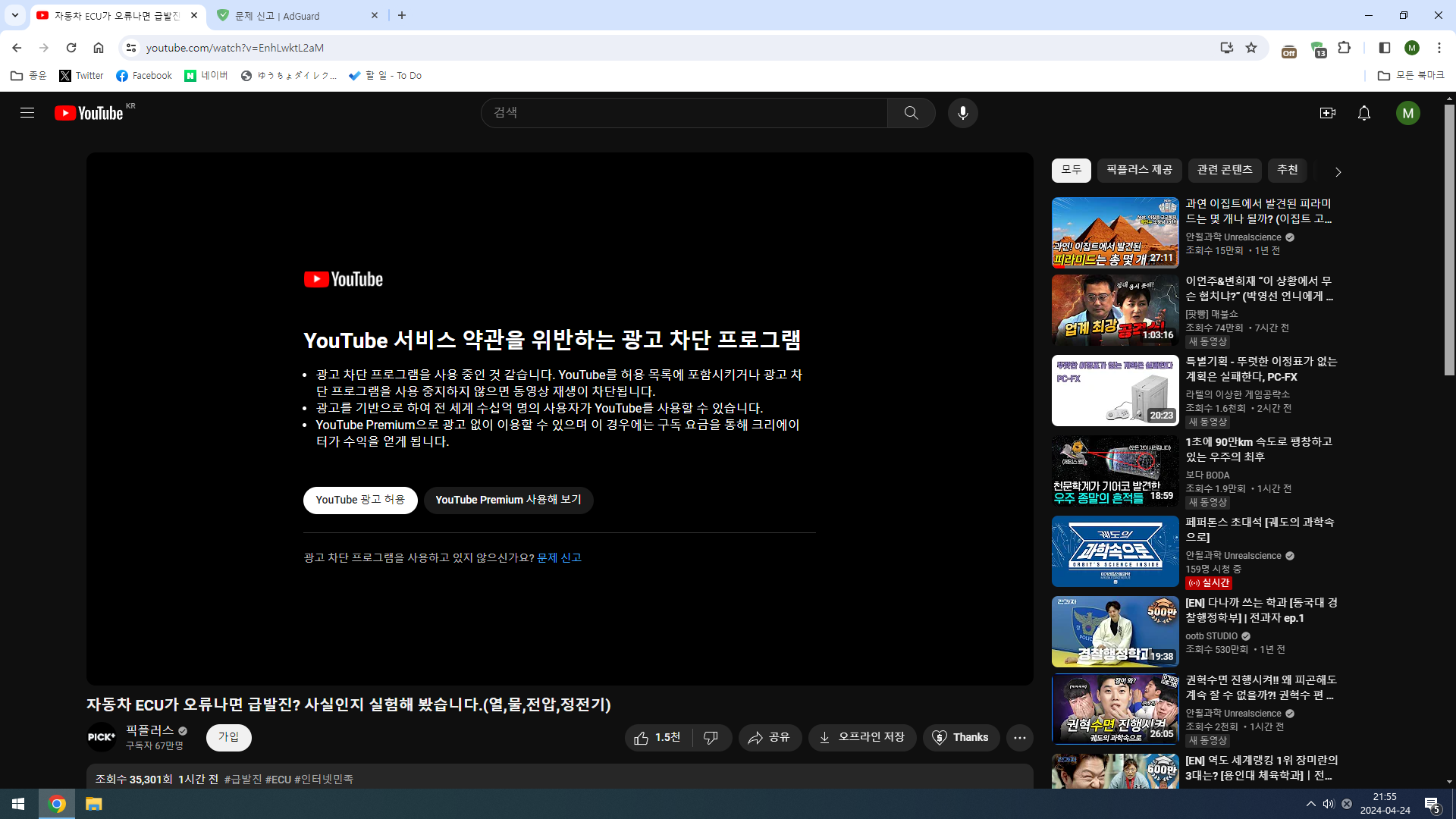
https://www.youtube.com/watch?v=EnhLwktL2aM
Screenshots
Screenshot 1
Screenshot 1 with AdGuard disabled
System configuration
| Information | Value |
|---|---|
| AdGuard product: | AdGuard Browser Extension v4.3.46 |
| System version: | Windows 10 |
| Browser: | Chrome |
| Stealth mode options: | Strip URLs from tracking parameters, Hide your search queries, Send Do-Not-Track header, Remove X-Client-Data header from HTTP requests, Self-destructing third-party cookies (2880), Block trackers |
| Filters: | Ad Blocking: AdGuard Base, AdGuard Mobile Ads Privacy: AdGuard Tracking Protection, AdGuard URL Tracking Social Widgets: AdGuard Social Media, Fanboy's Social Blocking List Annoyances: AdGuard Annoyances, AdGuard Cookie Notices, AdGuard Popups, AdGuard Mobile App Banners, AdGuard Other Annoyances, AdGuard Widgets Security: Online Malicious URL Blocklist Other: AdGuard DNS Language-specific: AdGuard Japanese, AdGuard Chinese, CJX's Annoyances List, List-KR, xinggsf, YousList |
After clearing cookies and restarting my browser the issue thus far seems to be resolved.

Issue URL (Anti Adblock Script)
[NSFW] https://www.youtube.com/watch?v=7tG9PU7OY6M
[NSFW] Screenshots
System configuration
| Information | Value |
|---|---|
| AdGuard product: | AdGuard Browser Extension v4.3.46 |
| System version: | Windows 10 |
| Browser: | Chrome |
| Stealth mode options: | Strip URLs from tracking parameters, Hide your search queries, Send Do-Not-Track header, Remove X-Client-Data header from HTTP requests, Block trackers |
| Filters: | Ad Blocking: AdGuard Base, AdGuard Mobile Ads, EasyList Privacy: AdGuard Tracking Protection, AdGuard URL Tracking, EasyPrivacy, Peter Lowe's Blocklist, Fanboy's Anti-Facebook List, Fanboy's Anti-thirdparty Fonts, Legitimate URL Shortener Social Widgets: AdGuard Social Media, Fanboy's Social Blocking List Annoyances: AdGuard Annoyances, AdGuard Cookie Notices, AdGuard Popups, AdGuard Mobile App Banners, AdGuard Other Annoyances, AdGuard Widgets, Fanboy's Annoyances, Adblock Warning Removal List, EasyList Cookie List, Dandelion Sprout's Annoyances List Security: Online Malicious URL Blocklist Other: AdGuard Experimental, AdGuard DNS Language-specific: AdGuard Russian, AdGuard German, AdGuard Ukrainian, AdGuard Chinese, EasyList China |
| Other extensions used: | bitdefender,tubebuddy |
After clearing cookies and restarting my browser the issue thus far seems to be resolved.
That's not a real fix, only postponed the problem by untargetting you from youtube's lockon. If you get the error next time, don't clear cookies and provide player? request for us to diagnose the real cause.
@Yuki2718 I got the same error again.., but the i don't see any messages in dev tools (i tried reloading the page while dev tools is open as well.., but no change)
Issue URL (Annoyance)
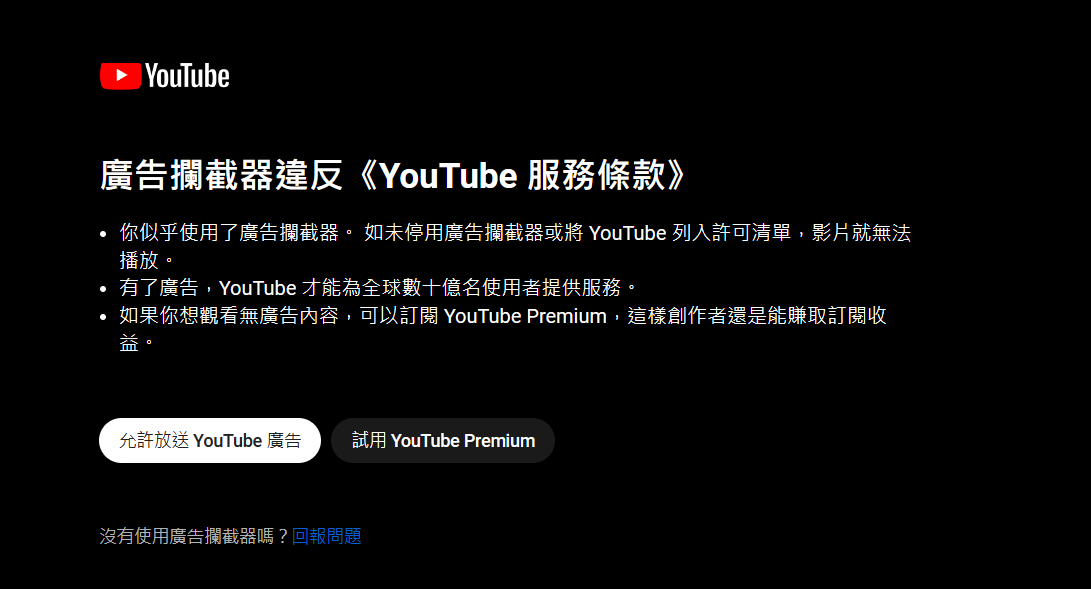
https://www.youtube.com/watch?v=kFZKgf5WG0g&list=RDkFZKgf5WG0g&index=2
Screenshots
Screenshot 1
System configuration
| Information | Value |
|---|---|
| AdGuard product: | AdGuard Browser Extension v4.3.46 |
| System version: | Windows 10 |
| Browser: | Edge |
| Stealth mode: | disabled |
| Filters: | Ad Blocking: AdGuard Base |
| Other extensions used: | no |
Issue URL (Incorrect Blocking)
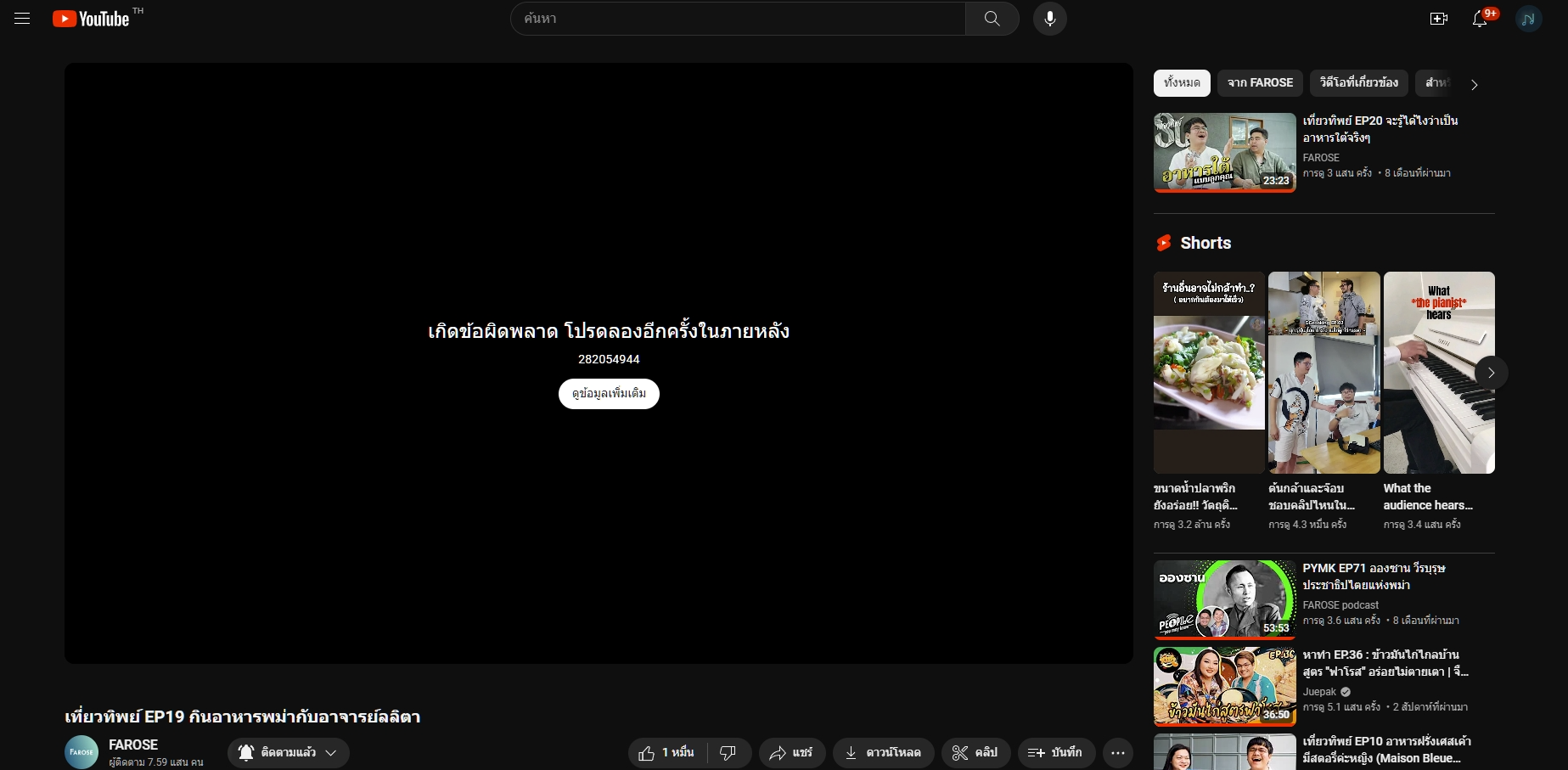
https://www.youtube.com/watch?v=D-XpmwwAHXA&t=1101s
Comment
The problem is when Adguard is enabled.
Maybe YouTube can find a way to block an adblocker user. Username:
@SkyJTx
Screenshots
Screenshot 1
Screenshot 1 with AdGuard disabled
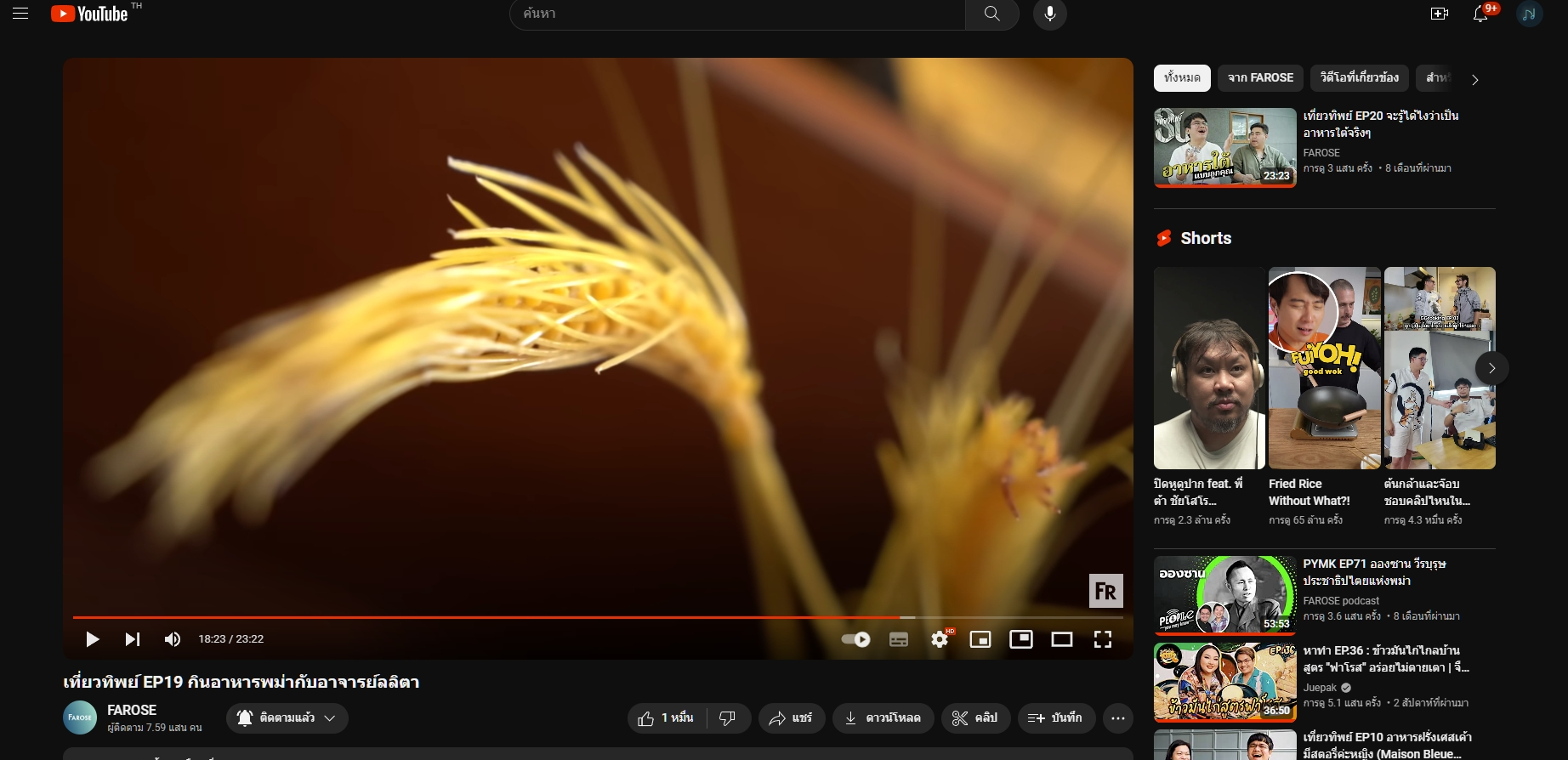
System configuration
| Information | Value |
|---|---|
| AdGuard product: | AdGuard Browser Extension v4.3.46 |
| System version: | Windows 11 |
| Browser: | Edge |
| Stealth mode options: | Strip URLs from tracking parameters, Hide your search queries, Send Do-Not-Track header, Self-destructing third-party cookies (2880), Block trackers |
| Filters: | Ad Blocking: AdGuard Base Privacy: AdGuard Tracking Protection, AdGuard URL Tracking Social Widgets: AdGuard Social Media Annoyances: AdGuard Annoyances, Adblock Warning Removal List Security: Online Malicious URL Blocklist Other: AdGuard Experimental, Filter unblocking search ads and self-promotion Language-specific: AdGuard Russian, AdGuard German, AdGuard Japanese, AdGuard French, AdGuard Chinese, EasyList Thailand, ABPVN List |
| Other extensions used: | bitwarden, Enhancer for YouTube, Grammarly AI, IDM, Le Git Graph, Scientific Calculator, Windows Defender |
@varunkarthic You have to click on any vidoe in the recommended feed to get player? requests.
@varunkarthic You have to click on any vidoe in the recommended feed to get
player?requests.
Oh..., so I open dev tools and go to the network tab first and then click on the video?
I am not getting the error rn.., I will do it if I get it again..
@varunkarthic Do you see the error (only) if you refresh tha page?
I see it when I refresh it and when I access it from any other means (like from the homepage or directly from the link).., but it only happens sometimes for certain videos
Issue URL (Anti Adblock Script)
https://www.youtube.com/watch?v=p2M-prjoaJ8
Comment
Whenever the extension is active it blocks access to YouTube videos. When the extension is off it allows them to play. Username:
@sidpro
Screenshots
Screenshot 1
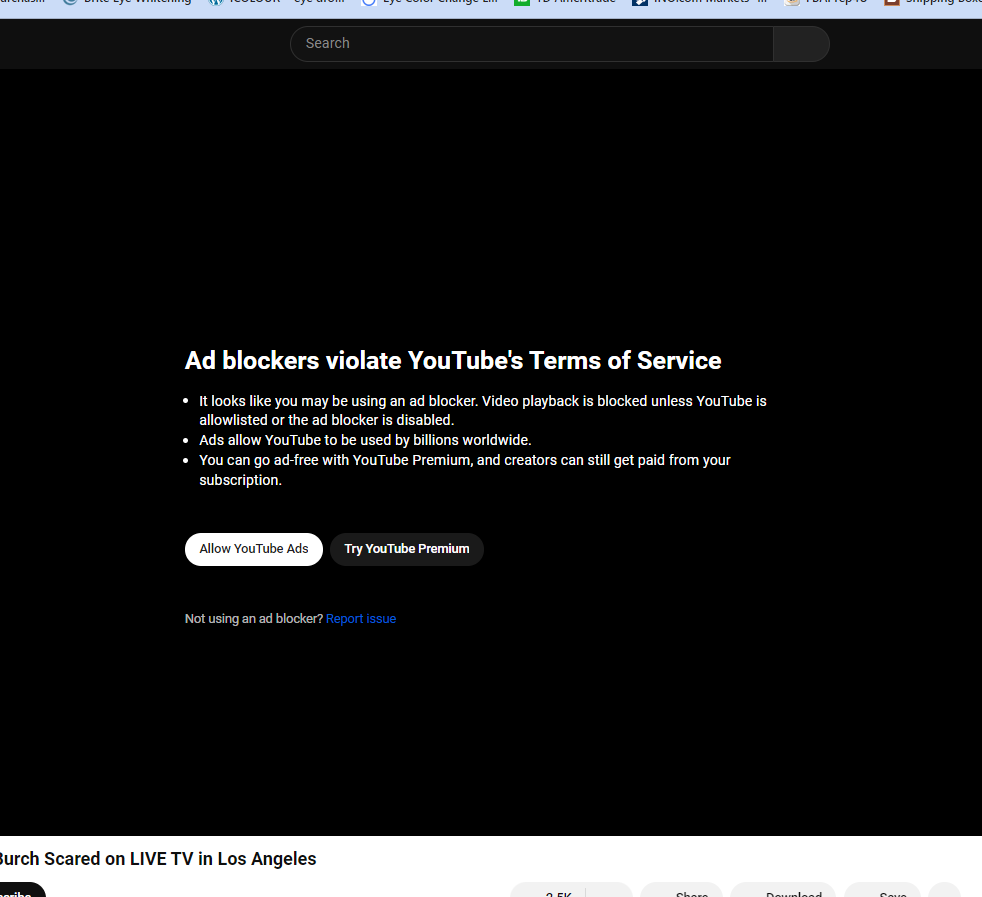
System configuration
| Information | Value |
|---|---|
| AdGuard product: | AdGuard Browser Extension v4.3.46 |
| System version: | Windows 10 |
| Browser: | Chrome |
| Stealth mode options: | Strip URLs from tracking parameters, Hide your search queries, Send Do-Not-Track header, Remove X-Client-Data header from HTTP requests, Self-destructing third-party cookies (2880), Block trackers |
| Filters: | Ad Blocking: AdGuard Base, EasyList Privacy: AdGuard Tracking Protection, AdGuard URL Tracking, EasyPrivacy, Peter Lowe's Blocklist Social Widgets: AdGuard Social Media Annoyances: AdGuard Annoyances, AdGuard Cookie Notices, AdGuard Popups, AdGuard Mobile App Banners, AdGuard Other Annoyances, AdGuard Widgets, Fanboy's Annoyances, Adblock Warning Removal List, EasyList Cookie List, Dandelion Sprout's Annoyances List Security: Online Malicious URL Blocklist Other: AdGuard DNS Language-specific:AdGuard Russian,AdGuard German, AdGuard Japanese, AdGuard Dutch, AdGuard Spanish/Portuguese, AdGuard Turkish, AdGuard French, AdGuard Ukrainian, Official Polish filters for AdBlock, uBlock Origin & AdGuard, AdGuard Chinese, ABPindo, Bulgarian list, EasyList China, EasyList Czech and Slovak, EasyList Dutch, EasyList Germany, EasyList Hebrew, EasyList Italy, EasyList Lithuania, Latvian List, Liste AR, ROList, Icelandic ABP List, AdBlockID, Greek AdBlock Filter, EasyList Portuguese, EasyList Thailand, Hungarian, Xfiles, RU AdList: Counters, ABPVN List, Polish GDPR-Cookies Filters, Estonian List, CJX's Annoyances List, Polish Social Filters, List-KR, xinggsf, EasyList Spanish, KAD - Anti-Scam, Adblock List for Finland, ROLIST2, Persian Blocker, road-block light, Polish Annoyances Filters, Polish Anti Adblock Filters, Frellwit's Swedish Filter, YousList, EasyList Polish, Polish Anti-Annoying Special Supplement, Dandelion Sprout's Nordic Filters, Dandelion Sprout's Serbo-Croatian List, IndianList, Macedonian adBlock Filters |
| Other extensions used: | Bit Defender, malware bites, poper blocker, adguard extra |
Issue URL (Incorrect Blocking)
Comment
Z początku jak zainstalowałam rozszerzenie Adguard wszystko działało poprawnie, filmy odtwarzały się płynnie. Jednak po jakimś czasie filmy odtwarzane w pełnym ekranie niestety się zacinają. Nie jest to wina mojego internetu, gdyż bardzo dobrze on działa. Username:
@Majonez
Screenshots
Screenshot 1
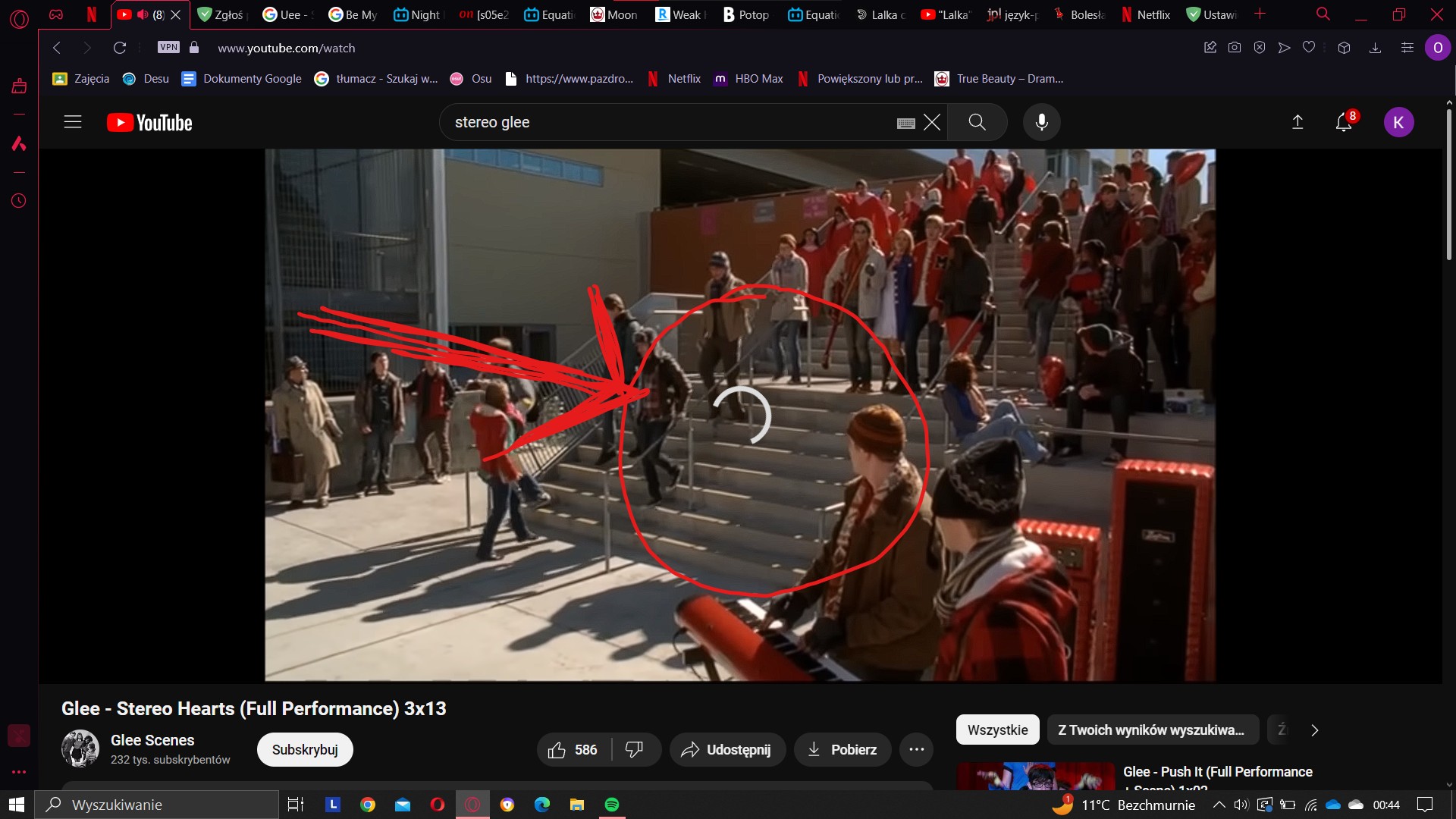
Screenshot 1 with AdGuard disabled

System configuration
| Information | Value |
|---|---|
| AdGuard product: | AdGuard for Windows v4.3.46 |
| System version: | Windows 10 |
| Browser: | Opera |
| License type: | free |
| AdGuard driver: | TDI |
| Stealth mode options: | Hide your Referrer from third-parties, Hide your User-Agent |
| DNS filtering: | disabled |
| Filters: | Ad Blocking: AdGuard Base Other: Filter unblocking search ads and self-promotion Language-specific: AdGuard Russian, Official Polish filters for AdBlock, uBlock Origin & AdGuard, Polish Anti Adblock Filters |
| Userscripts: | disabled |
| Other extensions used: | alerabat.com / SaveFrom.net helper |
Z początku jak zainstalowałam rozszerzenie Adguard wszystko działało poprawnie, filmy odtwarzały się płynnie. Jednak po jakimś czasie filmy odtwarzane w pełnym ekranie niestety się zacinają. Nie jest to wina mojego internetu, gdyż bardzo dobrze on działa.
Hi. Do you use VPN? Could you please record a HAR file?
Please record a HAR file of the page and send it + link of this issue it to [email protected]
How to get a HAR file:
https://toolbox.googleapps.com/apps/har_analyzer/