

 AdguardTeam
Unable to add OpenSSH Client to the Split tunnelling
Issue Details
-
AdGuard VPN version:
- 1.2.3
-
VPN mode:
- VPN
-
Operating system and version:
- Windows 11
-
Other network-level software:
- AdGuard, BitDefender
Expected Behavior
Allow to add OpenSSH Client application from Windows optional features to the Split tunnelling.
Actual Behavior
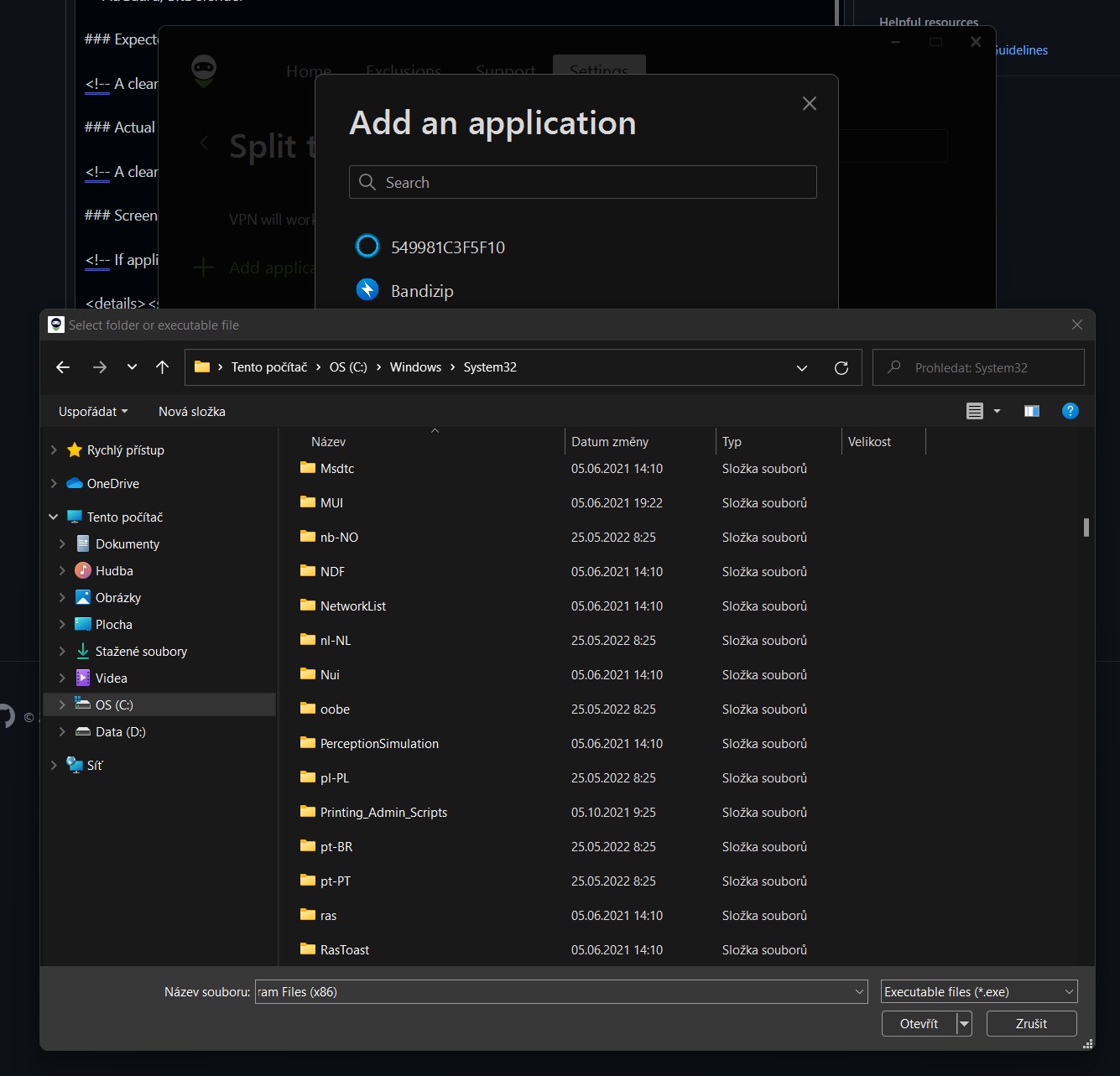
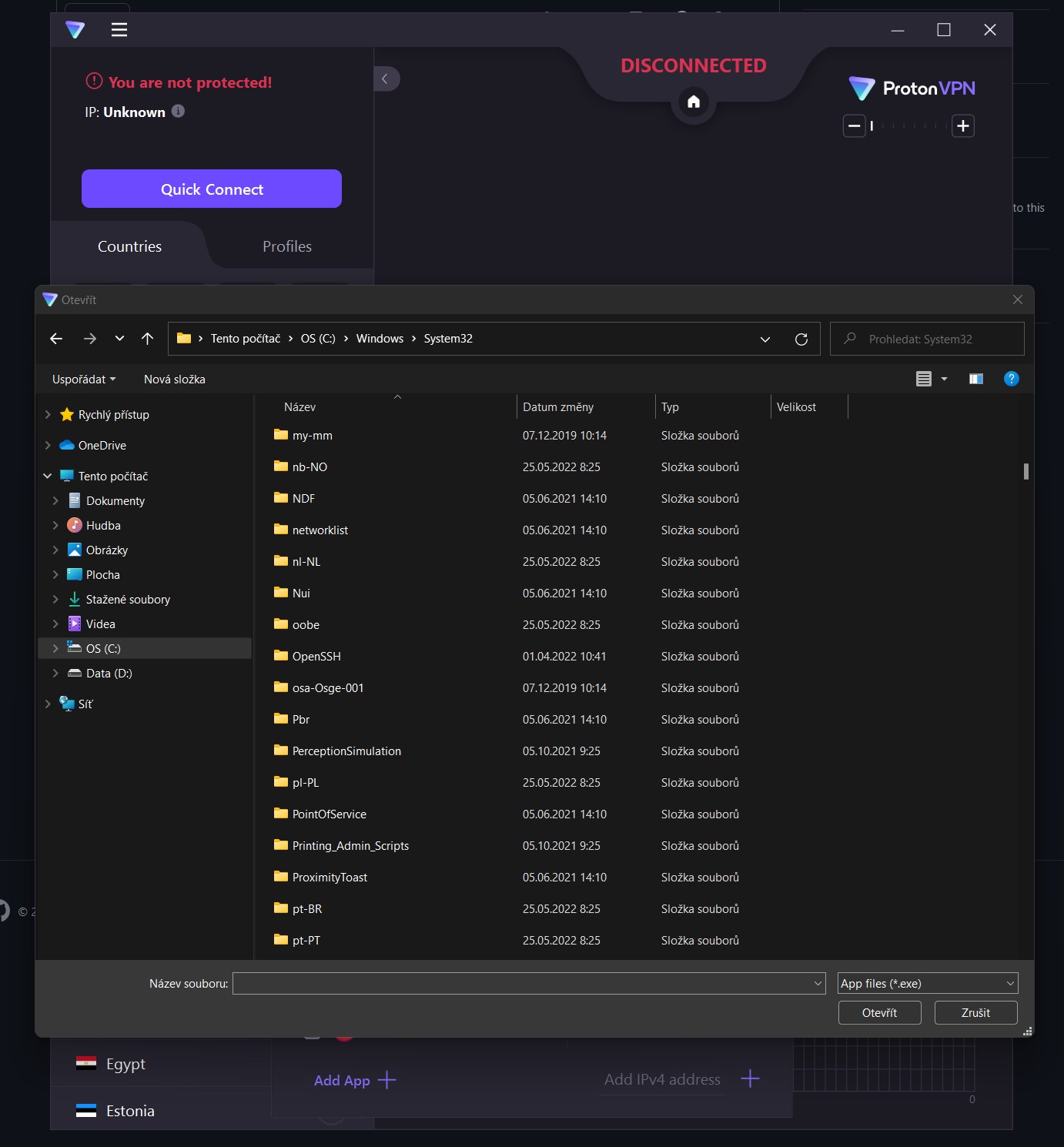
I am unable to select OpenSSH client in the Split tunnelling because this folder is not visible in File explorer. There is no problem in Proton VPN.
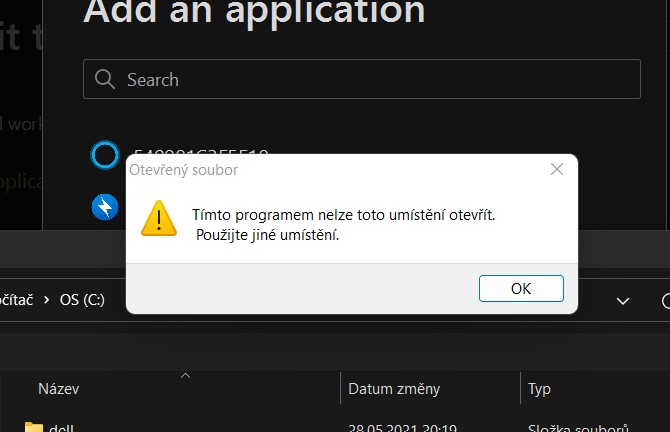
Path to the location of Windows OpenSSH is "C:\Windows\System32\OpenSSH\ssh.exe" and when I use this path in File explorer, I got message: You can't open this location using this program. Please try a different location.
Screenshots
Screenshot:
Error message:
AdGuard VPN:
Proton VPN:

@MatyCZ This is a feature of windows in case of some x64 apps. Like a workaround, you can copy the folder C:\Windows\System32\OpenSSH to C:\Windows\SysWOW64\OpenSSH. After that you will be able to locate the folder C:\Windows\System32\OpenSSH on the open file dialog.

@northis Thank you very much. But, can you please open this issue again? Workaround is a nice thing, but more useful will be to fix this problem. More users may have a similar problem and BFU does not know about workarounds.

This issue has been automatically marked as stale because it has not had recent activity. It will be closed if no further activity occurs. Thank you for your contributions.
![stale[bot] avatar](https://avatars.githubusercontent.com/in/1724?v=4 "Published by a pub.dev verified publisher")
@MatyCZ We plan to issue 64 bit version, the problem will be solved in this version. However, this is not close future and we wil try to think how to solve it before this 64 bit version is released.

@MatyCZ Now the 64 bit nightly version is available, you can check it out https://agrd.io/windows_vpn_nightly