

 AdguardTeam
Can't access local services under reverse proxy on the same device that AdGuard DHCP
Prerequisites
-
[X] I have checked the Wiki and Discussions and found no answer
-
[X] I have searched other issues and found no duplicates
-
[X] I want to report a bug and not ask a question
Operating system type
Linux, Other (please mention the version in the description)
CPU architecture
ARMv7
Installation
Docker
Setup
On a router, DHCP is handled by AdGuard Home
AdGuard Home version
v0.107.16
Description
What did you do?
Setup the DHCP on my AdGuard on Docker, all work fine but I can’t access my service hosted locally with an external domain.
My Setup
192.168.1.1 - Router (DHCP off & ipv6 off) 192.168.1.3 - Raspberry Pi with Docker Containers:
- AdGuard Home (ArmV7) with DHCP On
- Nginx Proxy Manager
- Apps 1, 2, 3 (accessible via the Nginx proxy with a real domain name ex:mydomain.com)
192.168.1.145 - Unraid NAS with Docker Containers:
- Apps 4,5,6 (also accessible via Nginx reverse proxy from 192.168.1.3)
Expected result
I should access my local service with my external domain mydomain.com
Actual result
I can’t access any service with the external domains, but I can access the service directly with the local ip. I think the issue is about some loop, but where? Thanks for future help.
Screenshots (if applicable)
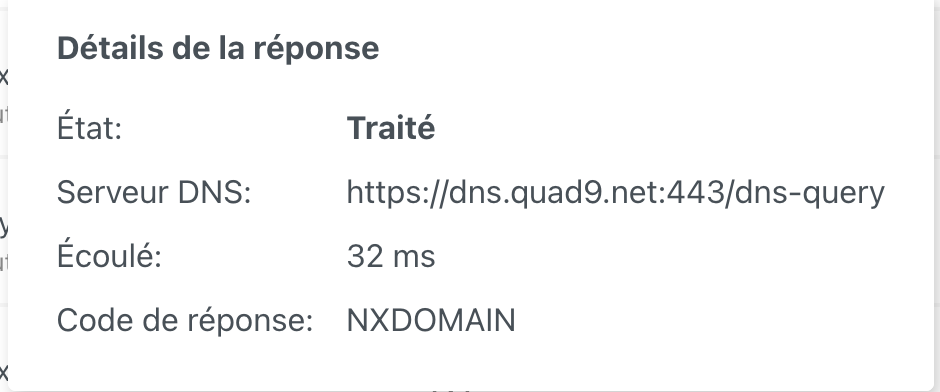
Additional information
AdGuard Config (near by default, no fancy stuff)
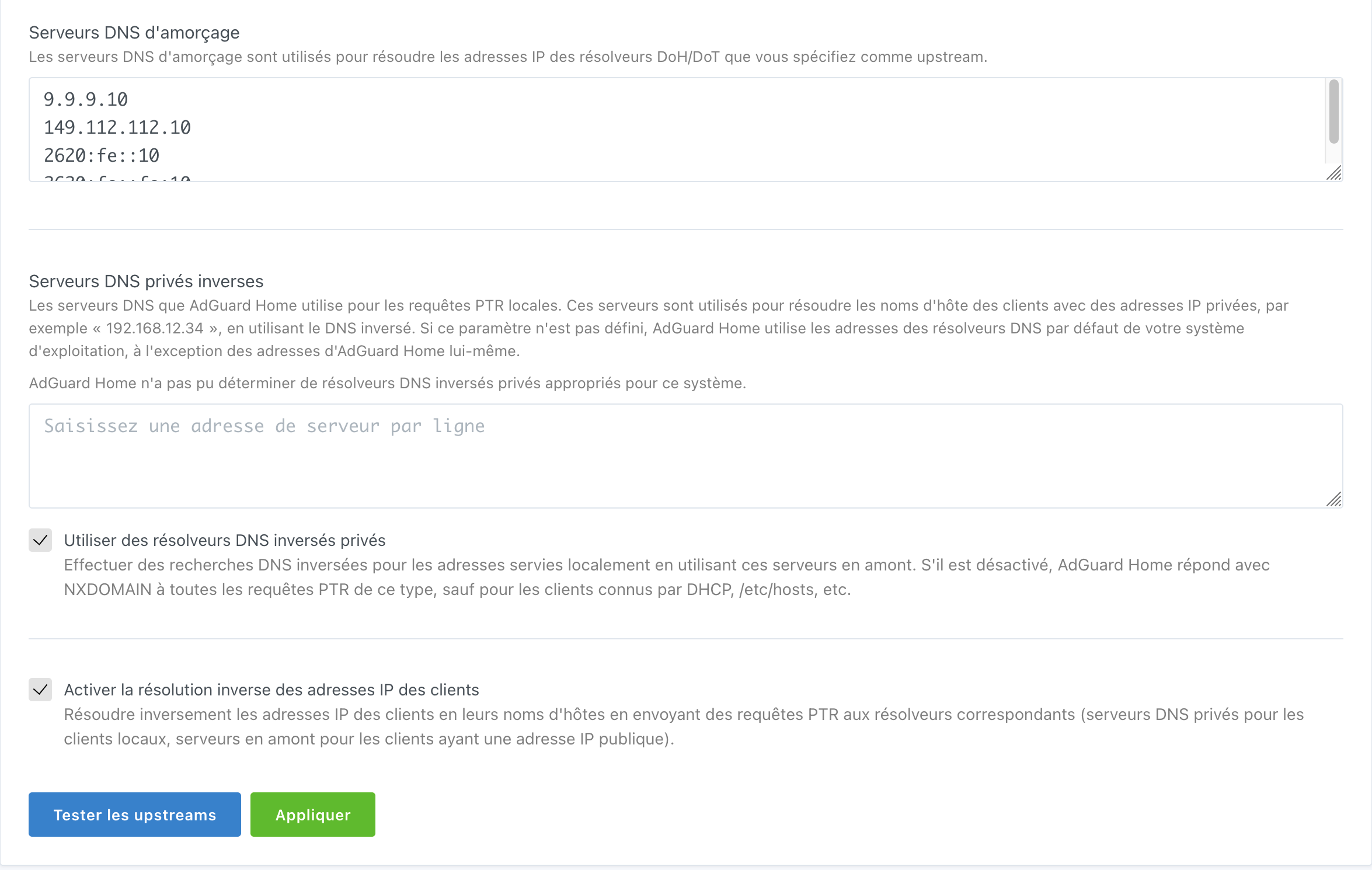
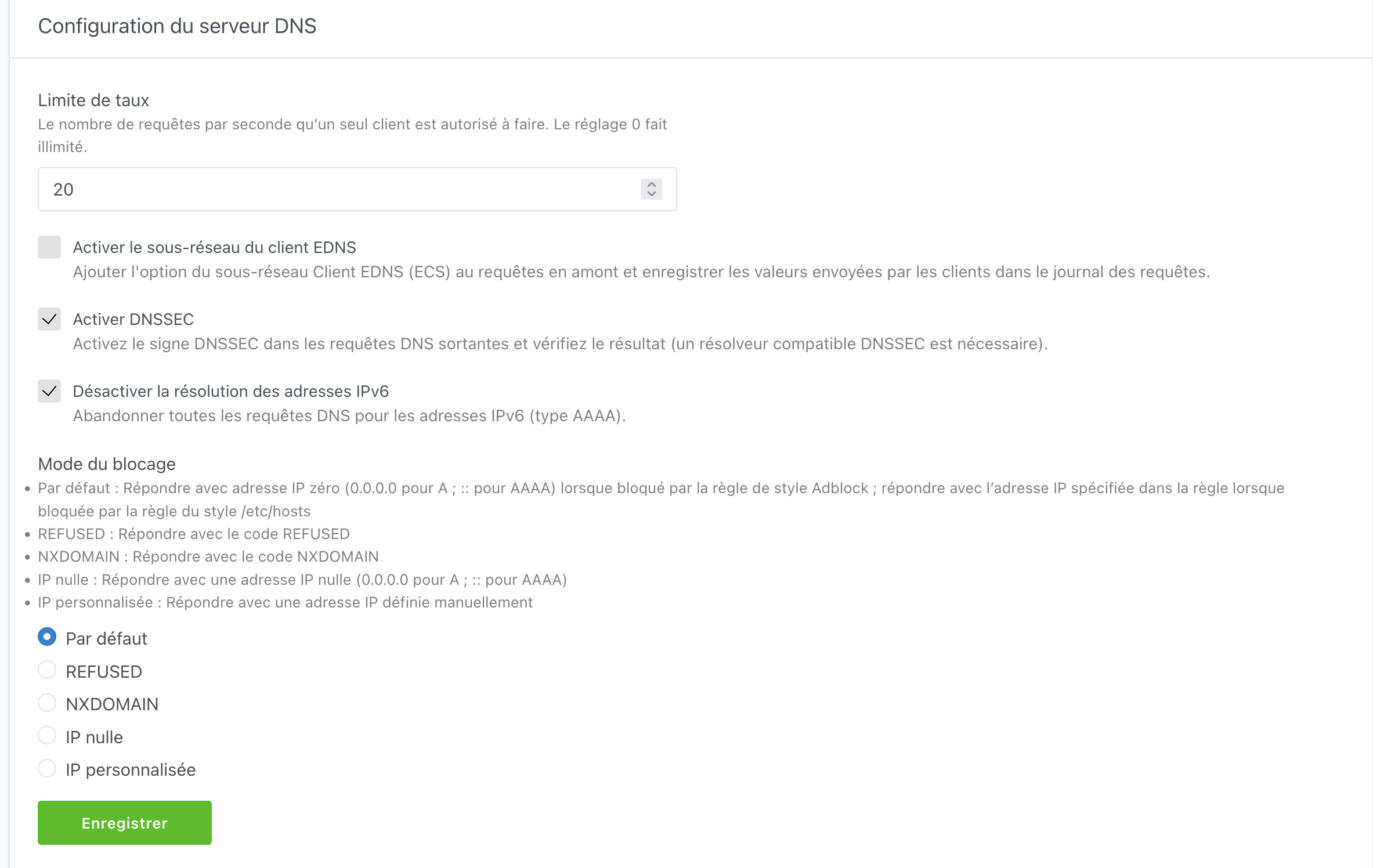

you can use DNS rewrites so that the external IP that your DNS is probably resolving to, can solve to internal IPs.

you can use DNS rewrites so that the external IP that your DNS is probably resolving to, can solve to internal IPs. I don't understand, do you have an example please ? I have tried with external but I can't rewrite a specific port on ADH. Thanks
you probably have a domain that resolves to your external IP. then if you'd want to access a service on a server inside your network, you have to port forward from your router to your server. this is kind of the workflow to access your server when you are outside of your network.
when you are inside your network, you don't have to leave your network, and then come back inside. Also, some routers don't really deal well with this situation, so you might as well have the domain of your server resolving to your local server IP, instead of your external IP.
this can be done by using the "DNS rewrites" functionality in Adguard, where you can specify a domain and an IP address, so that instead of having the domain resolve to your external IP, it will resolve to the internal one where your server is located (let's say 192.168.1.10 instead of 94.102.211.10).
Thanks for the explanation, as I understand I can’t bind an IP:Port to a local domain. So I understand why people are binding full IP to a service.
