

 AdguardTeam
help needed in resolving local clients hostnames
Hey there!
I am running adguard as docker container and using it only as DNS for ads and trackers blocking.
In the top client I can see the IP addresses of clients in the netowrk that are queriyng the DNS but not the FQDN. I tried adding [/168.192.in-addr.arpa/]192.168.1.1 into Private reverse DNS server but this does not help the cause...
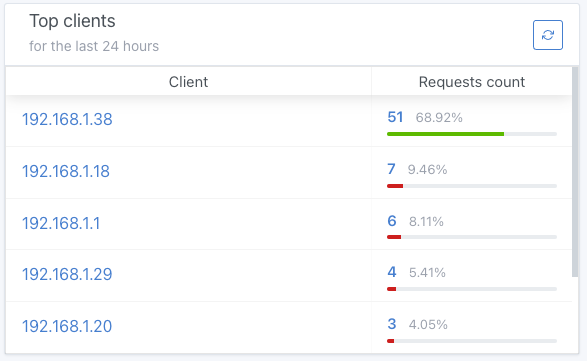
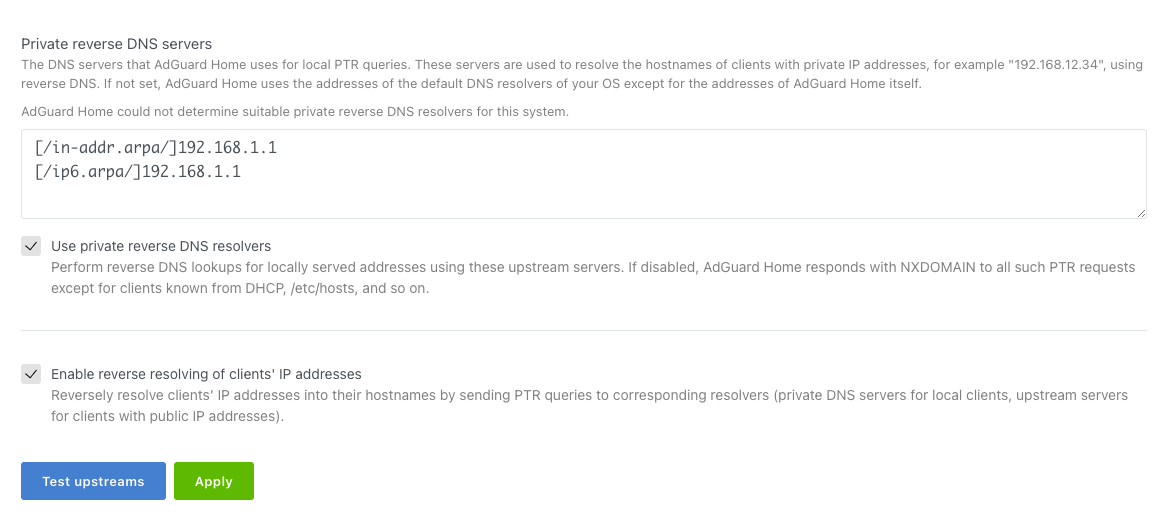
do you know what could be the solution? I used this link with no luck JFYI in the router DHCP lease I can see the FQDN Thanks, Mario


@mariomare22, hello. AdGuardHome uses upstream servers from "Private reverse DNS servers" to resolve all the local addresses. So you may simply leave it with only 192.168.1.1 to achieve the same result. However it's possible your router doesn't respond with appropriate hostnames for PTR requests. Could you please try to request those manually, e.g. with dig:
dig @192.168.1.1 -t ptr 18.1.168.192.in-addr.arpa
Does it resolve the request with actual local client's hostname?

@mariomare22, hello. AdGuardHome uses upstream servers from "Private reverse DNS servers" to resolve all the local addresses. So you may simply leave it with only
192.168.1.1to achieve the same result. However it's possible your router doesn't respond with appropriate hostnames for PTR requests. Could you please try to request those manually, e.g. withdig:dig @192.168.1.1 -t ptr 18.1.168.192.in-addr.arpaDoes it resolve the request with actual local client's hostname?
I tried to put 192.168.1.1 only as well but the result is the same.
I will try the dig once I get back on the hardware.
Thanks for your answers
this is the answer i get rom the dig, I am using a mikrotik as router fyi
mario@server:/home/mario $ dig @192.168.1.1 -t ptr 18.1.168.192.in-addr.arpa

; <<>> DiG 9.16.1-Ubuntu <<>> @192.168.1.1 -t ptr 18.1.168.192.in-addr.arpa
; (1 server found)
;; global options: +cmd
;; Got answer:
;; ->>HEADER<<- opcode: QUERY, status: NXDOMAIN, id: 42147
;; flags: qr rd ra; QUERY: 1, ANSWER: 0, AUTHORITY: 0, ADDITIONAL: 0

;; QUESTION SECTION:
;18.1.168.192.in-addr.arpa.     IN      PTR

;; Query time: 11 msec
;; SERVER: 192.168.1.1#53(192.168.1.1)
;; WHEN: Fri Feb 11 08:42:02 CET 2022
;; MSG SIZE  rcvd: 43

mario@server:/home/mario $
@mariomare22, well, the result of the request is empty. If the 192.168.1.1 is actually an address of your router then I can tell for sure it doesn't respond with client's hostnames on PTR requests for now. I suppose you can enable it in the router settings. If that worked? Thanks.
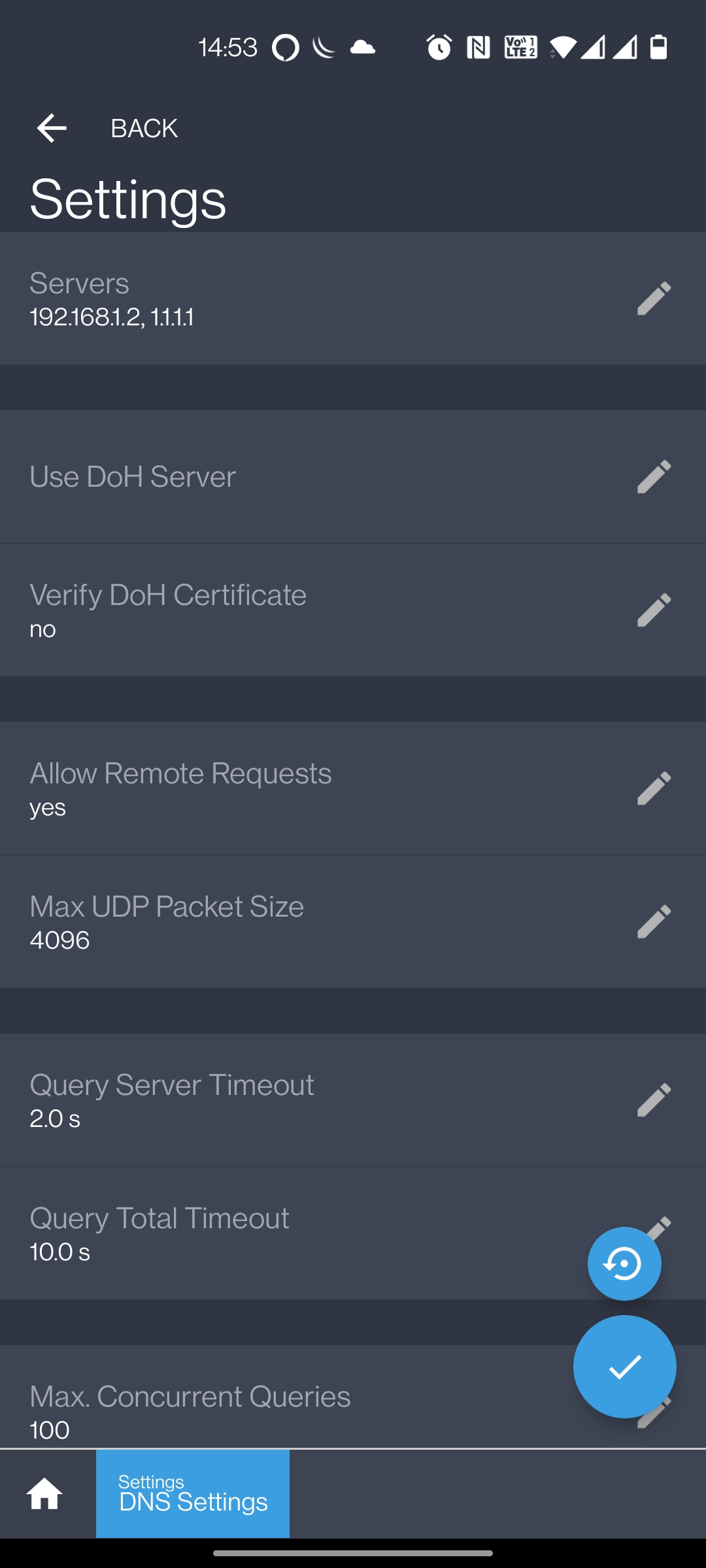
I guess the allow-remote-requests is already enabled in my configuration; maybe it's not what you wanted me to check.
Thanks a lot for your support
Hi, Mario, issue sovled.
- Change the default port from 53 to any other, for instance 6653 for dnsmasq in "Advanced Settins" of "DHCP and DNS";
- Add those names to be resolved locally in "Upstream DNS servers", but with new port suffixed, [/lan/]127.0.0.1:6653
- Add dnsmasq with new port to "Private reverse DNS servers", 127.0.0.1:6653, and check the 2 options below it;
- Unblock all related entries in "custom filtering rules" if needed, such as @@||lan^ There you go~

