

 AUTOMATIC1111
Move img2img upscaler to img2img tab
Only img2img has it's upscaler in settings; Hires fix and extras have their upscalers on their respective tabs.
Environment this was tested in
- OS: Windows 10
- Browser: Edge
- Graphics card: RTX 4070 Ti
Screenshots or videos of your changes
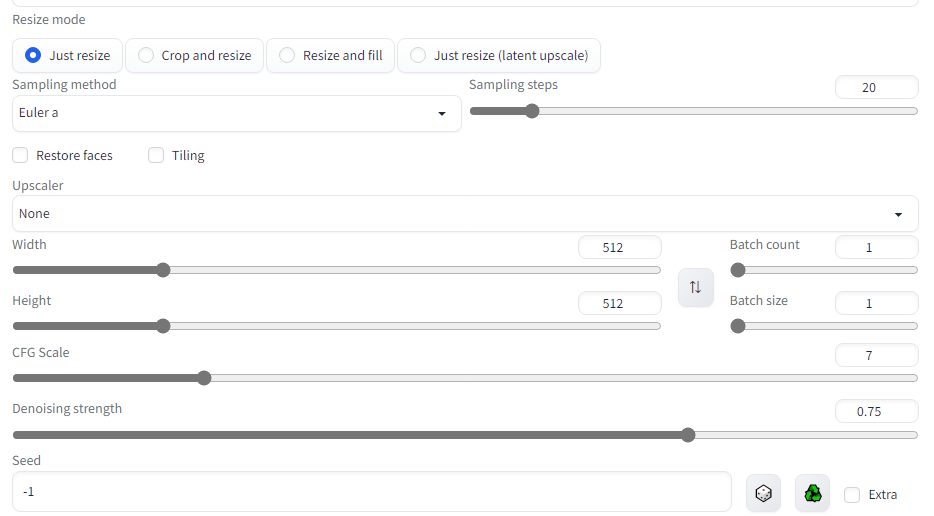

I can see having upscaling in img2img could be useful for some types of workflow but I don't think it'll be useful for everyone
~~I'm not against adding this to img2img, but I don't like the layout (of this pr)~~ opinion revised, I'm against adding this, see below for see below for details
also it is already is possible possible to add upscaler_for_img2img to the settings Quicksettings list

note to self write a wiki page on how to use
Quicksettings listit's rather not accessible to non programmers

I'm aware it can be added to quicksettings, but it seems odd that it's buried away in settings to begin with.
I'm aware it can be added to quicksettings, but it seems odd that it's buried away in settings to begin with.
is bacaus for most people this is a "set it forget it don't worry about it type of setting"
this only upscales the input of the image to image if the input image is smaller than the desired output resolution and with the nature of stable diffusion img2img unless you're using ridiculously low resolution for the input img the output will be practically indistinguishable, other factors such as the seed has much more effect on the output image
you can test yourself the difference between upscale and no upscator or you can look at my test below
my conclusion the upscaling type isn't really that important and upscaling isn't really that important in the first place until you're using extremely low resolution images
I've subjectively believe that I have better results with upscaler and I would be quite happy for the to set it once and forget about it I don't think there is need of quickly switching different types of upscale
after doing my test I revise my initial opinion of I don't mind adding this
I'm not against adding this to img2img I don't think there's a real use case for most people and it just asked clutter to the interface
if I do need results from different upscalers, I would do upscale in extras and have pre-upscale image that I could use as input
and for those who need, theres quick settings
The test
source of the anime image 推しの子
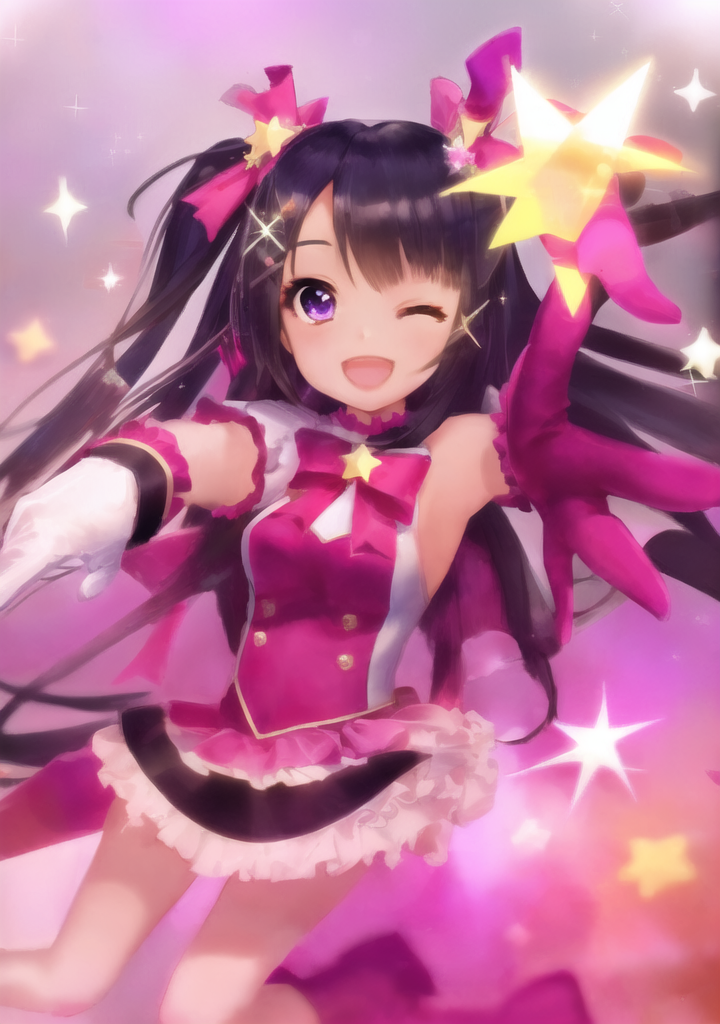
I took the original image scale it down by 50% multiple times
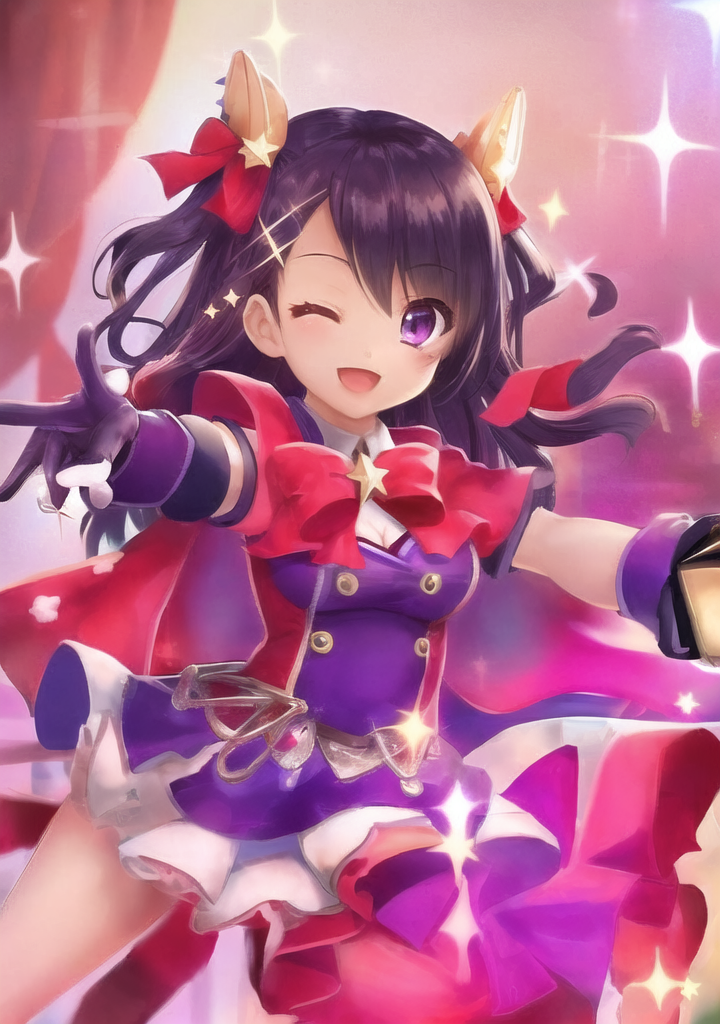
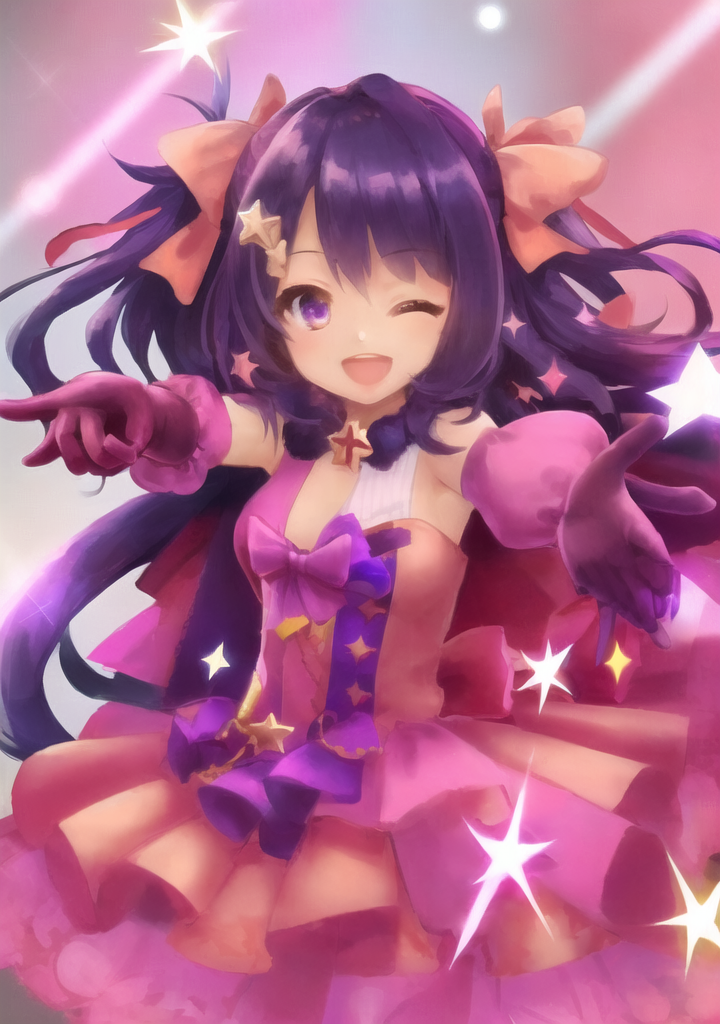
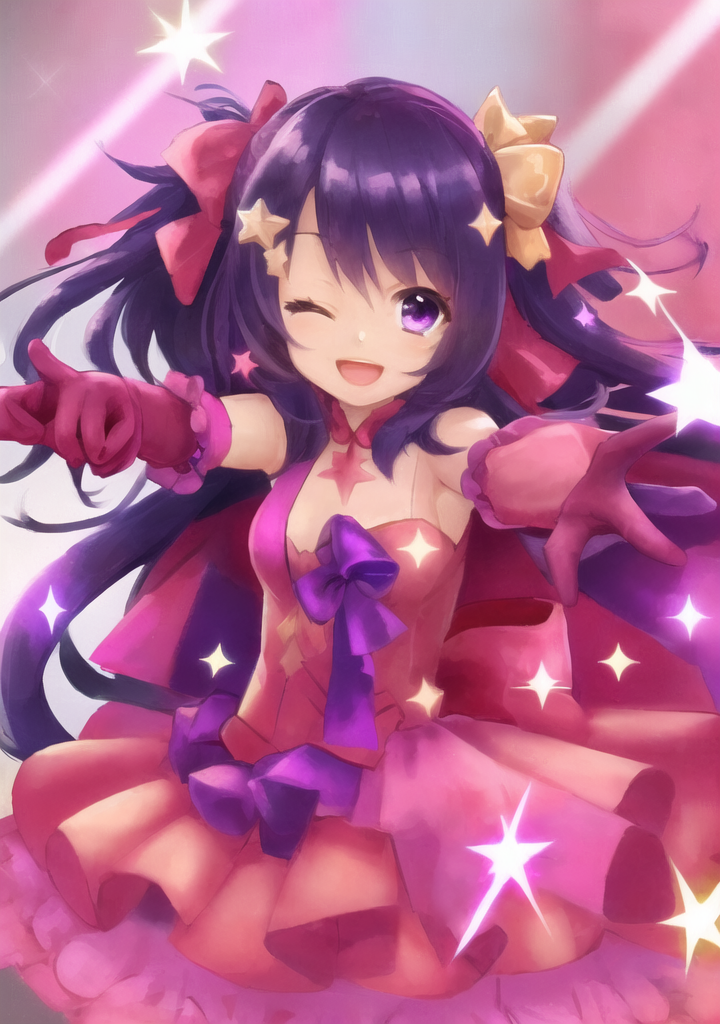
and put the img through img2img with None and R-ESRGAN 4x+ Anime6B for the upscaler, all other generation settings same
the prompt used is generated with the origin image using Interrogate DeepBooru
star \(symbol\), 1girl, long hair, star hair ornament, gloves, pointing, solo, open mouth, microphone, one eye closed, sparkle, pointing at viewer, hair ornament, holding, smile, one side up, ;d, looking at viewer, outstretched arm, purple eyes, pink bow
Steps: 20, Sampler: DPM++ 2S a Karras, CFG scale: 7, Seed: 1604154106, Size: 720x1024, Model hash: 33f63883bc, Model: Anime_OrangeMixs_AbyssOrangeMix2 (AOM2)_AbyssOrangeMix2_nsfw (AOM2n)_AbyssOrangeMix2_nsfw mix, Denoising strength: 0.75, Clip skip: 2, ENSD: 31337, Eta: 0.667
this is not extensive test for input larger than the canvas size the upsacaller is ignored so you won't see a difference until 538x761
*note: x-former non-deterministic and also different denoising strengths for impact your results
different input resolution and upscaler
| input image resolution | None | R-ESRGAN 4x+ Anime6B |
|---|---|---|
| 2152x3044 | 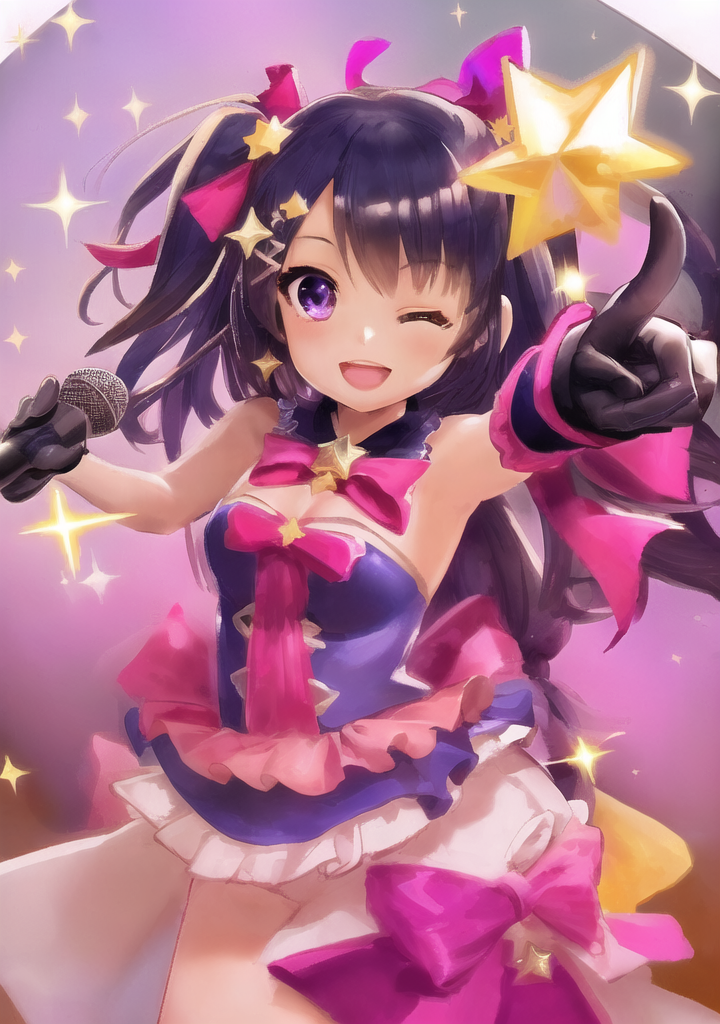 |
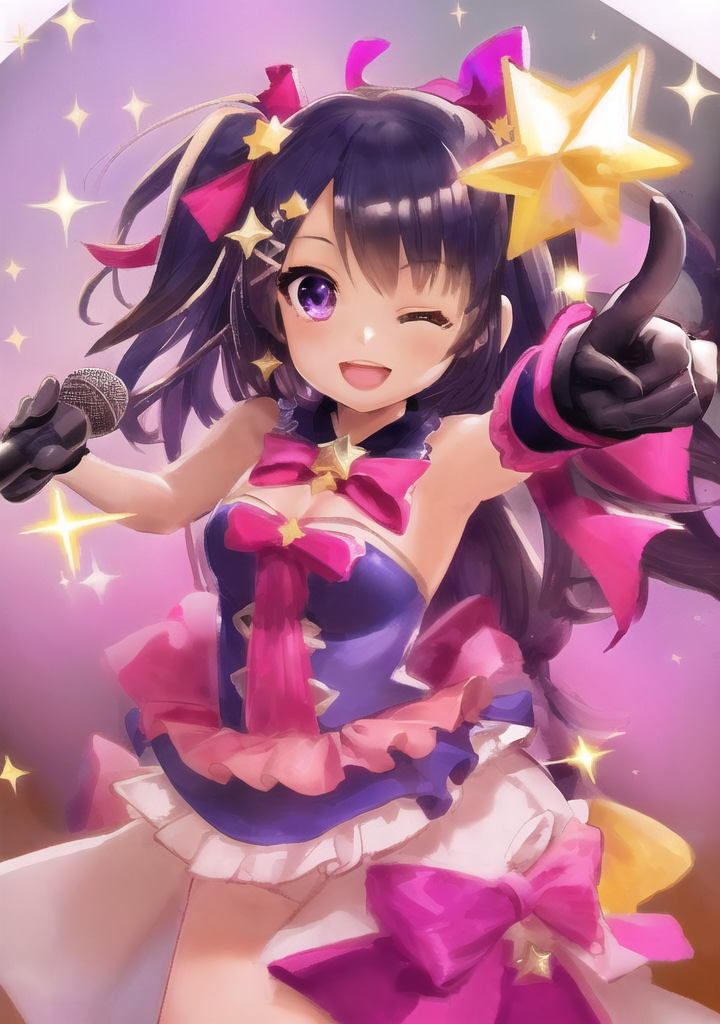 |
| 1076x1522 | 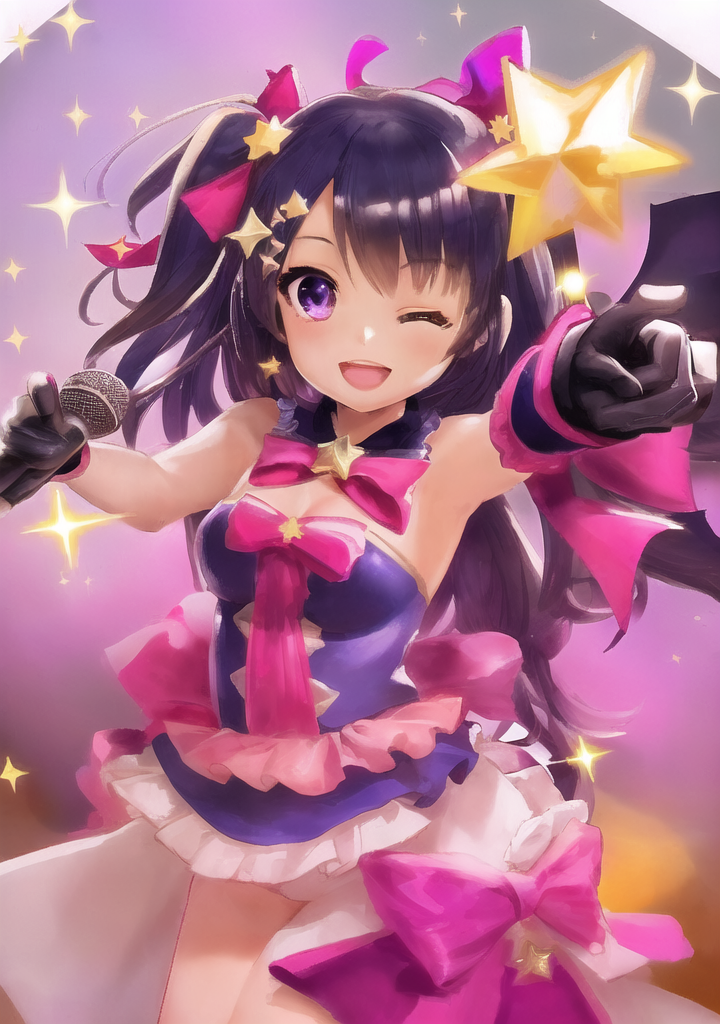 |
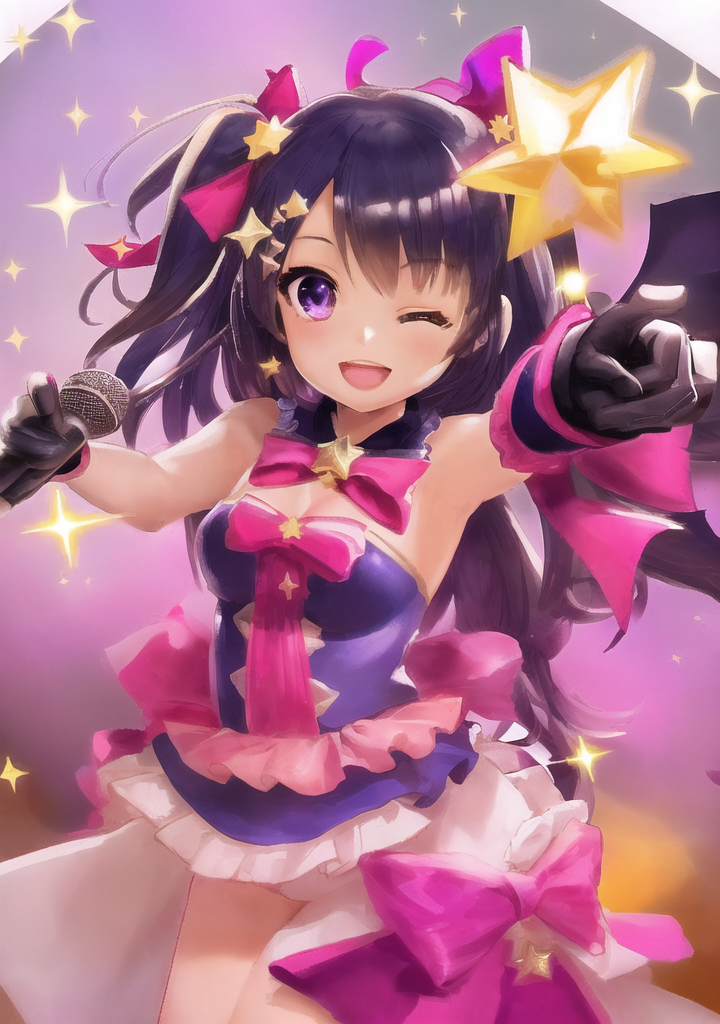 |
| 538x761 | 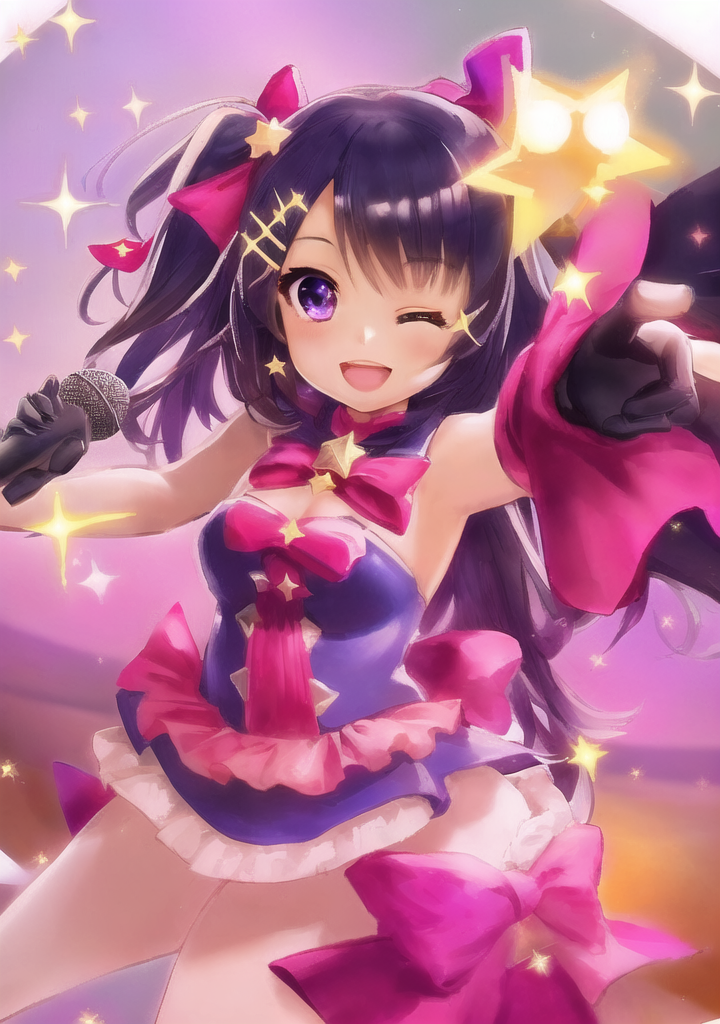 |
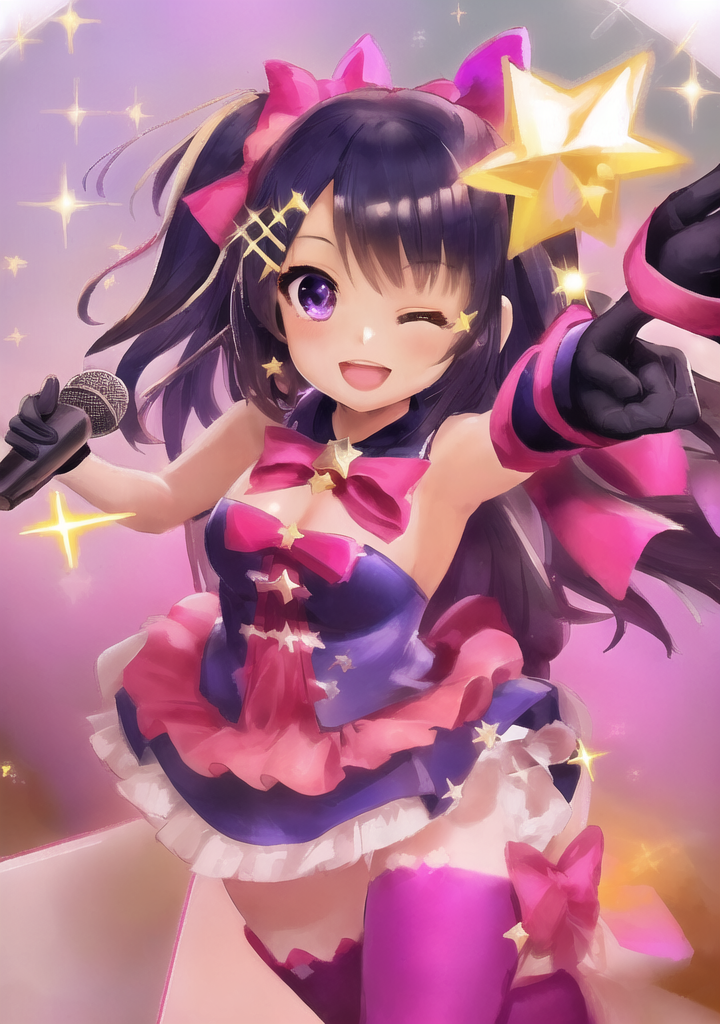 |
| 269x381 | 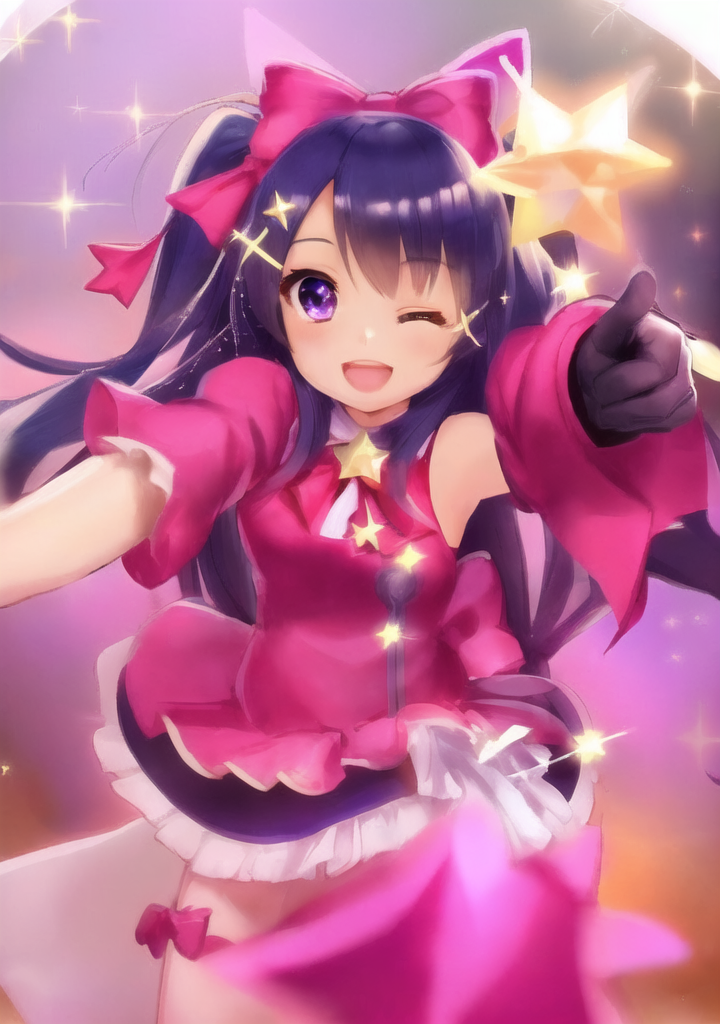 |
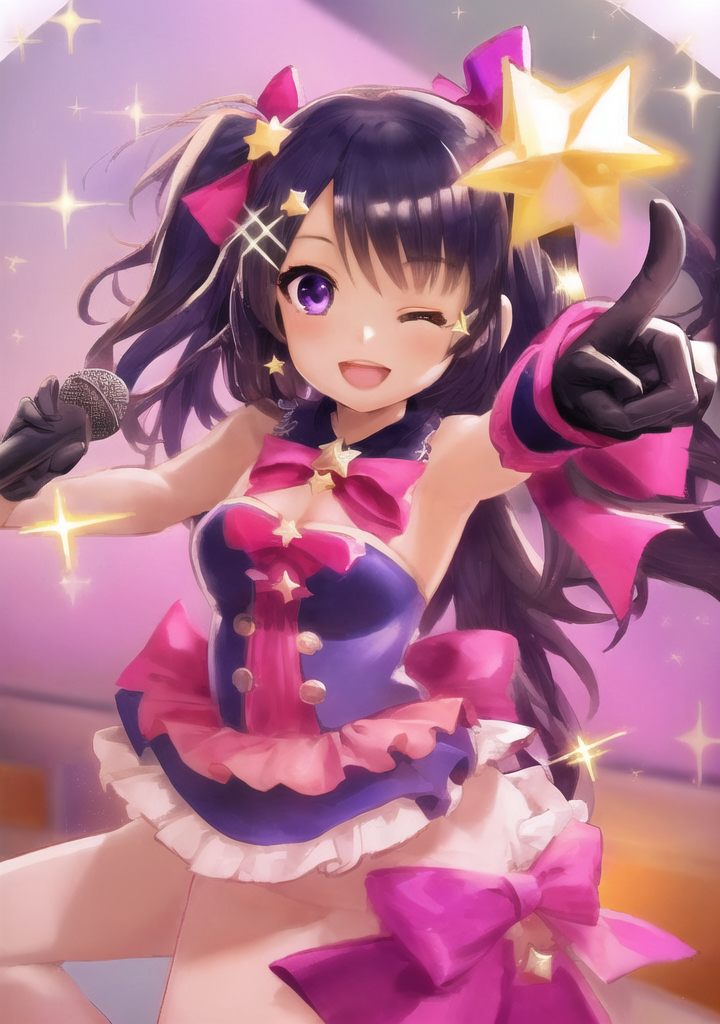 |
| 135x191 | 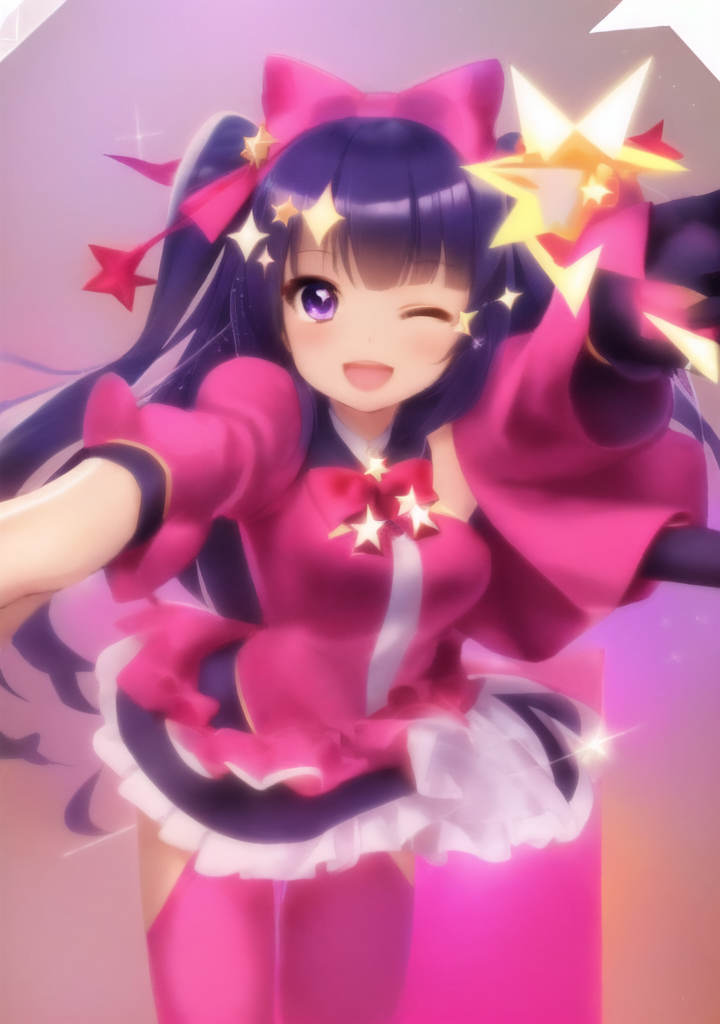 |
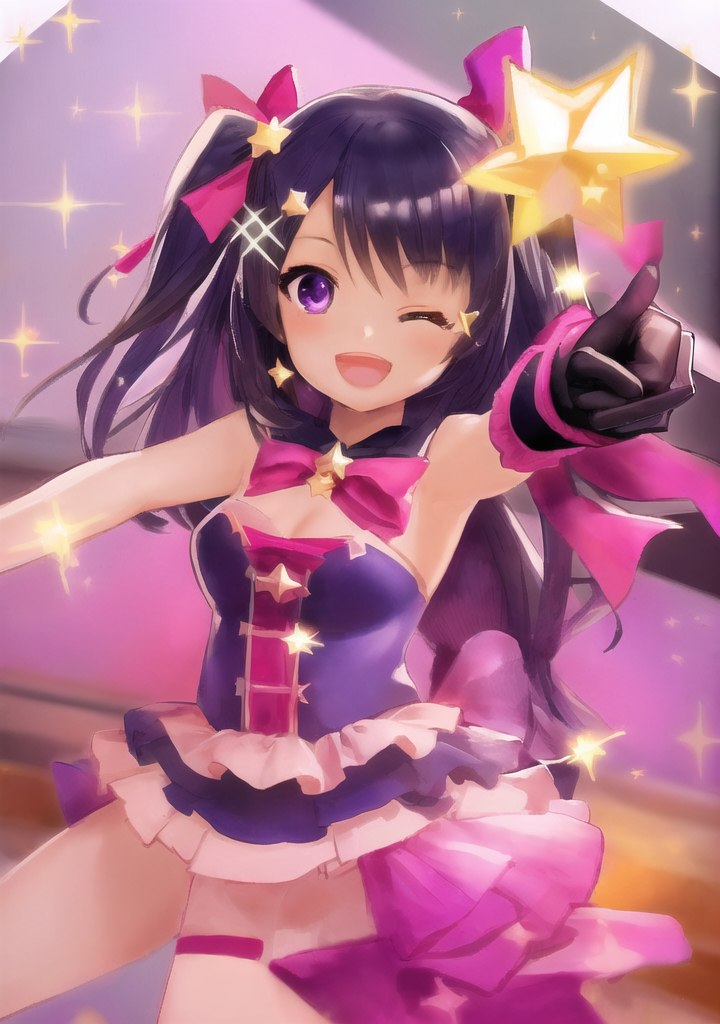 |
| 68x96 |  |
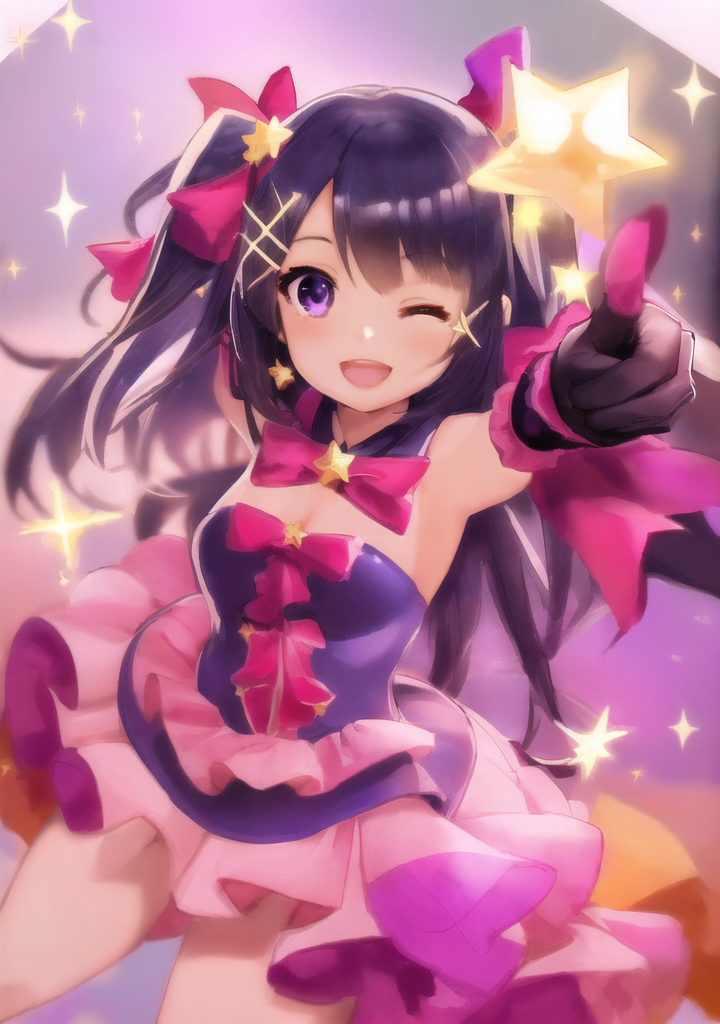 |
| 34x48 | 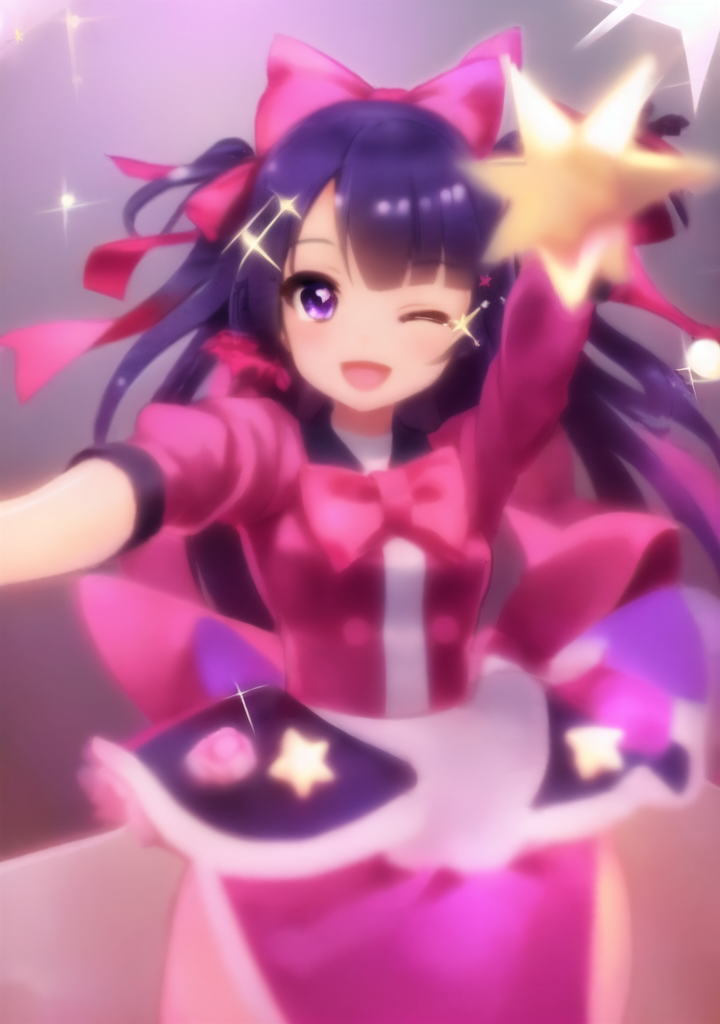 |
 |
upscaler and seed
input 269x381
| seed | None | R-ESRGAN 4x+ Anime6B | SwinIR_4x |
|---|---|---|---|
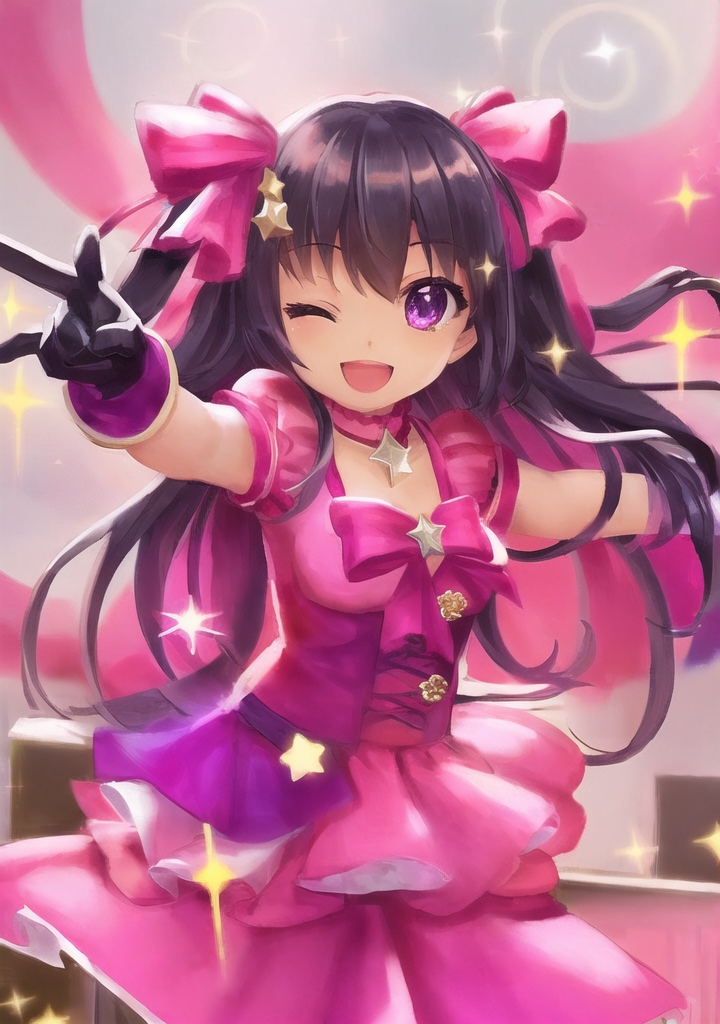
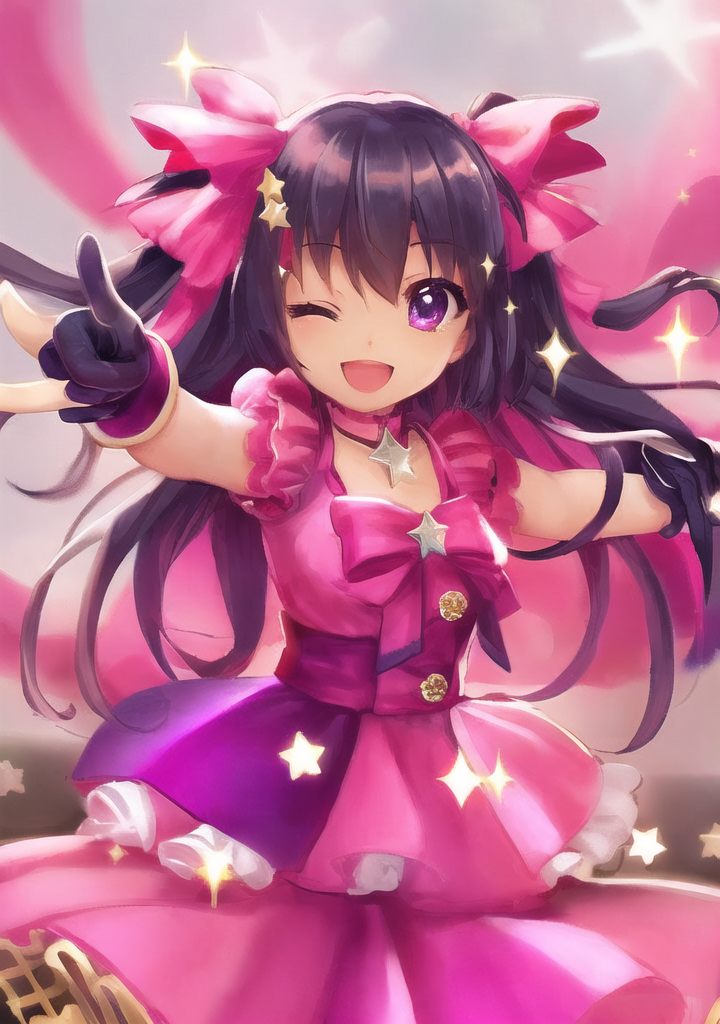
| 1 | 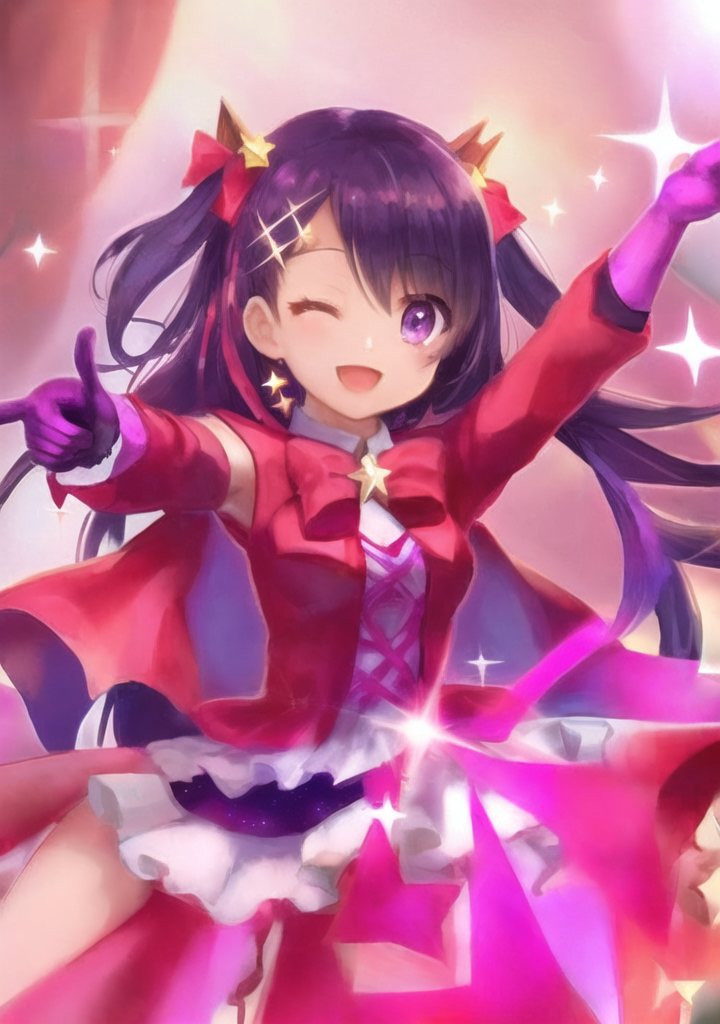 |
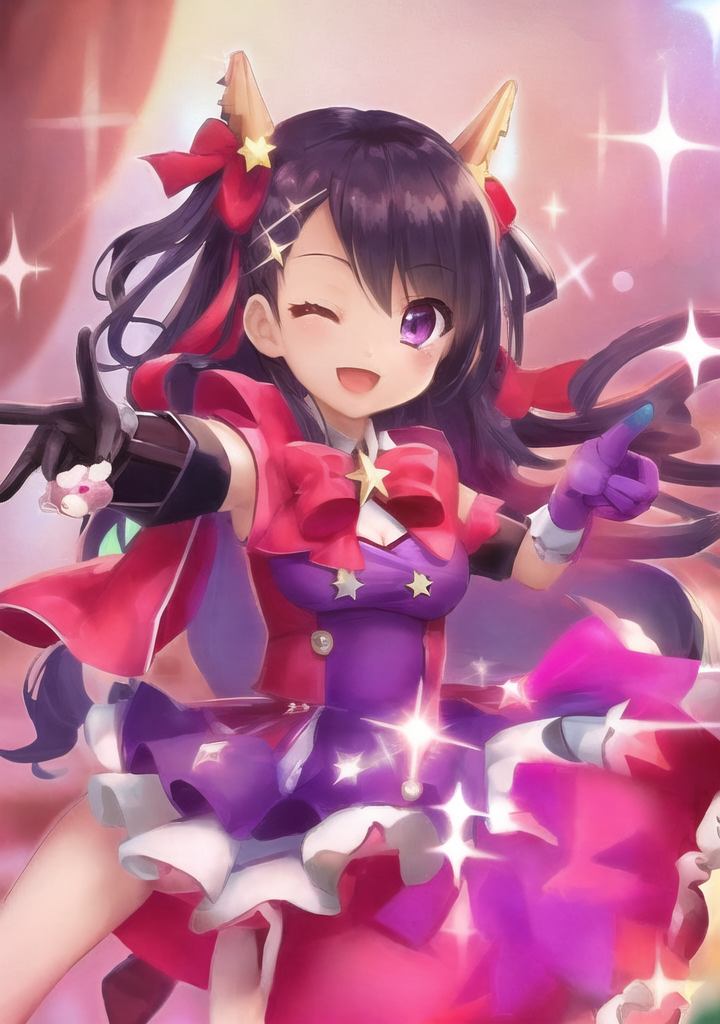 |
 |
| 2 |  |
 |
 |
| 3 | 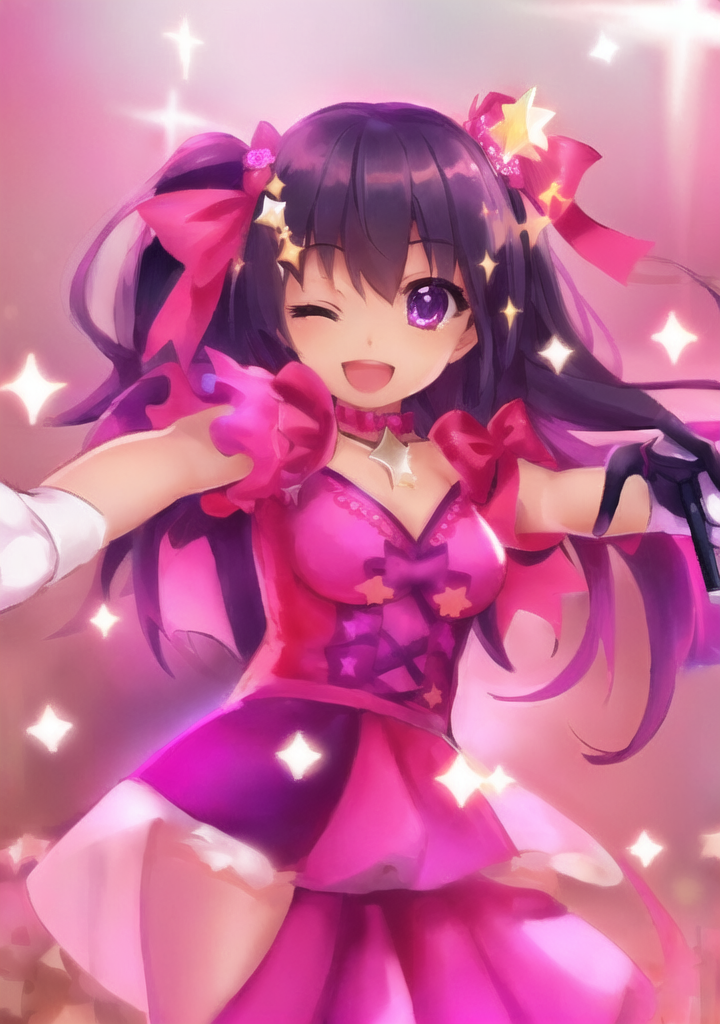 |
 |
 |
Woud be nice to have it in inpaint as well but scale back after generation so its lined up like it should

Woud be nice to have it in inpaint as well but scale back after generation so its lined up like it should
You want a feature that allows you to automatically upscale the input image before inpaint then down scale back to original resolution?
If so, I think this is not directly related to this PR, and has nothing to do with moving this option too the img2img tab
My opinion about this PR is that it is unnecessary for most people Adding option to change upscaler in the tab itself adds little value
yes that is what i do actually to all low res images manually, upscale image but to be honest i could just open image in extras -upscale -send to inpaint
yes that is what i do actually to all low res images manually, upscale image but to be honest i could just open image in extras -upscale -send to inpaint
why not just set the upscaler for img2img in settings and forget about it the way it works is that if the input image is smaller than the canvas size, the input image gets upscaled using the selected upscaler
what is PR is proposing is making the setting more accessible by moving it to i2i tab but as you can see from my quick experiment, other factors influence the generated image much more than which up scaler used so I don't see the need of having quick access whitch upscaler is used is beneficial for most people
I believe it should be a setting that you just set once, and forget and you can just forget about it, knowing that your image will be upscaled
if you need more advanced upscaling this PR won't help you will sitill want to upscale it in the extras tab yourself
it's also less efficient using thie this i2i upscaller in the "pipeline" because it will have to be re-upscaled every time from run to run
I suppose we could Implement a caching mechanism
if you want to be more efficient reuse the upscalled input image multiple times you would still want to use the extra tab
in my opinion moving the upscaller settings into i2i just add clutter
I can see having upscaling in img2img could be useful for some types of workflow but I don't think it'll be useful for everyone
~I'm not against adding this to img2img, but I don't like the layout (of this pr)~ opinion revised, I'm against adding this, see below for see below for details
also it is already is possible possible to add
upscaler_for_img2imgto the settingsQuicksettings list
note to self write a wiki page on how to use
Quicksettings listit's rather not accessible to non programmers
Hi @w-e-w , I think you are missing a huge perspective completely. You are only looking at this from an advanced user's perspective.
In order for someone to "set it once and forget about it" or add "upscaler_for_img2img" to the quick settings list, they first need to know img2img even uses upscalers. Because currently img2img upscaler is hidden behind a blackbox for new users, a huge amount of effort is wasted educating users about how to properly upscale in img2img in the community.
I administrate 2 stable diffusion communities of 1.5k and 2.3k members respectively and I can tell you first hand that we constantly spend a lot of effort educating new users of webui about how to upscale properly in img2img. We even have a lot of members saying they never dared to touch the native rescaling feature in img2img and have to resort to extension scripts like SD Upscale because they thought img2img couldn't use their upscalers. These users know and have a preference on upscalers because they are educated about it in the HiRes Fix process, and is very confused about why it is not available in img2img.
If you polled the entire webui community and asked if they knew img2img actually supports switching upscalers, you'd be surprised that a huge portion of beginner to intermediate level users do not know such a feature exists.
I don't disagree on the fact that its rare that you need to switch up the upscaler and that there are UI clutter concerns, but the primary concern is that this key knowledge is completely hidden away.
I believe at the very least, a text label in the resize box saying something like: Current Upscaler: Latent with a hyperlink to the settings page when clicked would solve the hidden knowledge problem without introducing UI clutter.

@williamkmlau still stand behind my opinion
I think the solution is to create better educational material
are you aware that the Wiki is open for edits if your have time you can write articles on upscaler an article that everyone can reference from not just the community you're running
@williamkmlau still stand behind my opinion
I think the solution is to create better educational material
are you aware that the Wiki is open for edits if your have time you can write articles on upscaler an article that everyone can reference from not just the community you're running
Are you also against simply displaying the current chosen upscaler? If so, why?
Assuming we had the most perfect wiki page for this, it still doesn't change the fact that a new user have no idea upscalers are involved in img2img until they plow through the manual or plow through the settings. And I think we can atleast agree that users generally don't read the manual until they stumble across a problem.
A good UI should be able to convey all required information and I believe the upscaler in use for img2img is a vital information. Whatever argument for and against that applies to img2img upscaler, the same argument should also apply to HiRes Fix upscaler, and yet there are huge inconsistencies between the development of the two.
@williamkmlau
Are you also against simply displaying the current chosen upscaler? If so, why?
in my opinion, I don't consider it to be vital info the upscaller is only used if the input image is smaller than the output resolution so depending on the workflow it may be irreverent
the upscaller is a preprocessing prior to img2img, and is not a part on img2img itself
unlike high res fix upscaller is a part of the workflow
I view this as a more of a convenience option, if user did not wish to bother preprocessing the image themselves,
I think the proper way it to pre process the image is to upscalle the image first with extras tab or some other methiod so the image can be reused
(the result of img2img upscaler is hidden and not reused)
as mentioned I think it should be a set and forget setting
and the way the cahnge is implemented in this PR will result in anyone that is upgreading form a old version of webui to need to reconfigured the setting
as the setting is moved for shared to UI
if implemented I think it makes more sense to put the upscaler along with the resize mode as opposed to takeing up an entirel row
so that it doesn't make up as much space
Assuming we had the most perfect wiki page for this, it still doesn't change the fact that a new user have no idea upscalers are involved in img2img until they plow through the manual or plow through the settings. And I think we can atleast agree that users generally don't read the manual until they stumble across a problem.
the argument can be made for every setting in the settings
Random number generator source Token merging SD VAE Clip skip ............
should we add all of them into the main UI?
at certain point I think user is expected to do their homework
obviously where are we draw the line is different
I am just expressing my opinion expressing my opinion
I'm not against adding it to the image to image tab in principle (if done correctly) but in my opinion it should stay in the settings
