

 AUTOMATIC1111
Add dropdown for X/Y/Z plot
Describe what this pull request is trying to achieve.
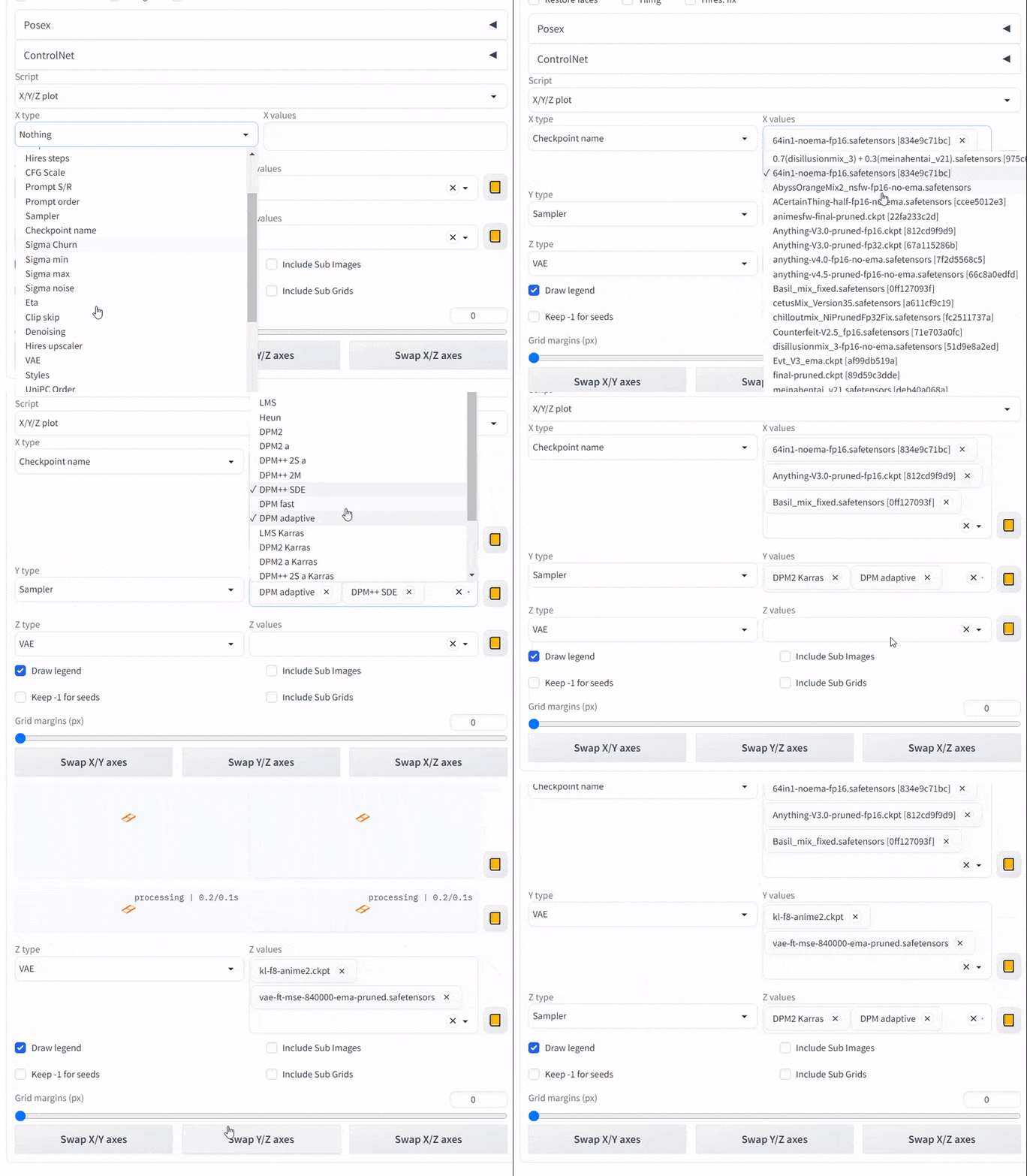
Add Dropdown components for XYZ plot.
Additional notes and description of your changes
For types with choices, the input box is not convenient enough. A Dropdown that allows multiple selections can make it easier to select the desired values.
Environment this was tested in
List the environment you have developed / tested this on. As per the contributing page, changes should be able to work on Windows out of the box.
- OS: Windows
- Browser: chrome
- Graphics card: NVIDIA GTX 1660Ti 6GB
Screenshots or videos of your changes


Nice change, but there is a problem on Gradio 3.16, maybe Gradio's bug, although the Textbox is hidden, it is still occupying the display space.


@Sakura-Luna Yes, this is a legacy issue of Gradio 3.16, I have reported this issue to the Gradio team. https://github.com/gradio-app/gradio/issues/3071
A feasible workaround for Gradio 3.16 is to wrap a Column component outside the TextBox, and hide the TextBox by hiding the Column component.
But considering that webui has specified Gradio version as 3.23 in requirements.txt. I did not use the above workaround.
https://github.com/AUTOMATIC1111/stable-diffusion-webui/blob/22bcc7be428c94e9408f589966c2040187245d81/requirements.txt#L7
I had a fork of Gradio 3.16 so this was a problem for me, and since it's a Gradio bug and it doesn't provide a way to change styles, I gave up merging.
What Gradio needs most is to find a way to solve the extremely poor version compatibility and add some configuration flexibility.
@Sakura-Luna Maybe try this: https://github.com/pangbo13/stable-diffusion-webui-scripts/blob/main/xyz_grid_gradio316.py
In theory, this version is compatible with 3.16, but I don't have an environment with Gradio 3.16 now, so I can't test it. (But at least it works fine on 3.23)
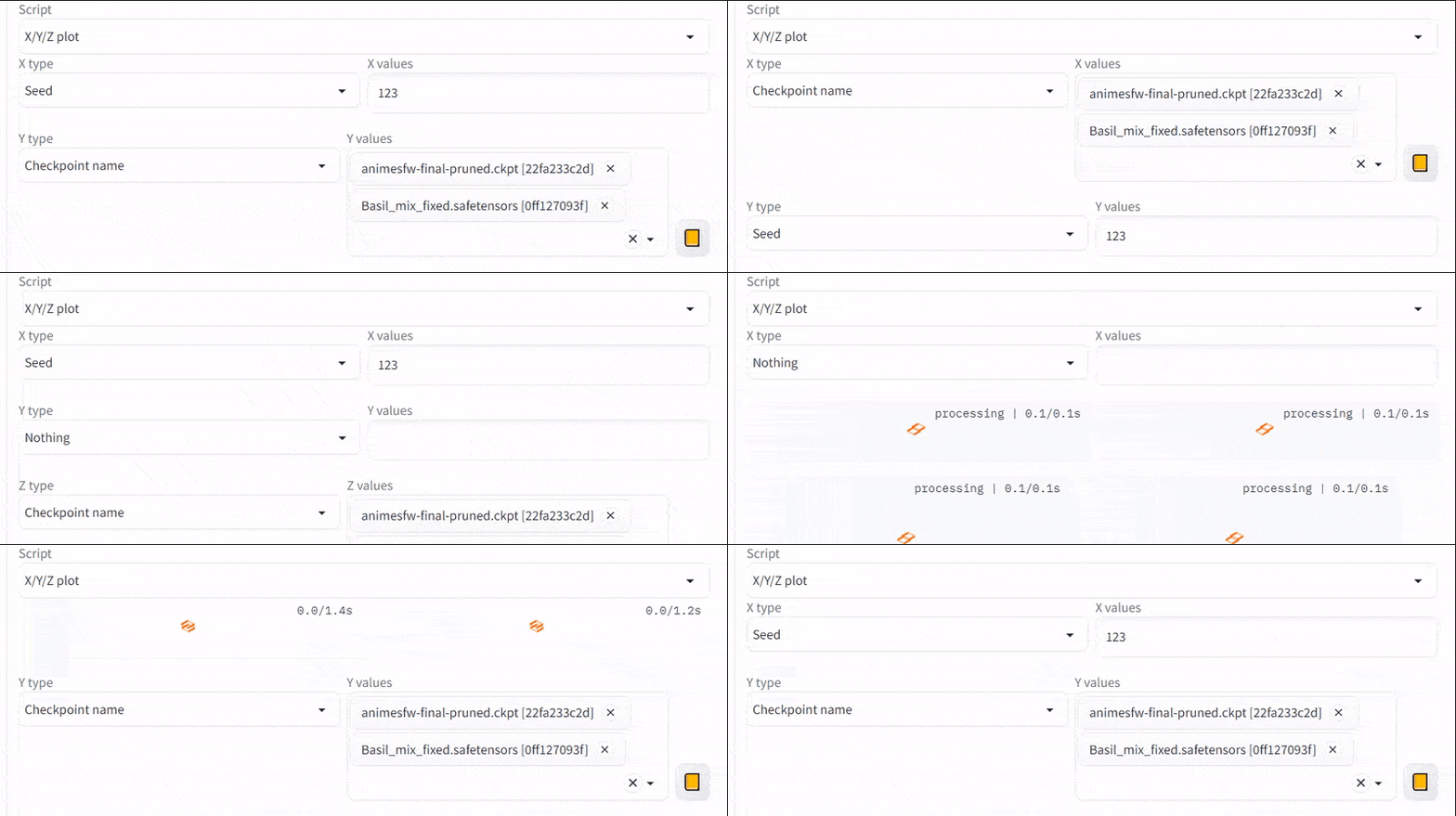
@pangbo13 Even though it works, the Swap Button is completely broken, the Textbox and Dropdown change visibility when swapped causing the positions to swap as well, with this hilarious result, it feels like another bug.

@pangbo13
def swap_axes(axis1_type, axis1_values, axis1_values_dropdown, axis2_type, axis2_values, axis2_values_dropdown):

    def has_choices(x):
        return self.current_axis_options[x].choices is not None

    result = (not has_choices(axis2_type), not has_choices(axis1_type))
    return self.current_axis_options[axis2_type].label, axis2_values, axis2_values_dropdown, gr.update(visible=result[0]), \
        self.current_axis_options[axis1_type].label, axis1_values, axis1_values_dropdown, gr.update(visible=result[1])

x_args = [x_type, x_values, x_values_dropdown]
y_args = [y_type, y_values, y_values_dropdown]
z_args = [z_type, z_values, z_values_dropdown]
swap_xy_axes_button.click(swap_axes, inputs=[*x_args, *y_args], outputs=[*x_args, x_values_wrapper, *y_args, y_values_wrapper])
@Sakura-Luna
It seems that on Gradio 3.16, after the swap_axes is executed, subsequent events are not triggered normally.
Everything looks fine on Gradio 3.23.
I've grown to hate Gradio, it's so crude that it's only good for demos and shouldn't be considered for any actual production project.
