
stable-diffusion-webui
 stable-diffusion-webui copied to clipboard
 AUTOMATIC1111
[Bug]: "Inpainting conditioning mask strength" value between >0 and <1 results in desaturated colors
Is there an existing issue for this?
- [X] I have searched the existing issues and checked the recent builds/commits
What happened?
Hi,
When inpainting with "conditioning mask strength" set to a medium value (i.e. between ~0.25 and 0.75), the colors in the inpainted region become washed out. This seems to happen regardless of selected model - I encountered the bug with base SD 1.5, SD 1.5 inpainting, and a custom inpainting model.
It is perhaps worth noting that the colors seem to be correctly preserved in standard img2img mode.
Steps to reproduce the problem
- img2img tab, Inpaint subtab
- Mask out a region
- Set "Inpainting conditioning mask strength" to a value around 0.5
- Press Generate
What should have happened?
The colors within the inpainting region should maintain a similar level of saturation as the source image.
Commit where the problem happens
Commit hash:
What platforms do you use to access UI ?
Windows
What browsers do you use to access the UI ?
Brave
Command Line Arguments
N/A
Additional information, context and logs
N/A

By the way, this is particularly noticeable at high denoising strength.
Here is an example.
The inpainted region is "tommy wiseau"--a man with dark hair--but you can see him and his hair become increasingly light/pale as Conditioning Mask Strength goes up. It's not until you get very close to 1.0 strength (~0.95) that the correct hair color is restored.
CFG is 7, denoising strength is 1, the seed is 100.
Original image:
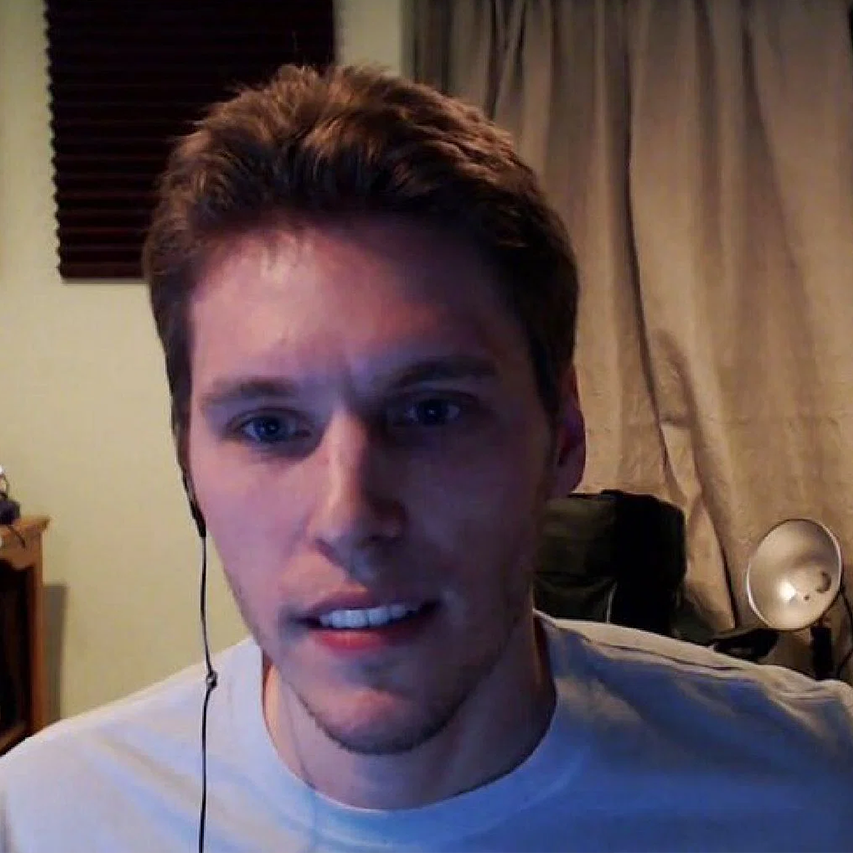
0.00 strength: https://i.ibb.co/fC2LXsC/0cond.png 0.25 strength: https://i.ibb.co/gjy1gQ9/25cond.png 0.50 strength: https://i.ibb.co/QQVspBQ/50cond.png (notice also the chair in the back - stark color contrast) 0.75 strength: https://i.ibb.co/3Ty47qm/75cond.png 0.90 strength: https://i.ibb.co/85N9yBW/90cond.png 1.00 strength: https://i.ibb.co/Y2YKV79/100cond.png
This test is very easy to reproduce by inpainting a subject who has stark contrast between hair color and skin tone.
Replacing lines 183-188 of modules/processing.py with conditioning_mask = source_image.new_ones(1, 1, *source_image.shape[-2:]) seems to work a lot better, though I won't pretend to know why.
Replacing lines 183-188
I tried replacing all of those lines and it stopped Stablediff working, would you mind showing exactly what you replaced?

Hi, has there been any development towards this problem? Or at least identify what could be causing the issue?

I tried replacing all of those lines and it stopped Stablediff working, would you mind showing exactly what you replaced?
Hi, sorry for the delayed response, I just saw your question.
The line numbers have changed, but this is the part of the modules/processing.py code I'm talking about:
        # Handle the different mask inputs
        if image_mask is not None:
            if torch.is_tensor(image_mask):
                conditioning_mask = image_mask
            else:
                conditioning_mask = np.array(image_mask.convert("L"))
                conditioning_mask = conditioning_mask.astype(np.float32) / 255.0
                conditioning_mask = torch.from_numpy(conditioning_mask[None, None])

                # Inpainting model uses a discretized mask as input, so we round to either 1.0 or 0.0
                conditioning_mask = torch.round(conditioning_mask)
        else:
            conditioning_mask = source_image.new_ones(1, 1, *source_image.shape[-2:])
Replace it with the following:
        # Handle the different mask inputs
        if image_mask is not None:
            if torch.is_tensor(image_mask):
                conditioning_mask = image_mask
            else:
                conditioning_mask = source_image.new_ones(1, 1, *source_image.shape[-2:])
        else:
            conditioning_mask = source_image.new_ones(1, 1, *source_image.shape[-2:])
Unfortunately, I don't know enough about the inpainting model to understand what the original code is supposed to do. If someone could enlighten us, I would be happy to open a PR with my fixed version.
The comment here by Cooler3D has borderline CP in the spoiler tag wtf? It doesn't seem I can report this, @AUTOMATIC1111 please remove his comment
Apologies for bumping this thread, was just lurking and was involuntarily shown borderline AI generated CP so wanted to flag so no one else hits this. I've reported his account in the meantime
edit: looks like his account has been banned and comment has been removed
