AUTOMATIC1111
[Feature Request]: Show the unique data for each image when selected.
Is there an existing issue for this?
- [X] I have searched the existing issues and checked the recent builds/commits
What would your feature do ?
As far as I can tell when generating images only the first prompt is shown, no matter how many images are generated. By which I mean, you could generate several images, but only see one seed even if it was random:
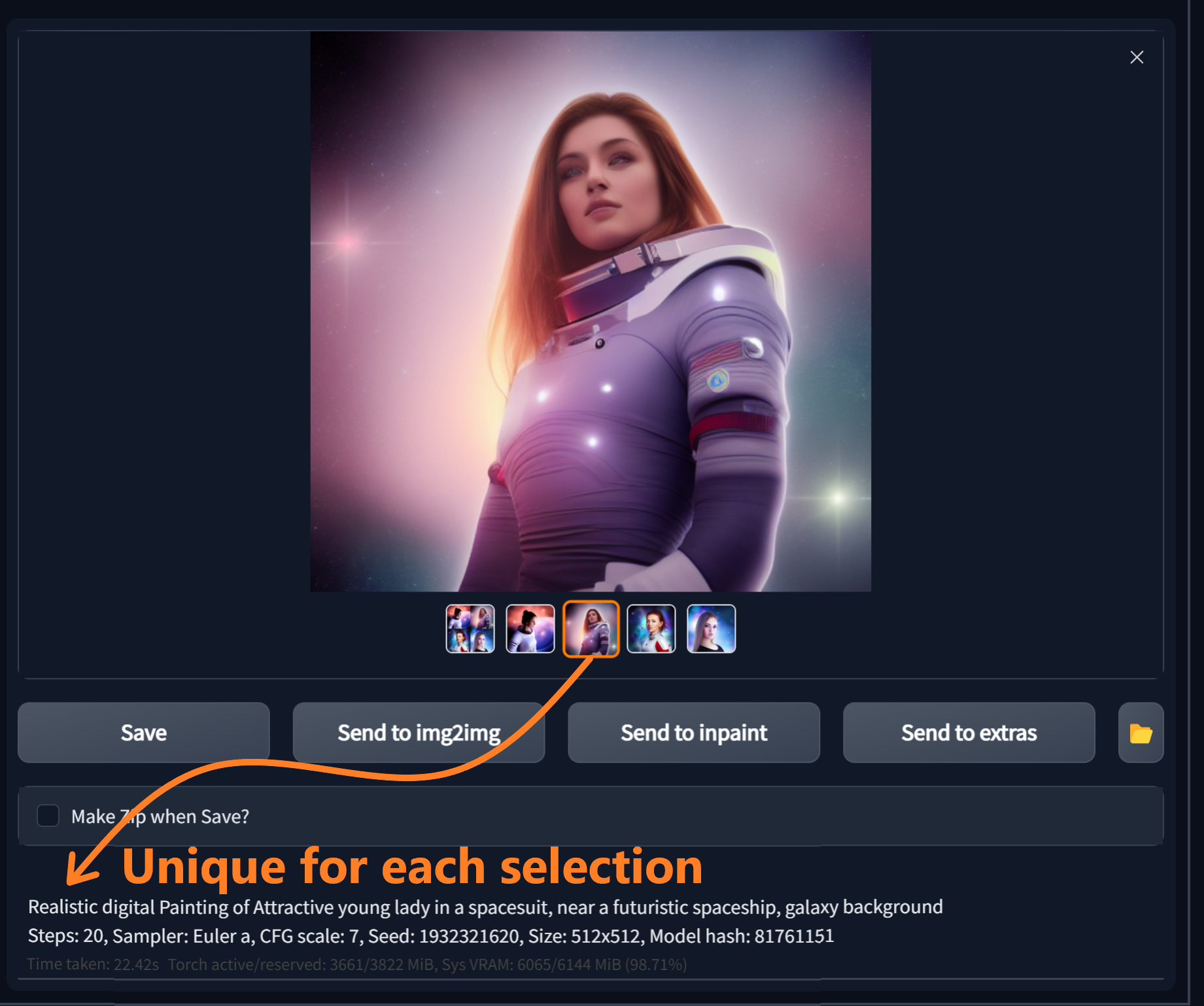 With scripts it is possible to generate images with a bunch of different keywords and parameters, all under the same run. So it would REALLY help if we could see the parameters of each image down there as it is selected. Sure, you can read the data from the image with utilities, but that seems a little extreme.
If there already is a way to do this with scripting I would greatly appreciate someone sharing it. Thanks!
Proposed workflow
Generate multiple images. When you click the image in preview, it's unique prompt is shown below.
Additional information
No response

Sure, you can read the data from the image with utilities, but that seems a little extreme.
There's an option to create a separate txt file for each image that has all this information in it. It definitely shows each different seed or CFG scale even if the images were generated as part of a script.

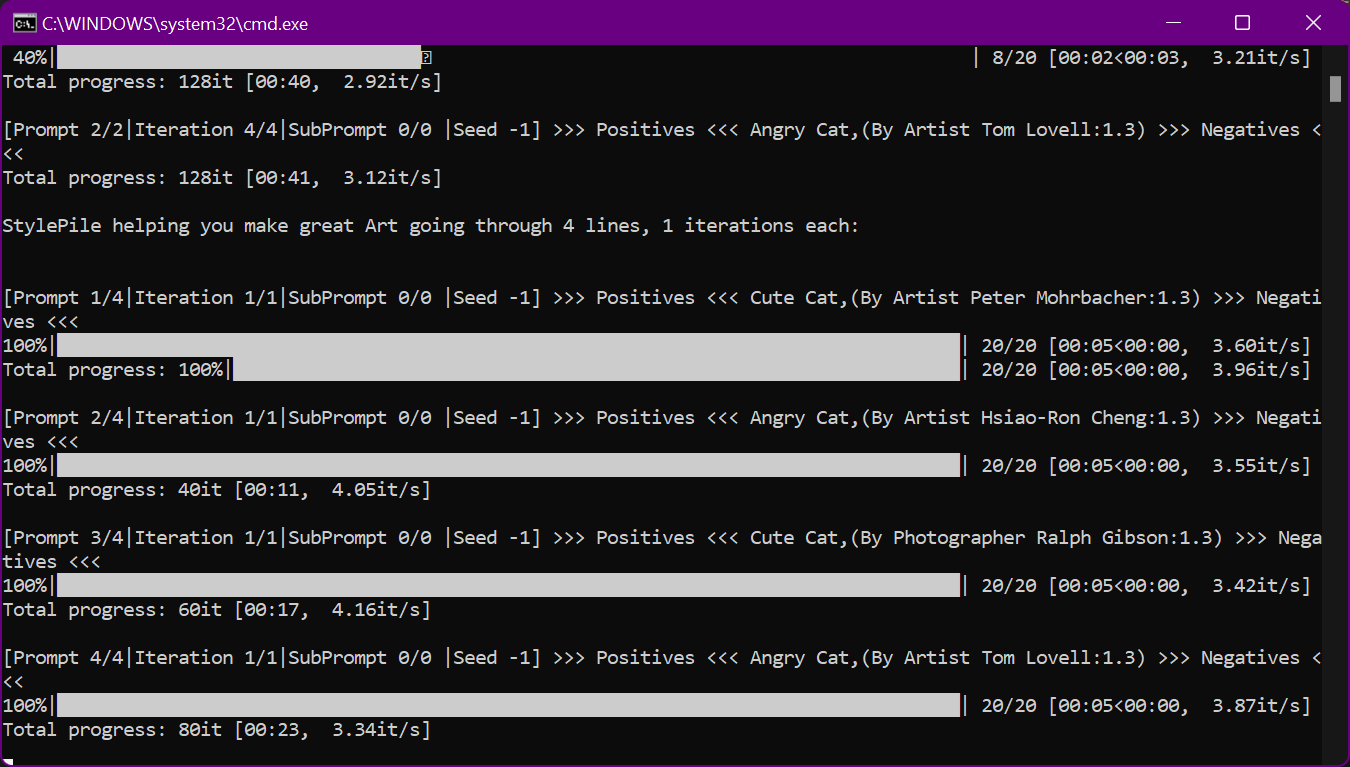
Yeah, would be great to get that data on-screen right at the preview stage. The script I'm working on can have some massive variety per batch, hence the desire to see the data for each image. Like here we are on a single generation, but with 4 different randomly selected artists: