
stable-diffusion-webui

stable-diffusion-webui copied to clipboard
Published
2 weeks ago
•
 AUTOMATIC1111
AUTOMATIC1111
[Bug]: Images are generated with a black border
Is there an existing issue for this?
- [X] I have searched the existing issues and checked the recent builds/commits
What happened?
Generated a bunch of images with version 3e15f8e0f5cc87507f77546d92435670644dbd18 and almost all images had a black border applied to the lower right of images. This applied to txt2img and img2img. The border is typically black but may sometimes have elements bled into them, such as the stars in one of the images below.

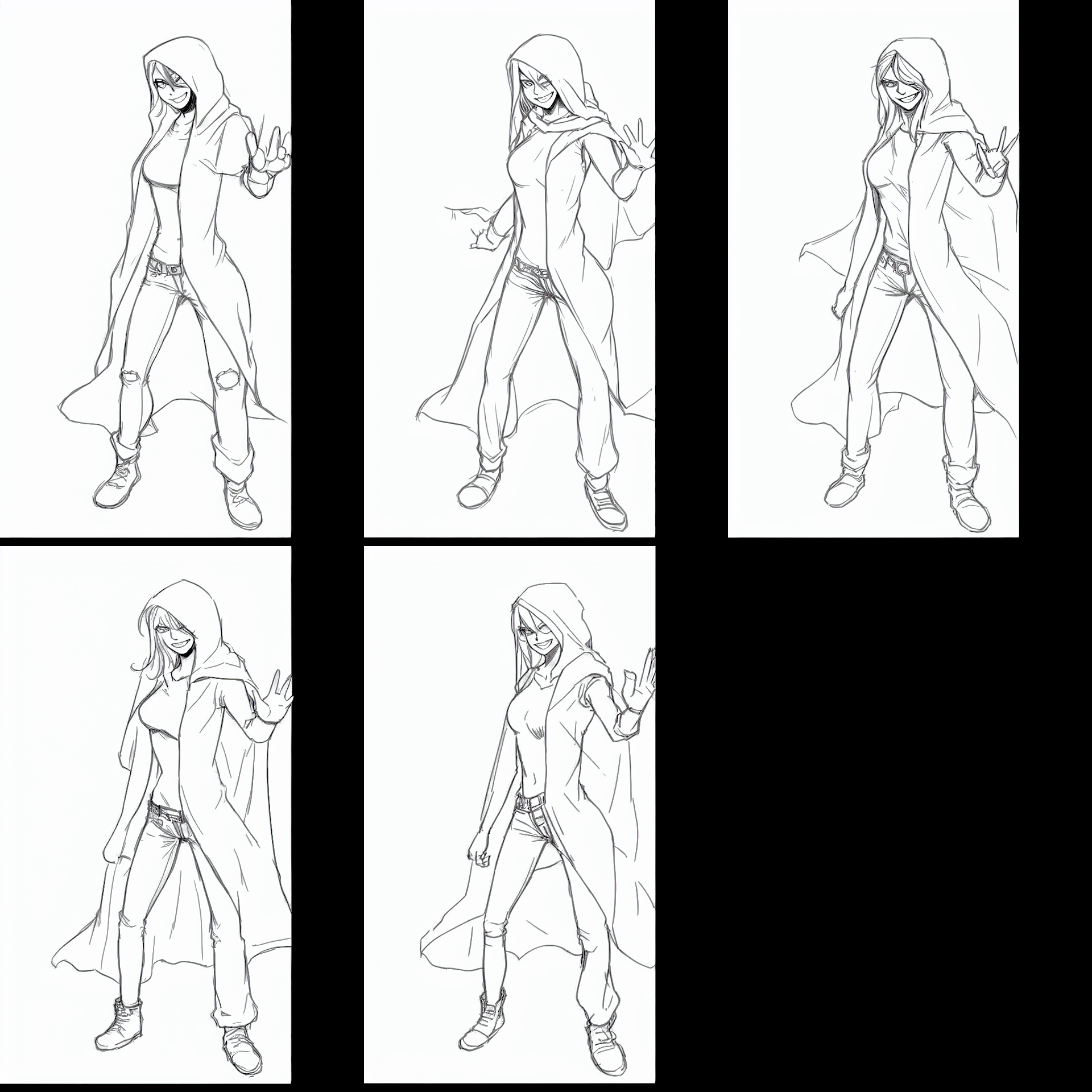

Steps to reproduce the problem
- Launch stable diffusion with xformers (may not be necessary)
- Select your model (used wd-v1-3-full.ckpt
- On txt2img enter a prompt
- Select any sampler (occurred on all of them)
- Generate images
What should have happened?
Images are generated normally, without a black outline added
Commit where the problem happens
3e15f8e0f5cc87507f77546d92435670644dbd18
What platforms do you use to access UI ?
Windows
What browsers do you use to access the UI ?
Microsoft Edge
Command Line Arguments
--deepdanbooru --xformers
Additional information, context and logs
Not all images had the border issue, but after cycling an image back through img2img, it eventually had one force applied, regardless of size or steps.
