

 AUTOMATIC1111
[Bug]: Right Edge Outpainting is never correct, where the others are fine.
Is there an existing issue for this?
- [X] I have searched the existing issues and checked the recent builds/commits
What happened?
Using the Outpainting mk2 and using this script one edge at a time shows that the right edge is always a hard edge with no blending, where all other edges seem to blend quite well. I have done over 100 attempts and had the same result regardless of the sampler, steps, or starting image.
Steps to reproduce the problem
- Go to Img2img
- Upload image
- Change sampler and steps to the recommended settings
- Check box for only one edge (top, left, etc)
- All edges will work fine, but not the right edge.
What should have happened?
Right edge should have blended in as well as all of the others.
Commit where the problem happens
df0a1f8
What platforms do you use to access UI ?
Windows
What browsers do you use to access the UI ?
Google Chrome
Command Line Arguments
none
Additional information, context and logs
No response

I've been playing with outpainting a lot because of the 1.5-inpainting model improvements and haven't noticed anything like this as specific to one side. I've had images refuse to go in a direction smoothly, but I've been under the impression that it was due to the lack of noise in that direction, for example I can get a random pattern to outpaint properly essentially forever in every direction,
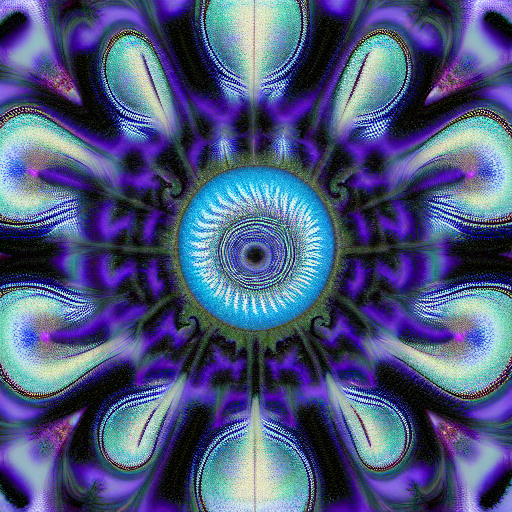
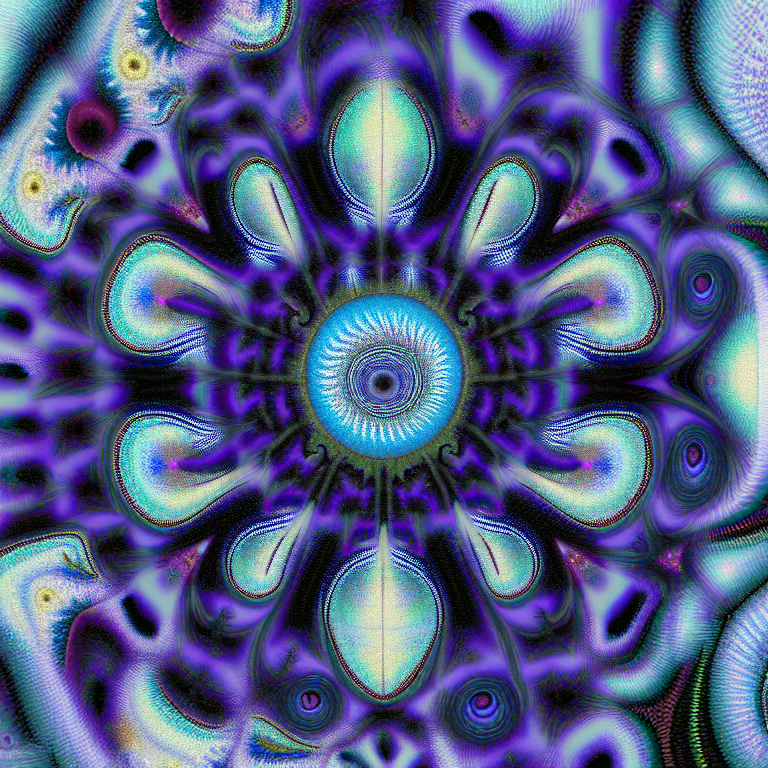 but this image
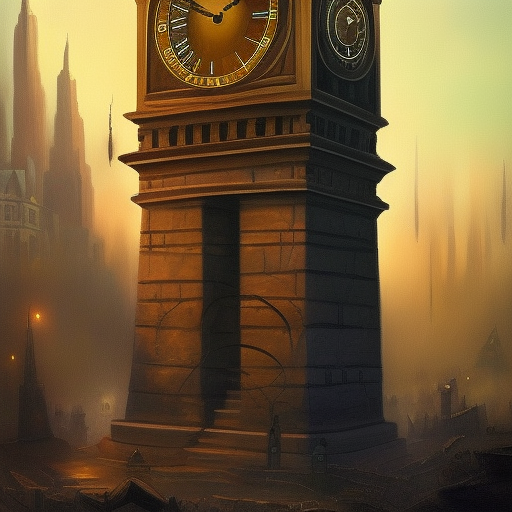 can only go up, left, and right with any consistent degree of success.
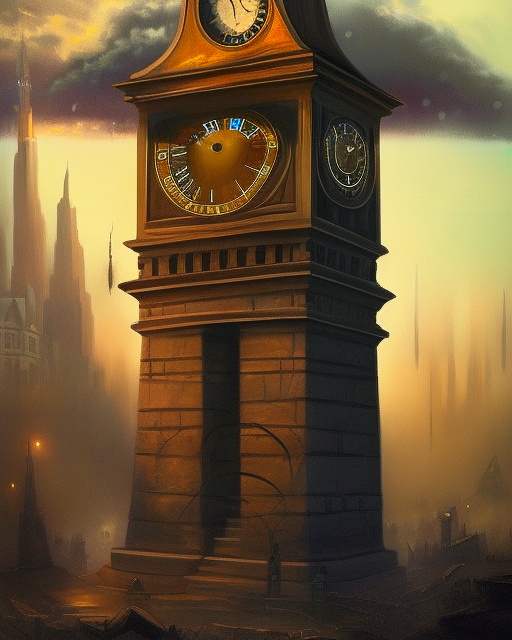
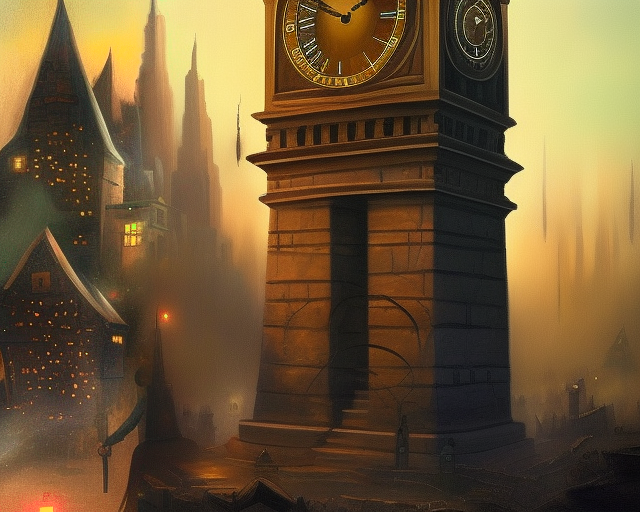
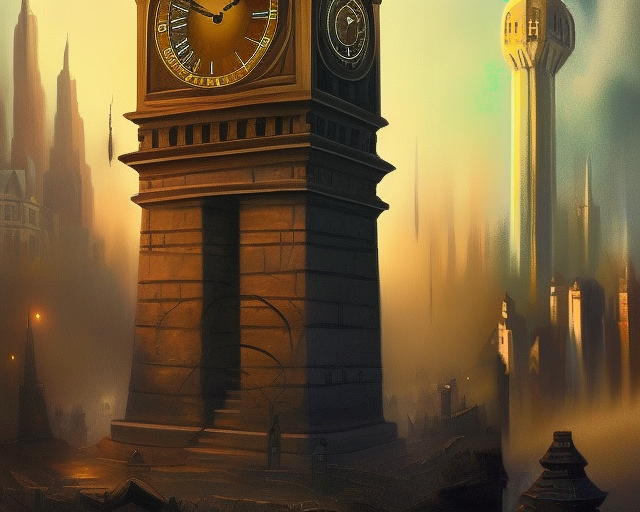
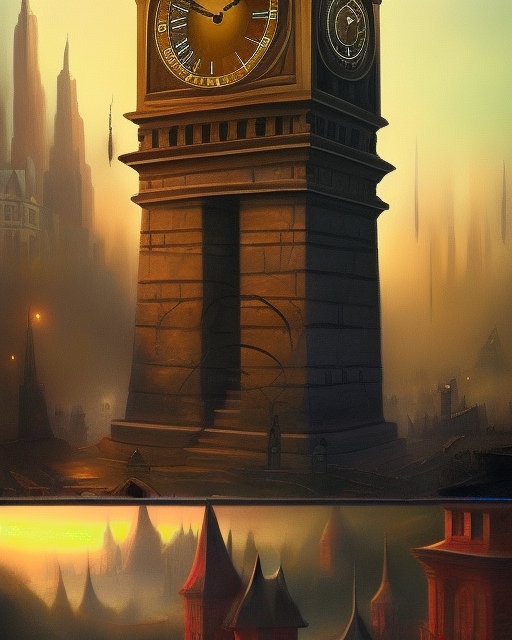 Are your test images similarly quiet on the right? Do you have any examples?

I had experience with "Mask blur" have drastically affecting the resulting outpainted composition. In such degree that I don't understand how it can be called a "blur". It behaves not as blur, but as "diverge".
Try to repeat outpainting mk2 with Mask blur being 0, 4, 8, 16, 24, 32, 48, 64 – and see how the result changes.
My examples:
64: 
48: 
32: 
16: 
0: 

i've found that outpainting mk2 is still broken (using 1.5 inpainting model), the initial noise/fill (of the extended space) is bad and then it can't recover in most cases. poorman's version works ok in most cases.
