
stable-diffusion-webui

stable-diffusion-webui copied to clipboard
Published
4 weeks ago
•
 AUTOMATIC1111
AUTOMATIC1111
[Bug]: Compressed Script UI elements stacked under the Scripts dropdown.
Is there an existing issue for this?
- [X] I have searched the existing issues and checked the recent builds/commits
What happened?
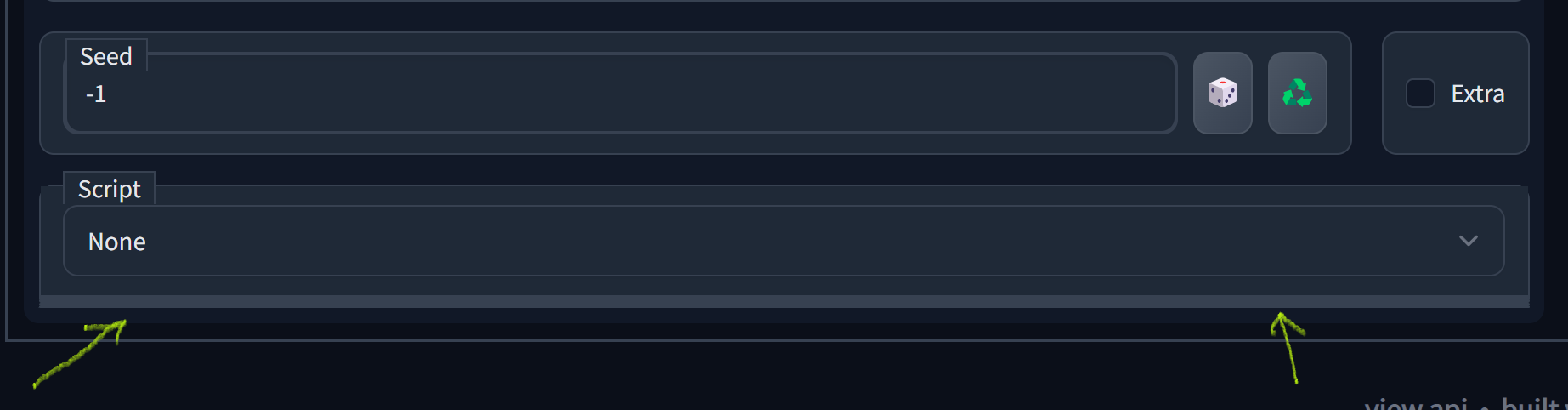
All script UI elements are present under the Script dropdown even when not loaded. They are just empty and thus compressed into lines:
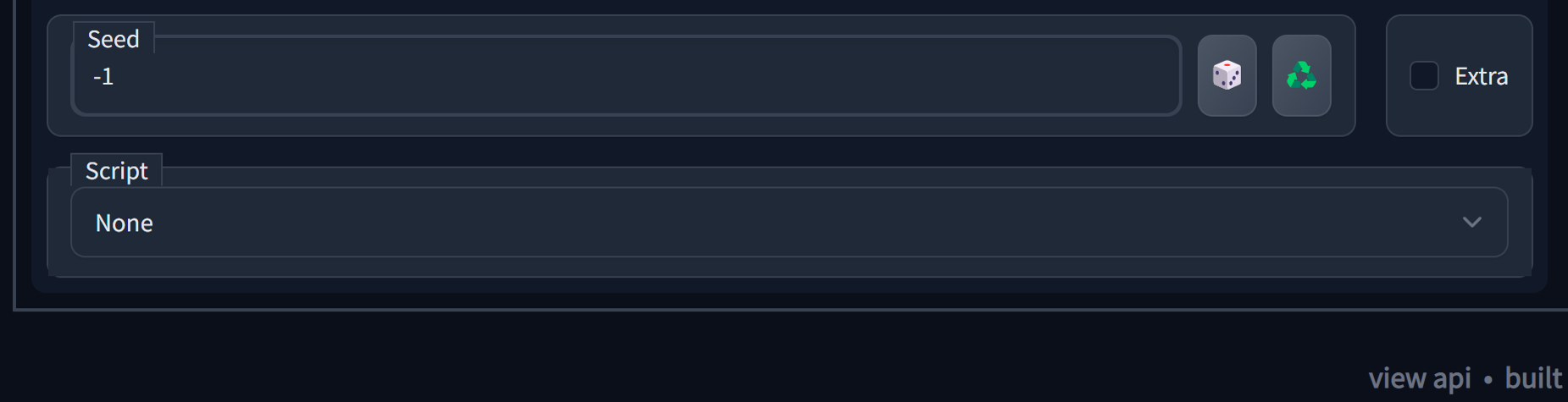
 If we empty the scripts folder that bottom part becomes clear:
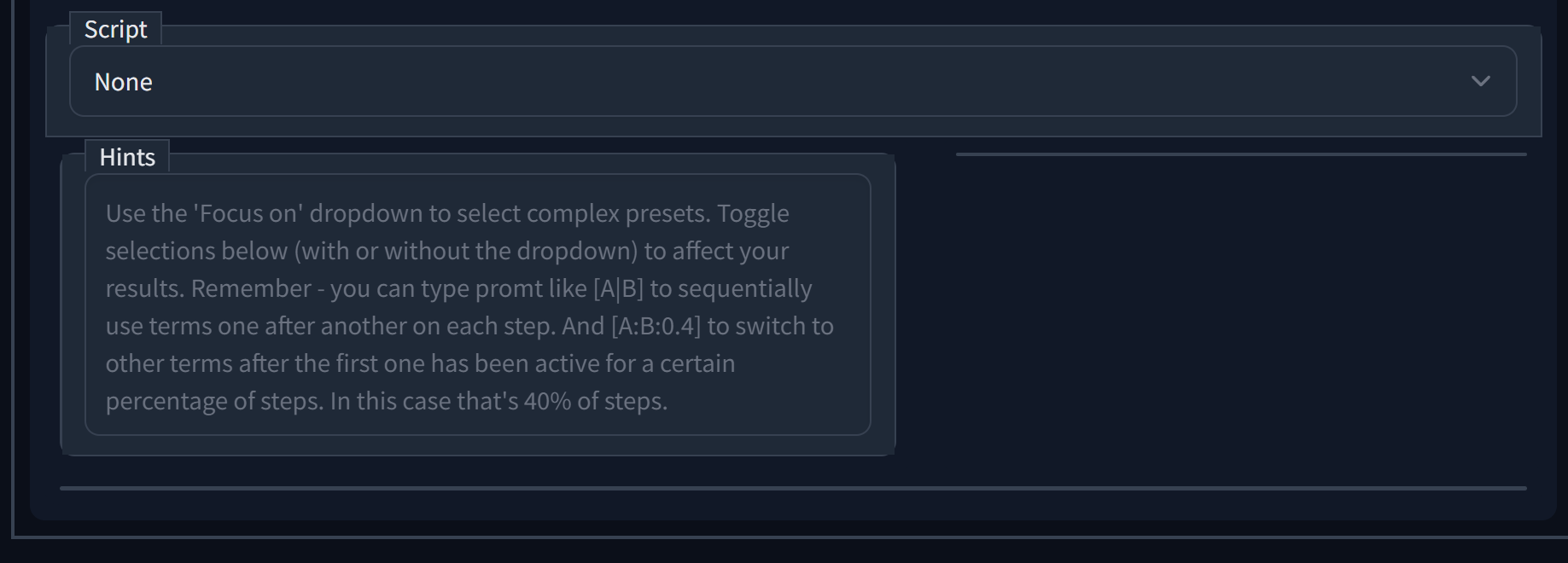
 Found out because my script was using a placeholder text, something that does not get hidden, so it looked like this:
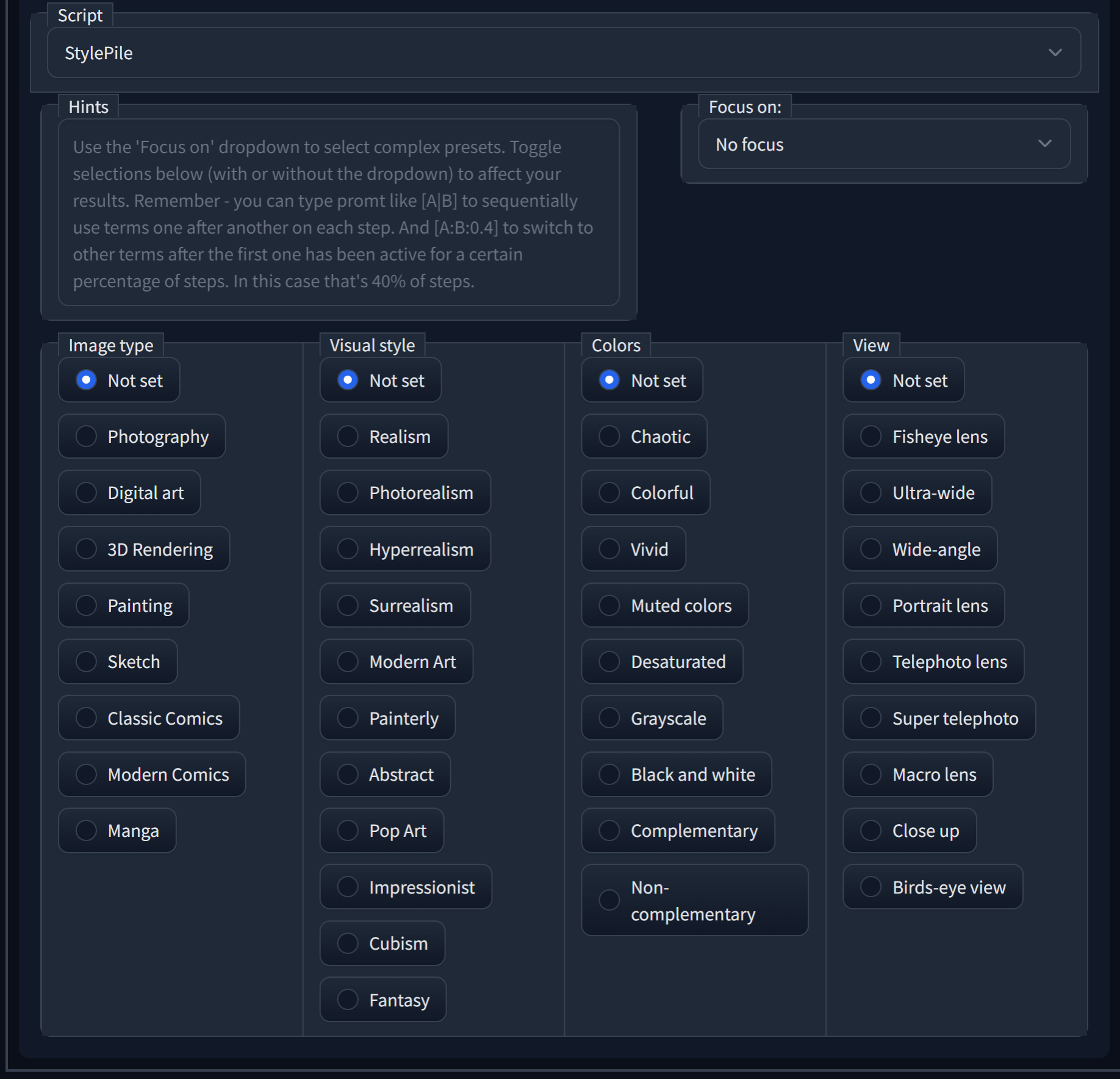
 And then, when the script gets activated like this:
Steps to reproduce the problem
Have some scripts in the scripts folder, I guess...
What should have happened?
Seems like nothing from the script UI should be present before the script is in use.
Commit where the problem happens
f894dd552f68bea27476f1f360ab8e79f3a65b4f
What platforms do you use to access UI ?
Windows
What browsers do you use to access the UI ?
Google Chrome
Command Line Arguments
No response
Additional information, context and logs
No response
