

 AUTOMATIC1111
Crop & Resize, but maintain Aspect Ratio
Right now the options for pasting in an external image into the img2img feature has the options of "resize to match" "crop and resize" and "resize and fill."
Often the image I'm pasting in is just a wee bit bigger than the nice power-of-two values the sliders offer (eg. 1180 instead of 1152) and if this is true in both width and height, the webGUI appears to crop one dimension and then scales the other, leading to a non-uniform scale in the output that is hard to revert. I'd like the option to maintain the aspect ratio where possible.
For example, this input with the dimension of 512x576 results in this output
Note the diagonal white line is perfect crisp pixels, no anti-aliasing, in the input. However in the output:
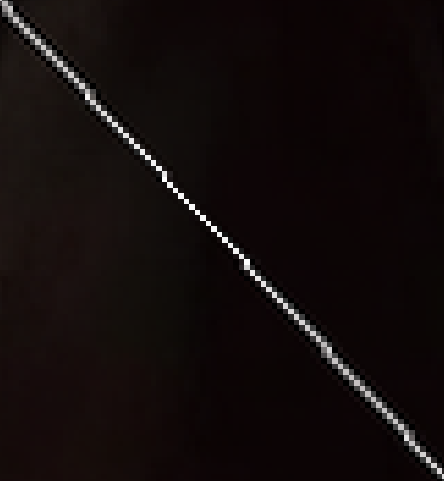
The result has to be scaled up by 101.95% width and 101.56% in order to match the original input, the width needing to be 2 pixels wider than uniform scale.


I too would like to see a way to "lock" the aspect ratio, and slide height or width and have the other automatically adjusted.
