8bitPit
I wish there was support for the 12L taskbar
Is your feature request related to a problem?
https://user-images.githubusercontent.com/74079450/185771252-210f6dc1-2440-4fc9-983f-8e0cb0b780ce.mp4
As in the video, multitasking using the taskbar cannot be used in Niagara. I think Niagara should be able to use Android's powerful multitasking capabilities.
Describe the solution you'd like

Like the one ui 4.1.1 in that video, I would like the Niagara launcher to provide an option so that the part circled in the picture can be used in the taskbar.
Feature Request Procedure
- [X] I have read the knowledge base article on feature requests and followed the steps mentioned

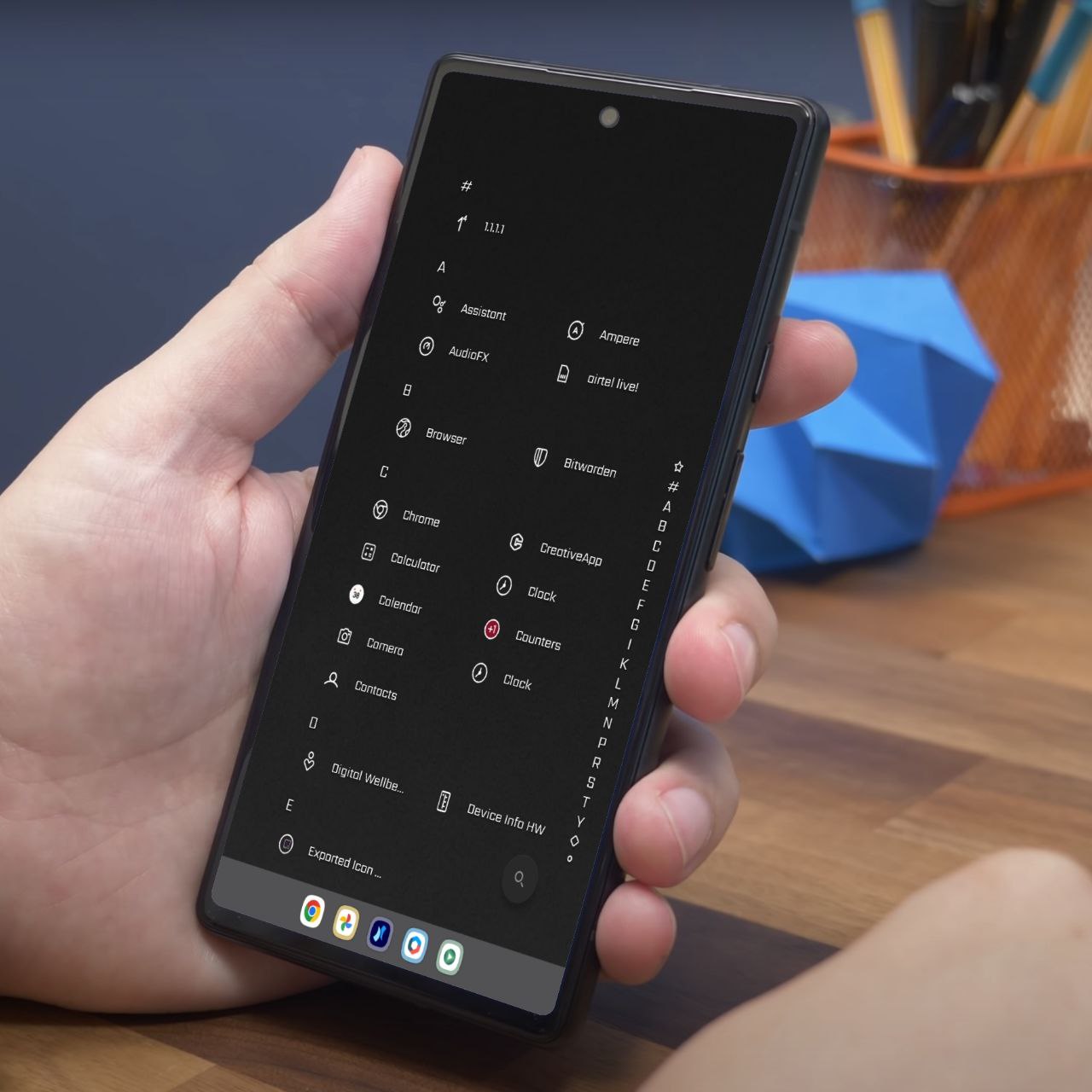
Niagara already supports taskbar if the ROM allows third party launcher to access it as you can see on the image i posted above, in your case Oneui is blocking the access
Here is @Maxr1998 (Co-Dev) response on this matter:
Unfortunately Samsung seems to have disabled it for third party launchers. I'm planning to do some digging to enable the feature even with Niagara, but I can't promise anything. Hopefully Samsung will restore the functionality by default in a future update.

Just came across this article so sharing it here hope it helps:
https://piunikaweb.com/2022/08/25/samsung-galaxy-z-fold-4-taskbar-disappearing-or-crashing-with-third-party-launchers/
We wrote Samsung, and they don't plan to support the taskbar when using a third-party launcher: https://help.niagaralauncher.app/article/135-galaxy-z-folds-taskbar-not-working. That's a shame, but unfortunately, there's nothing we can do about this other than asking Samsung to change their minds.