

 8bitPit
Contacts "Direct Dial" shortcut doesn't work
Describe the bug On my previous phone (OnePlus 8 Pro), I created direct Dial shortcuts for my family members and added them to the swipe menus of the phone app. That way I had easy access to my favorites. On the new phone, a Samsung Galaxy 21 Ultimate, I tried to configure them, with a mixed result:
- When I first tried, it opened Skype
- When I uninstalled Skype (and re-created the shortcut), Niagara said "app not installed"
- Reinstalled Skype, now that I try to jot down the steps to reproduce, it finally says "Shortcut isn't available"
The same procedure works fine with Nova and Smart Launcher, therefore I believe it's a bug. Clearing Data of both Skype and Niagara didn't help.
To Reproduce Steps to reproduce the behavior:
- Install Skype (probably this needs to be done)
- Go to Settings -> Features -> Add Shortcut
- Scroll down to Contacts, select Direct Dial
- choose one of your contacts. Open the newly created shortcut. You might get one of the above results.
Smartphone (please complete the following information):
- Device: Samsung Galaxy S21 Ultimate
- Android version: 11
Screenshots None, they don't make sense.

Tested again, uninstalled everything (Skype, Niagara, Sesame), installed the three again, same thing. I noticed that when zoom is installed, Niagara offers to dial using zoom or Skype, but not the phone app. It's most probably a Samsung issue, Niagara needs a workaround.
Hi, @abonhote, I just tried to reproduce the issue on my Samsung testing device (M31) but I noticed that I couldn't create the shortcut at all in Niagara Launcher version v1.2. I now fixed the bug (the bugfix will be rolled out with v1.3) and the shortcut works fine on my end (I installed Skype before adding the contacts shortcut). The bug you're experiencing might be caused by Sesame, can you try to add the shortcut while the Sesame integration is disabled? You might have to wait for v1.3 to test it, though.
Hi @8bitPit - this is still an issue, unfortunately. If you tell me how to extract the logs, I'll be happy to help.
Thanks for testing. Does the same bug with the shortcuts also occur when using another third-party launcher (e.g., Nova Launcher or Microsoft Launcher)?
Hi! Nope, works fine in Smart Launcher and Nova Launcher. I noticed that Lynx Launcher has the same issue, though.
Hello, just started using Niagara. Samsung Galaxy S21, Android 12. Direct Dial shortcuts not working either. They work on other launchers. Ant suggestions?

I have the same issue. Direct Auto shortcuts are not working for me on Niagara launcher with Sesame Integration. Samsung Galaxy Z Fold3. Android 12.

Thanks for testing. Does the same bug with the shortcuts also occur when using another third-party launcher (e.g., Nova Launcher or Microsoft Launcher)?
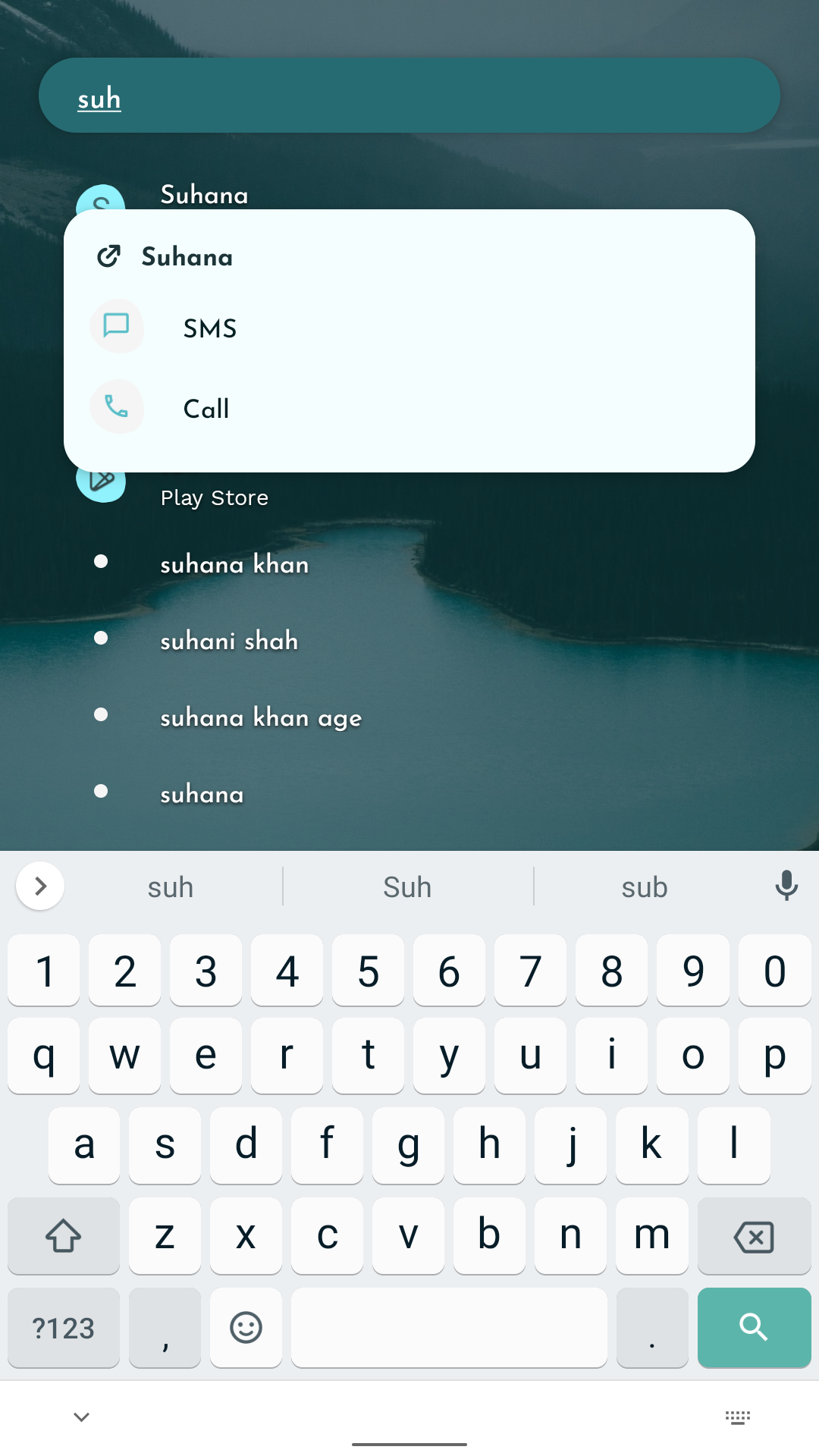
still doesn't on latest beta v1.6.1, i personally don't use sesame it's buggy and messy, and personally don't want to share all this data with sesame and it doesn't even have WhatsApp integration in contact shortcut, we need buy an extra add-on for that, which basically other launchers provide it for free,
i kindly suggest to take this into consideration #1887, this would really make Niagara search more useful and user don't have to take the trouble to install a third party search, as Niagara is about simplicity, sesame integration makes it more complicated, normal users don't even make use of it 🙂

Thanks @topsy-turvy99, we're reconsidering https://github.com/8bitPit/Niagara-Issues/issues/1887 because Sesame has now been acquired by Branch and stopped development. Regarding this issue, if it's caused by Sesame, I'm afraid Sesame won't fix it anymore, and if it's caused by us it's not worth fixing it because we're building our contact search.
We added one final fix in v1.7 that made opening shortcuts more reliable, though. It might also fix the direct dialog bug.