

 6pac
6pac
Chrome > Print > Save as PDF sometimes renders blank or shifted rows
I'm not sure if this is a problem with SlickGrid or possibly with Google Chrome, but I noticed an odd behavior when trying to print to PDF on a webpage containing a SlickGrid. Here are the steps I used to reproduce the issue:
- Go to http://6pac.github.io/SlickGrid/examples/example1-simple.html
- Scroll half way down the table to a random location
- Attempt to save the webpage as PDF
Chrome's dialog window shows a preview of what will be printed. Sometimes, there is a table row that is either blank or shifted down and hidden, as if there is some extra padding inside the cell.
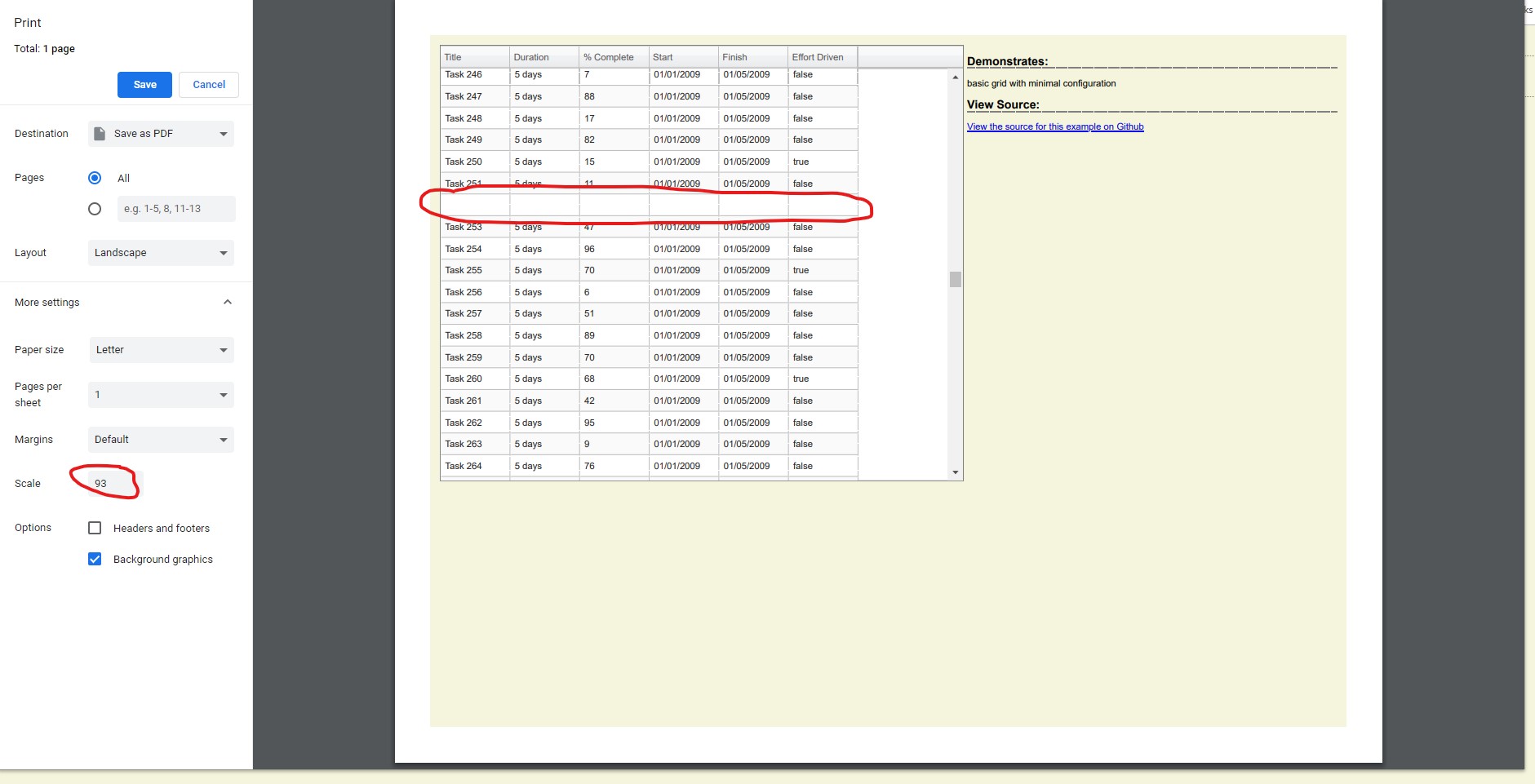
You can see in the screenshot above that I adjusted the scale to 93 and one of the rows is blank. It varies which scale value causes the issue. You might have to play with it for a bit to see it.
I was unable to reproduce the problem by skipping step 2 above, i.e., when not scrolling.
Do you think this is a slickgrid issue or a problem with chrome? Any suggestions for how to avoid this?

Thanks for raising this. It's a strange one, probably due to Chrome scaled rendering interacting with the grid CSS. I would doubt if a fix is practical, even if it were possible.
I think in general, I'd comment that SlickGrid is not really print-friendly. HTML is difficult to make suit different purposes, and we're covering quite a lot already!

I tried replicating with our new Alpine Theme and everything seems fine. Even if it was still an issue, I don't think it's a library issue but much more a browser issue.
Let's close the issue since I can't replicate and we're simply cleaning up old issues
