

 6pac
6pac
Need a way of fixing a column
@6pac @ghiscoding Hi Guys,
In need of locking a column in place but not as a frozen column.
Can I get your guys input.
I've had a look at how the setupColumnReorder() method works and have come up with a bit of a hack.
Need your thought if this would be good enough to put into the implementation or if we can figure out some nicer ideas around it.
Inside the setupColumnReorder method inside the loop to reorder the columns I have added:
var columnDef = columns[getColumnIndex(reorderedIds[i].replace(uid, ""))];
if (columnDef.fixedPosition && columns.indexOf(columnDef) != i) {
    setColumns(columns);
    return;
}
Then in the example that follows I have added fixedPosition = true to the first columnDef result as follows.

This will only work if the columns are on the outside columns
Thoughts???
PS: Another version showing the scrolling left to right
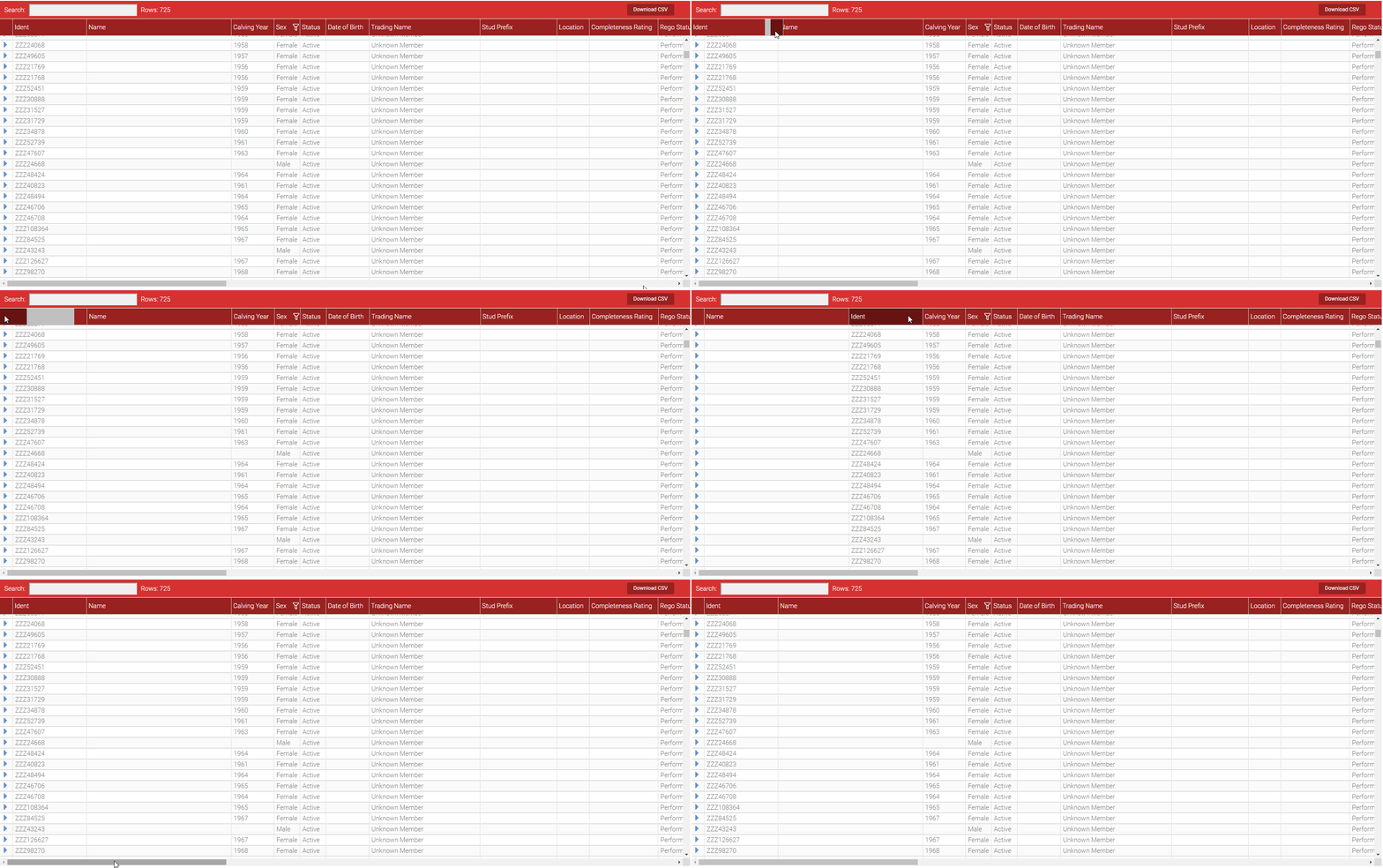

I believe PR #64 was supposed to do that, but this PR is quite old and out of sync

No that PR is to block a column from being part of the column reorder. In other words, if that flag is set to true, user cannot move the specified column.
Ah sorry my bad most of the discussions around frozen columns but your right the PR is about locking.
i'll have a look into at how they did it.
Don't have a problem with this in principle, but I did raise a number of issues regarding the descriptive terms and logic in #64. Terms can maybe be 'pinning'=row or column 'scroll-locking', and 'fixed columns'=column 'drag-locking'. Re the logic, for example, drag-locking any but the n left or n right columns doesn't make sense, and the logic needs to stop non-drag-locked columns being dragged within or to the outside edge of the locked column block.

@6pac I see so you are saying you would want to treat it like the frozen columns. Something the equivalent to frozenRow: X
e.g lockedOrderColumnsFromLeft: 2 lockedOrderColumnsFromRigth: 4
Assuming we had 8 columns this would mean only the 3rd and 4th column could be dragged.
Likely safe to say you cannot used frozen and LockedOrder together?
I think it's true that scroll-locked columns should also be drag-locked. But I suppose you could also have additional drag-locked columns not scroll-locked :-)
Not really intuitive how that would work!
I suppose for arguments sake the drag locked column count would either include the scroll locked columns (in which case we'd need a >= check, a bit messy) or would be additional to it and start at the inner edge of the scroll locked columns.
However, before we get into that, do you at least agree with what I'm proposing above? I can't see that it would make sense to have a column/block drag-locked that wasn't on one edge, unless we just wanted to prevent dragging a column into the middle of that block. But I think that's unlikely.
The issue is that even if we prevent dragging of a centre column/block, we could just drag another column to the left or right, which amounts to the same thing as dragging the original column/block.
So that just leaves the case of a block anchored to an edge, with the user unable to drop columns within or to the outer edge of the block.
So unless I am mistaking, you can already set enableColumnReorder: false option to the column you don't want them to be reordered. If that is not what you were looking for then please provide more details but for now I'll go ahead and close the issue.
Also note that a lot changed since this issue was opened, our whole code structure changed (we removed jQuery/jQueryUI and we migrated to TypeScript). If you think this is still a problem then please provide more details.