
PxMatrix
 PxMatrix copied to clipboard
 2dom
2dom
Problem with More than 3 Slabs
Hi, Back again with a query. I am using 40x80 matrix slabs. It works wonderfully well up to 3 slabs. But when I connect 4 slabs, it shows garbled data. Is it something to do with Width exceeding 256 dots or buffer size?
Program code as follows #define SLABS 3 #define PxMATRIX_COLOR_DEPTH 4 #define PxMATRIX_MAX_HEIGHT 40 #define PxMATRIX_MAX_WIDTH 80*SLABS #define PxMATRIX_SPI_FREQUENCY 10000000
void setup() { Serial.begin(9600);
display.begin(10);
display.setMuxPattern(SHIFTREG_ABC);
display.setFastUpdate(false);
display.setTextWrap(false);
display.flushDisplay();
display.setPanelsWidth(SLABS); // Set the number of panels that make up the display area width (default is 1) can be 2 or more
display.setBrightness(100); // Set the brightness of the panels (default is 255)
display.clearDisplay();
display.setCursor(10,17); display.setTextColor(Red); // Welcome message at power on display.print("ABCDEFGHIJKLMNOPQRSTUVWXYZ");
display_updater_enable(true); delay(3000); i=0; }
If I set SLABS as 3 it works well. Photo attached. But when I make SLABS as 4, display gets garbled. Photo attached. Tried changing frequency but there is no effect. It seems it has something to do with buffer.
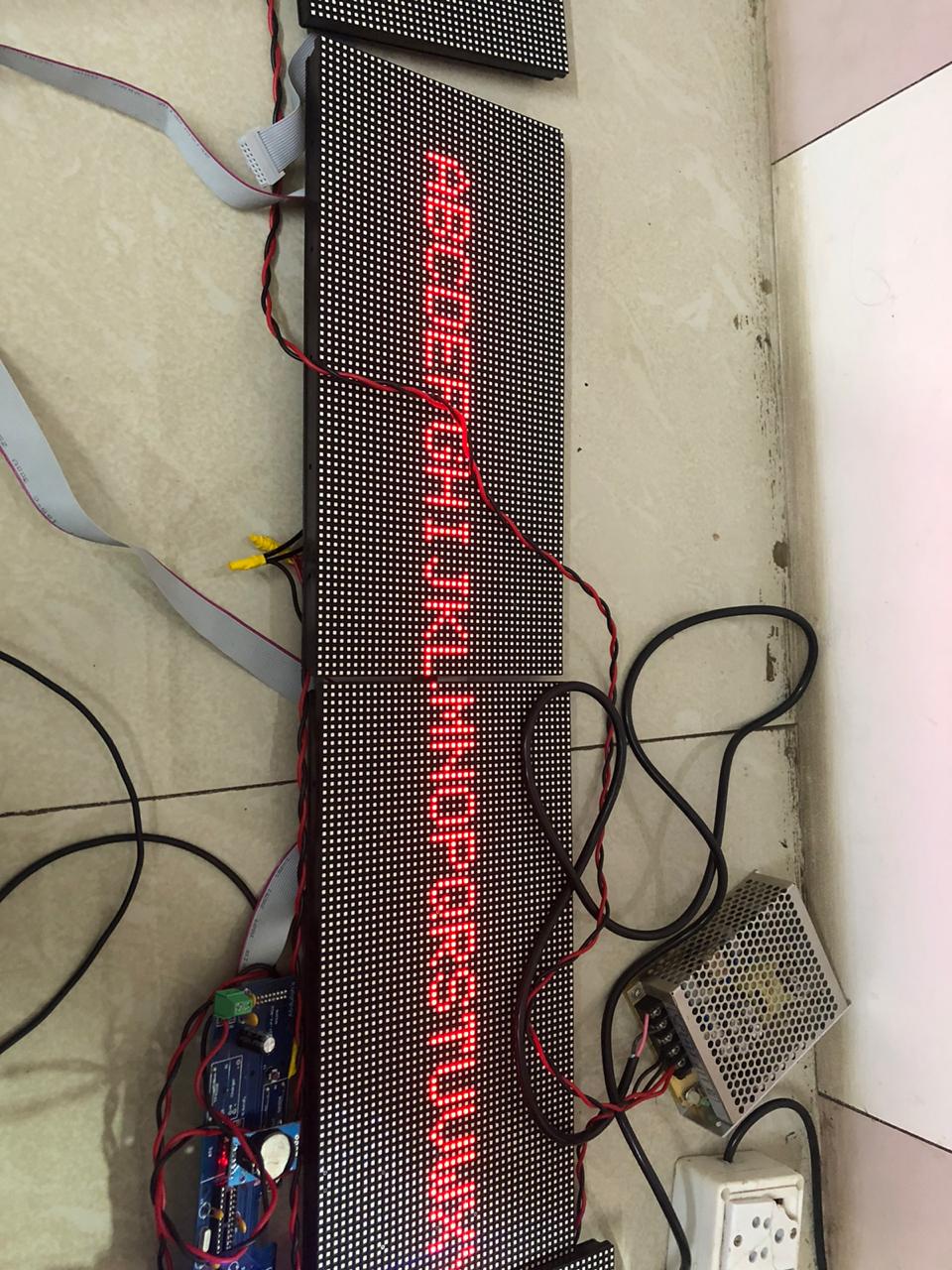
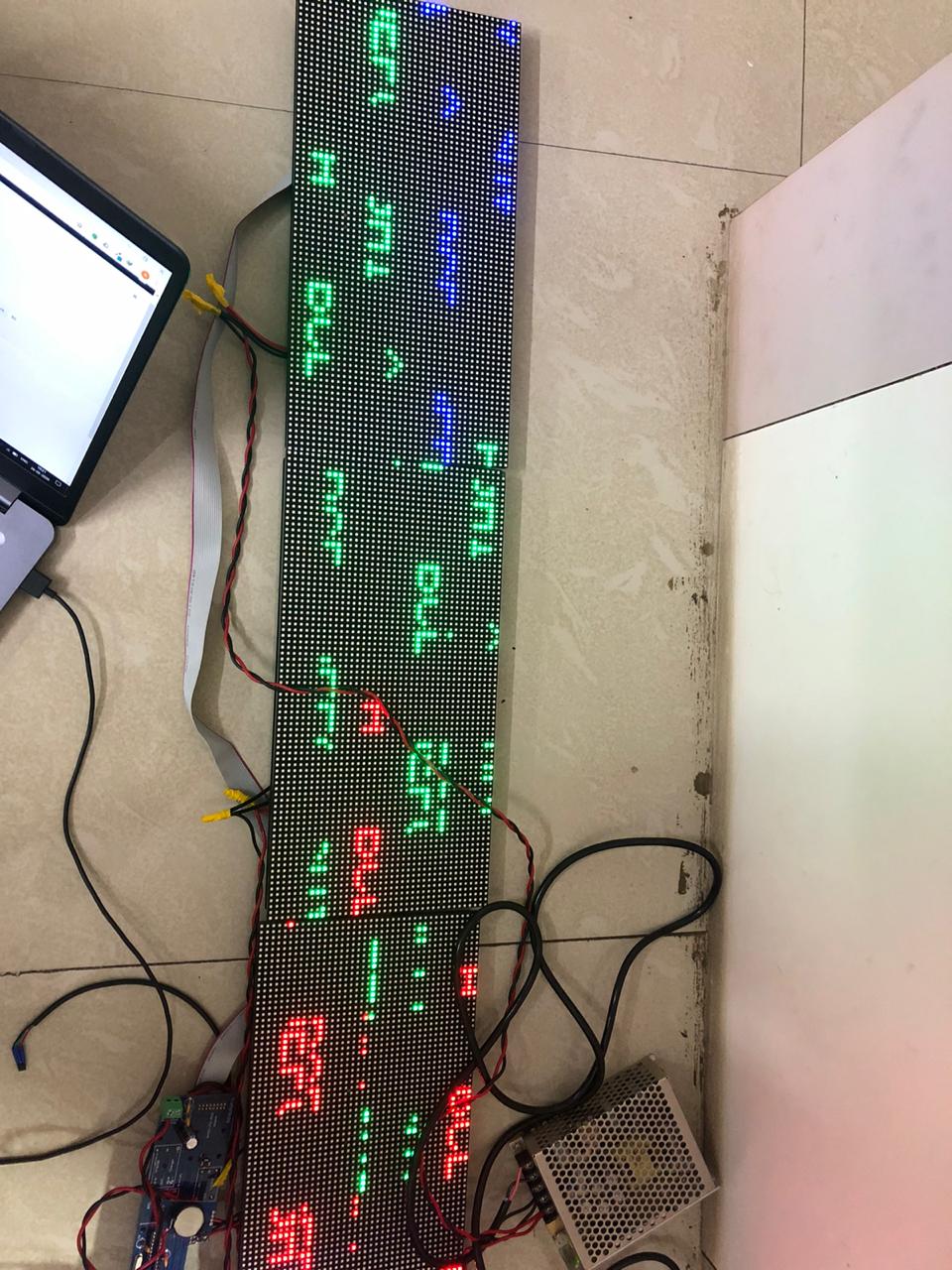

hmm, pixels are not really relevant for the buffer I guess. bytes are. You have 240 pixels per line, which is 30 bytes per color. You have three colors and four lines to push out at once. That's 360 bytes (for two panels its 240 bytes) ... That's suspicious ... But _send_buffer_size is 16 bit. I'll have a closer look...

_width is actually only 8 bit, so you overall display is limited to 256 pixels.
Can you try uint16_t here? https://github.com/2dom/PxMatrix/blob/master/PxMatrix.h#L247
Yes after making it 16 bit it works..... But the colours get mixed up. Red colour shows perfectly well. Other colours get mixed.
Apart from frequency setting, which parameters have impact on this? Also, I find that if I reduce frequency, it gets stuck in the settings itself and does not enter loop. So as much I understand, it is not getting enough time from display updater routine to do any other processing.
when you reduce the frequency, display() and especially the SPI transfer takes more time to run which may cause the WDT to kick in or the ESP to crash. Keep it at 20e6.
Can you post an image/video of the problem?
This is photo with Multi colors
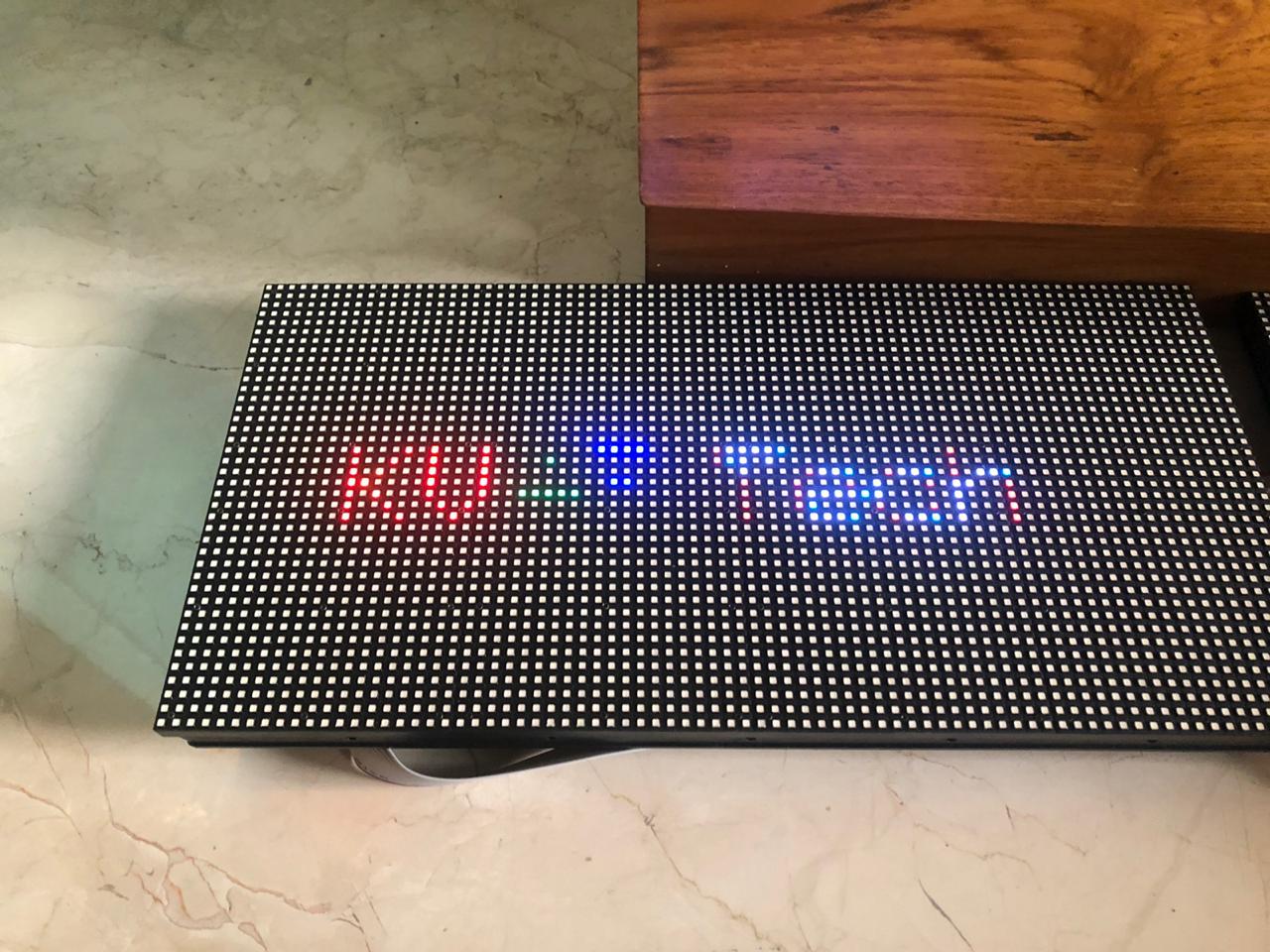
This is with ONLY Red
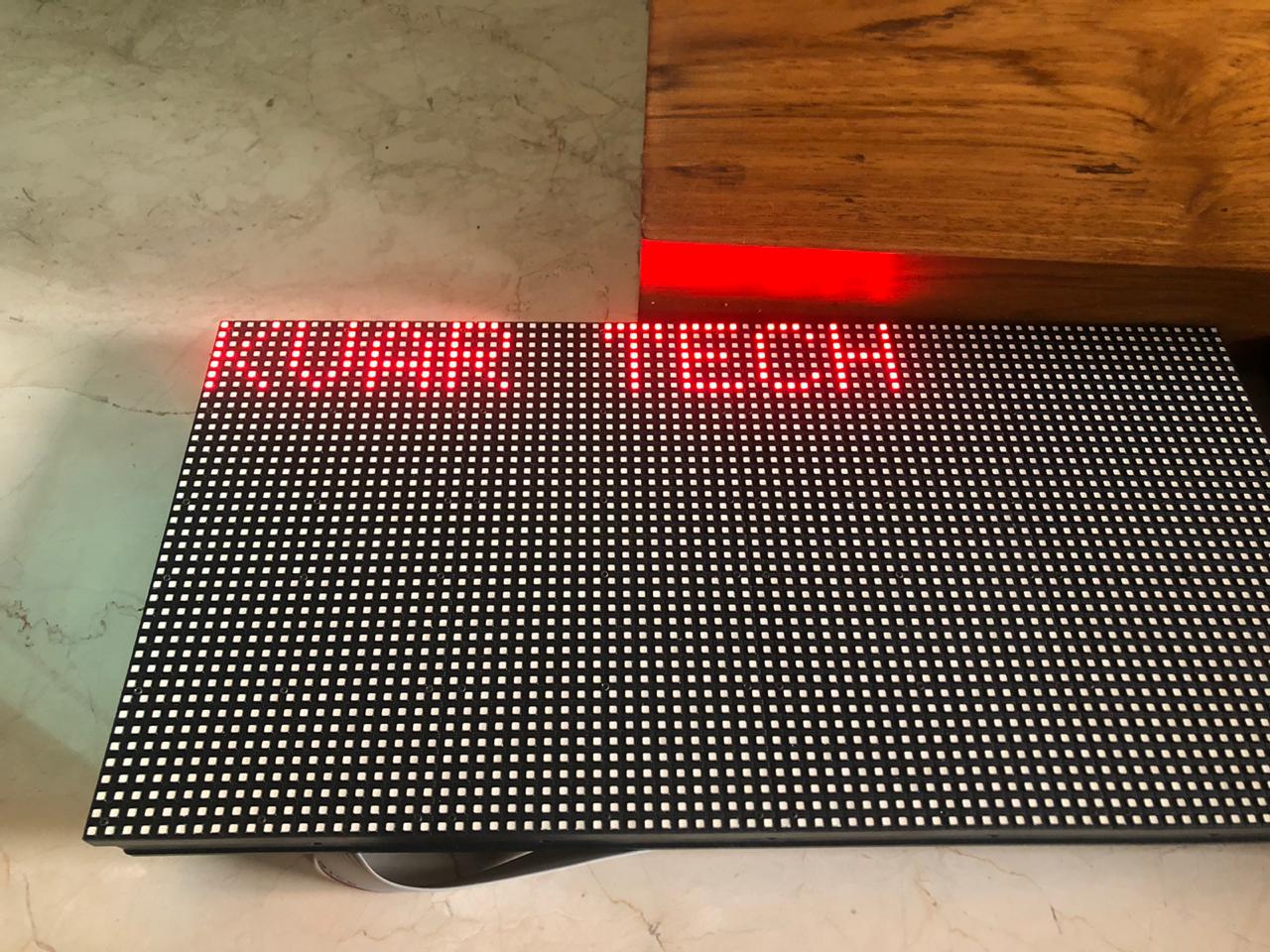
I have connected 5 slabs. Perhaps 400 x 40 are too many dots to handle !
As you can see RED is displayed well. But other colors get get garbled.
Not sure what it should show. Can you draw a white line from (0,0) to (39,39) ? Is this a static error? If not, please make a video.

Has copyBuffer been added as well?
I will share more details of the issue faced later in the day.