
ewc
 ewc copied to clipboard
 23phy
23phy
Allow frame in BrowserWindow
Hi there,
LOVE this project! I was able to get your example going really quickly.
I was attempting to get this working in verminal which is a theme for hyper but hit a snag.
It looks like in your example:
    mainWindow = new BrowserWindow({
        height: 500,
        width: 800,
        transparent: true,
        frame: false
    });
    mainWindow.loadURL('file://' + __dirname + '/index.html');

    electronAcrylic.setAcrylic(mainWindow, 0xFFFFFF);
if you remove the frame: false the acrylic is no longer present 😢

For reference, I was working off of: https://github.com/electron/electron-quick-start

Hey @tylerl0706, thank you for opening an issue. Honestly, I wasn't thinking about this, I've always used frame: false and designing my own title bar. I'll look into it when I get home, that'll be in like 2 hours.

This is not an issue of this package. This is a known issue of Electron. There is currently no way to enable transparency with resizable set to true or with frame set to true.
A fix for this should be discussed on the Electron repository itself, and an open op for it does exist
This issue issue be safely closed :D
/AG

The initial background of the body element is white I believe, try setting a rule in CSS to body element as so:
body {
    background: transparent !important;
}
I'll try this once I get home. Will keep you updated.
Regards, Oliver
As you can see here, all the content area has the background acrylic.
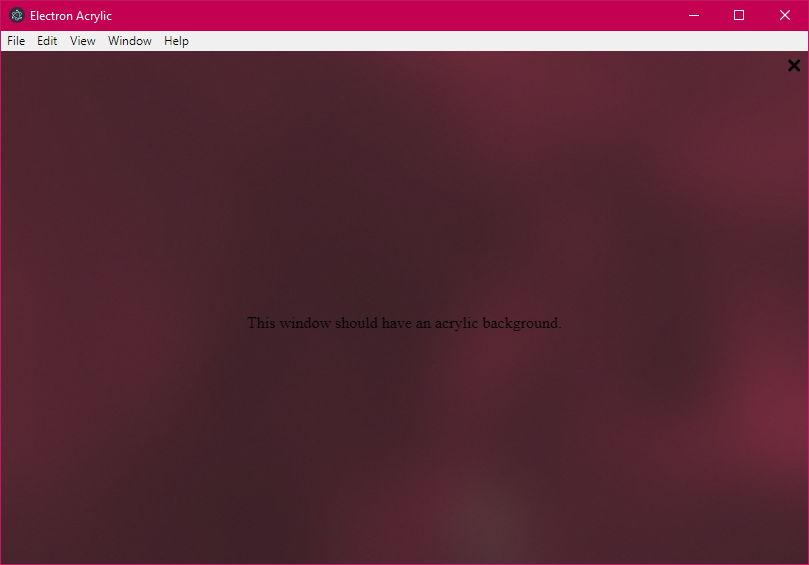
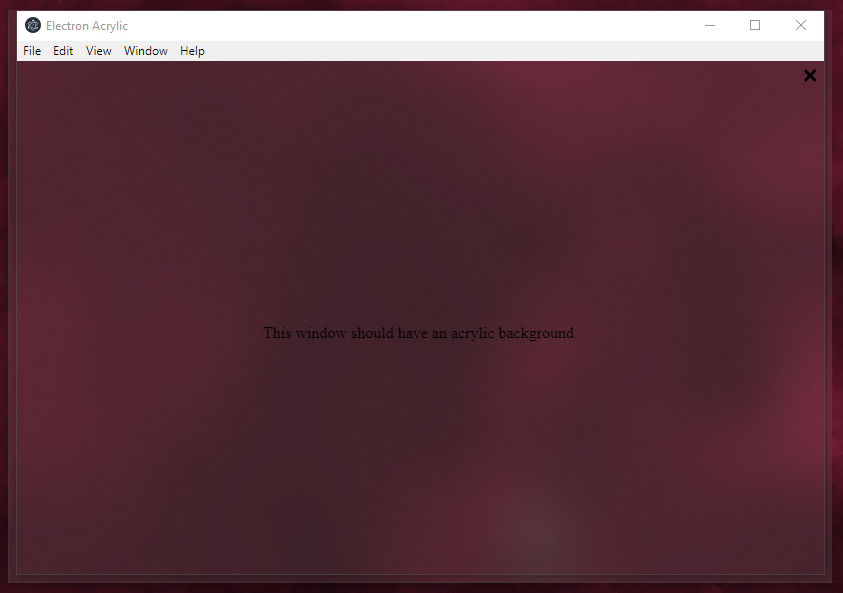 But there's a slight render bug, or this is intentional because of the window shadows? I really have no clue.
The same was asked https://github.com/arkenthera/electron-vibrancy/issues/15, but with blur behind.
Also, using thickFrame: false in the window options, which is used to disable the window shadows and animations, the edge outside is smaller, but you lose the ability to snap, resize, the window shadows and the animations.
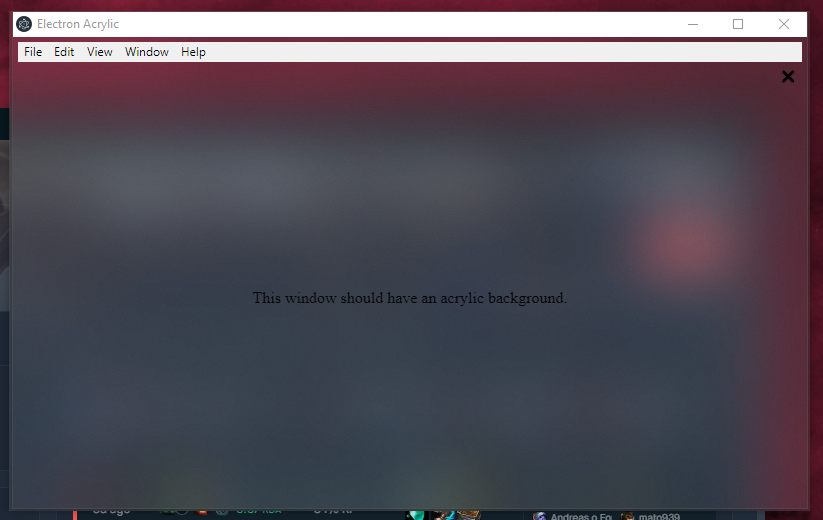
Yes, I noticed this issue. This was also mentioned somewhere in a discussion about Acrylic/Vibrancy on Hyper. It may be to do with the way Electron handles transparency with a frame?
Is there any way you can confirm that the box with frame: false is the exact same size as the framed content (excluding the overflow)
And i seriously doubt that its window shadows, as they exist on the top too, and the left side is way to large to be it.
It would be worth a try adding overflow: hidden in the body, or creating a wrapper for the background effect, and not touching body, and if same thing happens - trying overflow on body (which should be the parent of the wrapper)
I cannot test this myself until Monday.
/AG
There's a CSS rule:
* {
    // ...
    overflow: hidden;
}
It can't be CSS, as that gets applied to html only, and not the wrapper window, did some research yesterday, and I believe it has to do with the way electron is setting the Window Styles, as I noticed that WS_EX_WINDOWEDGE gets applied 🤔 I tried to make another program that can change the window styles, but with no success, as the program is not the owner of the window.