
safe-svg
 safe-svg copied to clipboard
 10up
10up
Consider adding an SVG Gutenberg block
Is your enhancement related to a problem? Please describe.
Attempting to add an SVG onto a page/post with the image block presents all sorts of issues. The core image block expects images to have an intrinsic size even without width & height attributes, as the block uses an extra wrapper div to set the width/height in the editor. This situation leads to all sorts of weirdness with the size of the SVG in the editor vs the front end, as well as often making the image disappear if you select an alignment, or even just remove focus from the block.
Image block with no settings changed, no alignment, selected:

Same as above, block no longer selected:

Block set to align center makes image 0 width again:

On the front end, with no alignment set, the width and height attributes are added, which is a different width than the default width while block is selected from screenshot number 1 above.

Describe the solution you'd like
As the image block seems to be fundamentally unable to handle SVG images, and only with this plugin can you upload SVGs anyways, I propose that the plugin include a custom block for outputting an SVG markup directly.
In places that aren't the block editor, we've used this plugin to allow for SVG uploads and then output the markup in theme code, but we don't have a way of doing that without creating a custom block anyways.
Designs
Describe alternatives you've considered
If it's possible to add support for handling the SVG in the core image block better, perhaps that would be a better route, but I'm not sure if that is feasible and maintainable.
Additional context

A new block wouldn't be ideal since then any block styles added to the Image block wouldn't be available, and it wouldn't fix SVGs when used in other contexts, like the Cover block. (It could be useful as a way to output actual SVG markup instead of an <img> tag, though.)
During theme development I've triaged SVGs without intrinsic widths/heights using a couple bits of CSS when used in the Image and Cover blocks. They obviously might break with future editor changes, and I haven't tested them with lots of different SVGs or in any other stock blocks that use images, like the Media and Text block.
Image block
img[src*="svg"]:not([width]) {
  width: 100%;
}
I added it to a stylesheet registered via add_editor_style, but I'm not sure if there's a different way for a plugin to do it.
Cover block
This fixes the focal point picker in the sidebar:
img[src*="svg"]:not([width]):not([height]).components-focal-point-picker__media {
  width: 100%;
  height: 100%;
}
It has to be injected into the head since it's outside of the actual editing canvas. This is how I've been doing it, but there definitely could be a better way:
function fix_focal_point_picker_svg()
{
  echo '<style>
  img[src*="svg"]:not([width]):not([height]).components-focal-point-picker__media {
    width: 100%;
    height: 100%;
  }
  </style>';
}
add_action("admin_head", "fix_focal_point_picker_svg");

While some fixes to the core/image block to display SVGs correctly would be nice, I am specifically looking for a block that outputs SVG markup. I believe at one point this plugin had a way to do that in the TinyMCE editor(?). I'll update the initial post to be clear about that.
Unfortunately, the style's you've proposed do not work in the current version of the Gutenberg plugin. The core/image block is using display: grid and the <img> tag itself is nested in an unadorned <div>. Even setting width: 100% on both the img and the div aren't fixing the issue for me.
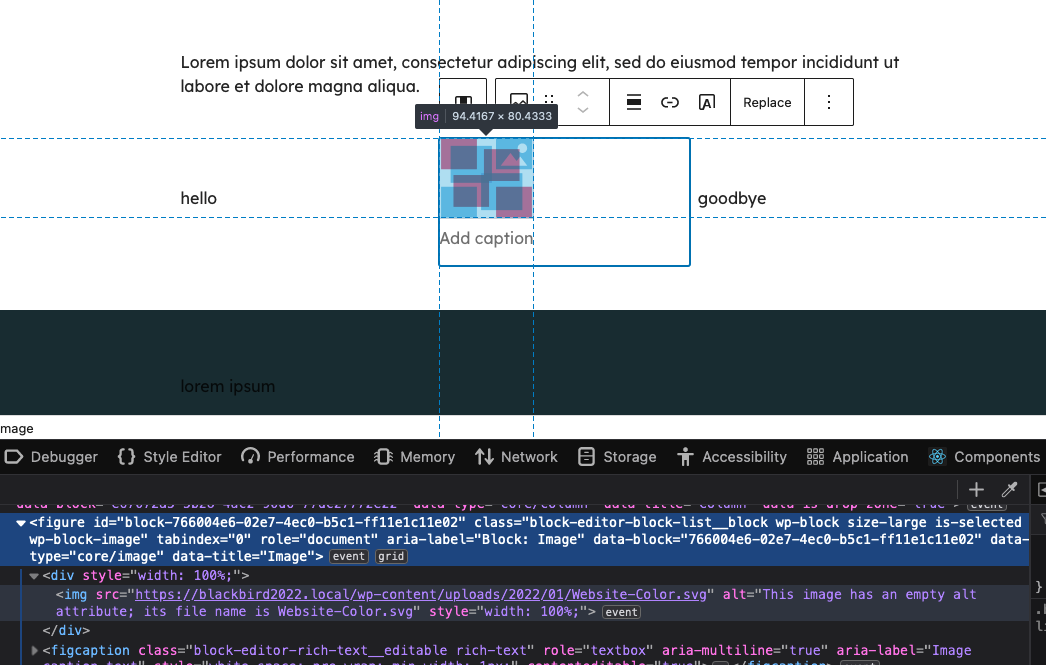
Noting existing plugin already covers this, but probably still worth considering as part of Safe SVG: https://wordpress.org/plugins/svg-block/.

@jeffpaul Just tried that plugin and it works at completely cross-purposes to this plugin, and does not include allowing you to output an SVG from the Media Library! You can only choose from a predetermined set of icons or "upload" the SVG directly to the block (or paste the markup), bypassing the Media Library entirely.
I still haven't found a decent solution to inlining a responsive SVG from the Media Library in the editor other than creating a custom dynamic block myself.
For what it's worth, I wanted to update this issue with information pertaining to my original problem with SVGs and the core image block.
Since SVGs are markup, there are a lot of ways they can be formatted, and a lot of attributes affect the size and resize method of the image. In the case above, the SVG did not have a width or height attribute on the <svg> element, only a viewbox, which is how the SVG was exported from Adobe Illustrator with the "responsive" option checked. I have found that explicitly setting the width and height attribute while also defining a viewbox makes the core image block work the way I expect it to.
I still want the ability to output inline SVG markup, however. Plugins like The Icon Block do this but not from the media library, and they also suffer from the "Unfiltered HTML" problem. To get around this, I propose a dynamic block that displays the SVG in-editor but does not save the markup in the content, instead outputting it via PHP on the front end.