
Notepads
 Notepads copied to clipboard
 0x7c13
Interactable links/URLs
Please make so that, even as an optional settings maybe, the program would recognize http(s) URLs as such, and make them be clicked like an hyperlink, so that they'd be opened on the default browser of the machine.
Currently, URLs are considered as simple plain text and are therefore non-interactable.
Selecting the text of the URL, right-clicking and pressing "search in web" provides a similar result as it opens the URL directly on the browser, but with a lot of unnecessary steps.

Issue-Label Bot is automatically applying the label enhancement to this issue, with a confidence of 0.88. Please mark this comment with :thumbsup: or :thumbsdown: to give our bot feedback!
Links: app homepage, dashboard and code for this bot.
![issue-label-bot[bot] avatar](https://avatars.githubusercontent.com/in/27079?v=4 "Published by a pub.dev verified publisher")
This is interesting. Notepads is about plain text, hence why the hyperlinks aren't displayed as in other apps like Word, for example. On the other hand, the app uses a customized RichEditBox control, so in theory it should be doable to add support for rich text such as hyperlinks.

I remember RichEdit has such a feature built-in but never got time to test it and make it work. @XamDR Feel free to try it yourself.

I remember RichEdit has such a feature built-in but never got time to test it and make it work. @XamDR Feel free to try it yourself.
Thank you. I will try to implement such feature.
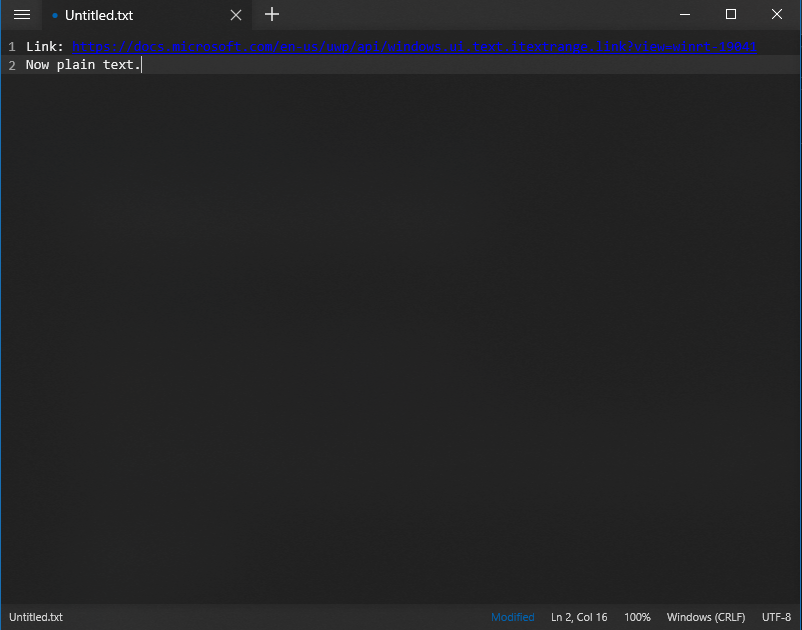
I finally was able to work on this feature and so far Notepads can display hyperlinks, save hyperlinks in .rtf files and also open .rtf files with hyperlinks. I have some screenshots:
-
Pasting a hyperlink:
-
Saving the file with .rtf extension:

-
File saved successfully:

-
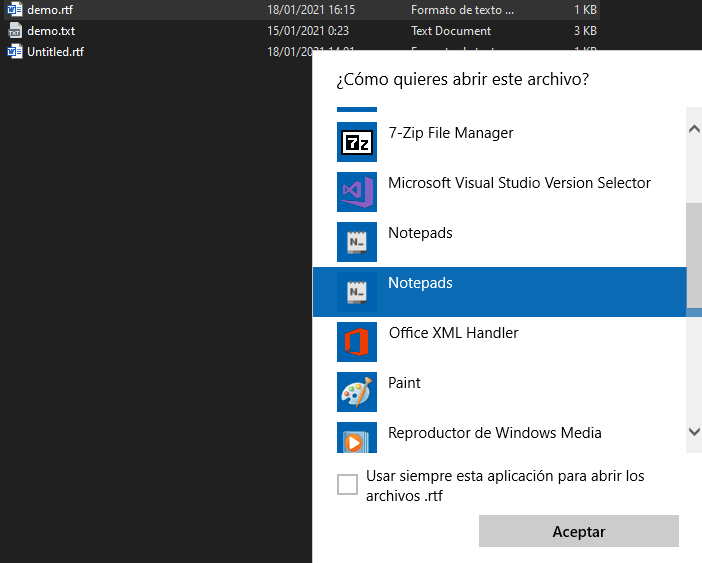
Opening file using the context menu (since there isn't yet an association to a .rtf extension, I tried that way):
-
File opened successfully (there is an extra line at the end, but I think that's a solvable issue):
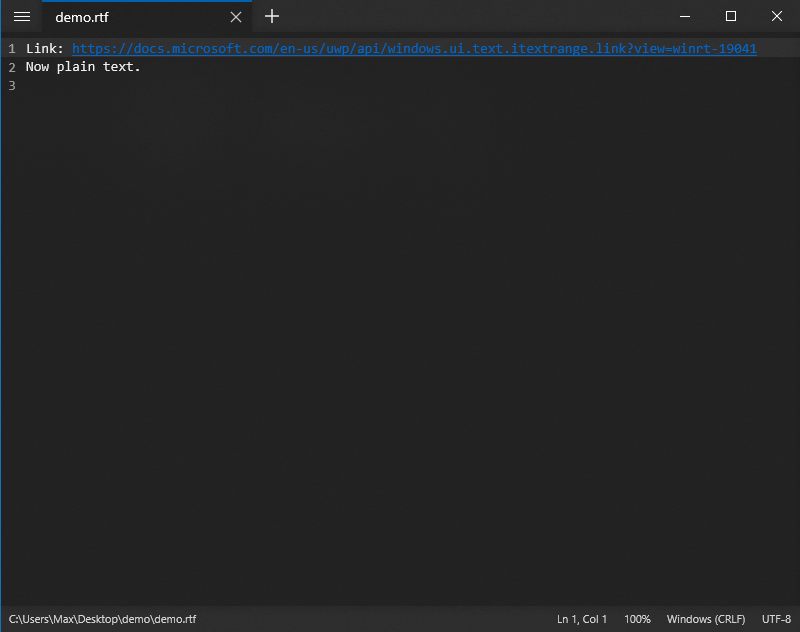
So far the biggest change to the app has been to make it accept the .rtf extension for both saving and opening files. That's the only way I found to display hyperlinks once the user saves the file and then wants to open it later. With plain text, it will display raw rtf, which is not very readable.
By the way, the shortcut Ctrl + clic works to open the hyperlinks, with the only issue that the cursor doesn't change from I-Beam to hand. I suspect that it's an internal rendering issue of the RichEditBox control.
Cool progess so far! But would that mean the only way to interact with links will be to save files in .rtf?
It would be nice if it were filetype independent. Like Notepad++, Atom, VS Code, etc.
All of those recognize URLs even in .txt files and have a double click or a Ctrl+Click to open links (but are also focused on programming and often have a spartan design, instead of being plain text focused and clean looking like a Fluent UI).
Cool progess so far! But would that mean the only way to interact with links will be to save files in .rtf?
It would be nice if it were filetype independent. Like Notepad++, Atom, VS Code, etc.
All of those recognize URLs even in .txt files and have a double click or a Ctrl+Click to open links (but are also focused on programming and often have a spartan design, instead of being plain text focused and clean looking like a Fluent UI).
First, thanks for your feedback. About the interaction with hyperlinks, yes that's something that I have in mind. I think it's something feasible, but it will definitely take more time to implement it.
Bumping the thread, as I would love to see this implemented as well. This has fast become my Notepad++ replacement, and this is the only 'feature' that I sorely miss.
