blog
 blog copied to clipboard
Published
20 hours ago •
 yongheng2016
yongheng2016
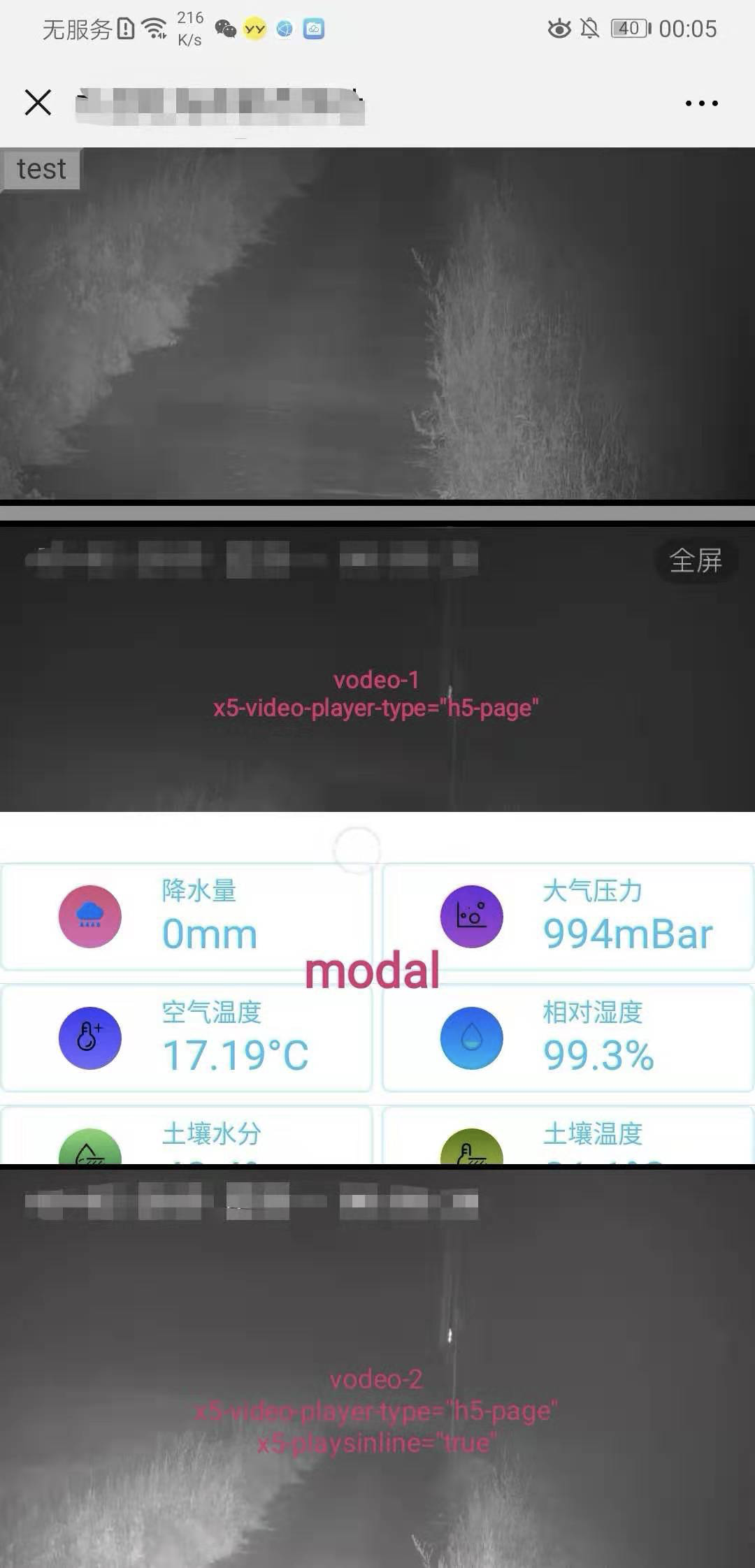
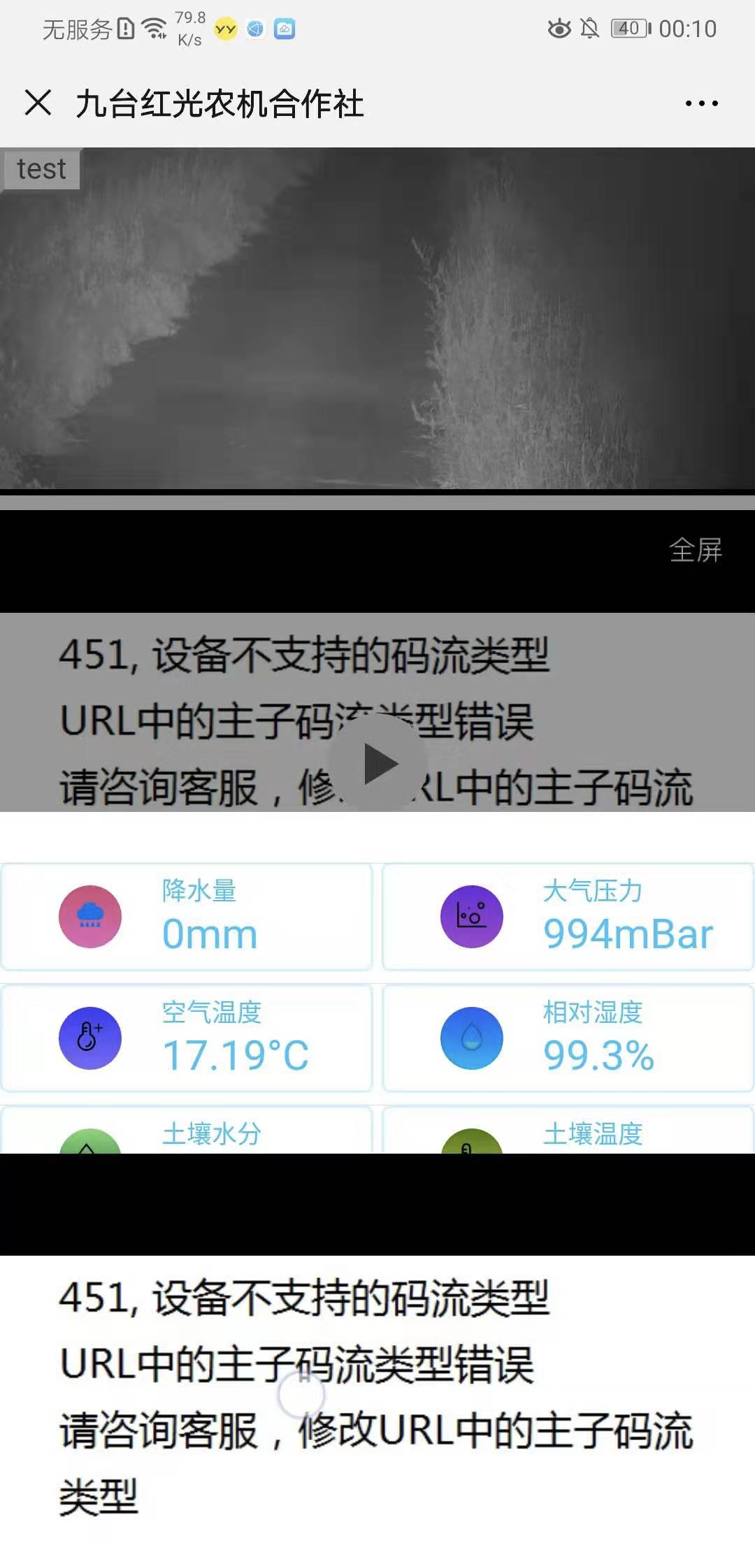
video 微信 层级
x5-playsinline="true"
x5-video-player-type="h5-page"
import React, { Component } from "react";
import styled from "styled-components";
import { ICSS, ICSSProps } from "@gago/frame";

// tslint:disable:variable-name jsx-no-multiline-js
const Root = styled.div`
  text-align: center;
  .title {
    padding: 8px;
    margin-top: 16px;
    font-size: 18px;
    font-weight: 600;
    text-align: center;
  }
  .video-container {
    /* 视频高度根据宽度定位 */
    position: relative;
    height: 0;
    padding-bottom: 81.5668202764977%;
    video.video-item {
      position: absolute;
      top: 0;
      right: 0;
      bottom: 0;
      left: 0;
      object-fit:fill;
      width:100%;
    }
  }
`;

type VideoHlsProps = ICSSProps & {
  /** 标题 */
  title?: string;
  /** 视频地址 */
  src: string;
  /** title点击事件 */
  onClick?(title: string | undefined): void;
};

/**
 * H5 video 视频播放器
 */
export default class VideoHls extends Component<VideoHlsProps> implements ICSS {
  /** title点击事件 */
  onClick = () => {
    this.props.onClick && this.props.onClick(this.props.title);
  }

  render() {
    const { title, style, className } = this.props;
    return (
      <Root style={style} className={className}>
        {title && <div className="title"><span onTouchStart={this.onClick}>{title}</span></div>}
        <div className="video-box" />
        <div className="video-container">
          {
            <video
              className="video-item"
              controls
              autoPlay
              // 这个属性是ios 10中设置可以让视频在小窗内播放,也就是不是全屏播放
              webkit-playsinline="true"
              // @ts-ignore IOS微信浏览器支持小窗内播放
              playsinline="true"
              x-webkit-airplay="allow"
              x5-video-player-type="h5-page"
            >
              <source
                src={this.props.src}
                type="application/vnd.apple.mpegurl"
              />
            </video>
          }
        </div>
      </Root>
    );
  }
}